Custom Photography vs. Stock: Cost, Control, and Brand Risk for Service Brands

If your company sells a service—IT support, healthcare, professional consulting, logistics, facilities, engineering—the “product” prospects evaluate is trust. Images are often the first proof of that trust. The question I hear constantly from marketing directors: “Do we invest in custom photography, or can we move faster with stock?” The right answer isn’t dogma; it’s a decision framework—balancing cost, control, and brand risk against speed and campaign goals. Here’s a practical, expert guide built from decades producing corporate visuals that convert.


Executive Summary (for busy stakeholders)

  • Stock is efficient for low-stakes, short-life assets (internal decks, early mockups, blog filler, social A/B tests).
  • Custom photography wins when you need ownable brand IP, legal clarity, consistent style across channels, and visual proof of your real people, processes, and locations.
  • Hidden costs and brand risk often flip the math: licensing traps, look-alike competitors, misrepresentation, and compliance issues (HIPAA, safety PPE, manufacturing protocols, accessibility) can push stock from “cheap” to “expensive.”

Cost Realities: Sticker Price vs. Total Cost of Ownership (TCO)

Direct costs

  • Stock: License fee per image or subscription. Upside: immediate availability. Downside: extended licenses (OOH, high-impression ads, templates, paid social) quickly escalate costs.
  • Custom: Day rate(s), crew, gear, studio/location, permits, edit/post. Upside: you typically own much broader rights and master files for long-term reuse.

Hidden costs

  1. License compliance effort: Time to track where each stock asset is used, by whom, and for how long.
  2. Re-cropping & re-touching fees: Some stock licenses restrict edits, templates, or AI-based transformations.
  3. Inconsistent style tax: Mixing stock aesthetics with your owned visuals increases design labor to unify look/feel.
  4. Replacement cost: When a competitor runs the same hero image, you’ll pay again—creative time, layouts, and possible re-prints.
  5. Opportunity cost: Generic imagery underperforms on conversion pages where buyers need proof (case studies, facilities pages, “Meet the Team,” recruiting).
A simple ROI lens

  • Pages with evidence imagery (your technicians, labs, trucks, clinics, manufacturing cells) typically outperform generic stock on high-intent traffic because the visuals reduce perceived risk. If your conversion rate lifts even modestly, custom quickly pays for itself over a content calendar.

Control: Creative Direction, Consistency, and Compliance

Brand Control

  • Stock: You control selection and crop, but not who else uses it. You inherit the photographer’s lighting, perspective, and casting choices—often at odds with your brand guidelines.
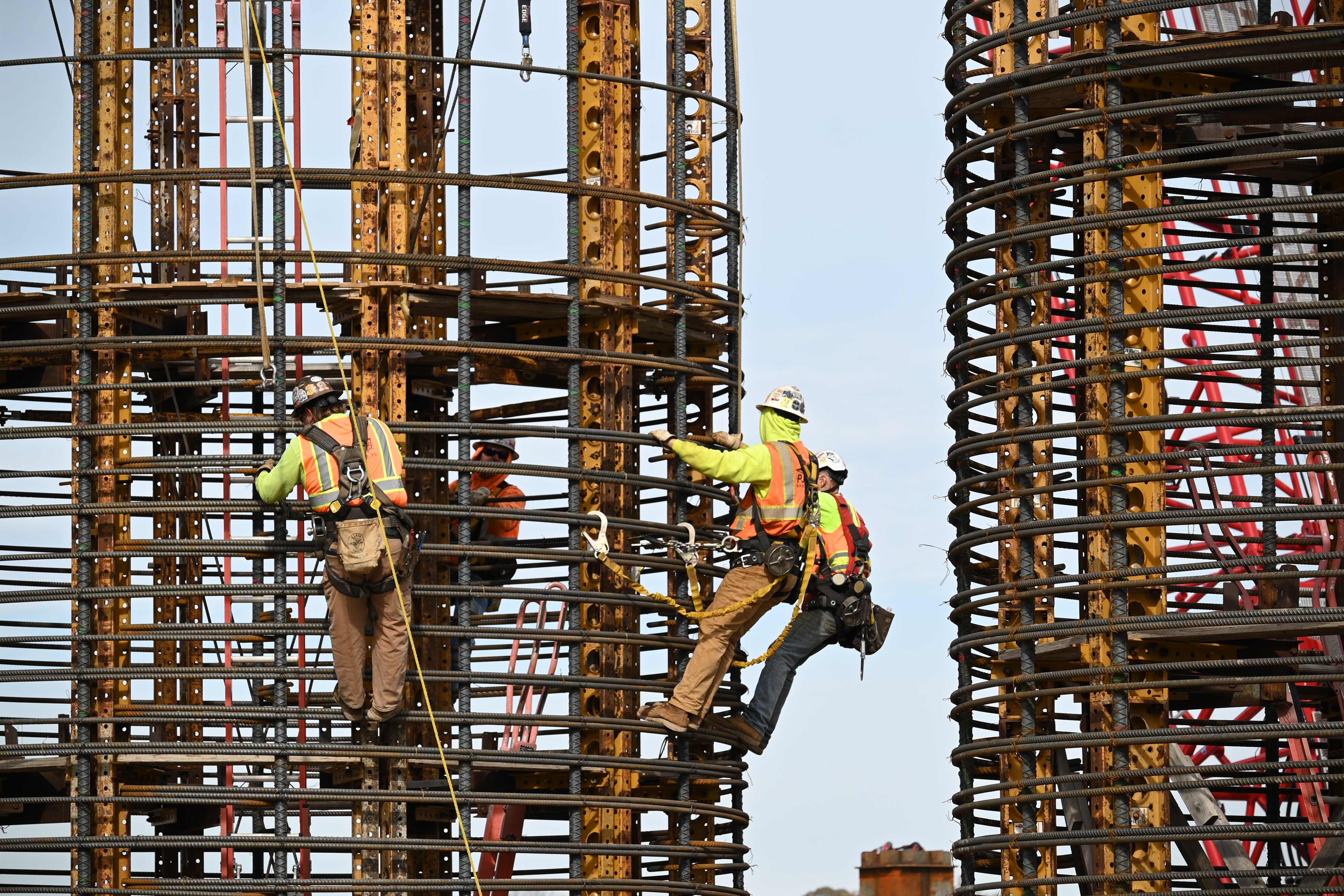
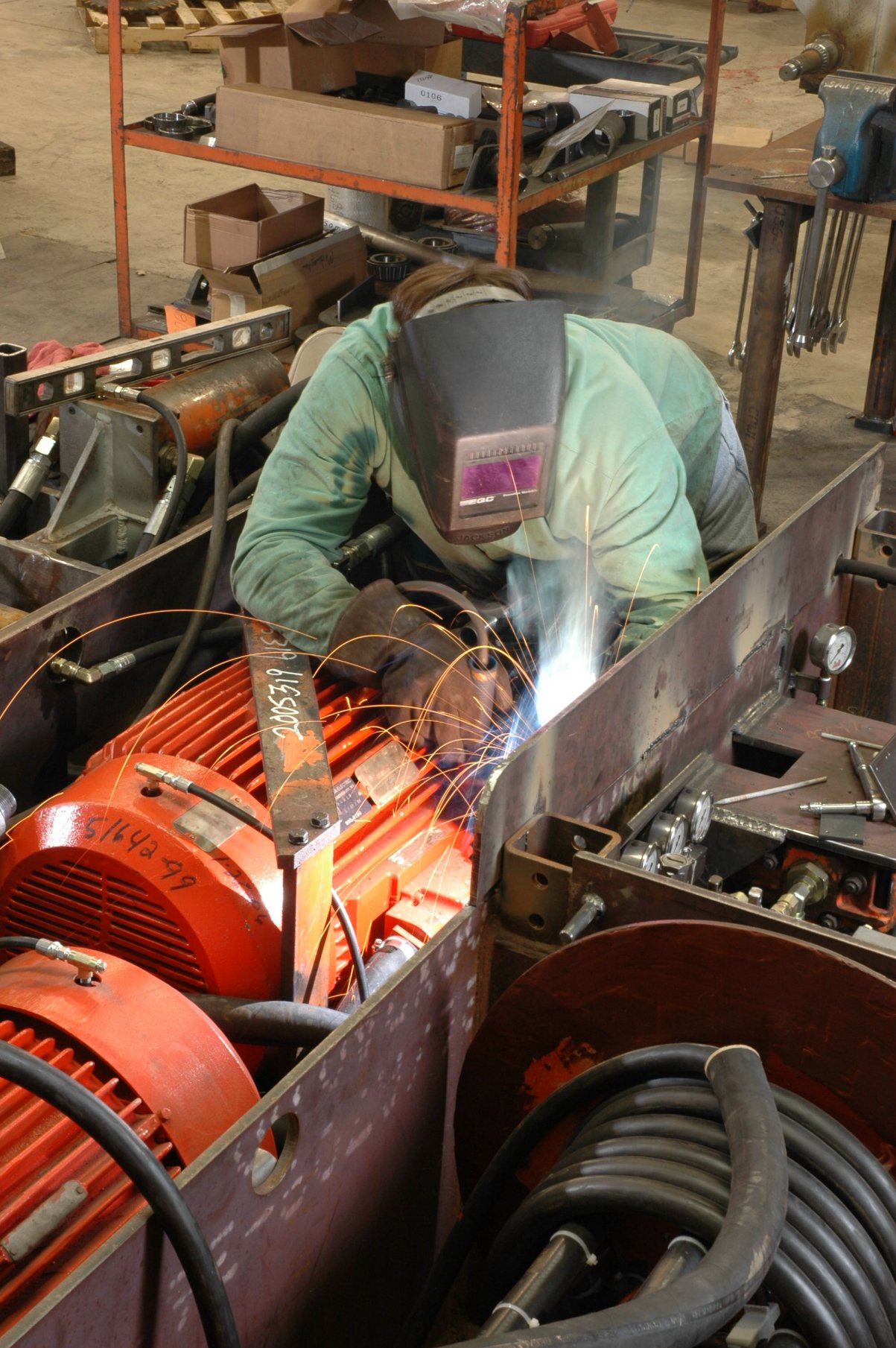
  • Custom: You control subject matter, wardrobe, safety compliance, DEI casting, set cleanliness, background branding, and visual hierarchy. We build shot lists aligned to your funnel: hero banners, service-process sequences, culture portraits, and vertical-first short-form video cut-downs.

Style Consistency

  • Stock is a patchwork quilt. Cohesion requires design effort and still rarely feels unified.
  • Custom yields a brand style library: repeatable lighting, lensing, color grading, and composition rules that scale across web, print, social, trade shows, and recruitment.

Regulatory/Safety

  • Stock often misses details that matter to auditors and sophisticated buyers: proper PPE, lockout/tagout indicators, sterile fields, HIPAA-safe contexts, or chain-of-custody cues.
  • Custom can be designed to pass compliance review the first time.

Brand Risk: The Part Everyone Underestimates

  1. Look-Alikes and Competitor Collisions
    The same “smiling headset agent” or “handshake in the lobby” devalues your differentiation. If a prospect has seen that image on another site, credibility erodes.
  2. Representation Misfires
    Stock can unintentionally telegraph the wrong geography, facility type, or workforce makeup. Today’s buyers notice.
  3. Legal Ambiguity
    • Editorial vs. commercial license confusion
    • Releases not fit for your jurisdiction
    • Prohibited uses (biometric editing, logo visibility, generative AI reworks)
    • Duration/territory exclusions that clash with campaign realities
  4. AI & Content Authenticity
    Many stock marketplaces now mix real, 3D, and AI-generated content. Without provenance controls, you risk using visuals that are flagged by clients, journalists, or platforms. With custom, you can embed Content Credentials (C2PA) and maintain a clear audit trail.

When Stock Makes Sense (and How to Use It Wisely)

  • Early-stage wireframes and layouts
  • Blog posts where the image is decorative, not evidence
  • Low-stakes organic social or internal newsletters
  • Filler thumbnails for fast iteration

Best practices

  • Maintain a license log (URL, campaign, start date, term, territory, impressions).
  • Prefer non-exclusive stock with restricted distribution when possible.
  • Avoid faces in conversion-critical placements; choose textures, abstractions, or macro details to reduce recognizability.
  • Run reverse-image checks on hero assets to see current usage saturation.

When Custom Is the Clear Choice

  • Homepage hero and core service pages
  • Case studies, proposals, RFP responses
  • Recruitment and culture hubs
  • Tradeshow booths, large-format print, OOH
  • Regulated or technical workflows (healthcare, manufacturing, utilities, aviation)
  • Any time visual proof reduces buyer risk

Deliverables that scale

  • Modular shoot plans: Portraits + action + processes + environments + details, designed to feed 6–12 months of campaigns.
  • Aspect ratio coverage: 16:9, 4:5, 1:1, 9:16 captured on set—no painful crops later.
  • Motion-first capture: Short b-roll + micro-interviews for social, recruiting, and product explainers.
  • Template-ready framing: Space for copy and CTAs baked into composition.

The Decision Matrix (Use This Before Your Next Campaign)

Ask these five questions:

  1. Is this asset proof or decoration?
    • Proof = Custom. Decoration = Stock can work.
  2. How public and persistent is the placement?
    • High-visibility or evergreen = Custom reduces risk.
  3. Are there compliance or accuracy requirements?
    • If yes, custom. We control PPE, signage, process.
  4. Do we need consistent style across channels?
    • If yes, build a custom library and a short style guide.
  5. What’s the lifecycle value?
    • If the asset will be reused across sales, HR, PR, and paid, custom’s TCO is usually lower within a quarter.

Practical Budgeting: How to Buy Once, Use Many Times

Plan the library, not just the shoot.

  • Map your customer journey: awareness, consideration, decision, onboarding, advocacy.
  • For each stage, list the visuals that reduce friction: team expertise, process evidence, safety, scale, outcomes.

Stack efficiencies

  • Combine headshots, environment portraits, and process stills in one schedule block.
  • Capture b-roll for recruiting and social while lighting is already dialed.
  • Use indoor drone moves for dynamic facility reveals and unique vantage points without disrupting operations.

Rights & Governance

  • Commission with broad commercial rights and model/property releases covering digital, print, paid, and derivative edits (including AI-assisted variations).
  • Embed C2PA credentials for provenance and maintain a central asset index with tags, usage notes, and expiration dates.

Creative Guardrails for Service Brands

  • People over props: Feature your real teams, supervisors, and clients (when permissible).
  • Detail parity: If your service is complex, show the details (labels, instruments, dashboards) that experts recognize.
  • Safety and inclusion: PPE and signage must be correct; represent the diversity of your workforce and customers authentically.
  • Lighting language: Define a repeatable look—soft directional key, controlled practicals, modest contrast—for recognizability.
  • Motion snippets: 5–8 second loops for social and web UI add perceived quality without heavy post.

Sample One-Day Shoot Plan (Built for a 6–12 Month Library)

Pre-production (1–2 weeks prior)

  • Shot list, schedule, permissions, releases, wardrobe, safety review
  • Visual style brief + reference frames
  • Location tech scout; identify drone paths (including indoor drone routes)

Production (1 day)

  • Team portraits (on-brand background, tethered for approvals)
  • Service in action (two key processes, wide + medium + detail)
  • Environment plates (lobby, trucks, labs, shop floor, server rooms)
  • Culture moments (stand-ups, collaboration, toolbox talks)
  • Indoor drone passes for dynamic scene-setters
  • B-roll clips for web headers, recruiting, and case study intros

Post-production (3–10 days)

  • Color-consistent master set
  • Crops for web/social templates
  • Short motion edits (9:16 / 1:1 / 16:9)
  • Delivery with metadata, releases, and content credentials

Governance Checklist (Keep This in Your Brand Binder)

  • Master usage rights secured (commercial, worldwide, perpetual where possible)
  • Model & property releases on file
  • Safety/compliance sign-off (PPE, signage, patient/customer privacy)
  • C2PA credentials embedded
  • Asset index with tags, licenses, expiry dates
  • AI transformation policy (permitted edits, disclosure rules)
  • Accessibility check (alt text, contrast in graphics, readable overlays)
What About AI-Generated Images?

AI is a speed tool, not a replacement for authenticity. Use it to prototype layouts, visualize concepts, replace non-critical backgrounds, or sketch storyboards. For credibility visuals—your people, facilities, equipment, and clients—capture the real thing and use AI for polish (cleanup, plate extension, object removal) while maintaining provenance.


Bottom Line

For service brands, images aren’t decorations; they’re evidence. Stock has a role in speed and experimentation, but the visuals that move revenue—trust-building proof, consistent brand language, and compliant process storytelling—come from custom production. When you model total cost and risk honestly, bespoke photography is very often the least expensive option you can’t afford not to choose.


About St Louis Corporate Photographer

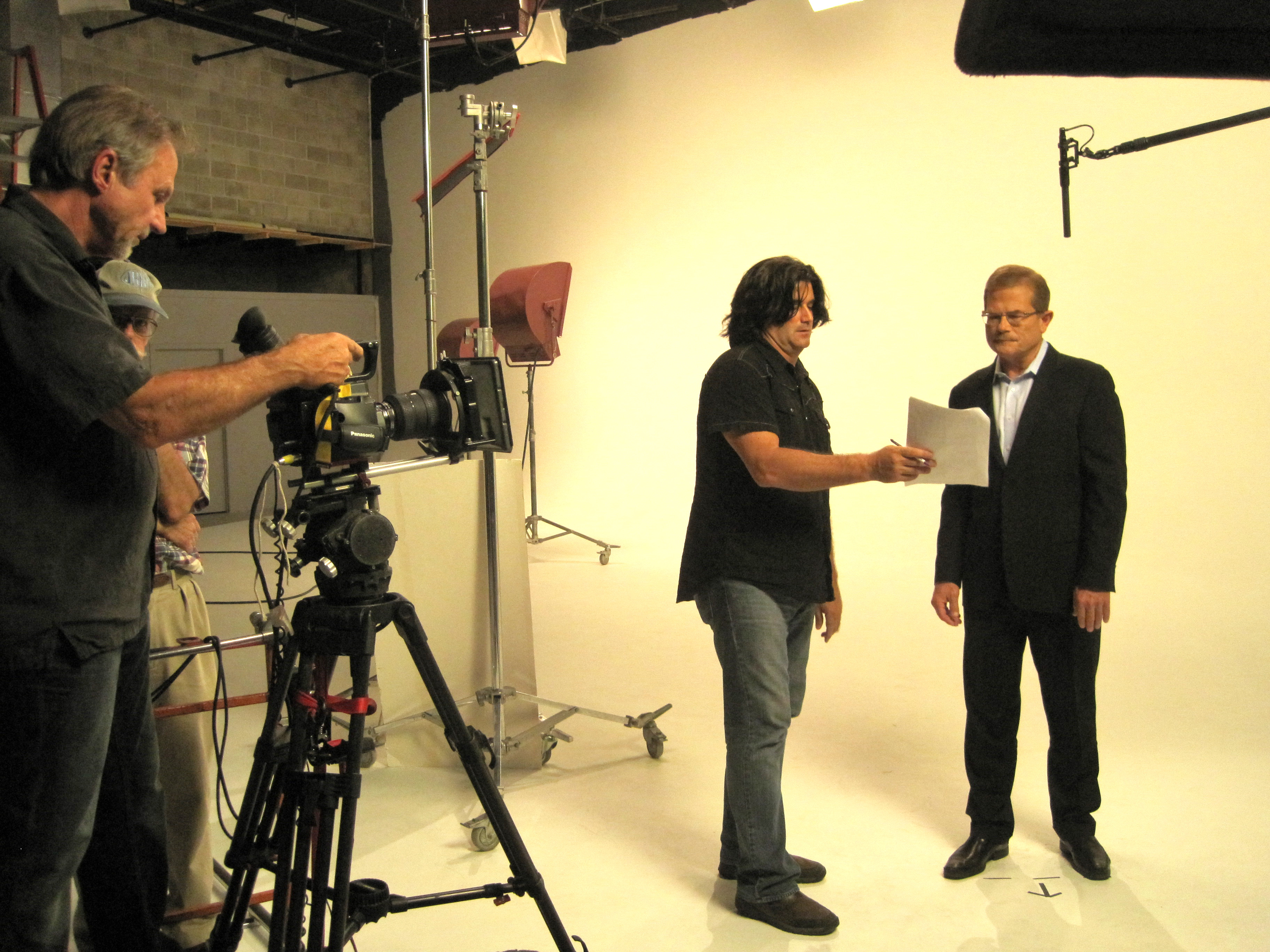
Experienced St Louis Corporate Photographer is a full-service professional commercial photography and video production company with the right equipment and creative crew experience for successful image acquisition. We offer full-service studio and location video and photography, as well as editing, post-production, and licensed drone pilots. We can fly our specialized drones indoors for dynamic facility footage and unique perspectives without disrupting your operations.

Our team customizes productions for diverse media requirements and specializes in repurposing your photography and video branding to gain more traction across websites, social, recruitment, proposals, trade shows, and paid media. We’re well-versed in all file types, media styles, and accompanying software, and we use the latest Artificial Intelligence—from intelligent upscaling and cleanup to content credentials—for efficient, secure workflows. Our private studio lighting and visual setup is perfect for small productions and interview scenes, and our studio is large enough to incorporate props to round out your set.

As a full-service video and photography production corporation since 1982, St Louis Corporate Photographer has partnered with businesses, marketing firms, and creative agencies across the St. Louis region to create credible, conversion-ready brand libraries. We support every aspect of your production—from setting up a private, custom interview studio to supplying professional sound and camera operators, as well as providing the right equipment—ensuring your next video production is seamless and successful.

314-913-5626

stlouiscorporatephotographer@gmail.com

How to Use Your Headshots for Company Marketing

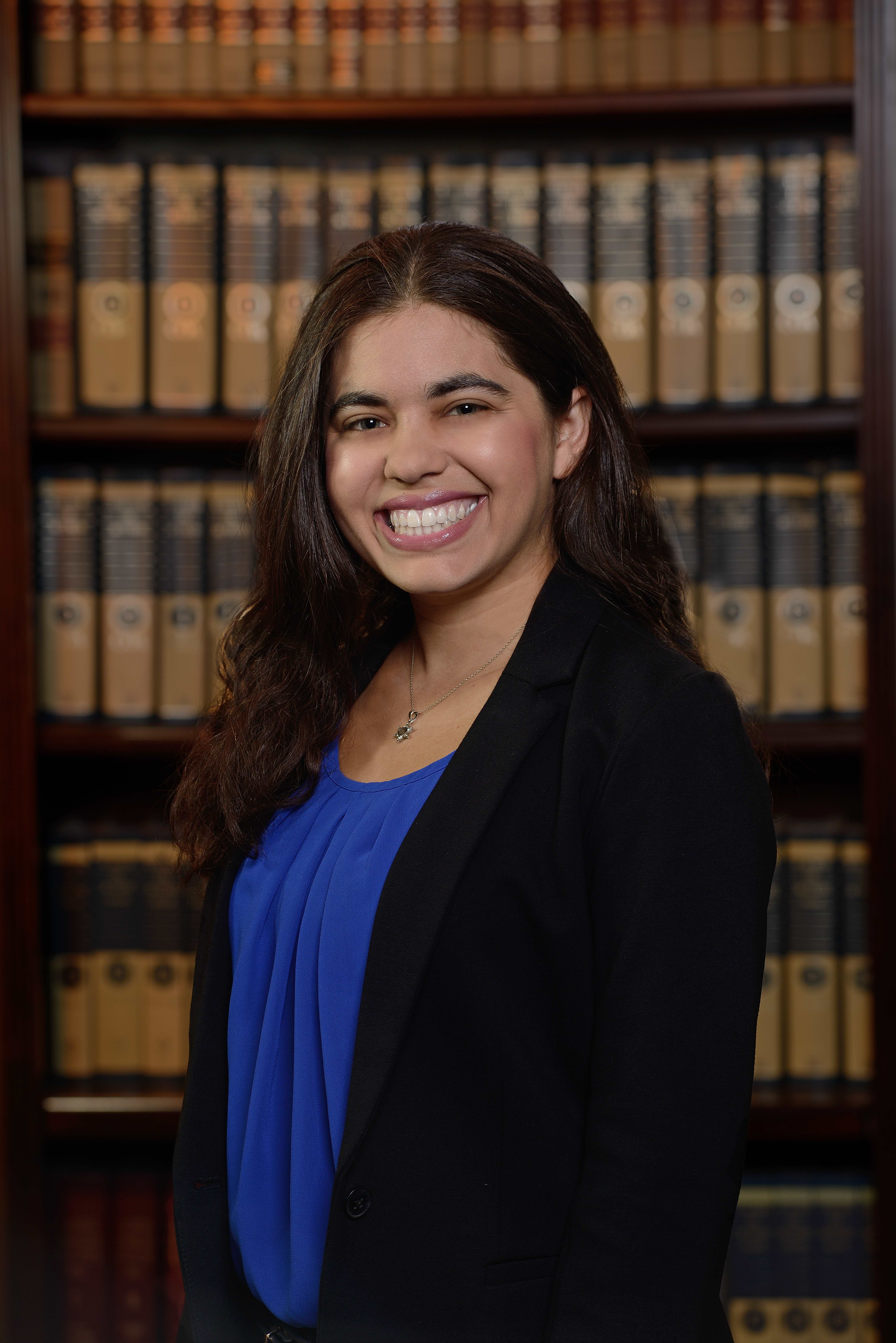
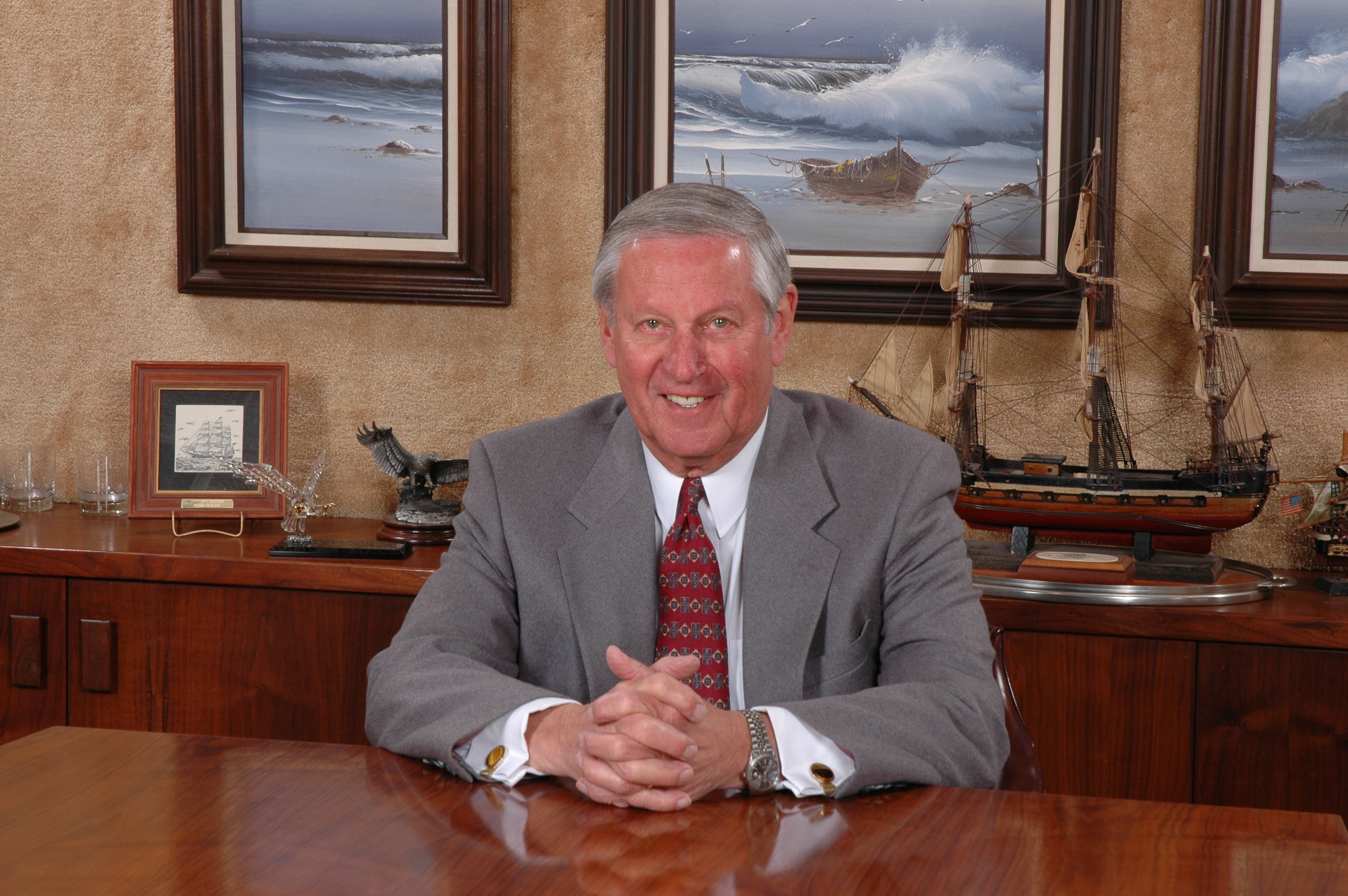
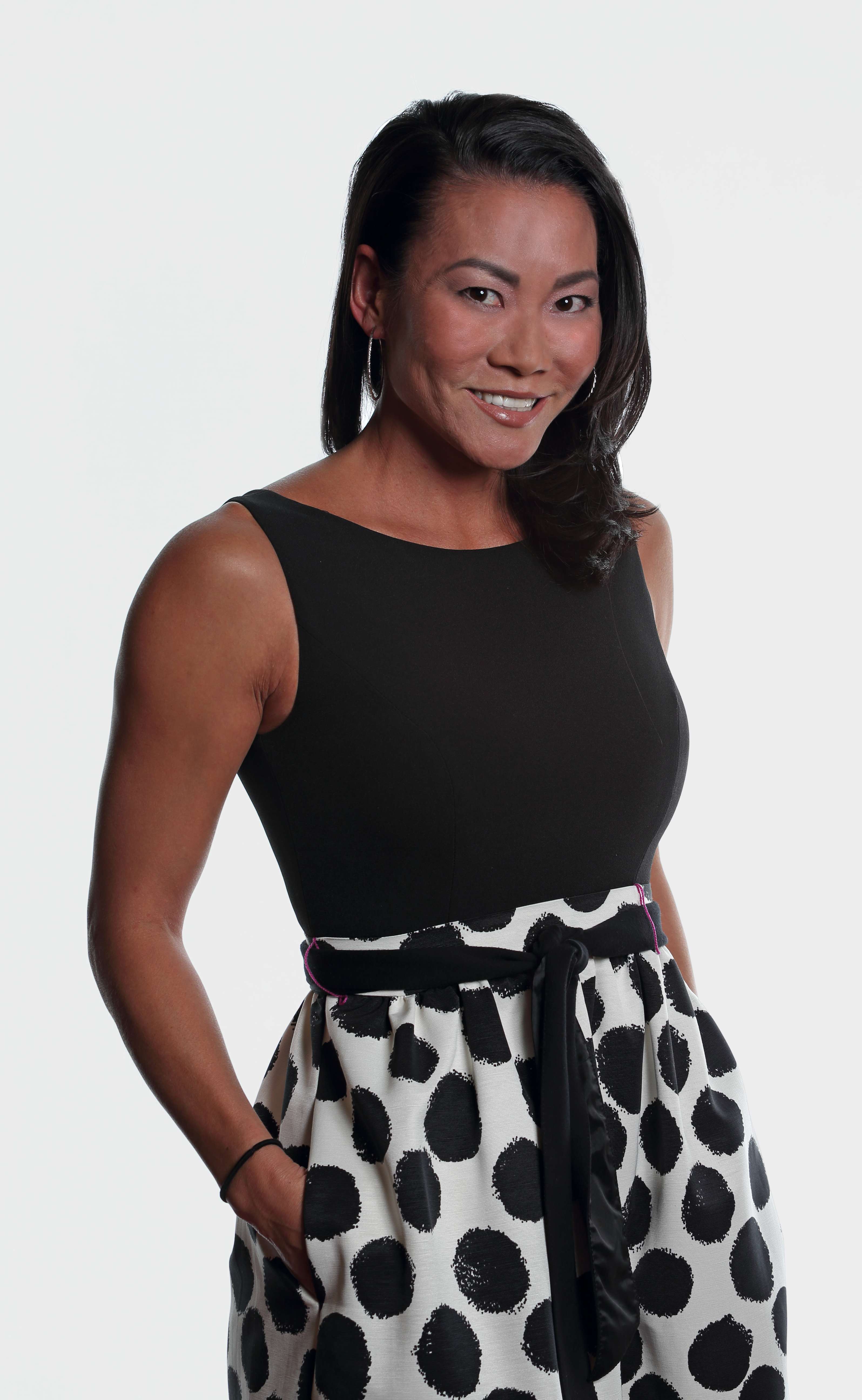
In today’s fast-paced, image-driven business world, your company’s visual identity plays a crucial role in building trust, enhancing credibility, and driving engagement. One of the most powerful yet often overlooked assets in your marketing strategy is the headshot.

Headshots are more than just a simple portrait; they are a window into your company’s culture, professionalism, and the people behind your brand. When used correctly, headshots can become a key component of your company’s marketing efforts, making your organization more approachable, relatable, and trustworthy.

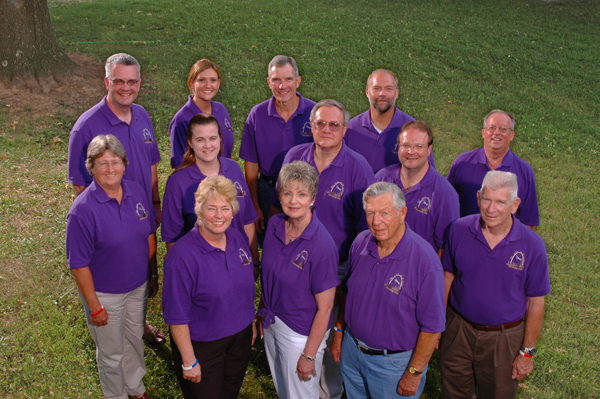
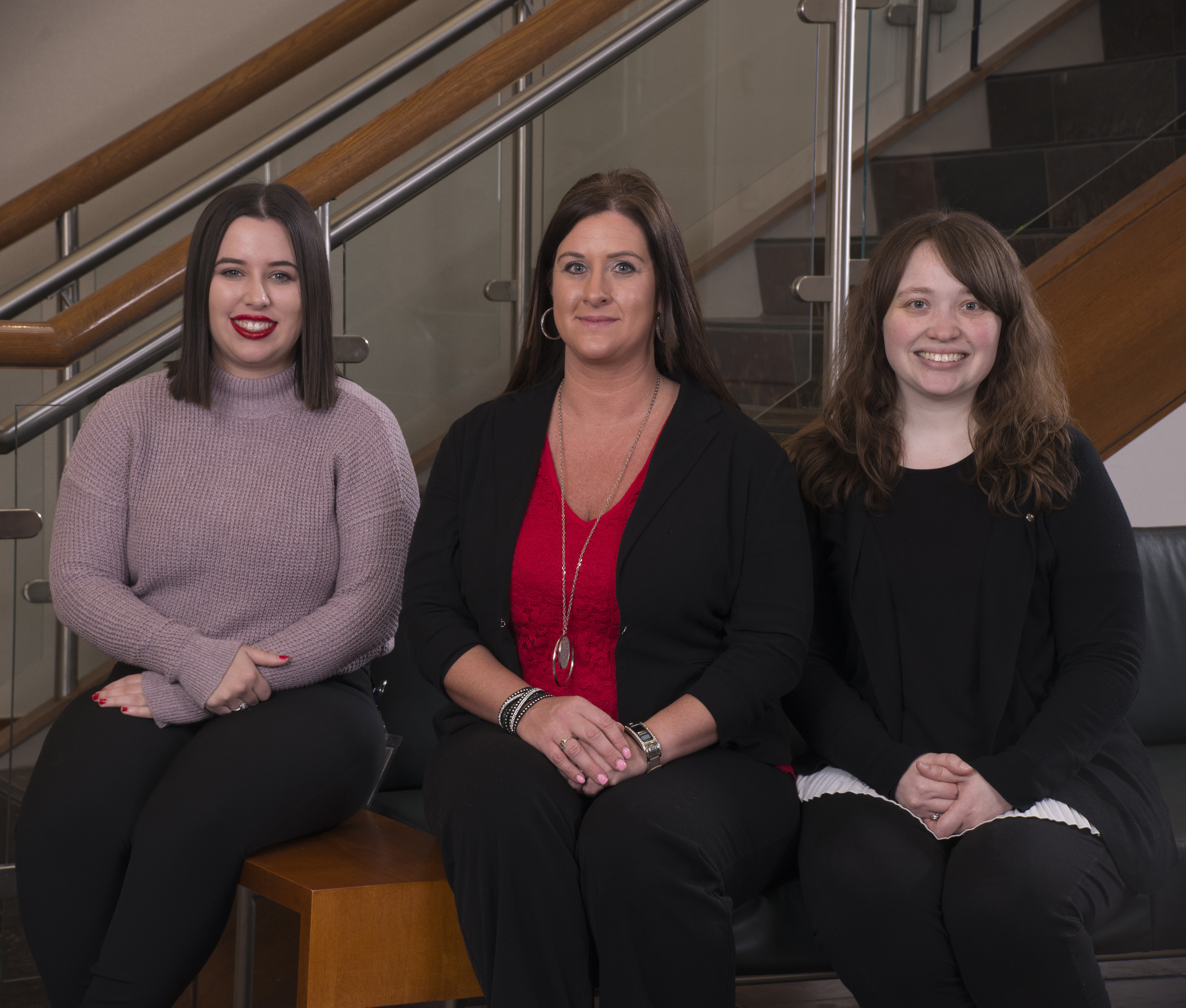
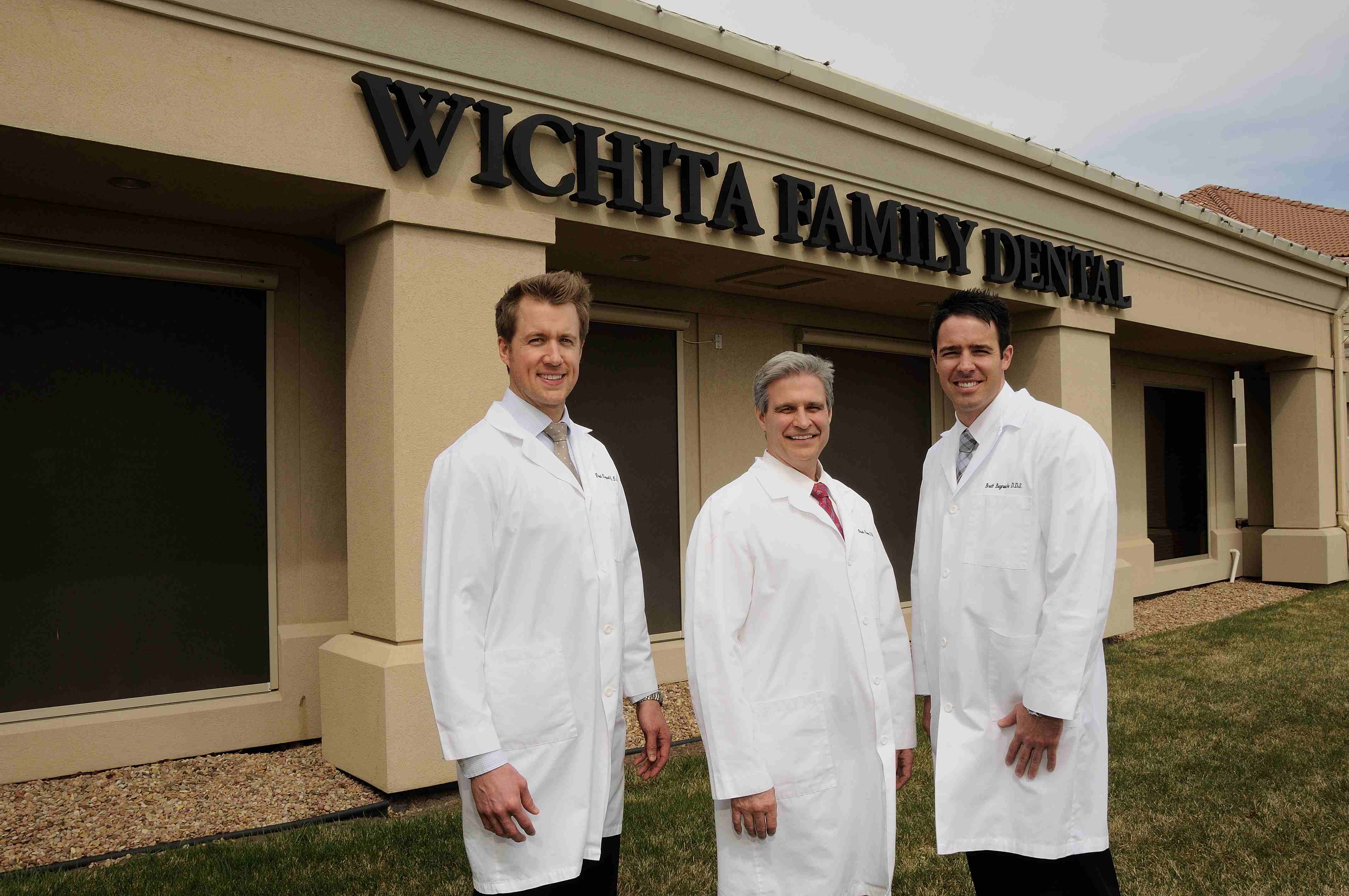
Headshots aren’t just for the individuals they represent—they can also be repurposed in your company’s broader branding efforts. Group photos of your team can be used in leadership bios, staff introductions, or even featured in behind-the-scenes videos showcasing your company culture.

The Role of Headshots in Company Marketing

Whether you’re using them for your website, social media profiles, email signatures, or company brochures, headshots can establish a visual connection between your business and your audience. A high-quality, professional headshot communicates your brand’s personality, values, and standards. In the corporate world, where first impressions are critical, a well-executed headshot can differentiate your business from competitors.

Headshots humanize your brand. They show that there are real people behind the company, each with unique skills, experiences, and personality. This can create an emotional connection with your audience and foster stronger relationships. In an era of digital communication, where personal interaction is limited, headshots can help bridge the gap between faceless emails and phone calls.

Optimizing Your Headshots for Marketing Materials

Once you have high-quality headshots of your team, the next step is to use them effectively across your marketing materials. Here are a few ideas on how to leverage headshots for maximum impact:

  1. Website & Social Media
    Your website and social media profiles are often the first point of contact between your business and potential clients. A professional headshot on your team page, “About Us” section, or social media accounts (LinkedIn, Instagram, Facebook, etc.) adds authenticity and establishes trust. It allows prospects to put a face to your brand, making your business feel more personable and approachable.
  2. Email Signature
    Including a headshot in your email signature is an excellent way to subtly reinforce your branding while adding a personal touch to your communication. It also increases the likelihood of your emails being opened and recognized, as the human face creates a visual anchor.
  3. Brochures and Print Materials
    When creating brochures or other print materials for marketing purposes, be sure to feature professional headshots of your key team members. This helps humanize your brand and makes it feel more relatable, especially in industries where trust and credibility are paramount.
  4. Press Kits & Media Outreach
    Headshots are essential for press kits or media outreach. Journalists and editors often require high-resolution, professional images of key staff members when preparing articles or reports about your company. Having polished, high-quality headshots on hand can save time and ensure that your company is represented well in the media.
  5. Video Content
    Video content is one of the most engaging forms of media today. Including professional headshots in your videos—whether on your company website, in video presentations, or even in internal communications—reinforces your brand’s visual identity and adds a sense of consistency across all channels.

Repurposing Your Headshots for Broader Branding

Headshots aren’t just for the individuals they represent—they can also be repurposed in your company’s broader branding efforts. Group photos of your team can be used in leadership bios, staff introductions, or even featured in behind-the-scenes videos showcasing your company culture.

Additionally, headshots can be customized for specific marketing initiatives. For example, you can integrate your team members’ headshots into blog posts, company updates, or even visual elements in corporate storytelling. Repurposing headshots in this way helps maintain a cohesive visual presence across different platforms.

The Importance of Professional Headshots

It’s important to note that the quality of the headshots you use can make a significant impact. A poor-quality image can leave a bad impression on potential clients or partners, damaging your brand’s credibility. For optimal results, ensure that your headshots are shot professionally, with attention to detail in terms of lighting, backdrop, and composition. This is where working with a full-service professional commercial photography and video production company becomes essential.

Why Choose St Louis Corporate Photographer for Your Headshot Needs?

At St Louis Corporate Photographer, we understand the value of a well-crafted headshot and how it can elevate your business’s marketing strategy. As an experienced and full-service professional commercial photography and video production company, we have the right equipment and a creative crew with extensive service experience to ensure successful image acquisition for your team.

We specialize in providing high-quality, customized photography and video services, including full-service studio and location shoots. Our team also offers editing, post-production, and licensed drone pilots to capture stunning visuals for your company’s marketing efforts. We can repurpose your photography and video branding to help your business gain more traction and visibility across a variety of media channels.

With our private studio lighting setups, we create the perfect environment for small productions, interview scenes, or team photoshoots. We’re equipped to incorporate props, adjust visual setups, and provide a custom interview studio that ensures a seamless experience from start to finish. Whether you’re looking for headshots, corporate videos, or content for marketing campaigns, St Louis Corporate Photographer has the expertise and creative vision to help you achieve your goals.

Since 1982, we have worked with countless businesses, marketing firms, and agencies in the St. Louis area, delivering outstanding photography and video services. Let us help you take your company’s image to the next level with professional headshots that make a lasting impact.


If you’re ready to elevate your company’s marketing with high-quality headshots, contact St Louis Corporate Photographer today. We’re here to provide the expertise and professional services you need to create a unique, impactful image for your brand.

314-913-5626

stlouiscorporatephotographer@gmail.com

Simple Tips for Writing a Script for Your Training Videos

When creating a training video, the script serves as the backbone of the production. A well-written script not only communicates key information clearly but also ensures the video flows smoothly, engages the viewer, and achieves its instructional goals. Whether you’re producing an onboarding video for new employees, a product training session, or a technical tutorial, your script will determine the overall effectiveness of your video. In this post, we’ll share simple tips for writing a script for your training videos and how to ensure your production aligns with best practices for corporate content.

Remember, training videos are visual by nature. When writing your script, consider what your audience will see on screen during each segment.

1. Define Your Objective Clearly

The first step in writing any training video script is understanding the goal. Are you teaching a new skill? Explaining a process? Or providing an overview of your company’s culture and values? Whatever the purpose, your objective should guide the tone, structure, and content of your script. Start by asking yourself:

  • What are the key takeaways for the viewer?
  • How will they use the information provided?
  • What action do you want them to take after watching the video?

Being clear about your objectives will help you stay on track and avoid unnecessary digressions that may confuse or overwhelm the viewer.

2. Create a Structured Outline

Before diving into the scriptwriting itself, create an outline of your video. This outline should break the content down into manageable sections or scenes, each focused on a single point or concept. Having a structured outline helps ensure your video flows logically and that all essential content is covered. A typical training video outline might look something like this:

  • Introduction: A brief overview of what will be covered.
  • Main Content: Step-by-step instructions or key points.
  • Summary: A recap of the key takeaways.
  • Call to Action: What do you want viewers to do next?

3. Write in a Conversational Tone

The best training videos feel like a conversation, not a lecture. Even though you’re delivering important information, it’s essential to keep the language simple and approachable. Writing in a conversational tone makes the content easier to follow and more engaging for the audience. Avoid jargon and overly complex sentences—focus on clear, concise explanations that can be easily understood.

4. Incorporate Visual Cues

Remember, training videos are visual by nature. When writing your script, consider what your audience will see on screen during each segment. Will there be diagrams, slides, or charts to complement the spoken content? Make sure your script includes descriptions of visual elements to help the viewer connect the information with what they are seeing. For instance:

  • Scene 1: Show a diagram of the product and highlight the key features.
  • Scene 2: Cut to a demonstration of the process, narrating each step as it happens on screen.

Using visual cues in your script ensures that the video is well-rounded and reinforces the information through multiple sensory channels.

5. Keep It Short and Focused

Attention spans are short, especially in a corporate setting where employees may be multitasking or viewing the video on their own time. Aim to keep your training video concise, focusing on the key points without overwhelming the viewer. Break up longer videos into shorter segments if necessary, each with its own self-contained message or task.

6. Engage Your Viewers

While training videos are designed to educate, they can also be engaging. Use anecdotes, examples, or even humor to keep the viewer interested and make the learning experience more enjoyable. You want your viewers to stay engaged and retain the information, so ensure your script invites active participation or reflection.

7. Revise and Edit

Once the script is written, it’s important to revise and edit it for clarity, flow, and conciseness. Read the script aloud to check for awkward phrasing, unnecessary repetition, and to ensure it sounds natural. Ask others to review the script as well to get feedback and make improvements before moving forward with production.

8. Prepare for the Recording Process

When you’re ready to record, provide your voice-over artists or on-screen presenters with the finalized script and any additional context about the video. This preparation helps to ensure smooth delivery during filming and recording. If there are specific visual elements that need to align with the script, be sure to share this information with the production crew ahead of time.

9. Don’t Forget the Call to Action

At the end of your training video, include a call to action. This could be a prompt to take further training, apply the learned skills, or access additional resources. Your viewers need to know what to do next, and a clear call to action makes it easy for them to continue their learning journey.


Why Choose St Louis Corporate Photographer for Your Video Production Needs?

At St Louis Corporate Photographer, we understand the importance of a well-executed training video for your business. As a full-service professional commercial photography and video production company, we provide everything you need for successful image acquisition. Our experienced team is equipped with the right tools and a creative approach to bring your training videos to life.

We offer full-service studio and location video and photography, as well as editing, post-production, and licensed drone pilots. Whether you need a private custom interview studio setup, sound and camera operators, or equipment to ensure smooth production, we’ve got you covered. Our studio is designed to accommodate both small productions and large setups, with ample space for props to enhance your set.

One of our specialties is repurposing your photography and video branding to help you gain more traction and maximize your content’s potential. We are well-versed in all file types and styles of media and the accompanying software, ensuring the final product is polished and professional.

Since 1982, St Louis Corporate Photographer has been trusted by businesses, marketing firms, and agencies in the St. Louis area. Our creative crew and attention to detail make us a top choice for companies looking to elevate their corporate video production efforts. Let us help you create impactful training videos that resonate with your audience and drive results.

314-913-5626

stlouiscorporatephotographer@gmail.com

Creating a Flattering Headshot | The Best Poses for Your Face Shape

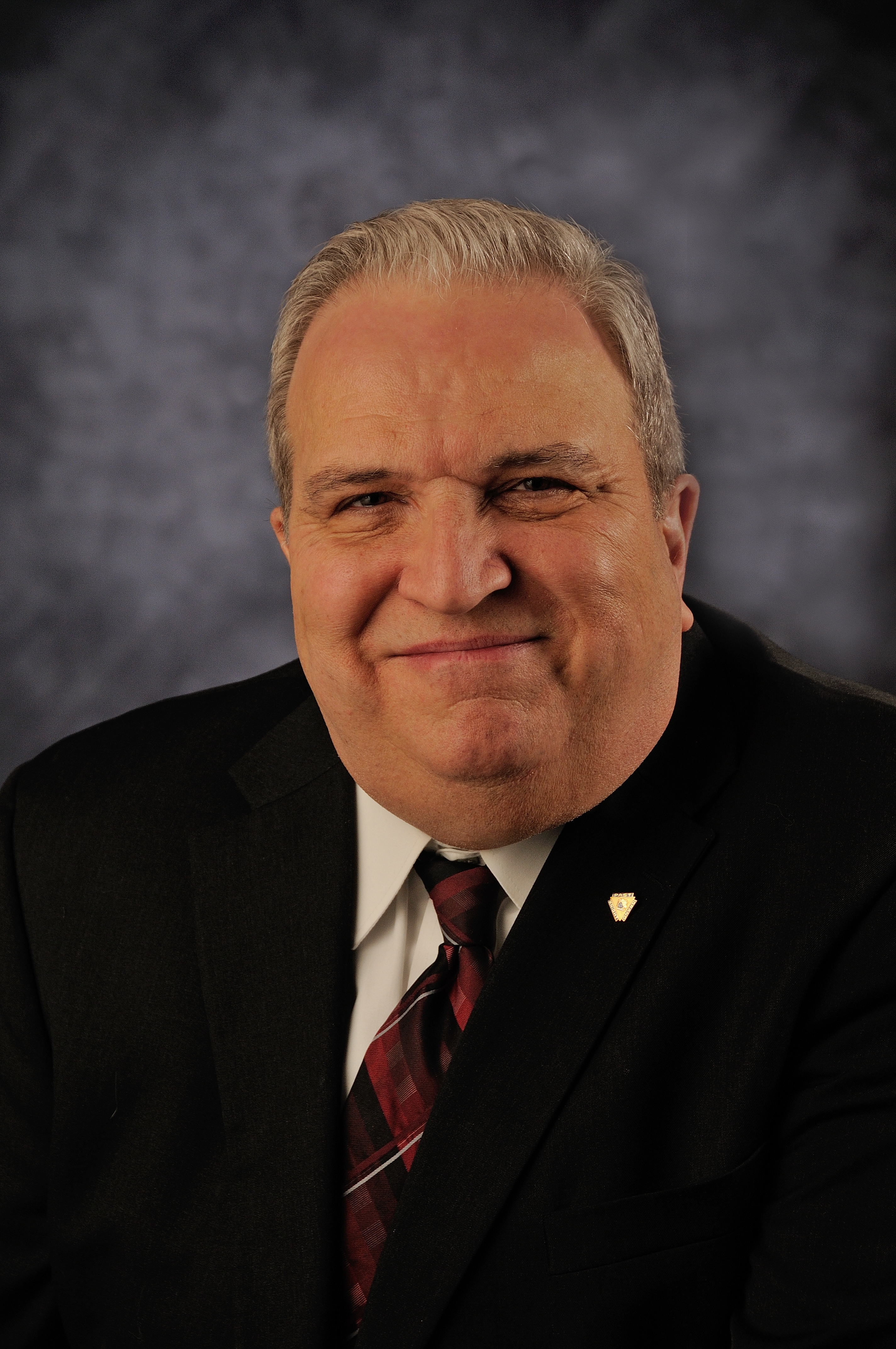
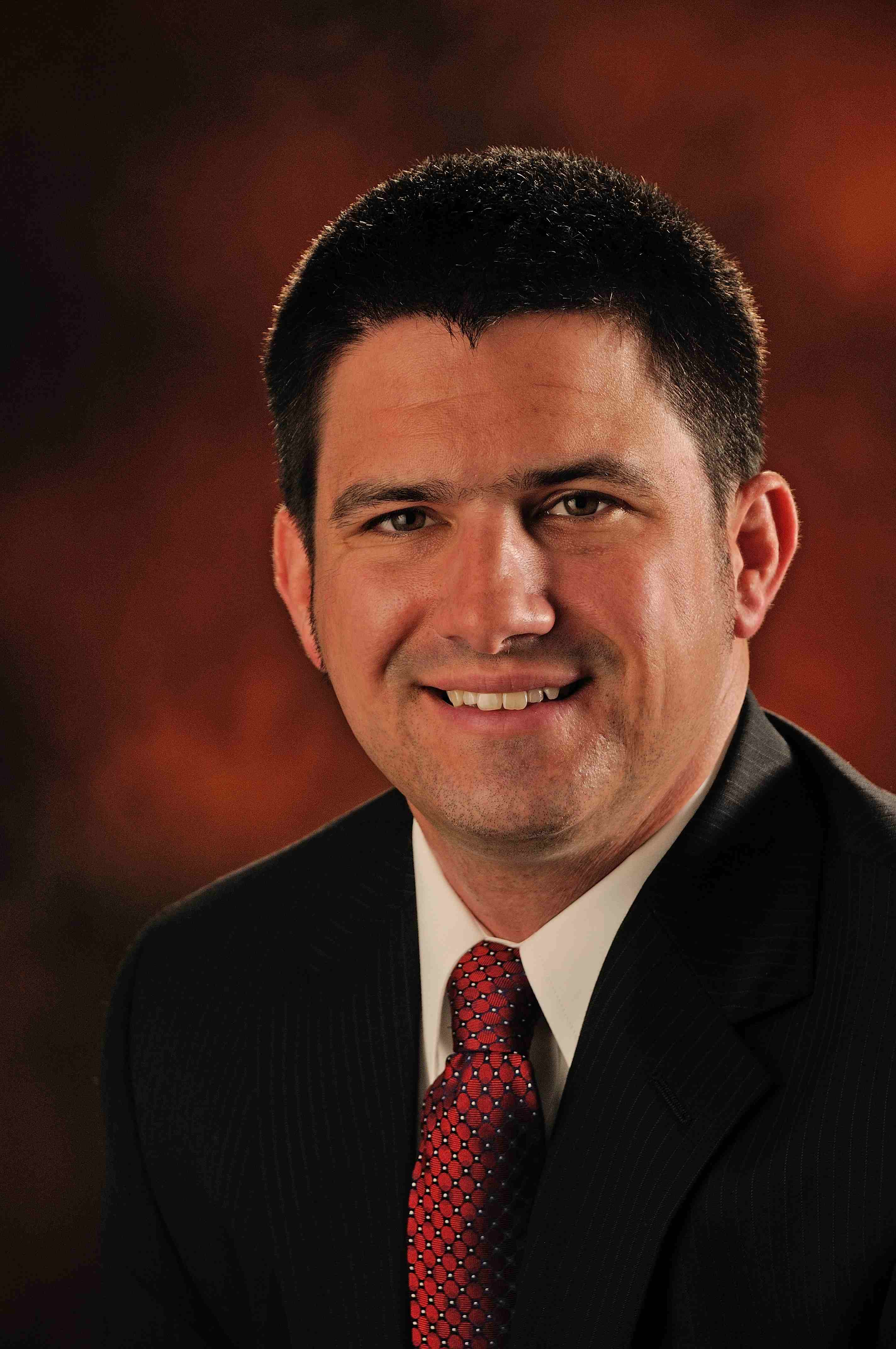
As a professional photographer, I have seen the impact that a great headshot can have on a person’s career. Your headshot is often the first impression that potential clients, employers, or collaborators will have of you. It is crucial to put your best face forward and flatter your features in your headshot. In this ultimate guide, I will share tips on how to determine your face shape and suggest headshot poses that will enhance your unique features.

Determining Your Face Shape

Before we dive into specific poses, it’s important to determine your face shape. There are five main face shapes: oval, round, square, heart, and diamond. To determine your face shape, pull your hair back and take a close-up photo of your face. Then, using a ruler or measuring tape, measure the width of your forehead, cheekbones, and jawline.

  • An oval face shape has a forehead that is slightly wider than the chin and a face that gently tapers towards the jawline.
  • A round face shape has a rounded hairline and chin, and the width and length of the face are the same.
  • A square face shape has a strong jawline and a forehead that is roughly the same width as the cheekbones.
  • A heart face shape has a narrow jawline and a wider forehead and cheekbones.
  • A diamond face shape has a narrow hairline and chin, and the cheekbones are the widest part of the face.

Once you have determined your face shape, you can start experimenting with headshot poses that will flatter your features.

Headshot Poses for Oval-Shaped Faces

If you have an oval-shaped face, you are in luck! This face shape is considered the most versatile and can pull off many different poses. One pose to try is to tilt your head slightly to one side and bring your chin down. This will elongate your neck and make your face appear slimmer. Another pose to try is to look slightly away from the camera with a slight smile. This will create a natural, relaxed look.

Avoid poses that involve looking straight at the camera as this can make your face appear wider. Also, avoid poses that involve tilting your head too far back as this can create an unflattering double chin.

Headshot Poses for Round-Shaped Faces

If you have a round face shape, you will want to aim for poses that create the illusion of length and angles. One pose to try is to tilt your head slightly to one side and bring your chin down, just like the pose for oval-shaped faces. Another pose to try is to look slightly away from the camera and bring your shoulder towards the camera. This will create a diagonal line and make your face appear slimmer.

Avoid poses that involve looking straight at the camera or tilting your head straight back as this can make your face appear wider. Also, avoid poses that involve looking down at the camera as this can create an unflattering double chin.

Headshot Poses for Square-Shaped Faces

If you have a square face shape, you will want to soften your strong jawline with poses that create curves. One pose to try is to tilt your head slightly towards the camera and bring your chin down. This will create a diagonal line and make your face appear slimmer. Another pose to try is to look slightly away from the camera and bring your shoulder towards the camera. This will create a natural, relaxed look.

Avoid poses that involve looking straight at the camera or tilting your head straight back as this can accentuate your strong jawline. Also, avoid poses that involve looking down at the camera as this can create an unflattering double chin.

Headshot Poses for Heart-Shaped Faces

If you have a heart-shaped face, you will want to focus on creating balance between your forehead and jawline. One pose to try is to tilt your head slightly to one side and bring your chin down. Another pose to try is to look slightly away from the camera and bring your shoulder towards the camera. This will create a diagonal line and make your face appear slimmer.

Avoid poses that involve looking straight at the camera or tilting your head too far back as this can accentuate your forehead. Also, avoid poses that involve looking down at the camera as this can create an unflattering double chin.

Headshot Poses for Diamond-Shaped Faces

If you have a diamond face shape, you will want to focus on creating balance between your narrow hairline and chin. One pose to try is to tilt your head slightly towards the camera and bring your chin down. Another pose to try is to look slightly away from the camera and bring your shoulder towards the camera. This will create a diagonal line and make your face appear slimmer.

Avoid poses that involve looking straight at the camera or tilting your head too far back as this can accentuate your narrow hairline and chin. Also, avoid poses that involve looking down at the camera as this can create an unflattering double chin.

Tips for Flattering Your Features in Headshot Photography

In addition to specific poses based on your face shape, there are some general tips that can help you flatter your features in headshot photography.

  • Practice good posture. Standing up straight and pulling your shoulders back can create a confident and approachable look.
  • Play with angles. Experiment with different angles by tilting your head or turning your body slightly. This can create interesting and dynamic shots.
  • Choose the right clothing. Wearing clothing that flatters your body and matches your brand can create a cohesive and professional look.
  • Use good lighting. Lighting can make or break a headshot. Make sure to use natural light or a well-placed artificial light source to highlight your best features.

Common Headshot Mistakes to Avoid

While it’s important to focus on what to do in headshot photography, it’s also important to be aware of common mistakes to avoid.

  • Over-posing. Too many poses can make your headshot appear forced or unnatural. Stick to a few poses that highlight your best features.
  • Poor posture. Slouching or hunching can make you appear unconfident or unapproachable.
  • Overuse of props. Props can be fun, but too many can distract from your face and message.
  • Using outdated headshots. Make sure to update your headshot regularly to reflect your current look and brand.

Putting Your Best Face Forward

Your headshot is an important tool in your professional arsenal. By determining your face shape and experimenting with poses that flatter your features, you can create a headshot that accurately reflects your brand and personality. Remember to avoid common mistakes and focus on good posture, angles, clothing, and lighting. With these tips, you are well on your way to putting your best face forward.

Book a professional headshot session today to flatter your features and enhance your professional brand.

314-913-5626

stlouiscorporatephotographer@gmail.com

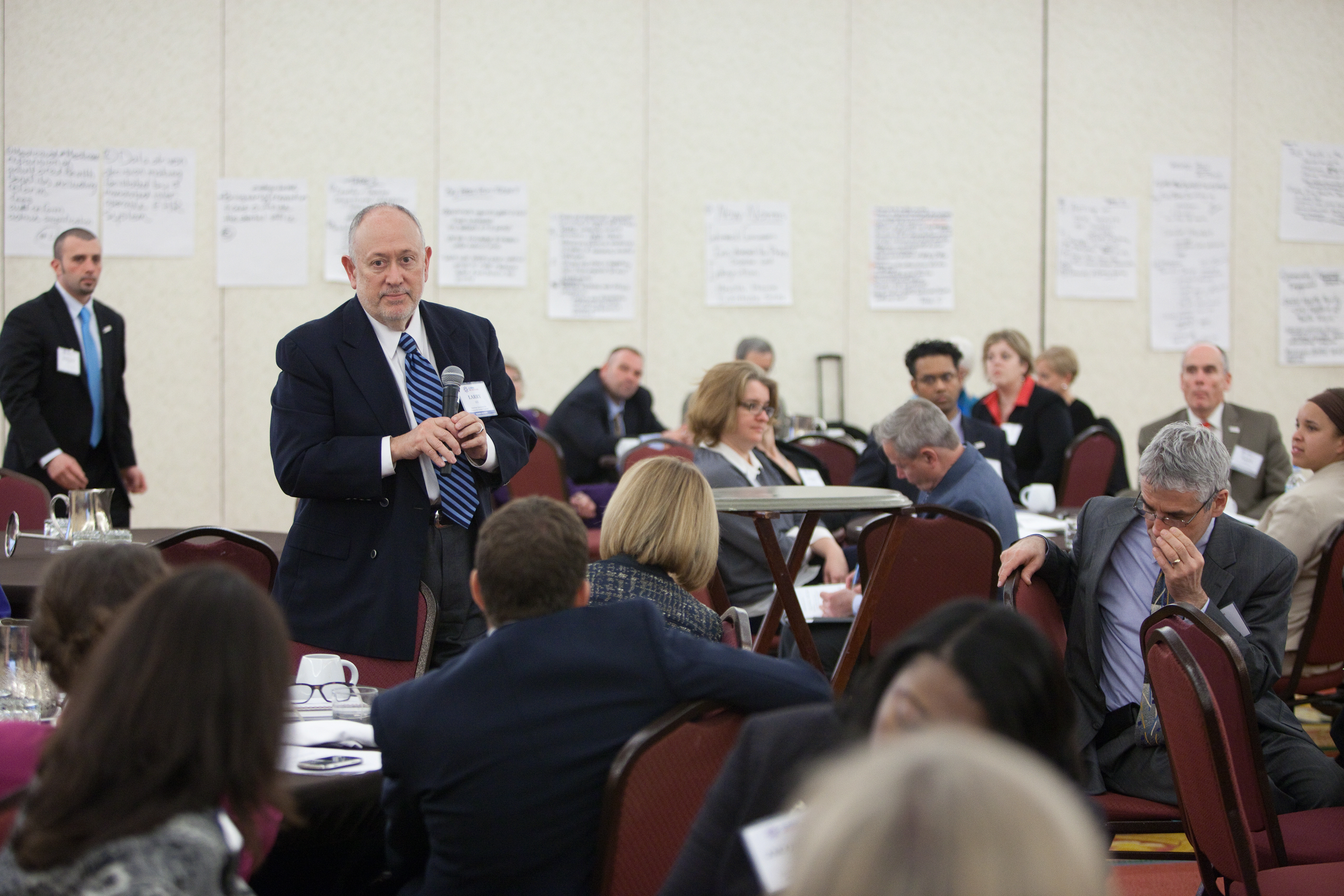
Capture Your Corporate Event’s Special Moments with an Experienced Event Photographer/Videographer

Capturing your corporate event’s special moments with an experienced event photographer/videographer can make all the difference in creating memories that will last a lifetime. When you put in the effort to hire a professional photographer or videographer, you’ll get the best quality images and videos that truly capture the spirit of the event. You’ll also benefit from the expert knowledge and experience of a professional who knows how to make the most of any event photography/videography session.

In this article, we’ll look at the benefits of hiring an experienced event photographer/videographer, the different types of corporate event photography/videography, how to prepare for an event photography/videography session, the importance of post-production for corporate event photography/videography, examples of how to use corporate event photos/videos in public relations campaigns, and tips for getting the most out of your event photography/videography session.

Benefits of Hiring an Experienced Event Photographer/Videographer

Hiring an experienced event photographer or videographer can bring a lot of value to your corporate event. An experienced professional will have the knowledge and expertise to capture the best images and videos that truly showcase the event. They will be able to anticipate the best moments and have the skills and equipment to capture them perfectly.

Furthermore, an experienced event photographer/videographer will be able to work quickly, efficiently, and professionally, ensuring that all the important moments are captured without any disruption to the event. This will also save your company valuable time and money, as you won’t have to worry about taking pictures or videos yourself.

Finally, when you hire an experienced event photographer/videographer, you can be sure that your images and videos will be of the highest quality. A professional will have access to the latest equipment and technology, ensuring that your images and videos will be of the highest possible standard.

The Different Types of Corporate Event Photography/Videography

When it comes to corporate event photography/videography, there are several different types of services available. Depending on your needs, you can choose from a variety of options, such as:

  • Event coverage: This type of photography/videography is focused on capturing the overall atmosphere and activities that take place during the event.
  • Portraits and headshots: This type of photography/videography is focused on capturing individual people at the event in a more formal setting.
  • Product photography/videography: This type of photography/videography is focused on capturing images of the products or services being offered at the event.
  • Group shots: This type of photography/videography is focused on capturing the attendees of the event in a more natural setting.
  • Action shots: This type of photography/videography is focused on capturing images of people engaged in activities during the event.

How to Prepare for an Event Photography/Videography Session

When preparing for an event photography/videography session, it’s important to do your research and be well-prepared. Make sure you know exactly what type of photography/videography you need and what type of images/videos you want to capture. It’s also important to communicate your expectations clearly to the photographer/videographer in advance.

Once you’ve done your research and identified the type of photography/videography you need, it’s time to start preparing for the session. Make sure you have a plan for the day, including specific locations for each shot, the time of day for each shot, and any props or equipment that might be needed. It’s also important to let the photographer/videographer know of any potential challenges or special considerations that might need to be taken into account.

Finally, before the session begins, make sure to do a few practice shots and give the photographer/videographer feedback on what you liked and didn’t like. This will help them to get the best possible images and videos for your event.

The Importance of Post-Production for Corporate Event Photography/Videography

Once the event photography/videography session is complete, the next step is to edit and enhance the images and videos. This is an important step that can make all the difference in the quality of the final product. A skilled photographer/videographer will be able to use editing software to enhance the images/videos and bring out the best in them.

For example, a professional photographer/videographer will be able to adjust the color, contrast, and brightness of the images/videos to ensure that they look their best. They can also use special effects and filters to bring out the details and make the images/videos more dynamic and captivating. Finally, a professional photographer/videographer will be able to apply retouching techniques and use editing software to make the images/videos look as professional as possible.

Examples of How to Use Corporate Event Photos/Videos in Public Relations Campaigns

Once you have professional-quality images and videos from your corporate event, you can use them in a variety of ways to promote your brand and increase visibility. For example, you can share the images and videos on social media to engage with your audience and create a buzz around your company. You can also use the images and videos in press releases, newsletters, and other public relations materials to give your company a professional image.

Capture Your Corporate Event's Special Moments with an Experienced Event Photographer/Videographer
Capture Your Corporate Event’s Special Moments with an Experienced Event Photographer/Videographer

Another great way to use corporate event photos/videos is in advertising campaigns. You can use the images and videos to showcase your company’s products and services and create an emotional connection with your audience. Finally, you can use the images and videos in email campaigns to reach a wide audience and generate more leads.

Tips for Getting the Most Out of Your Event Photography/Videography Session

When it comes to getting the most out of your event photography/videography session, there are a few tips to keep in mind. First, make sure to communicate your expectations clearly to the photographer/videographer. This will ensure that they have the information they need to capture the best possible images and videos.

Second, make sure to plan ahead and have a clear plan for the day. This will help the photographer/videographer to be prepared and ensure that all the important moments are captured. Third, make sure to practice a few shots before the session to get a feel for what the photographer/videographer is capable of. Finally, make sure to take advantage of the post-production process to ensure that the images and videos look their best.

Conclusion

Hiring an experienced event photographer/videographer can make all the difference in capturing your corporate event’s special moments. An experienced professional will have the knowledge and expertise to capture the best images and videos that truly showcase the event. They will also be able to work quickly, efficiently, and professionally, ensuring that all the important moments are captured without any disruption to the event.

When preparing for an event photography/videography session, it’s important to do your research and be well-prepared. Make sure you know exactly what type of photography/videography you need and what type of images/videos you want to capture. And once the session is complete, make sure to take advantage of the post-production process to ensure that the images and videos look their best.

Finally, once you have professional-quality images and videos from your corporate event, you can use them in a variety of ways to promote your brand and increase visibility. Use the images and videos on social media, in press releases, in newsletters, in advertising campaigns, and in email campaigns to reach a wide audience and generate more leads.

When it comes to capturing your corporate event’s special moments, an experienced event photographer/videographer can make all the difference. With the expert knowledge and experience of a professional, you can be sure that your images and videos will be of the highest quality and will truly capture the spirit of the event. So, don’t hesitate to hire a professional event photographer/videographer to capture the most important moments of your corporate event.

314-892-1233
Mike Haller
stlouiscorporatephotographer@gmail.com
4501 Mattis Road 63128
St Louis Photographer
St Louis, Missouri, USA | Photography services

St Louis Corporate Photographer

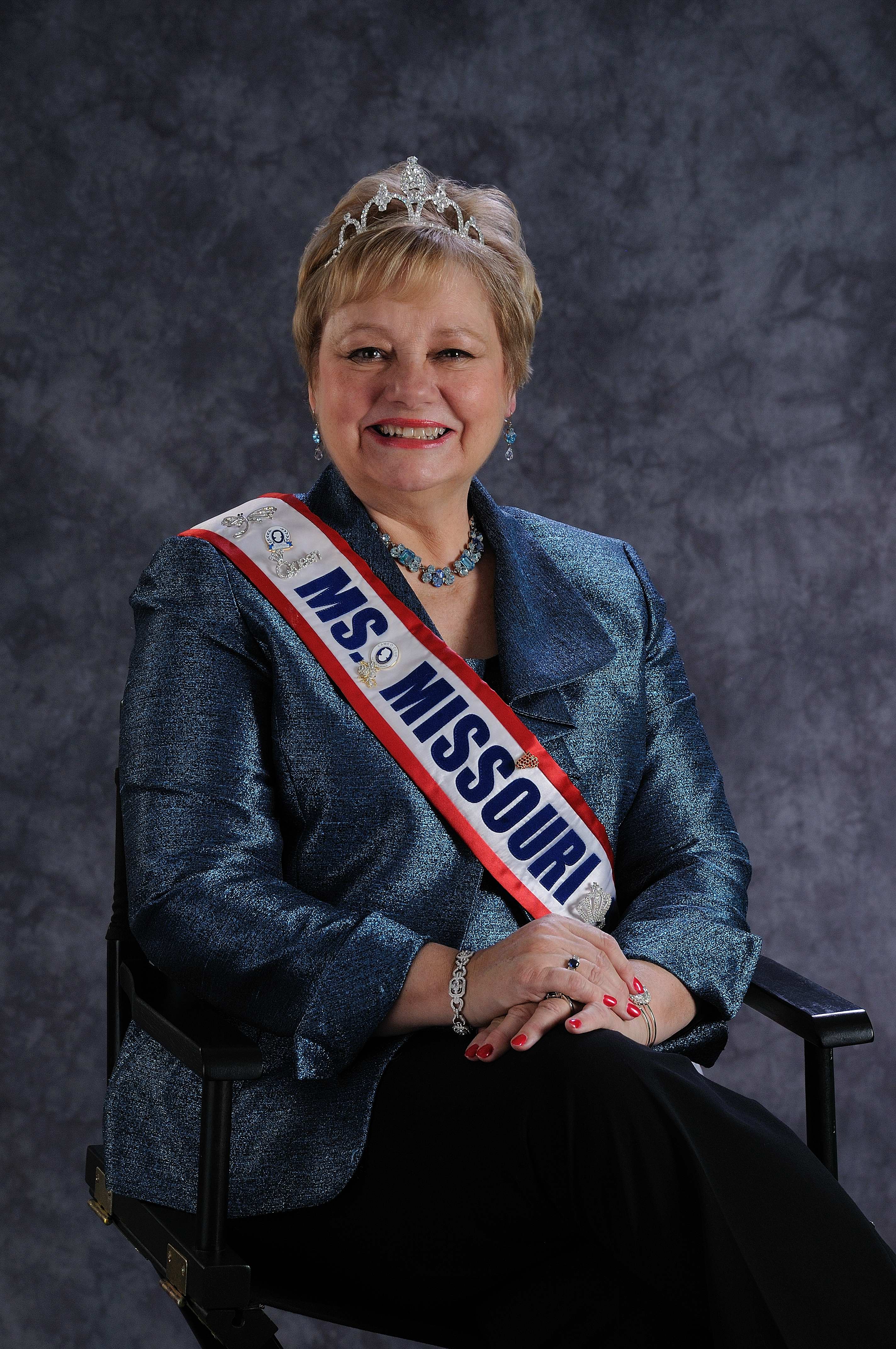
We are in St. Louis and have been serving businesses, corporations, and self-employed professionals in St. Louis and its surrounding areas since 1982. We pride ourselves as being the sole company in the region who provides relevant, vibrant, yet professional headshots and portraits. We have provided business headshots for company employees, executives, doctors, college professors, lawyers, writers, and many social media profile pictures for online sites such as LinkedIn and Facebook. We also shoot many corporate images for advertising and marketing communications. Often, we shoot in offices, the manufacturing facility and on remote locations.

In addition to our modern, efficient studio, we can also shoot headshots on location at your place of business. Our setup is simple and easy and we welcome the chance to travel to you so that you have one less thing to worry about. We completely understand the difficulties in scheduling large groups of people to get organized for a shoot and we strive to make the shoot as efficient and fine-tuned as possible.

Let us know what you’re looking for and we’ll advise as to how we can help.

314-913-5626
Mike Haller
stlouiscorporatephotographer@gmail.com
4501 Mattis Road 63128
St Louis Photographer
St Louis, Missouri, USA | Photography services

St Louis Business Portraits and Headshots.

We produce memorable portraits for businessmen, entrepreneurs, physician, lawyers, scholars, scientists, artists, filmmakers, writers, musicians, authors and architects.

Your website, conference biography photo, LinkedIn, Twitter, Facebook, and other social media accounts form your online image. It is crucial to have your portrait exerting professionalism, confidence, and integrity. We work with individuals and teams to create the most professional look for personal branding. Inspire other professionals to meet and work with you.

314-913-5626
Mike Haller
stlouiscorporatephotographer@gmail.com
4501 Mattis Road 63128
St Louis Photographer
St Louis, Missouri, USA | Photography services

St Louis Medical Practice Marketing Photography

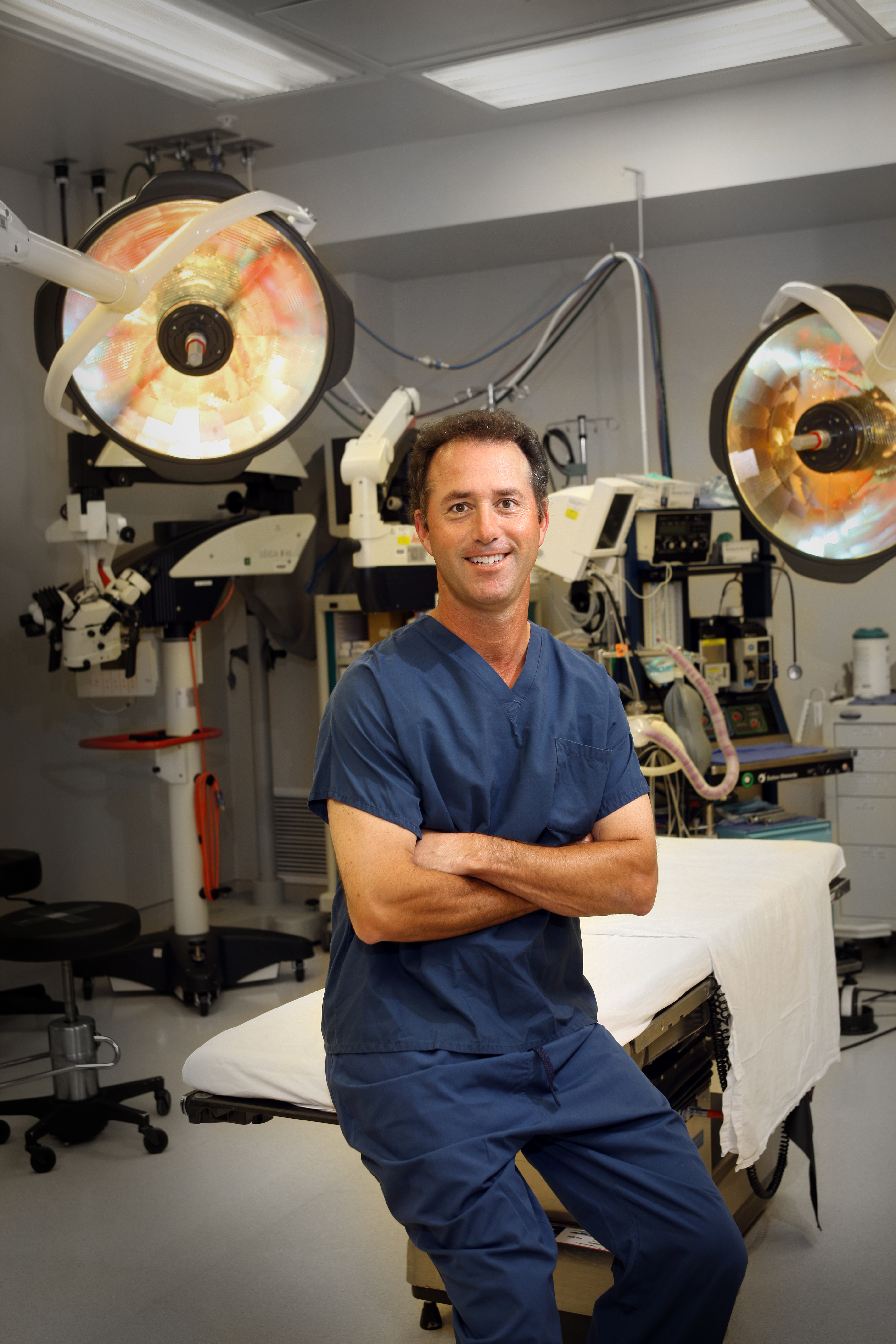
We believe it takes a specialist to do a specialized job such as medical marketing and communications. Because of our unique experience and expertise, we understand medical practices of all sizes. We know how to develop relationships with other physicians, how to make patients feel positive about their doctors, and how to proactively position a practice within the overall community.

St Louis Medical Marketing

St Louis Medical Marketing

Done properly, ethical medical marketing can grow your profits, attract the patients and cases you want, build your reputation (brand) and even enable you to have a life again.

DSC_5745

Patient Service Enhancements

314-892-1233
Mike Haller
stlouiscorporatephotographer@gmail.com
4501 Mattis Road 63128
St Louis Photographer
St Louis, Missouri, USA | Photography services