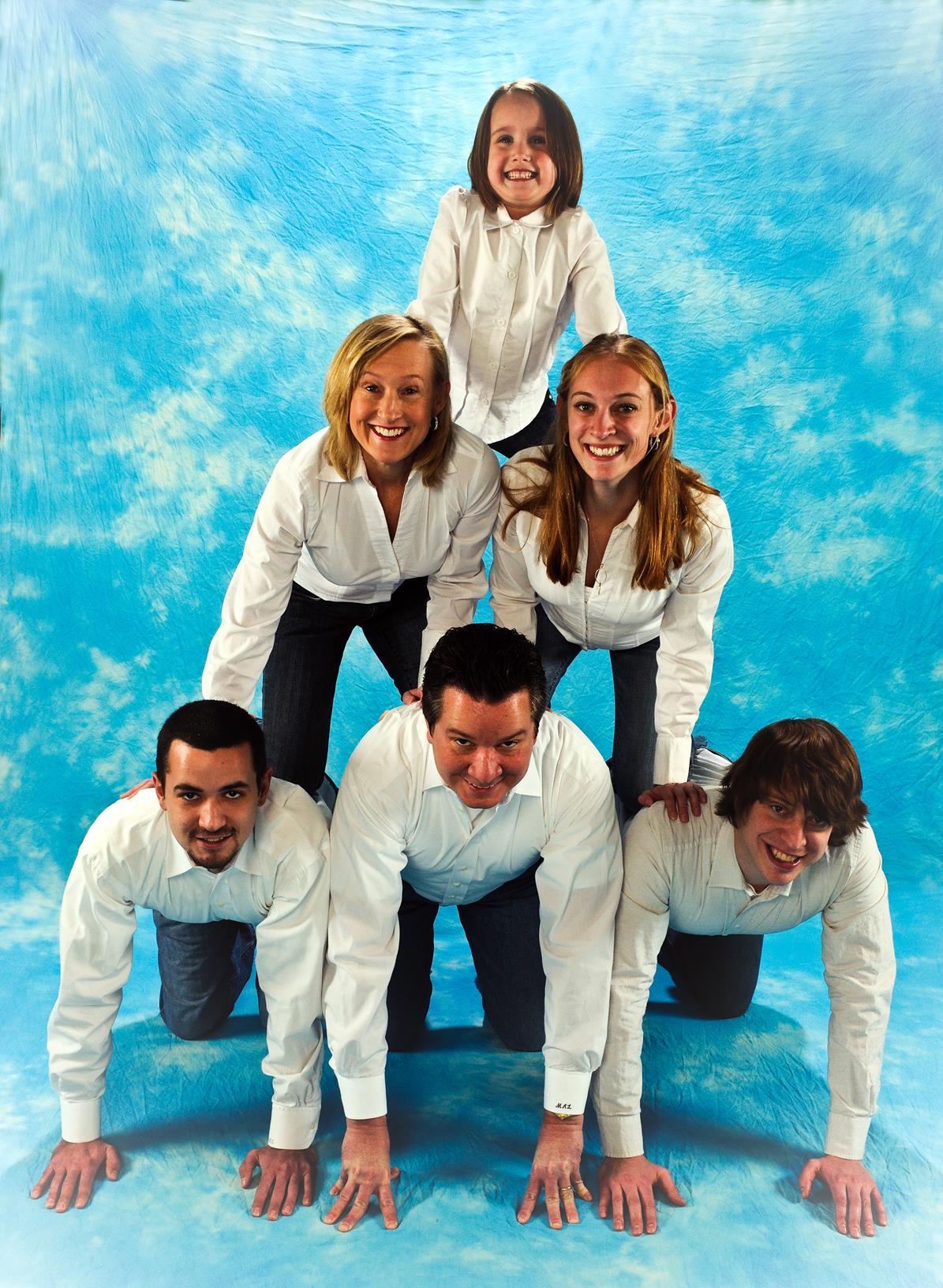
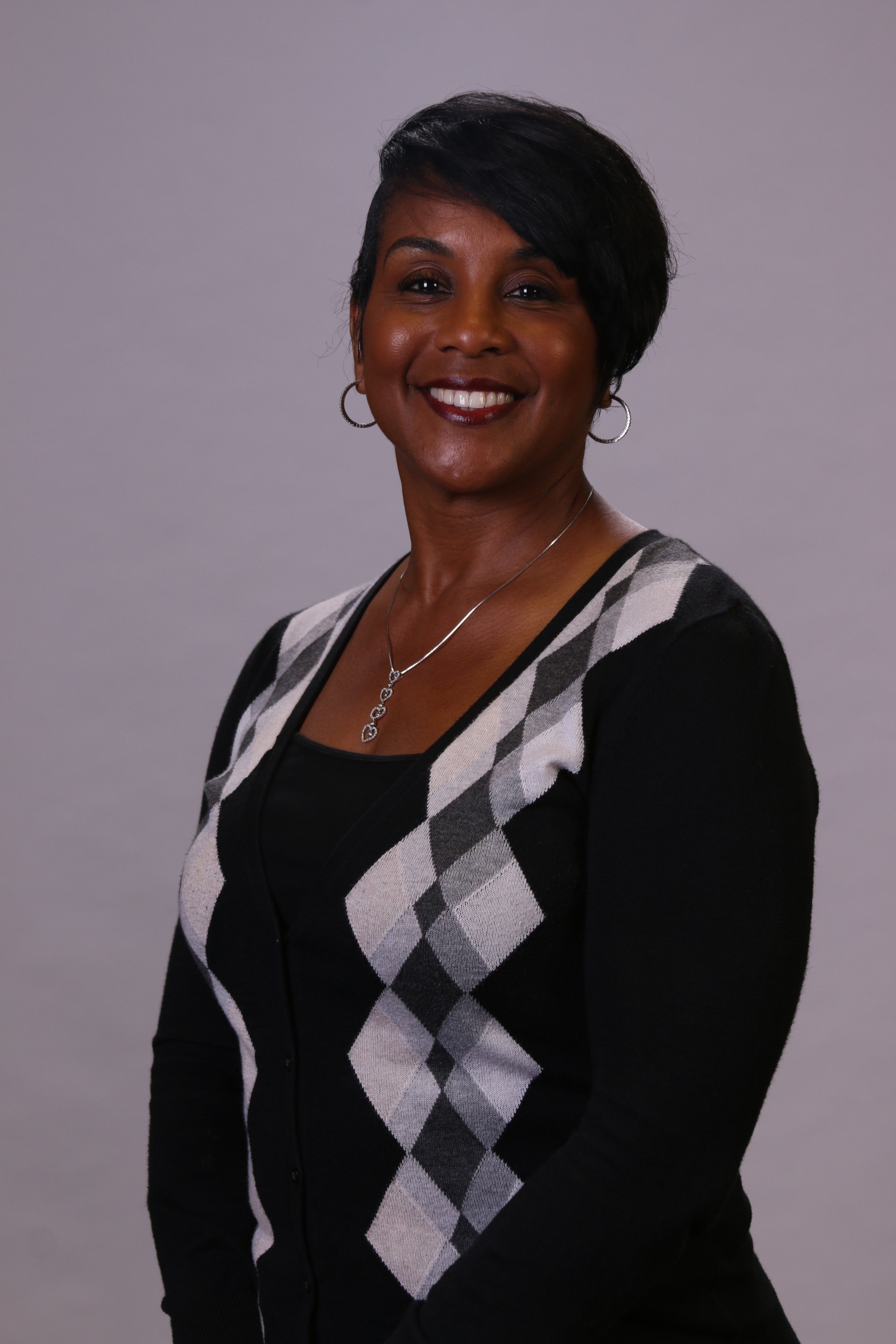
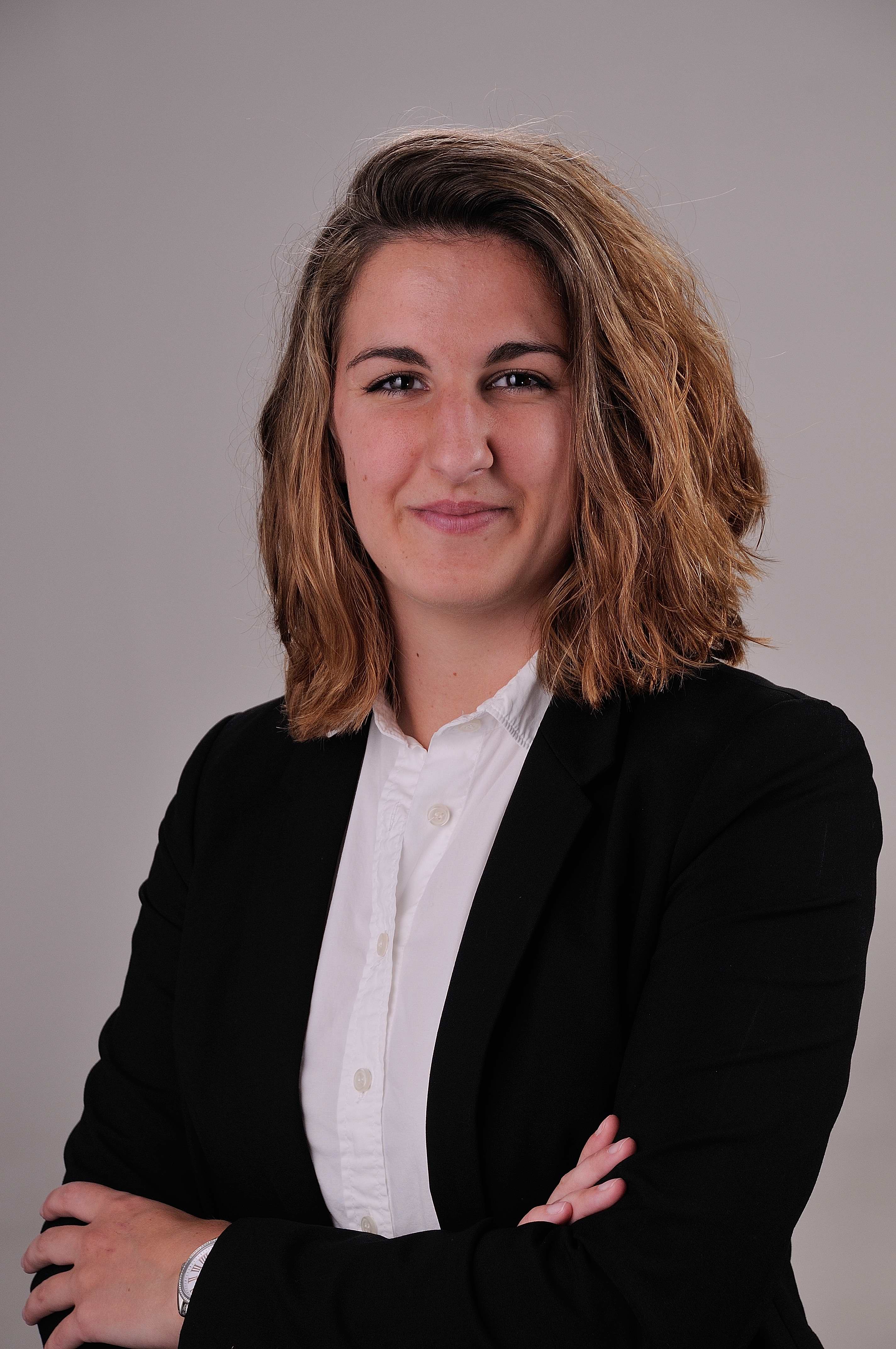
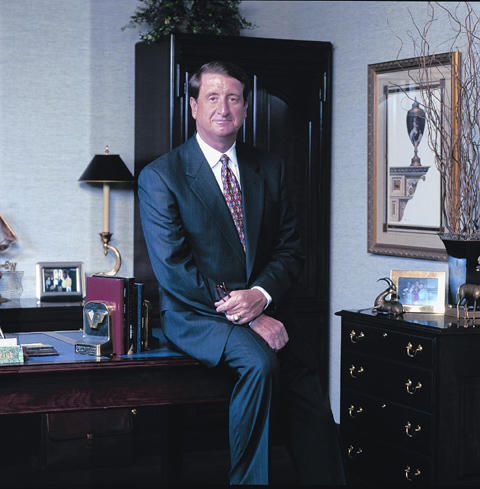
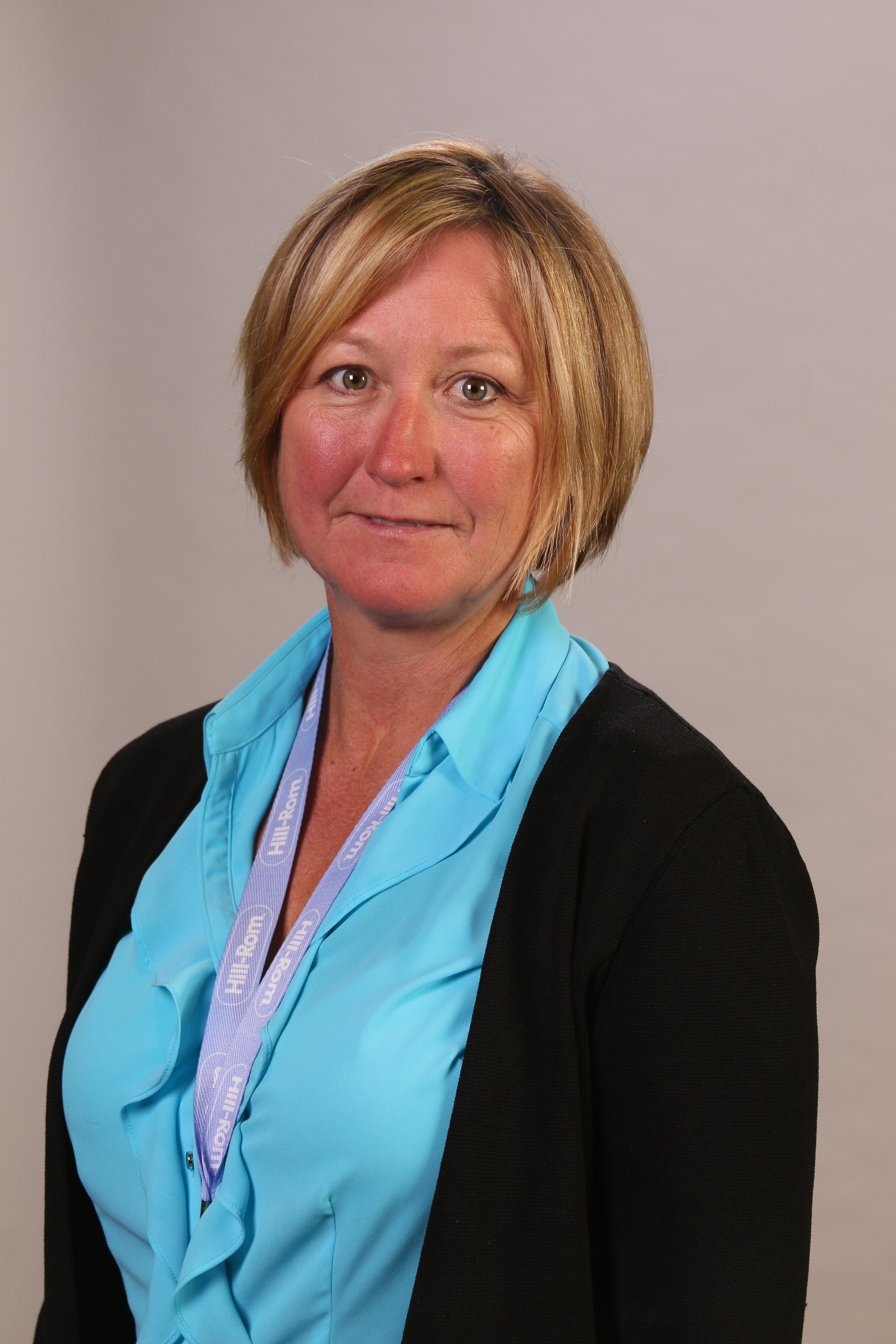
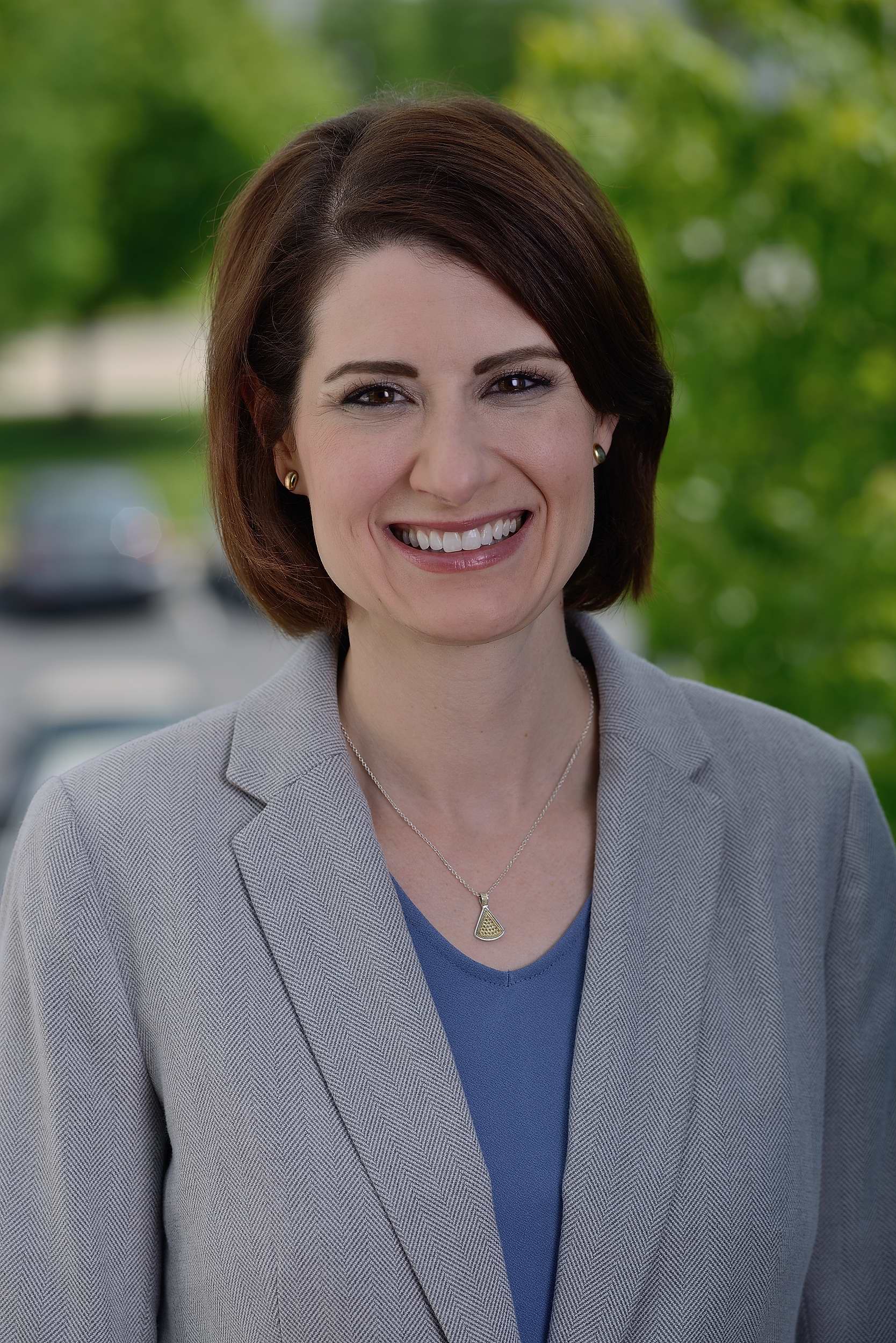
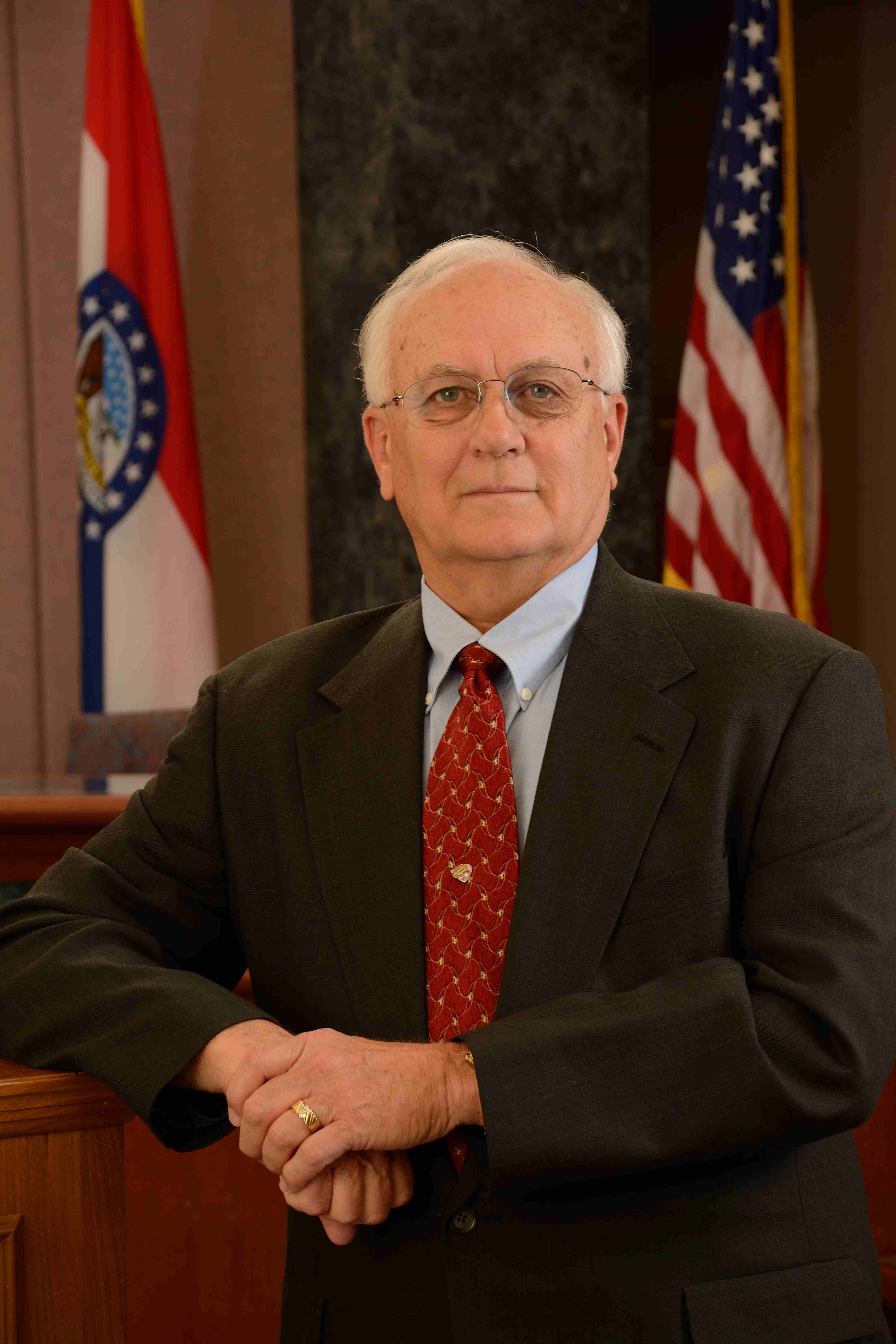
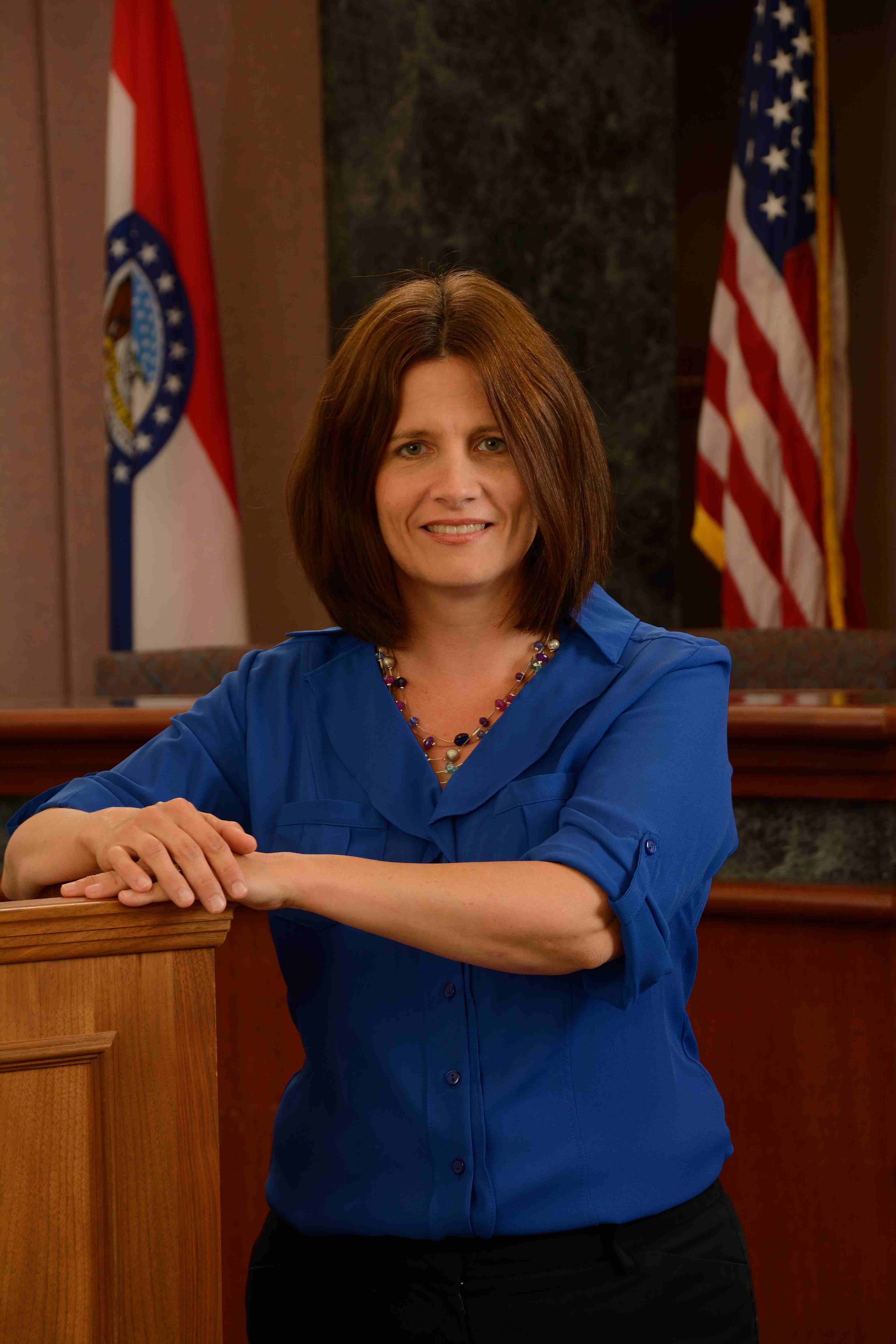
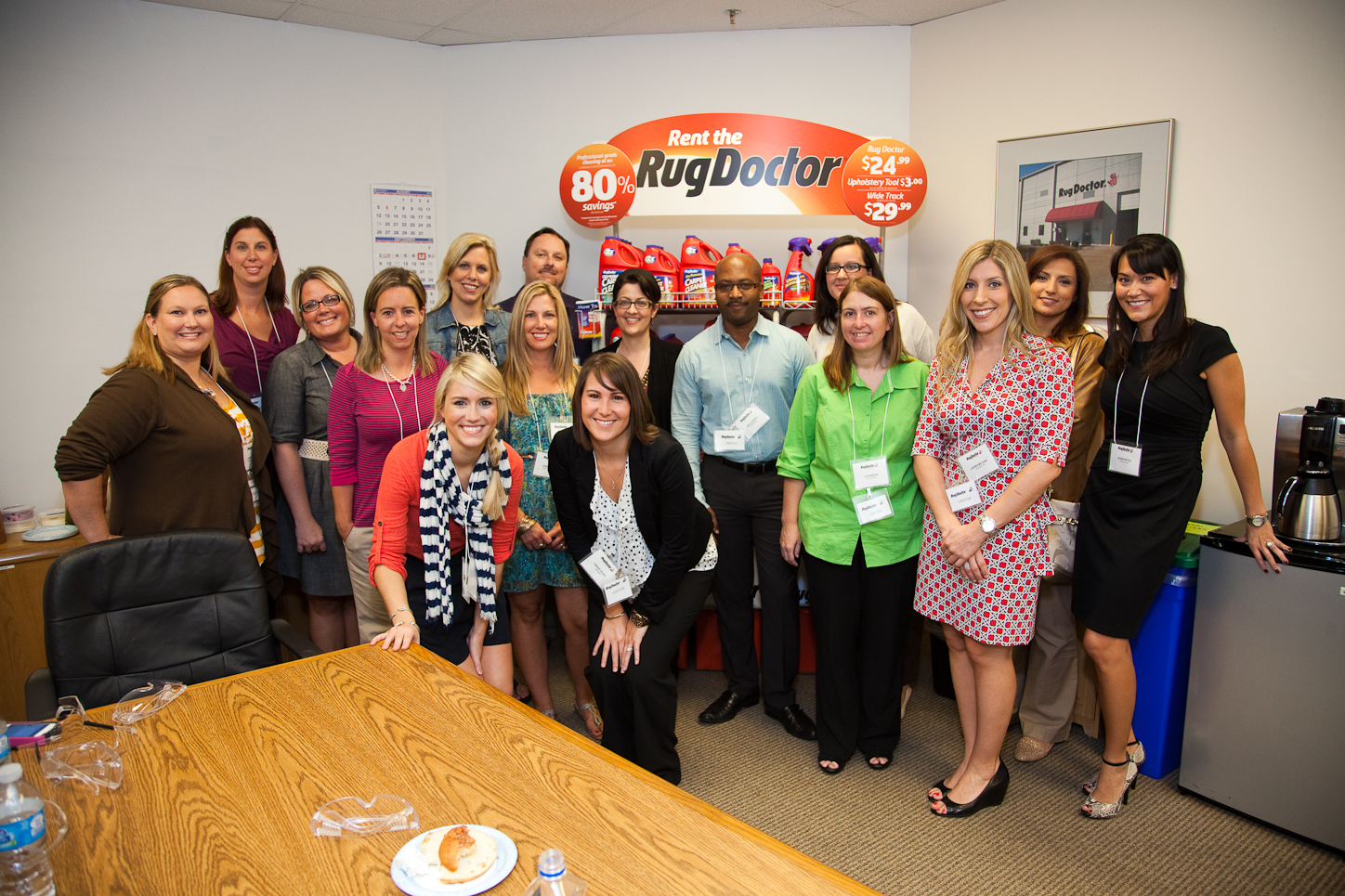
Professional Small Business Headshots and Video Clips for Social Media

Small businesses need professional visuals that help them build trust quickly. Before a prospect makes a call, schedules a meeting, requests a proposal, or visits a location, they often review the company’s website, LinkedIn profiles, Google Business Profile, social media pages, staff photos, and video content. Those first impressions matter.

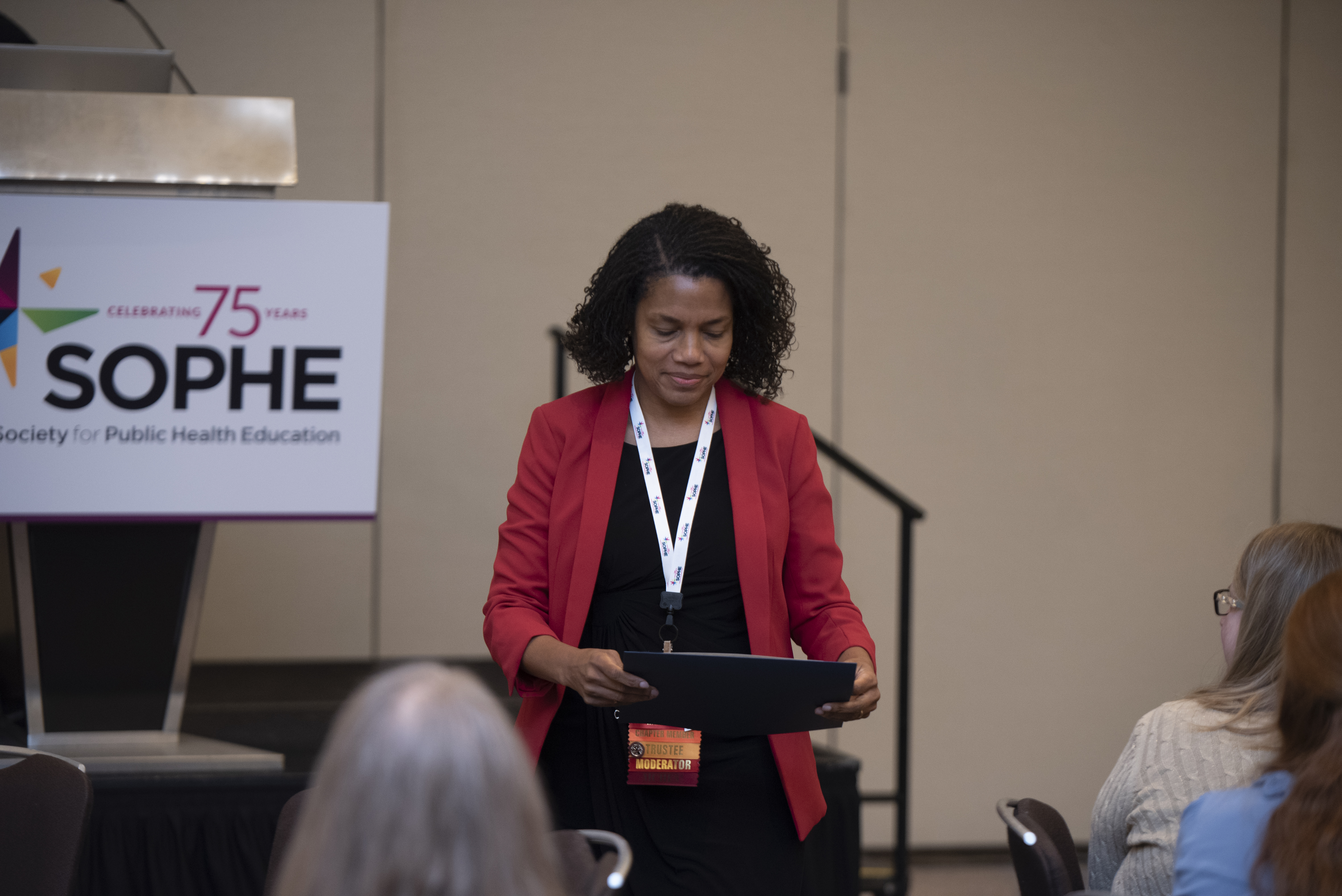
St Louis Corporate Photographers provides professional headshots, corporate portraits, branded photography, social media video clips, interview content, b-roll, and business media assets for small businesses and organizations that want to look polished, credible, and current. For owners, executives, consultants, law firms, healthcare practices, financial firms, contractors, manufacturers, nonprofits, agencies, and professional service providers, quality photography and video can strengthen marketing, sales, recruiting, and customer communication.

Professional headshots introduce the people behind the business. Short video clips explain expertise, services, processes, and customer value. Together, they help small businesses communicate more clearly across websites, social media, digital advertising, proposals, presentations, and internal communications.

Why Professional Headshots Matter for Small Businesses

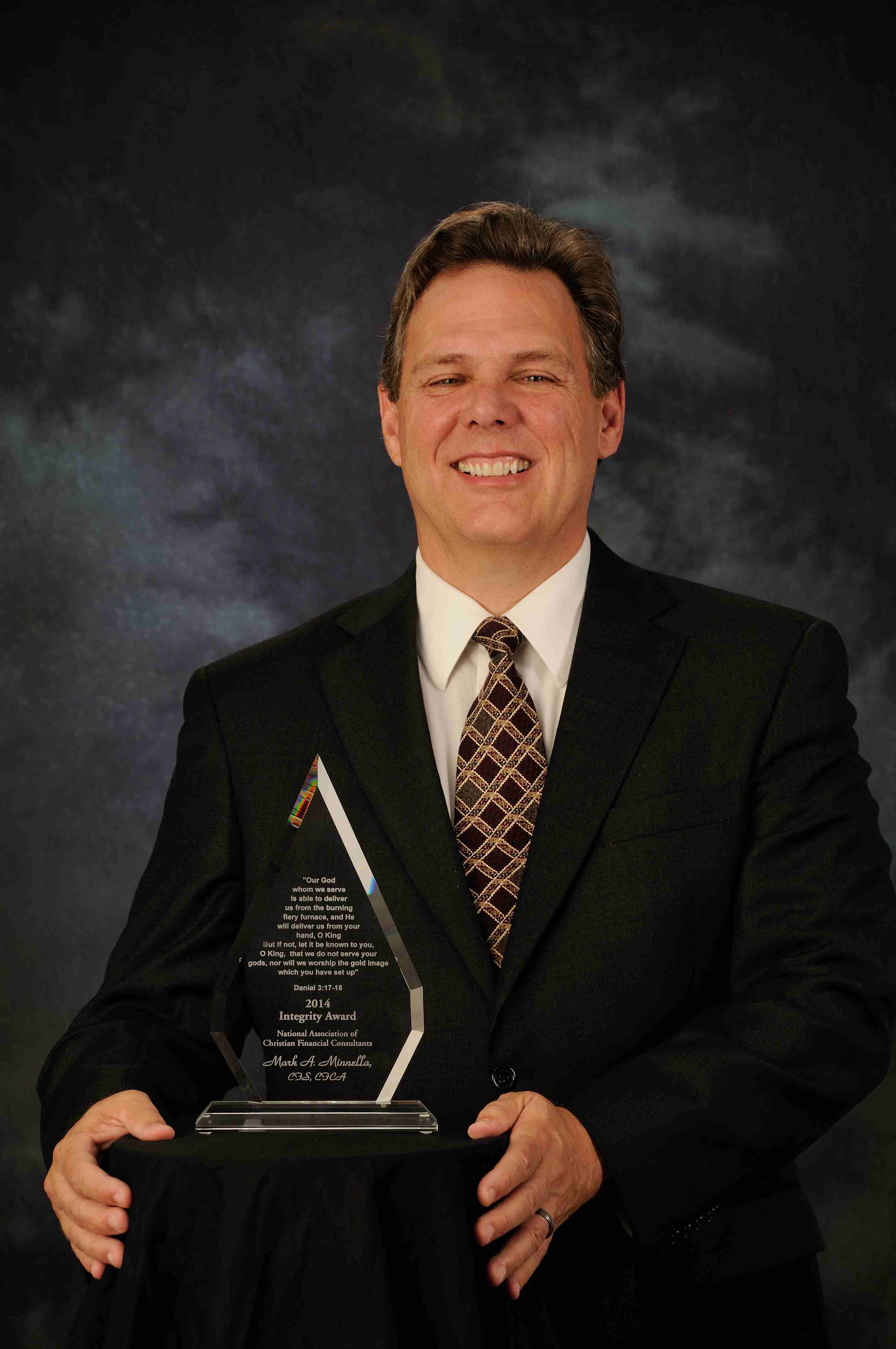
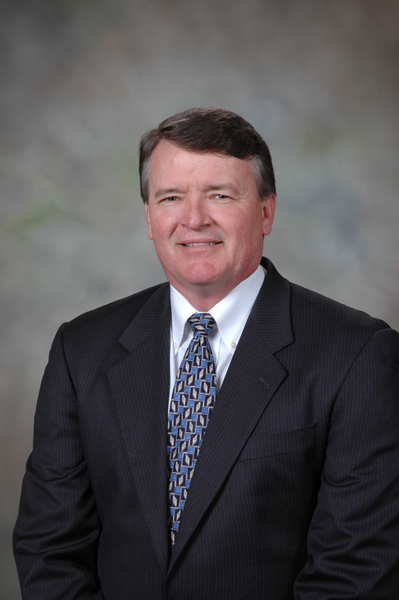
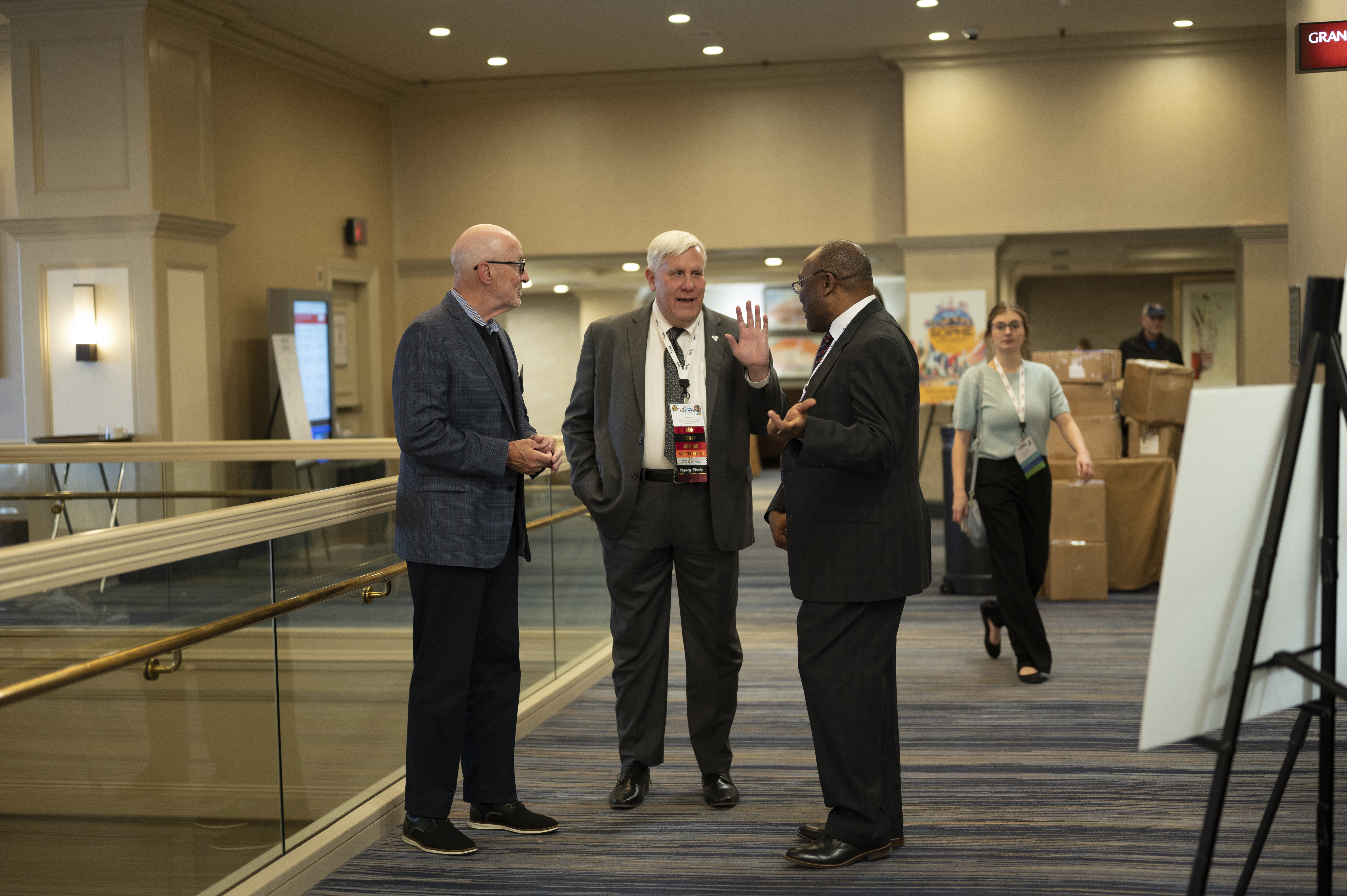
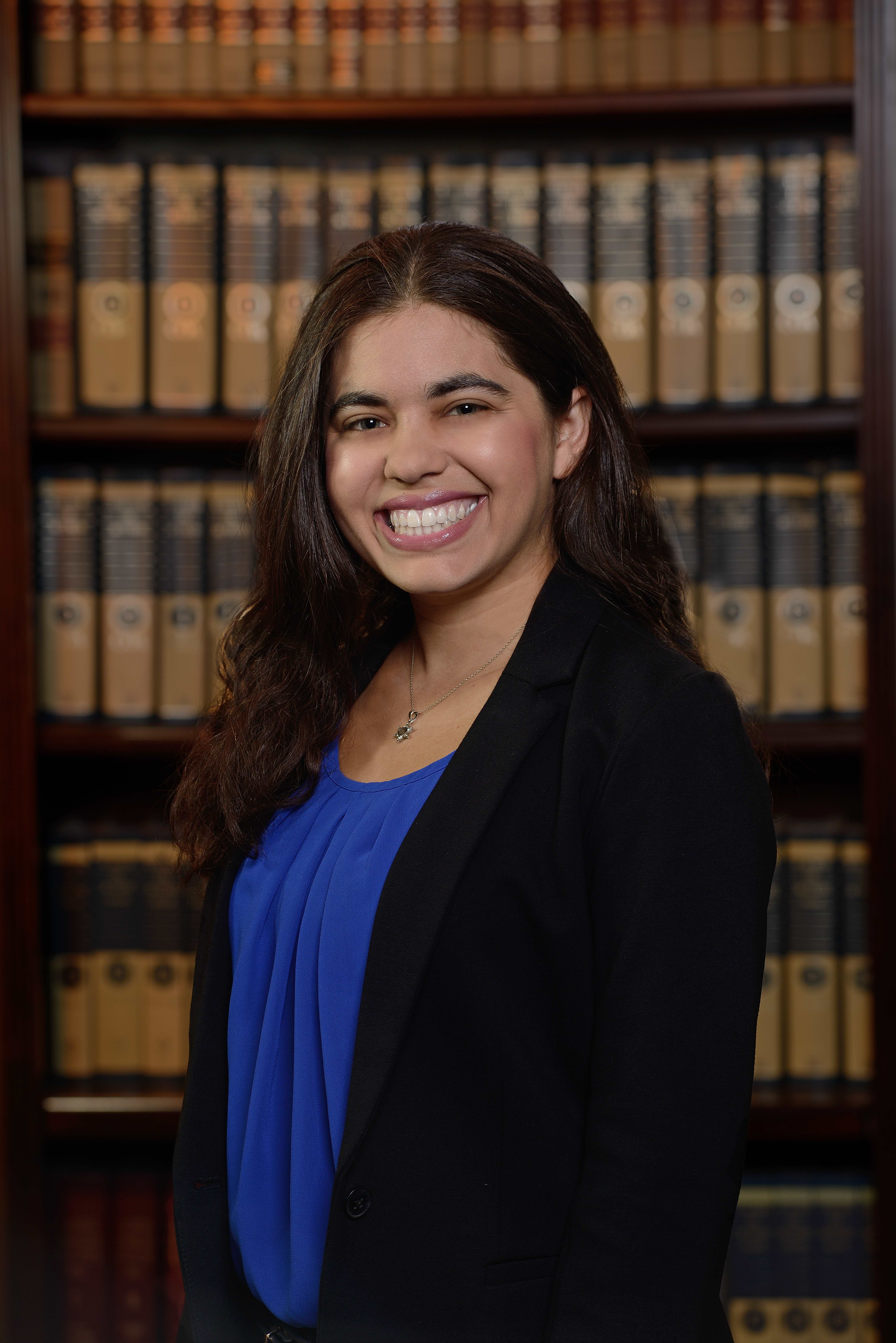
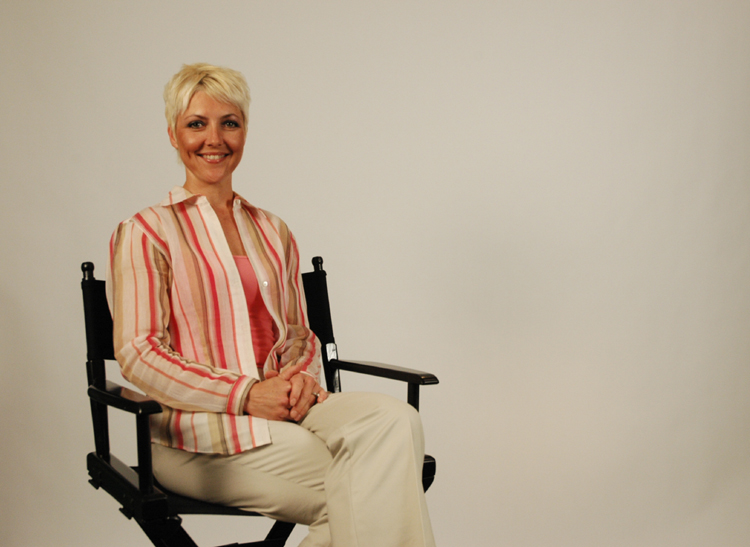
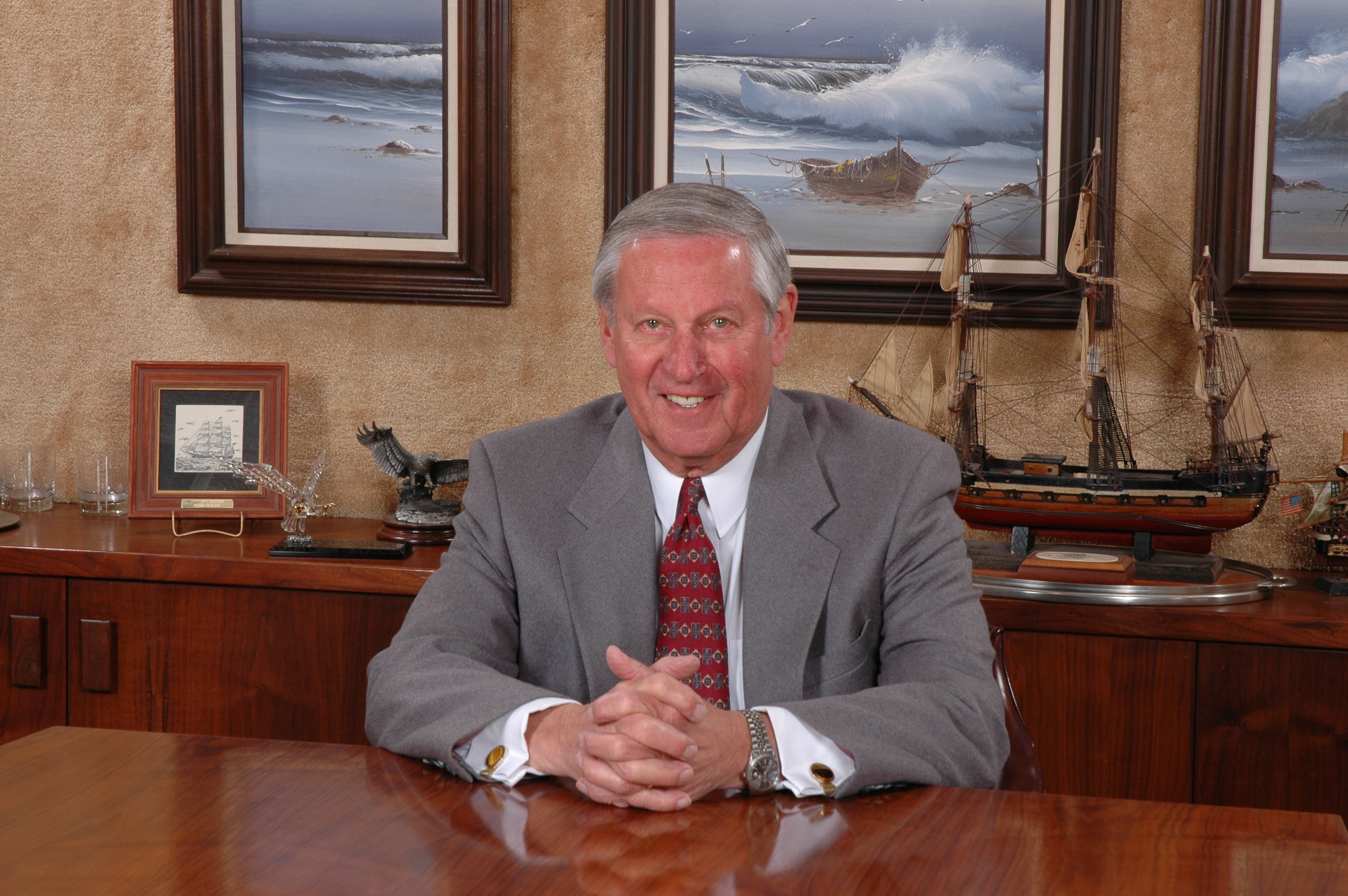
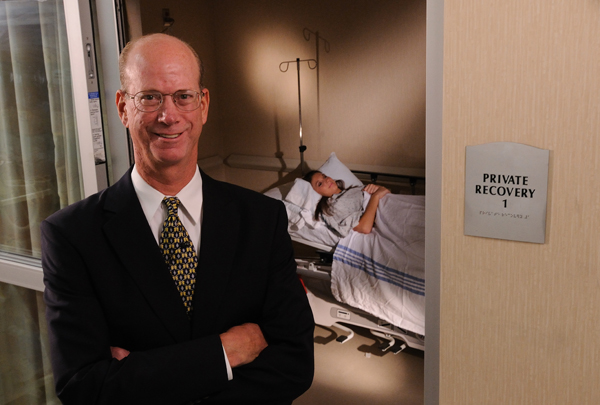
A professional headshot is often one of the most visible images connected to a business. It may appear on a website staff page, LinkedIn profile, email signature, proposal, press release, conference bio, recruiting page, online directory, or social media profile. When those images are outdated, inconsistent, poorly lit, or casually captured, the company can look less professional than it actually is.

Corporate headshots create consistency and credibility. They show that the business values presentation, professionalism, and attention to detail. For small businesses, this is especially important because customers often make decisions based on trust, confidence, and perceived experience.

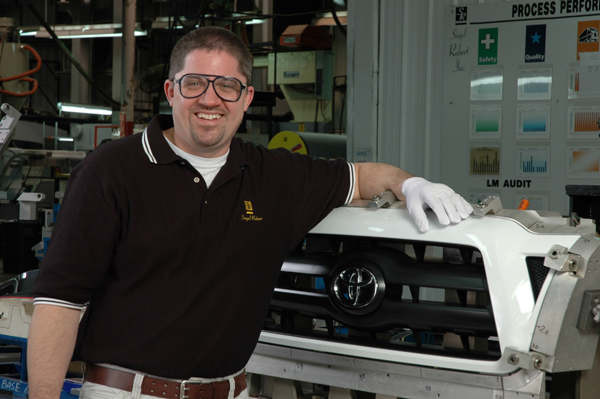
A strong business portrait should be properly lit, well-composed, flattering, and aligned with the company’s brand. Some businesses need formal executive portraits. Others need a friendly, approachable look. A professional service firm may want a clean and confident image. A creative business may want something more environmental and personality-driven. A healthcare, legal, financial, construction, or consulting firm may require a different visual tone.

St Louis Corporate Photographers helps businesses plan and produce headshots that fit their industry, message, and audience.

Corporate Portraits for Websites, LinkedIn, Proposals, and Social Media

Headshots and business portraits should be created with multiple uses in mind. A well-planned session can provide photography for:

Website staff pages
LinkedIn profiles
Email signatures
Sales proposals
Speaker biographies
Press releases
Recruiting campaigns
Google Business Profile updates
Social media profiles
Company brochures
Digital ads
Trade show materials
Internal directories
Business presentations
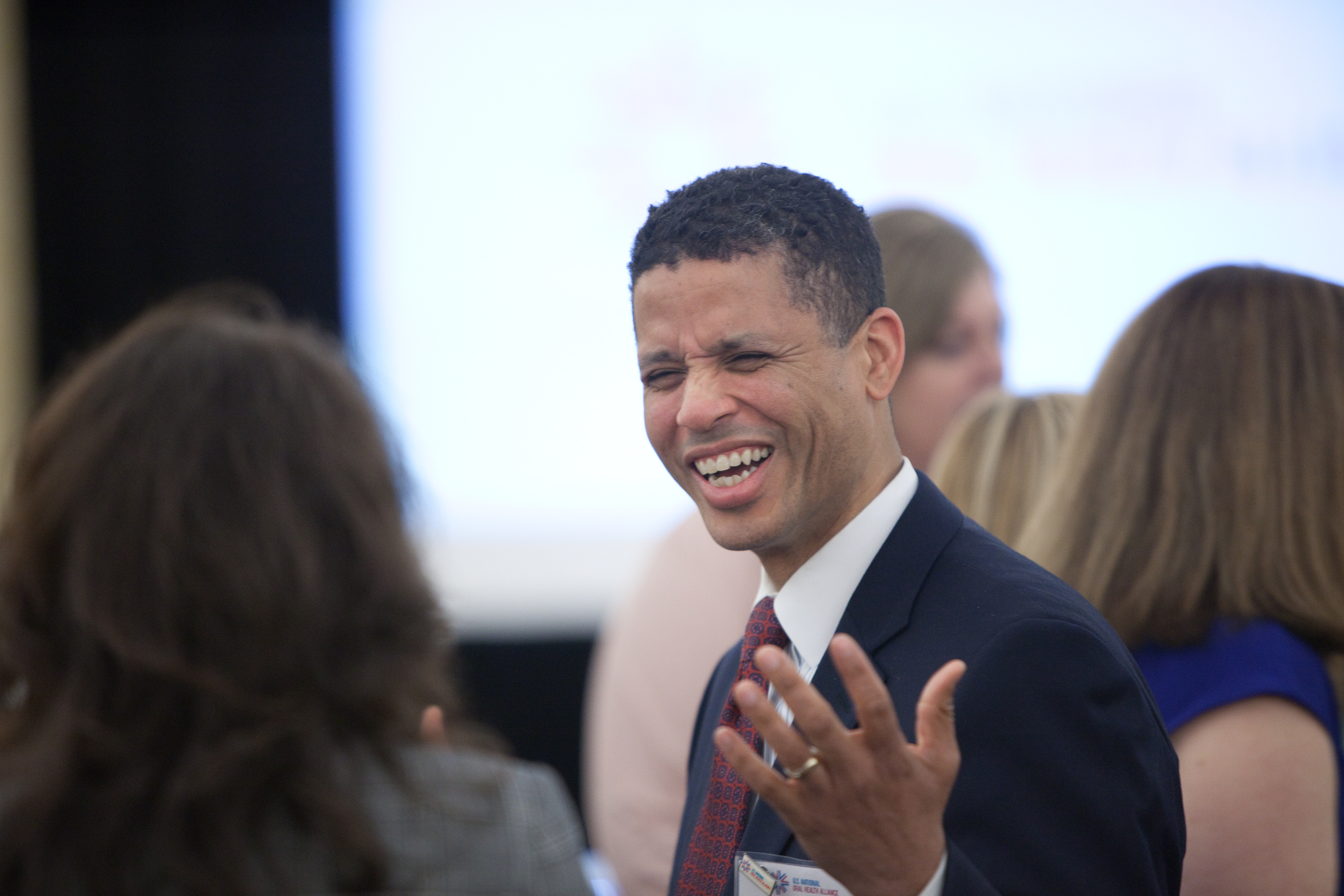
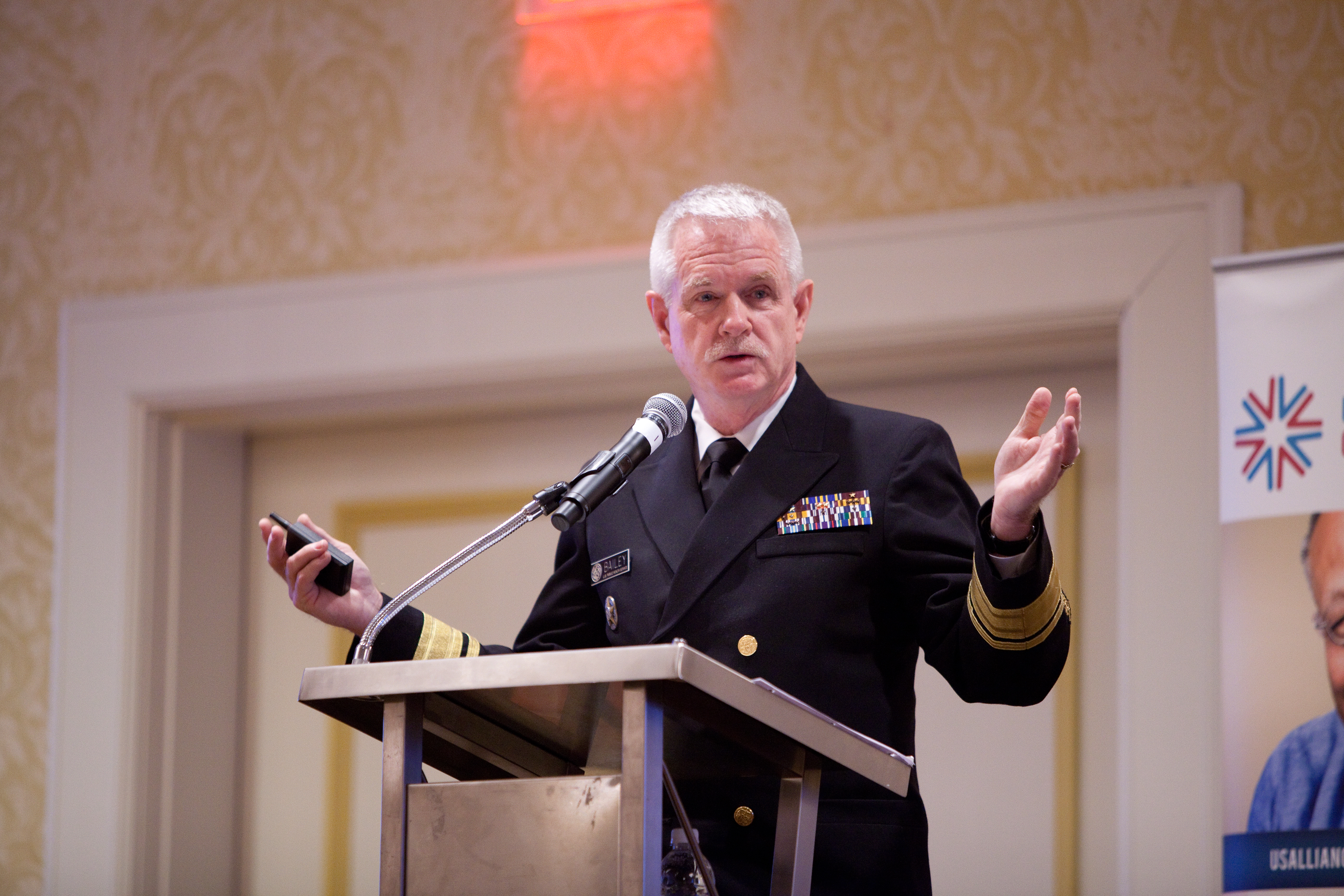
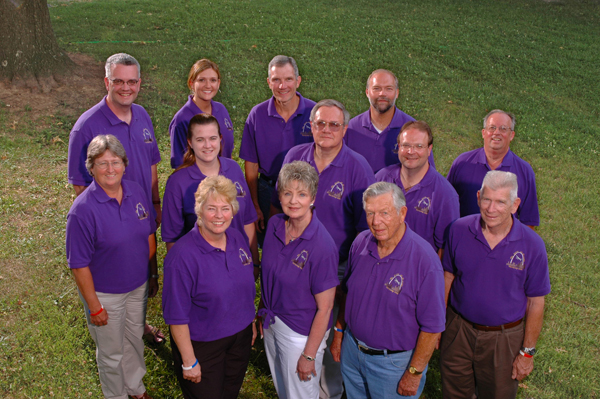
The best corporate headshot sessions are organized around how the final images will be used. A company may need close-up portraits, horizontal crops, vertical crops, team photos, leadership portraits, office lifestyle images, or environmental portraits that show the business setting.

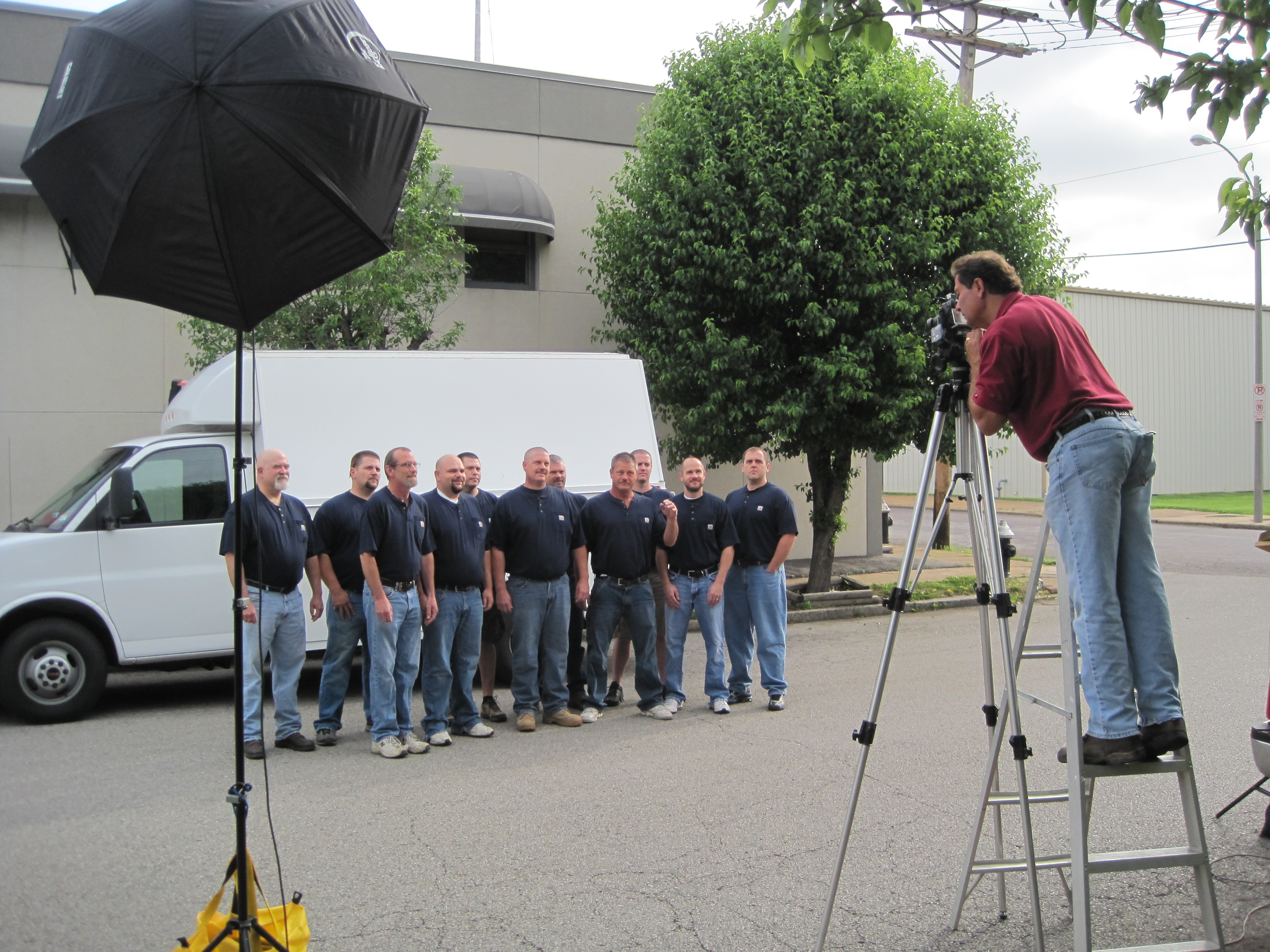
St Louis Corporate Photographers can provide studio portraits, location-based headshots, team photography, and branded business images that help small companies maintain a consistent and professional visual identity.

Short Video Clips for Social Media

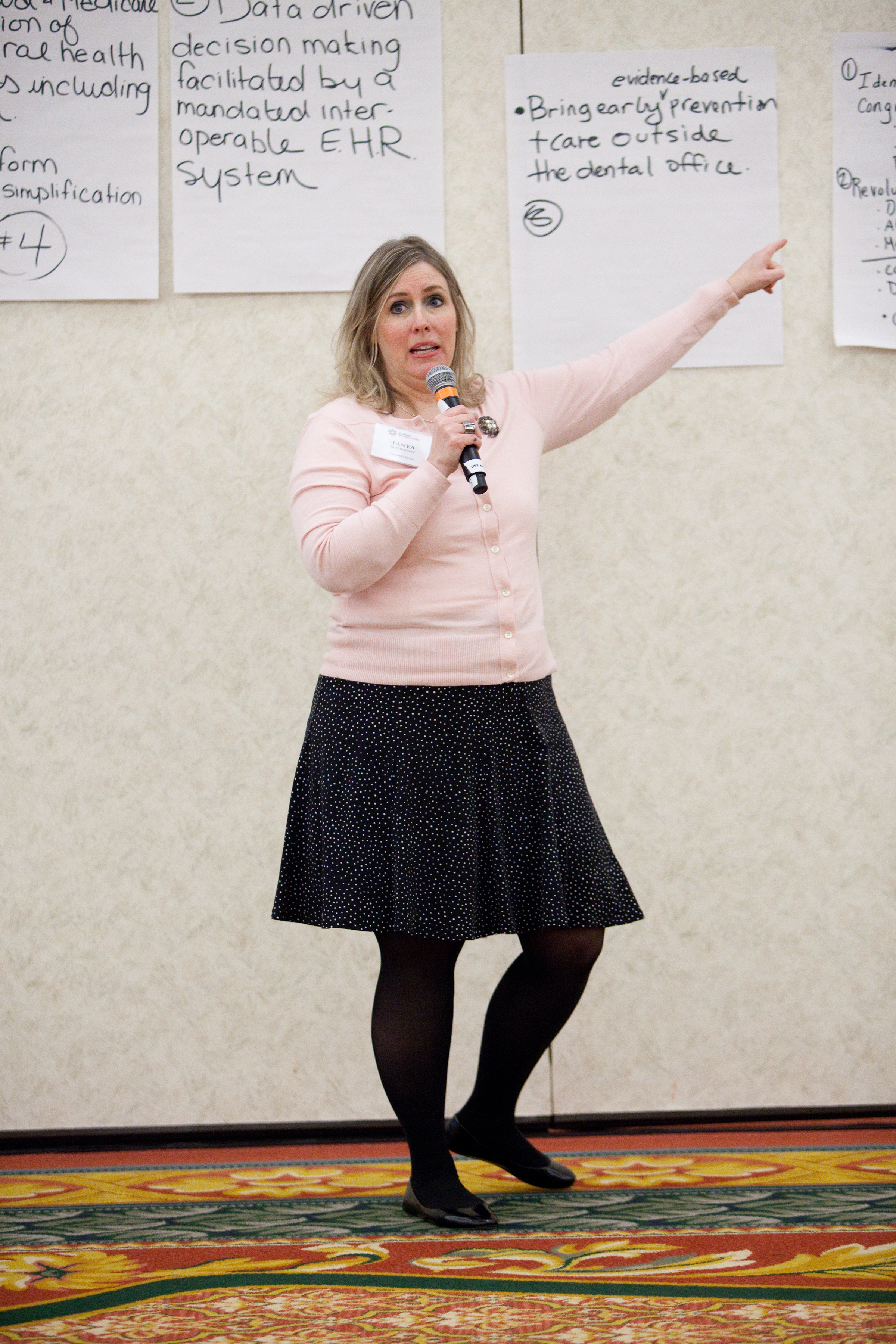
Short-form video is one of the most useful tools for small business marketing. A focused 15-second, 30-second, or 60-second video can introduce a company, explain a service, answer a common question, promote an event, highlight a project, or showcase a customer success story.

Small business video does not always need to be complicated. In many cases, the most effective clips are clear, direct, and professionally produced. The goal is to communicate one message well and create content that can be used repeatedly across multiple platforms.

Examples of social media video clips include:

Owner introduction videos
Executive profile clips
Staff introduction clips
Service explanation videos
Customer testimonial clips
Frequently asked question videos
Recruiting videos
Behind-the-scenes content
Project highlights
Facility tours
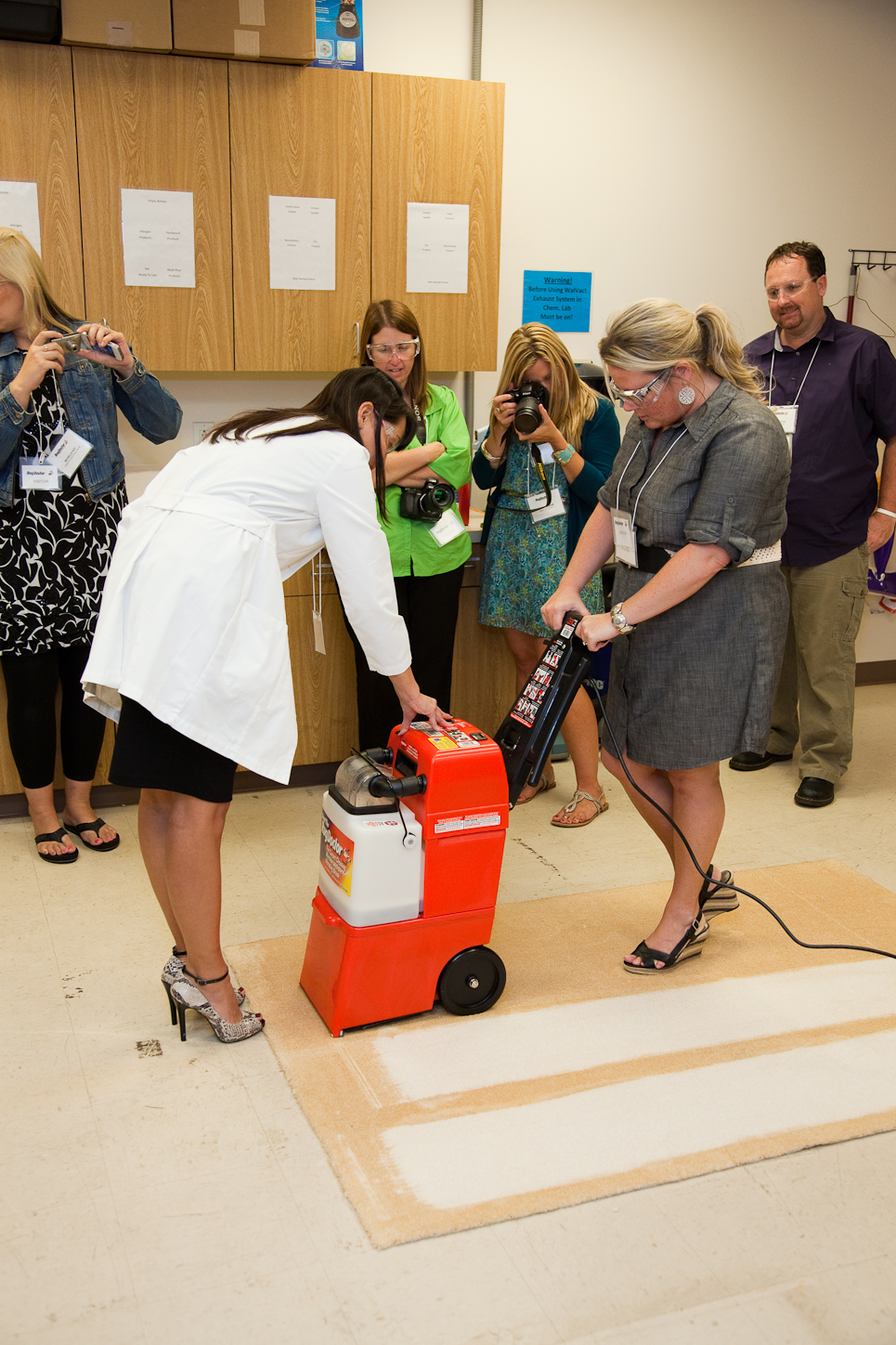
Product or process demonstrations
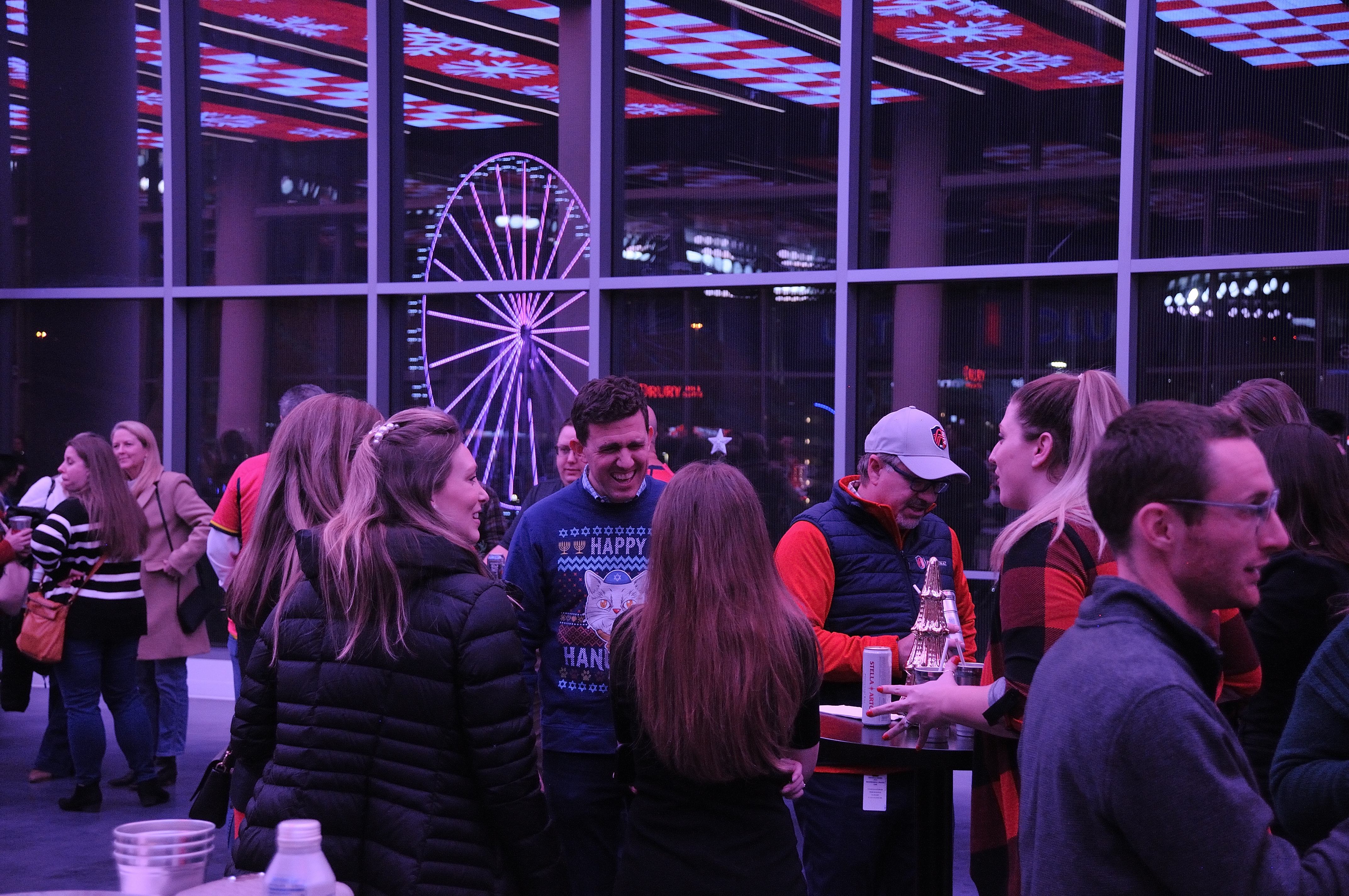
Event recap videos
Community involvement clips
Seasonal promotion videos

These clips can be edited for LinkedIn, Facebook, Instagram, YouTube, websites, email campaigns, landing pages, digital ads, and sales follow-ups.
Combining Headshots and Video in One Production Session

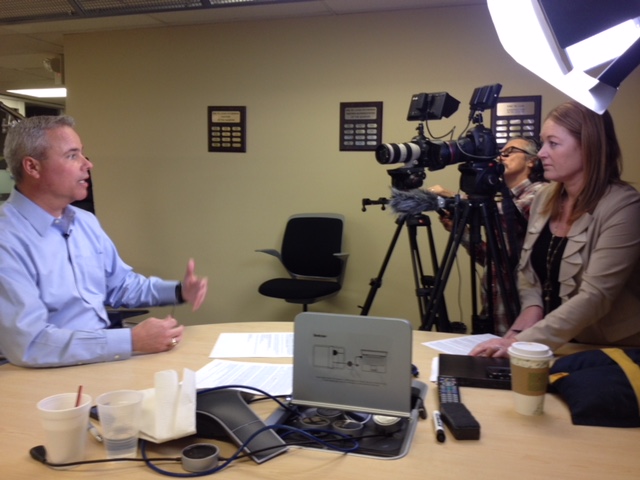
One of the most efficient ways for a small business to improve its marketing content is to combine headshots and video clips into one organized production session. This allows the company to update portraits, record short interviews, capture service explanations, gather b-roll, and create a practical media library from the same production day.

A single session can produce:

Professional headshots
Executive portraits
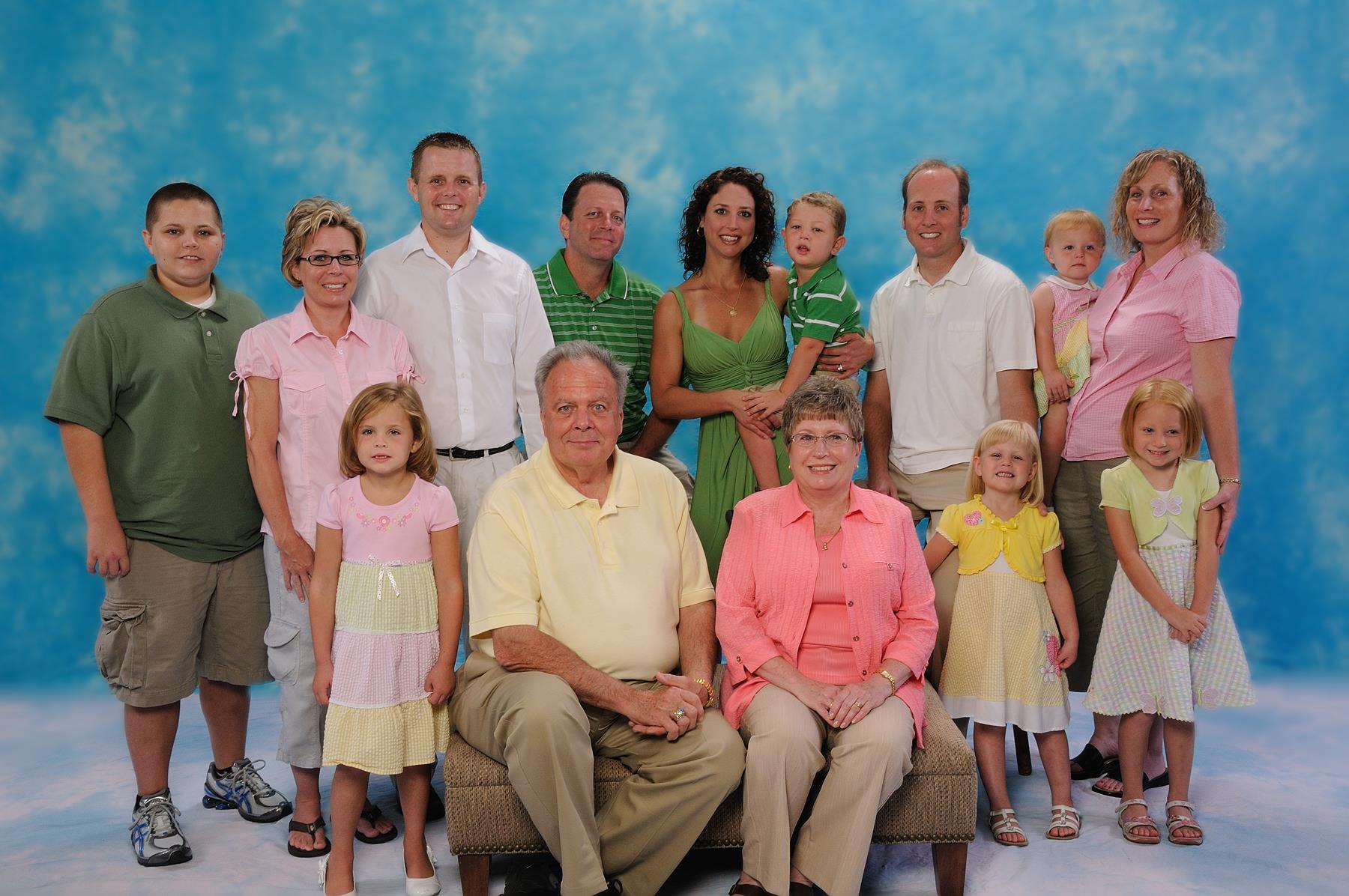
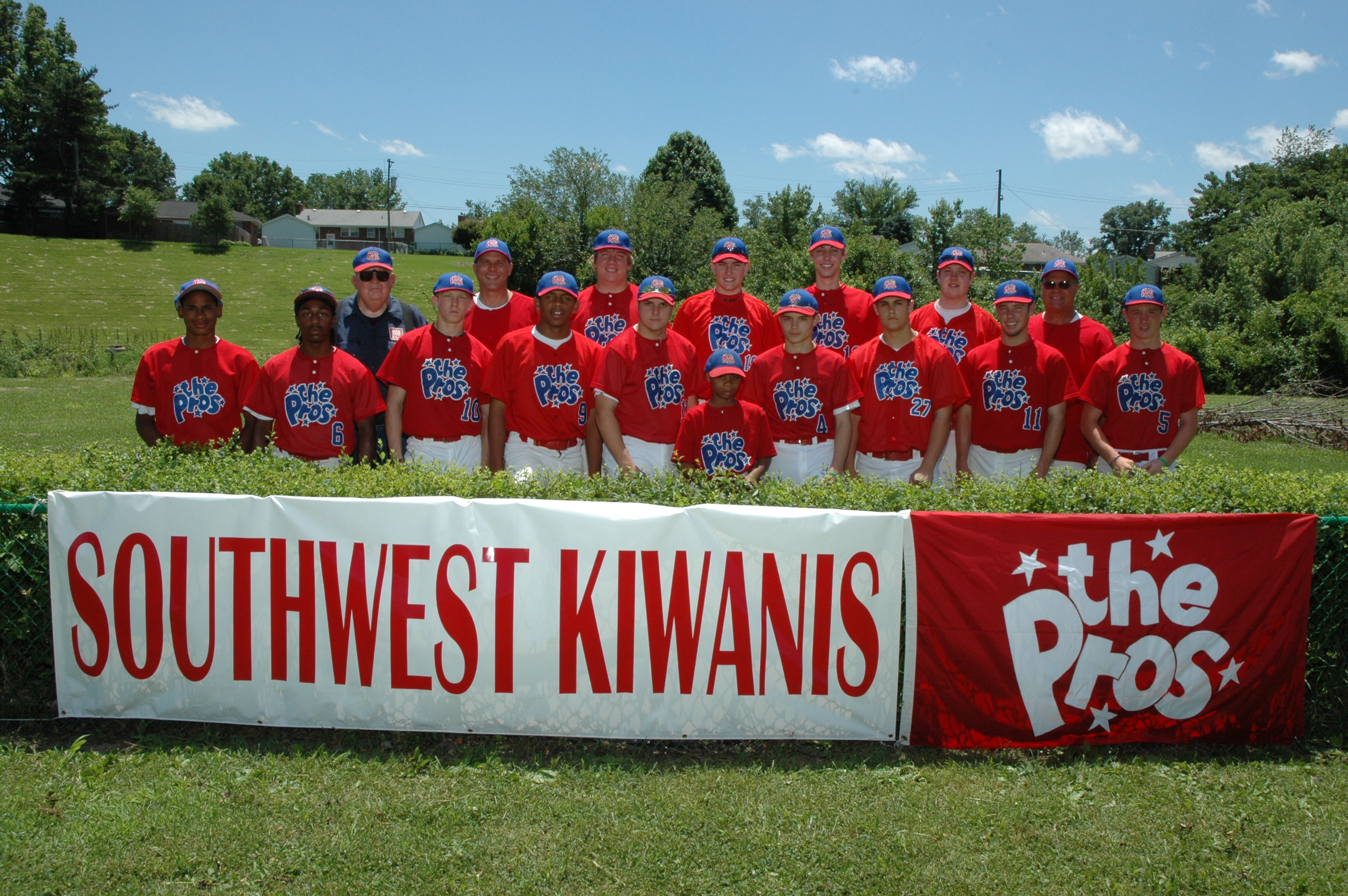
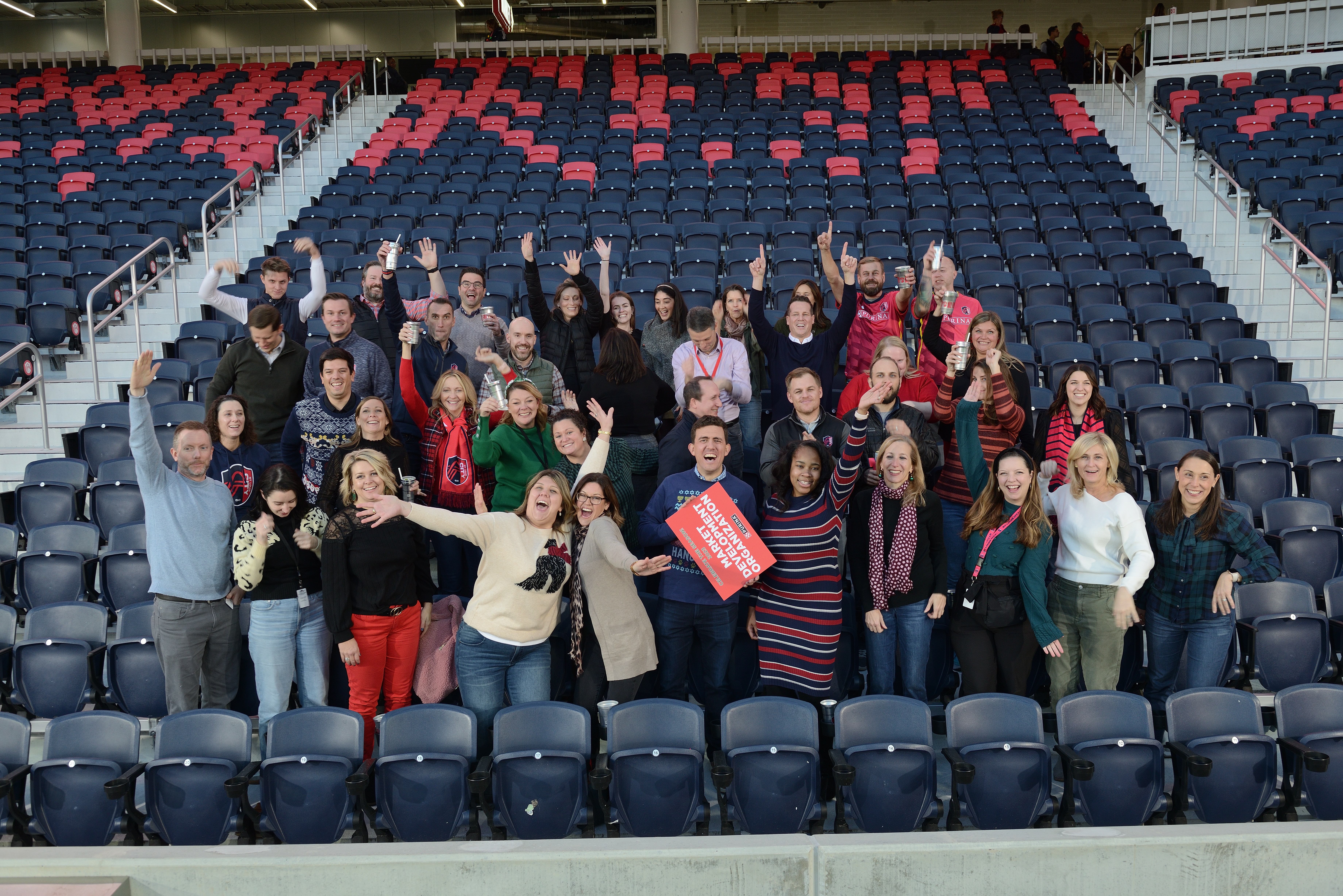
Team photography
Short interview clips
Social media videos
Website video segments
Customer testimonial clips
B-roll footage
Behind-the-scenes content
Recruiting media
Still images for thumbnails and posts

This approach saves time, keeps the visual style consistent, and gives the business more useful content to work with after the shoot. Instead of scheduling separate productions for every marketing need, a small business can build a library of photography and video assets that support weeks or months of communication.

Planning the Message Before Production

Professional photography and video should be planned around a business objective. Before production begins, it is important to consider the audience, message, platforms, visual style, location, wardrobe, background, talking points, and final deliverables.

For corporate headshots, planning may include background selection, lighting style, posing direction, cropping preferences, retouching needs, and file formats.

For social media video clips, planning should focus on short, useful messages. Small businesses may benefit from answering questions such as:

Who do you serve?
What problem do you solve?
What makes your company different?
What should customers know before hiring you?
What service needs a clearer explanation?
What questions do prospects ask most often?
What parts of your work are best shown visually?

The strongest social media clips are usually focused on one clear idea. Rather than trying to say everything in one video, businesses often get better results by creating a series of short clips, each with a specific purpose.
Professional Lighting, Audio, and Direction

The quality of a headshot or video clip depends on more than the camera. Lighting, audio, composition, background control, direction, lens choice, editing, and file preparation all affect the finished product.

For headshots, professional lighting helps shape the face, control shadows, improve skin tone, and create separation from the background. Direction helps subjects look natural, confident, and approachable.

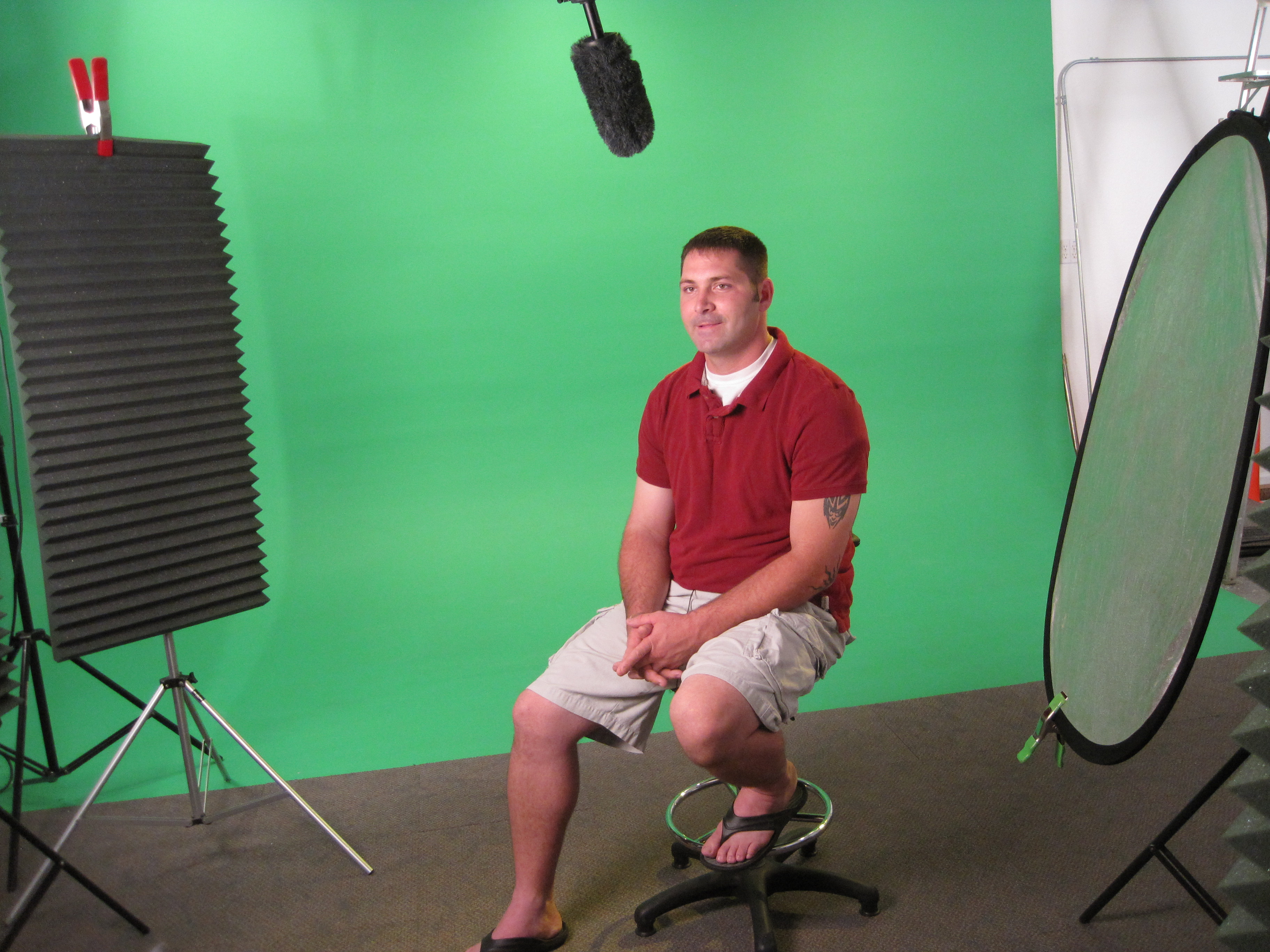
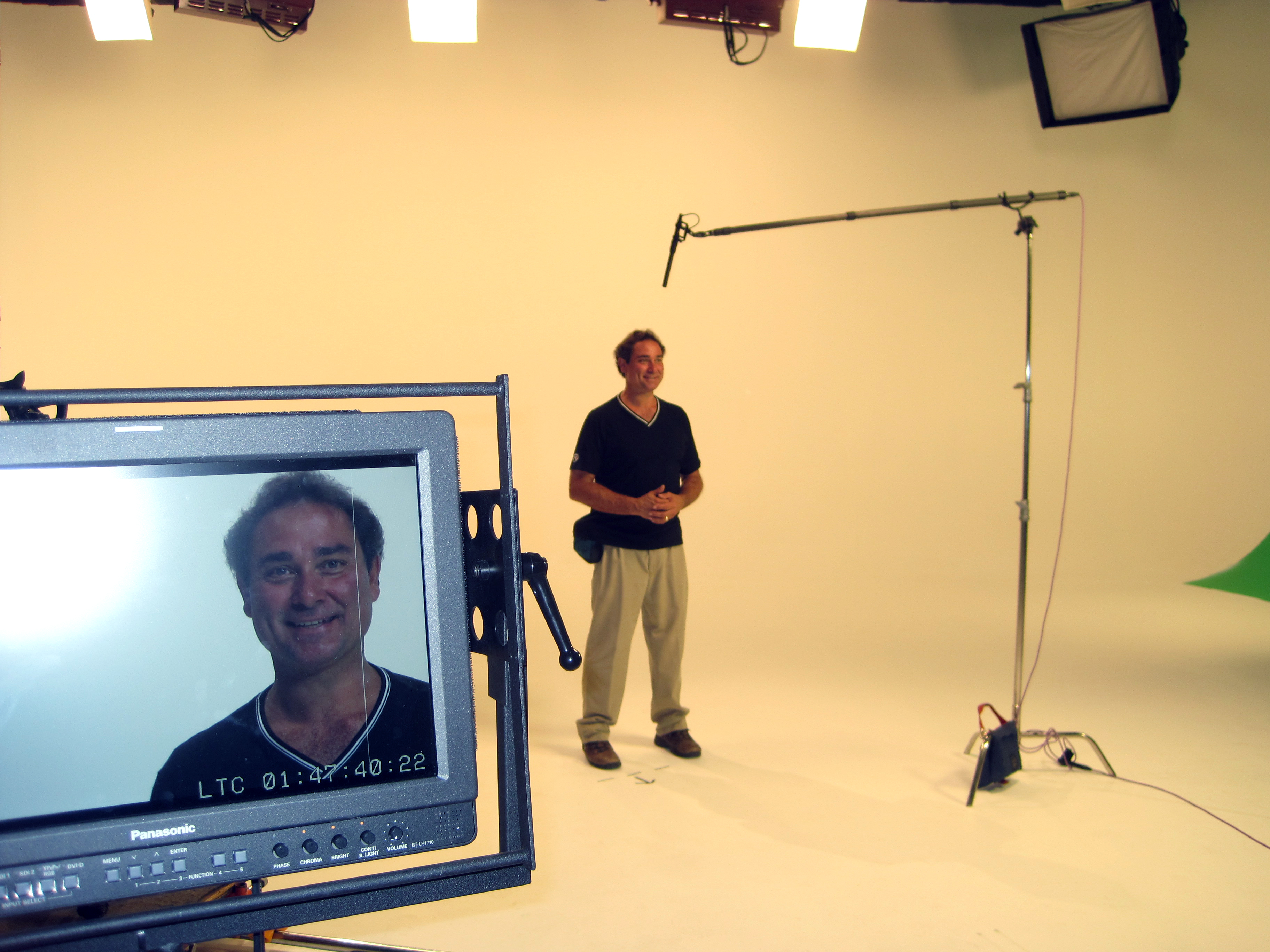
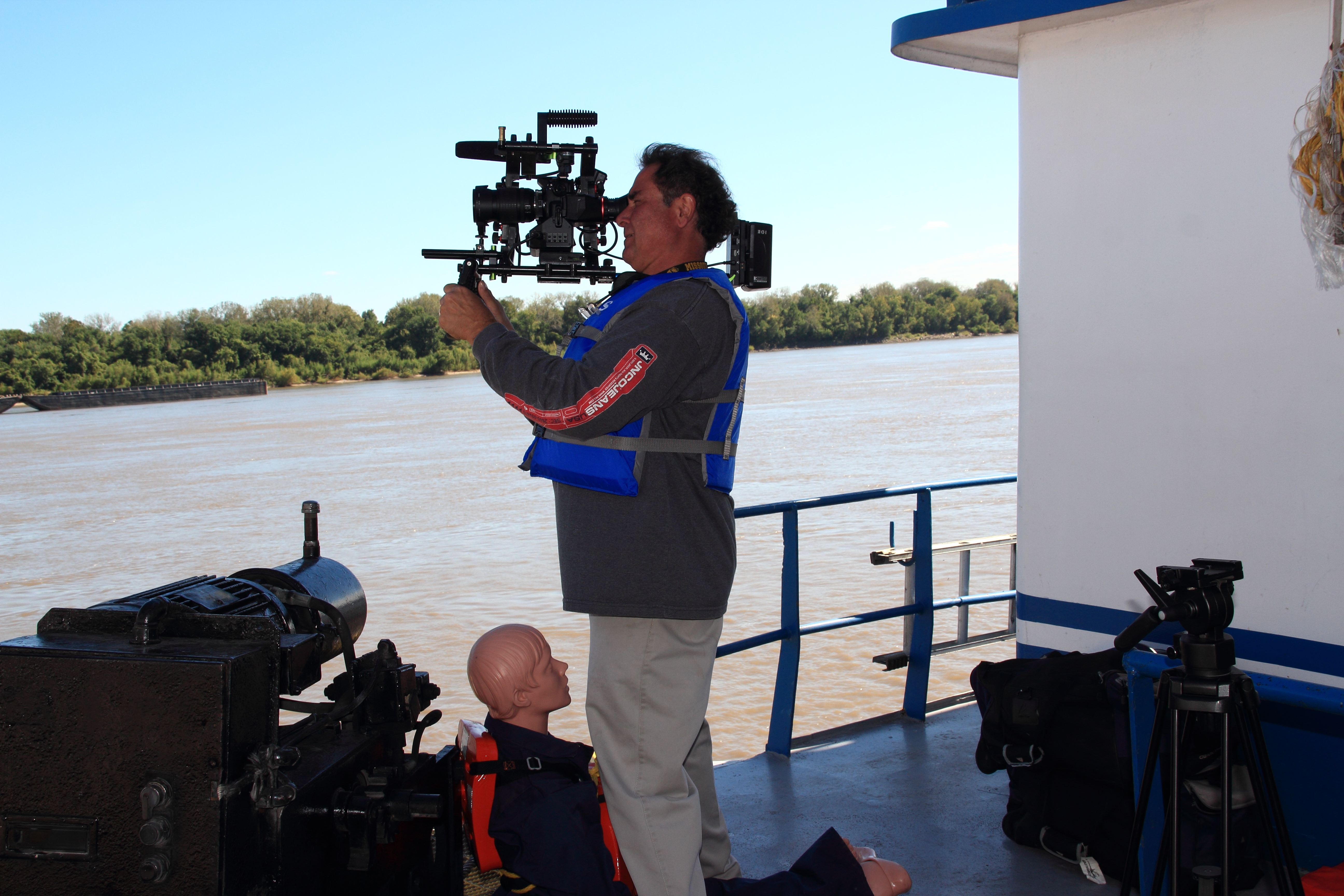
For video, clean audio is essential. Viewers may accept a simple visual style, but poor sound can quickly weaken the message. Professional microphones, lighting, camera support, and thoughtful framing help business video clips feel credible and watchable.

St Louis Corporate Photographers understands how to create professional visual content while helping business owners, executives, employees, and clients feel comfortable in front of the camera.

B-Roll Adds Value to Business Videos

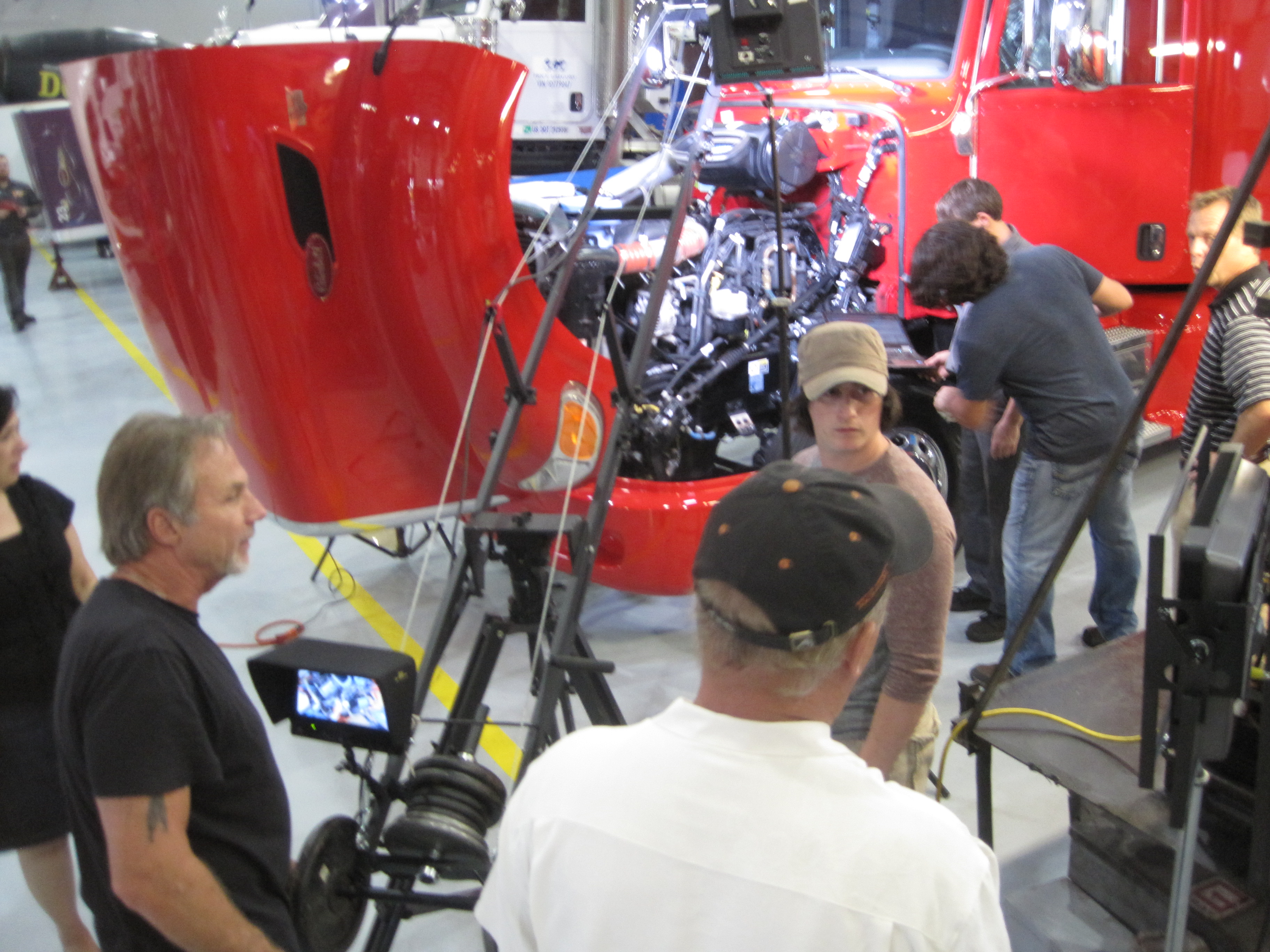
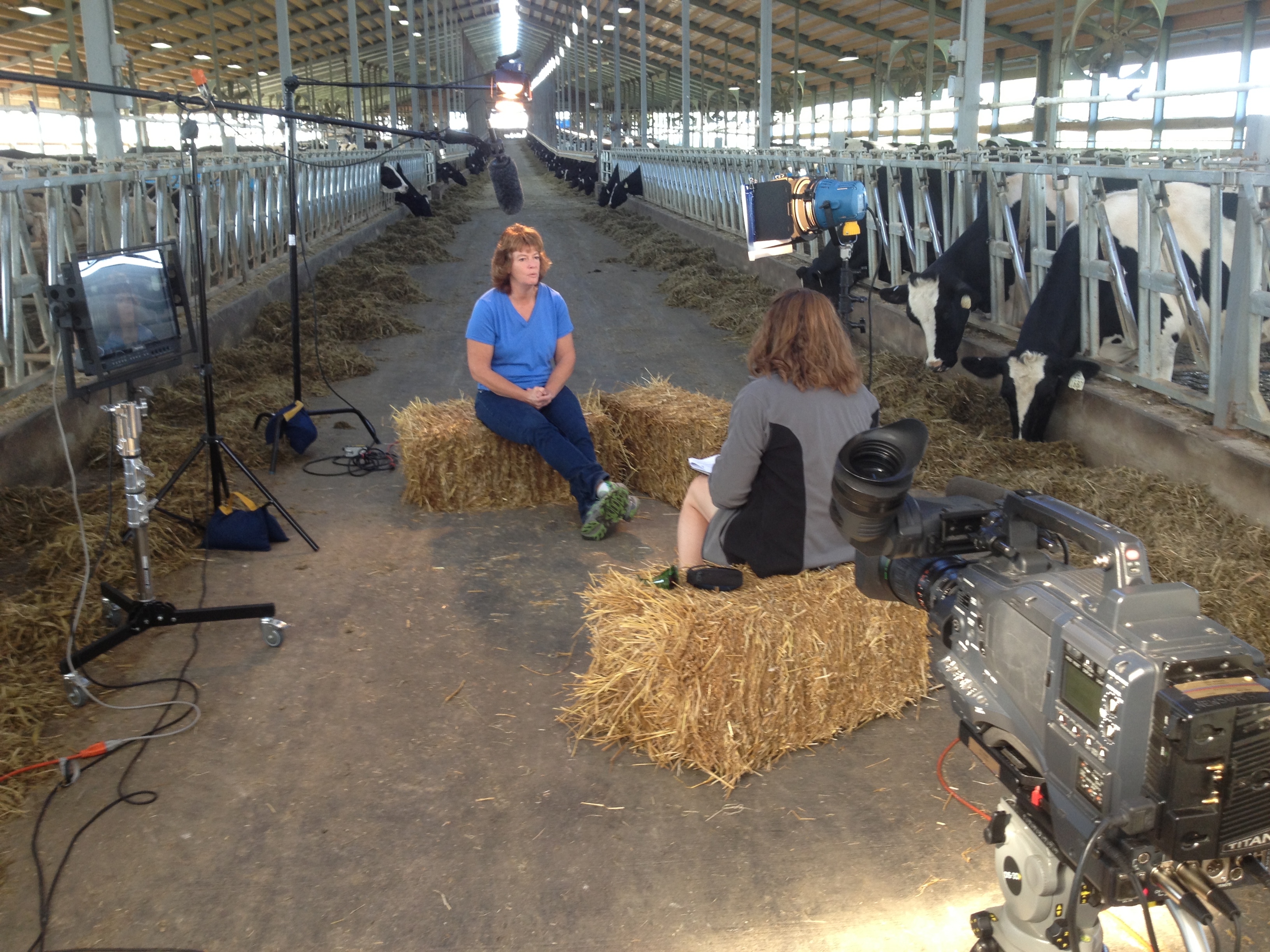
B-roll is the supporting footage that helps tell the story visually. It may show employees working, customers being served, products being prepared, equipment in use, meetings, office activity, facility details, signage, vehicles, tools, processes, or completed projects.

For social media clips, b-roll makes the video more engaging and easier to edit. Instead of relying only on a talking head, the viewer can see the business in action.

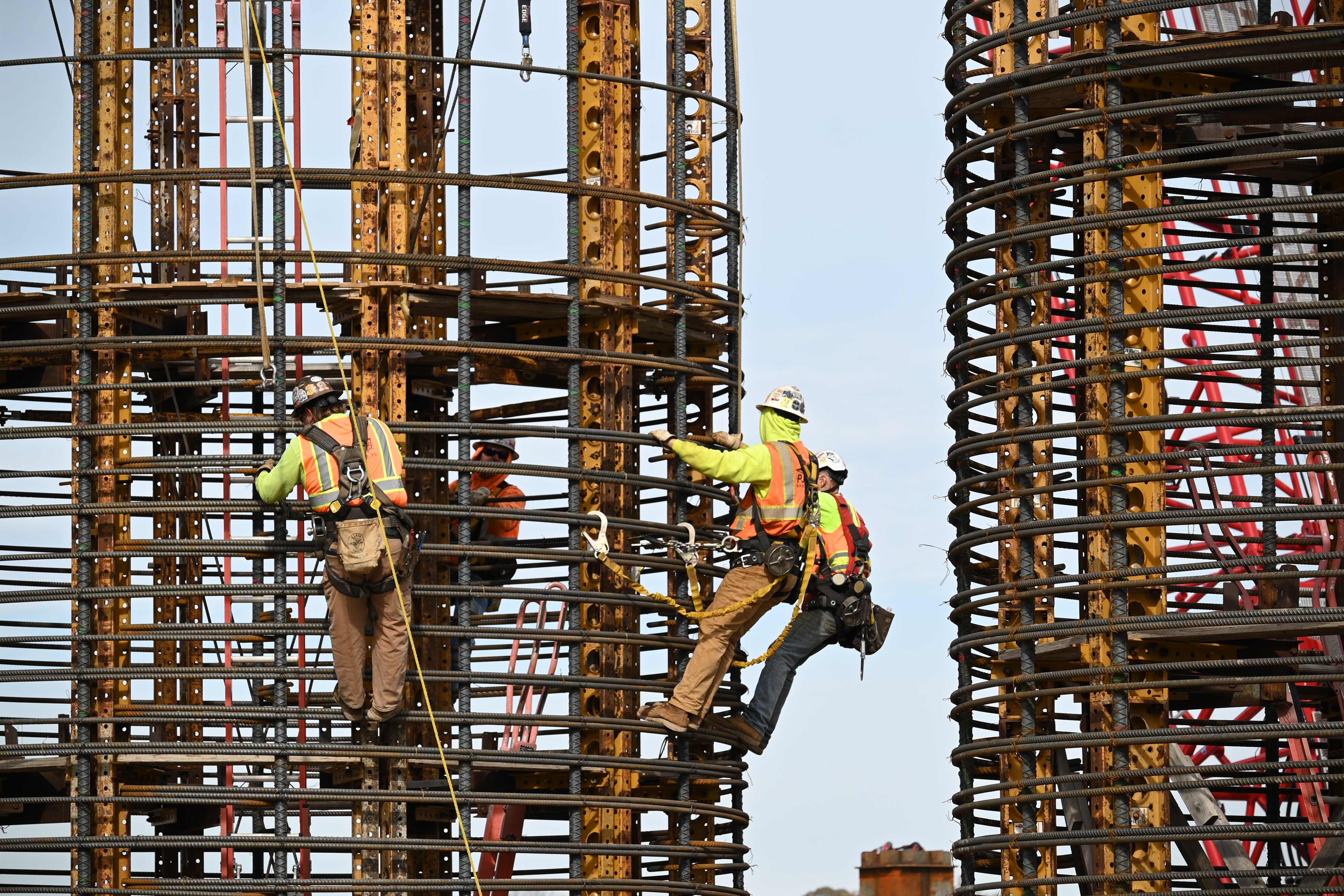
For professional service firms, b-roll may include consultations, meetings, team collaboration, client interaction, technology, documents, and branded materials. For contractors, manufacturers, healthcare practices, retailers, and service companies, b-roll may include facilities, tools, equipment, procedures, jobsites, products, and finished results.

Strong b-roll gives every business video more flexibility, polish, and marketing value.
Repurposing Content for Better Marketing Results

Small businesses should get as much value as possible from every production. A well-planned photography and video session can create content that supports websites, LinkedIn, social media, digital ads, sales presentations, recruiting, email marketing, and internal communications.

One interview can become several short clips. One headshot session can provide portraits for LinkedIn, staff pages, proposals, and email signatures. One location shoot can generate website banners, social media posts, thumbnail images, recruiting visuals, and b-roll for future edits.

Repurposing photography and video branding helps small businesses stay visible without constantly starting from scratch. It also helps maintain a consistent visual identity across platforms.

St Louis Corporate Photographers helps businesses think beyond a single finished image or video. The goal is to create practical, flexible media assets that can support long-term marketing and communication needs.

Studio and Location Production Options

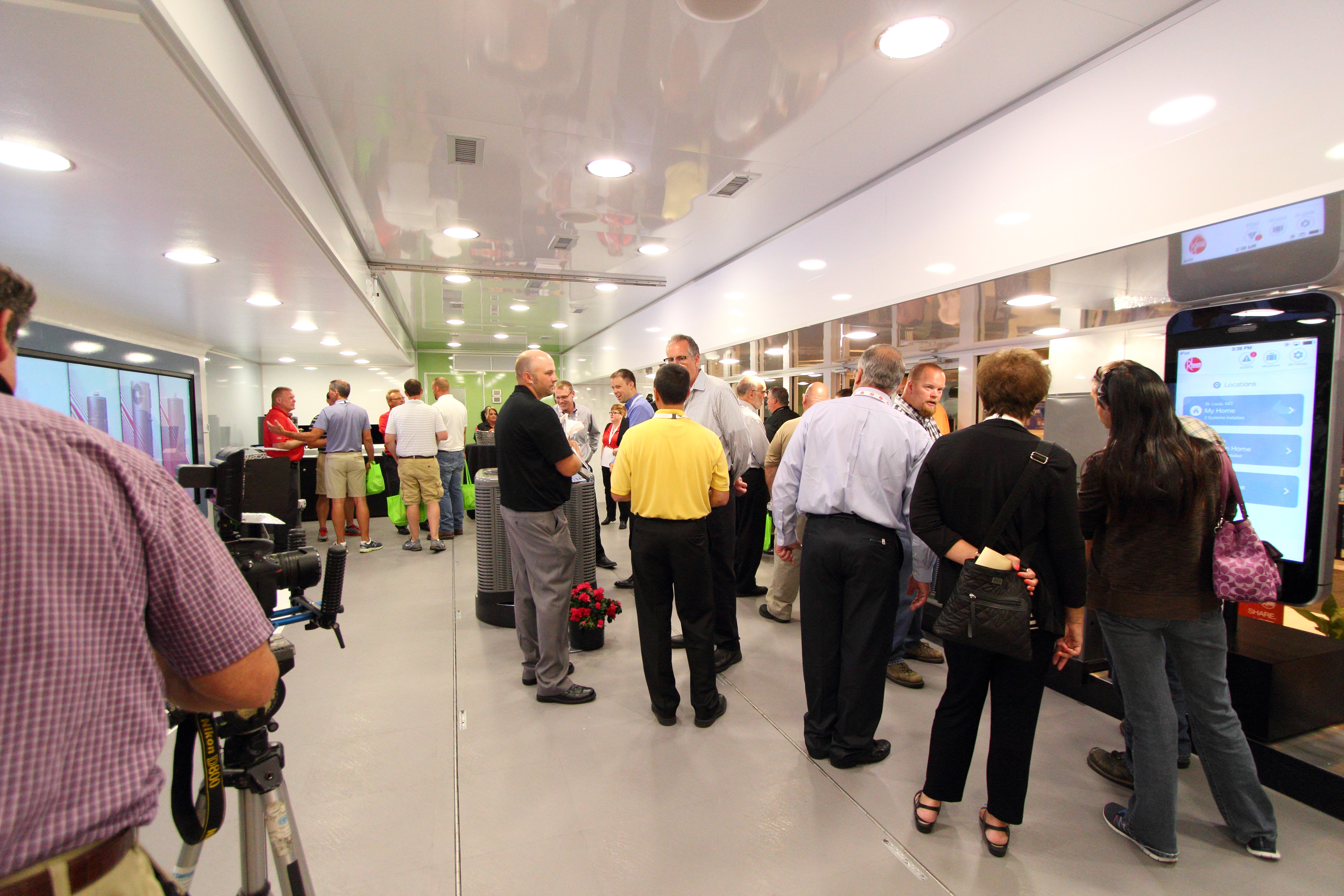
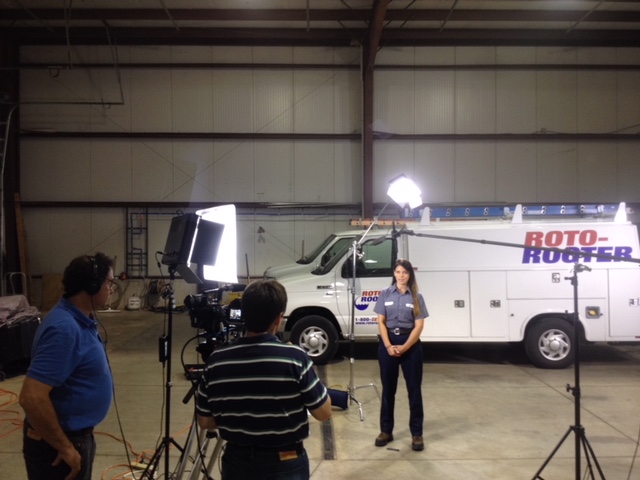
Some business projects are best produced in a controlled studio environment. Others need to be captured on location at an office, showroom, warehouse, clinic, jobsite, restaurant, retail space, manufacturing facility, event venue, or customer location.

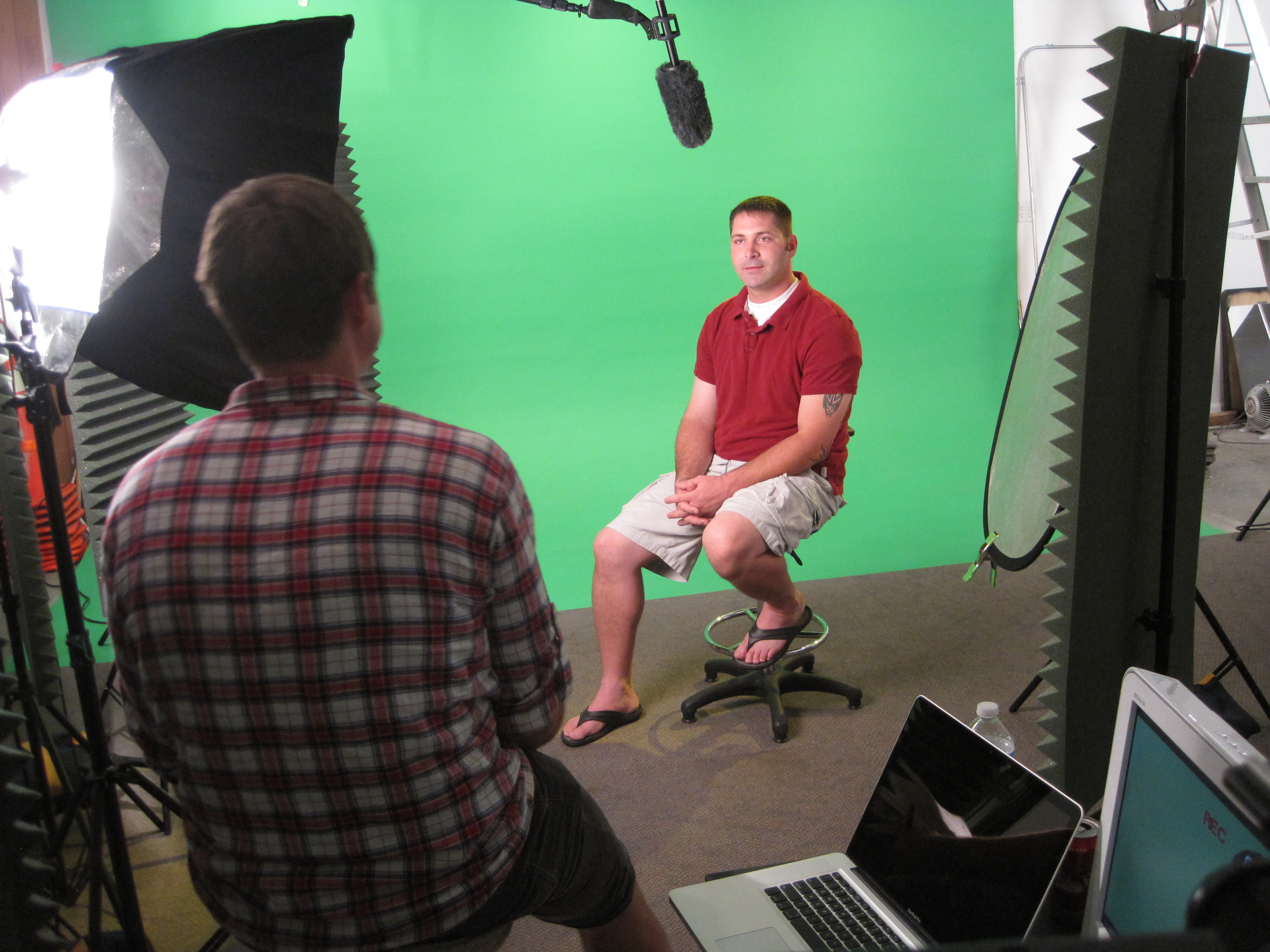
Studio production is ideal for corporate headshots, executive portraits, interviews, product photography, controlled lighting setups, small productions, and clean branded visuals. Location production is valuable when the business wants to show its people, environment, process, equipment, service experience, or completed work.

St Louis Corporate Photographers provides both studio and location photography and video production, allowing each project to be designed around the company’s message, audience, and intended use.
Corporate Photography and Video for Professional Service Firms

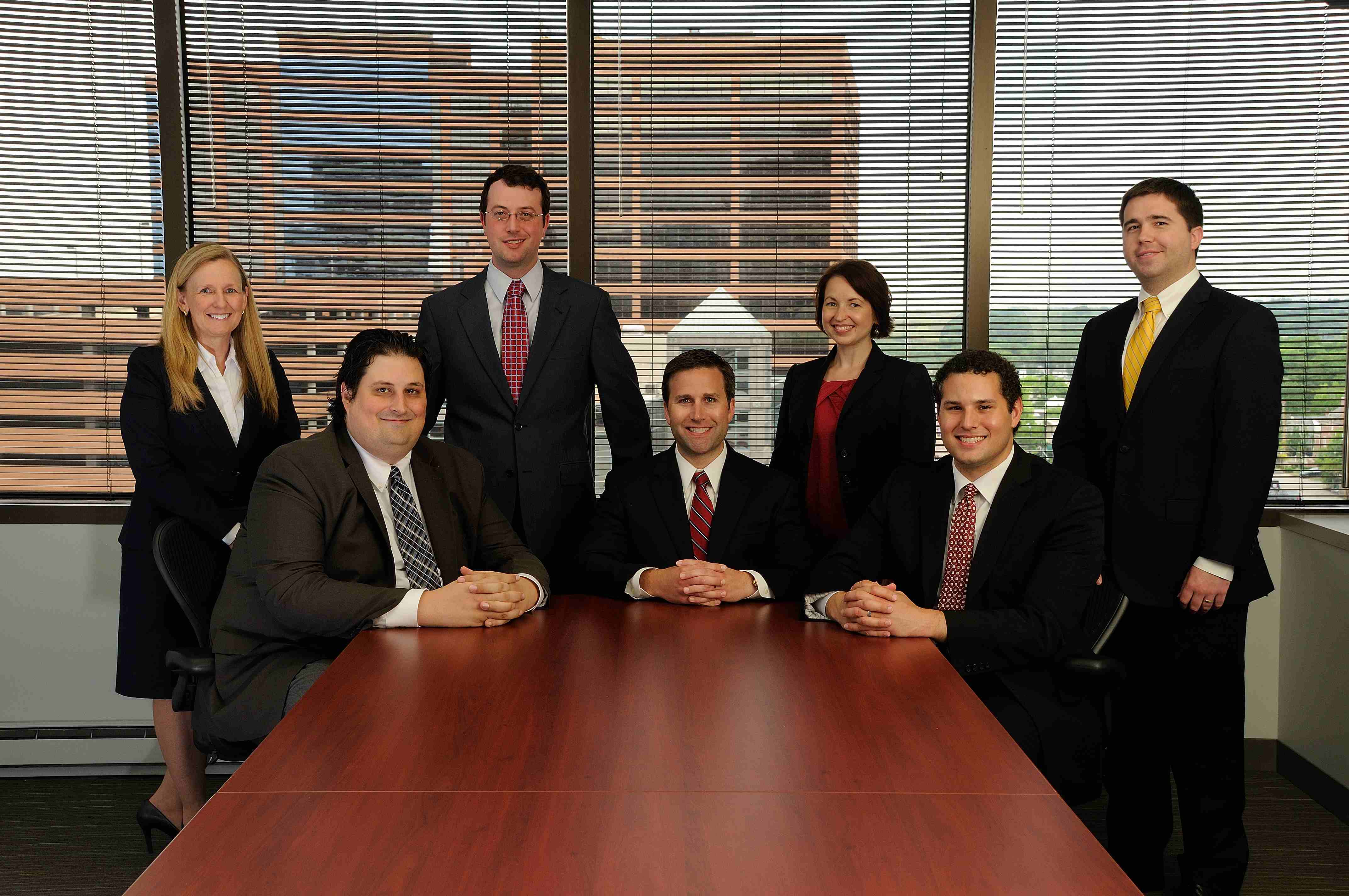
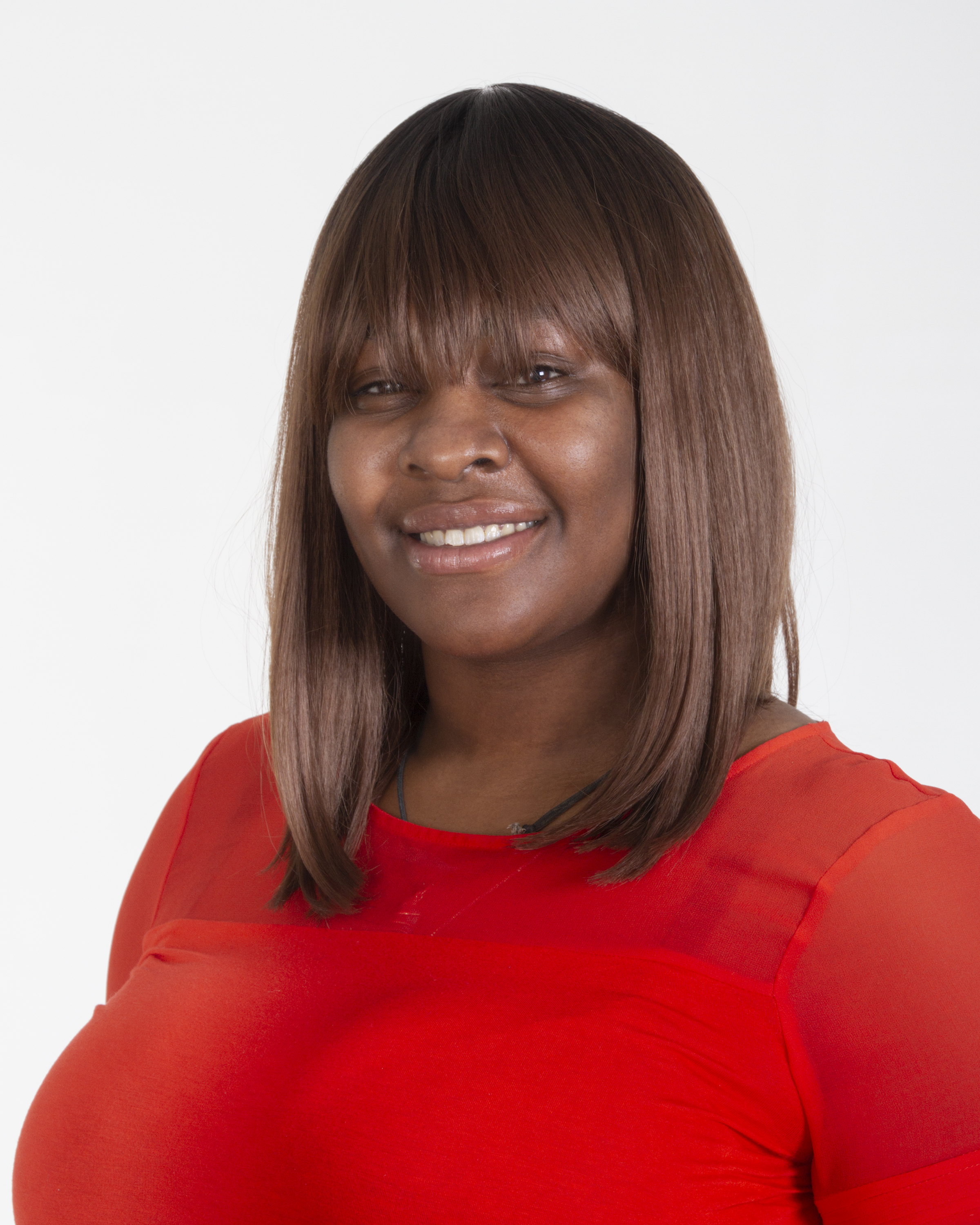
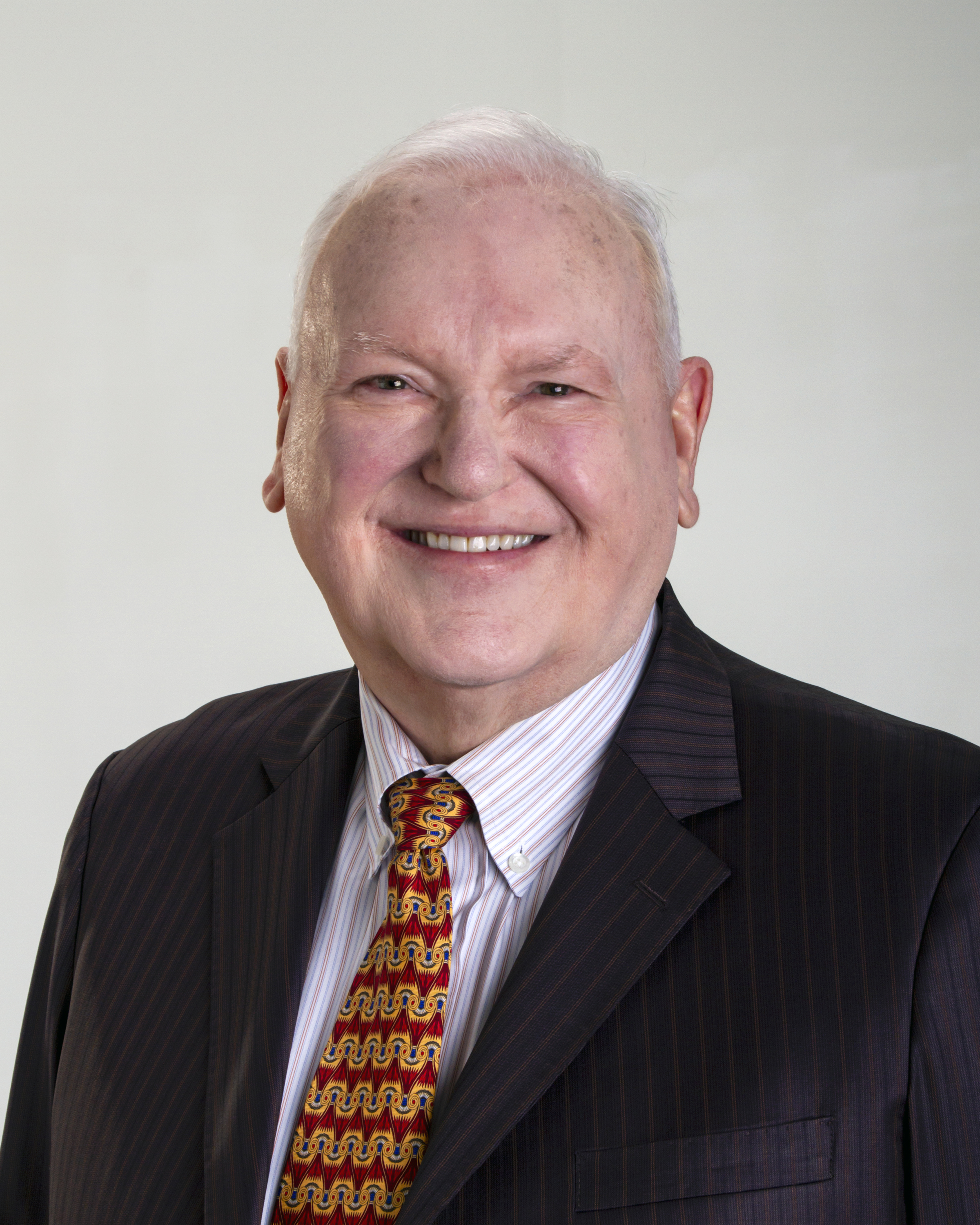
Professional service businesses depend heavily on reputation. Law firms, financial advisors, consultants, healthcare providers, real estate professionals, architects, engineers, agencies, and business-to-business service providers need visuals that communicate competence, trust, and experience.

For these organizations, headshots and short videos can introduce leadership, explain services, answer common client questions, support recruitment, and make the business feel more accessible.

A professional services media package may include:

Executive headshots
Staff portraits
Team photography
Office lifestyle images
Interview clips
Consultant or advisor profile videos
Service explanation clips
Client testimonial videos
Website banner images
LinkedIn content
Recruiting videos
Meeting and collaboration b-roll

This type of content helps prospects understand who they may be working with before the first conversation begins.
Drone and Specialized Imaging Services

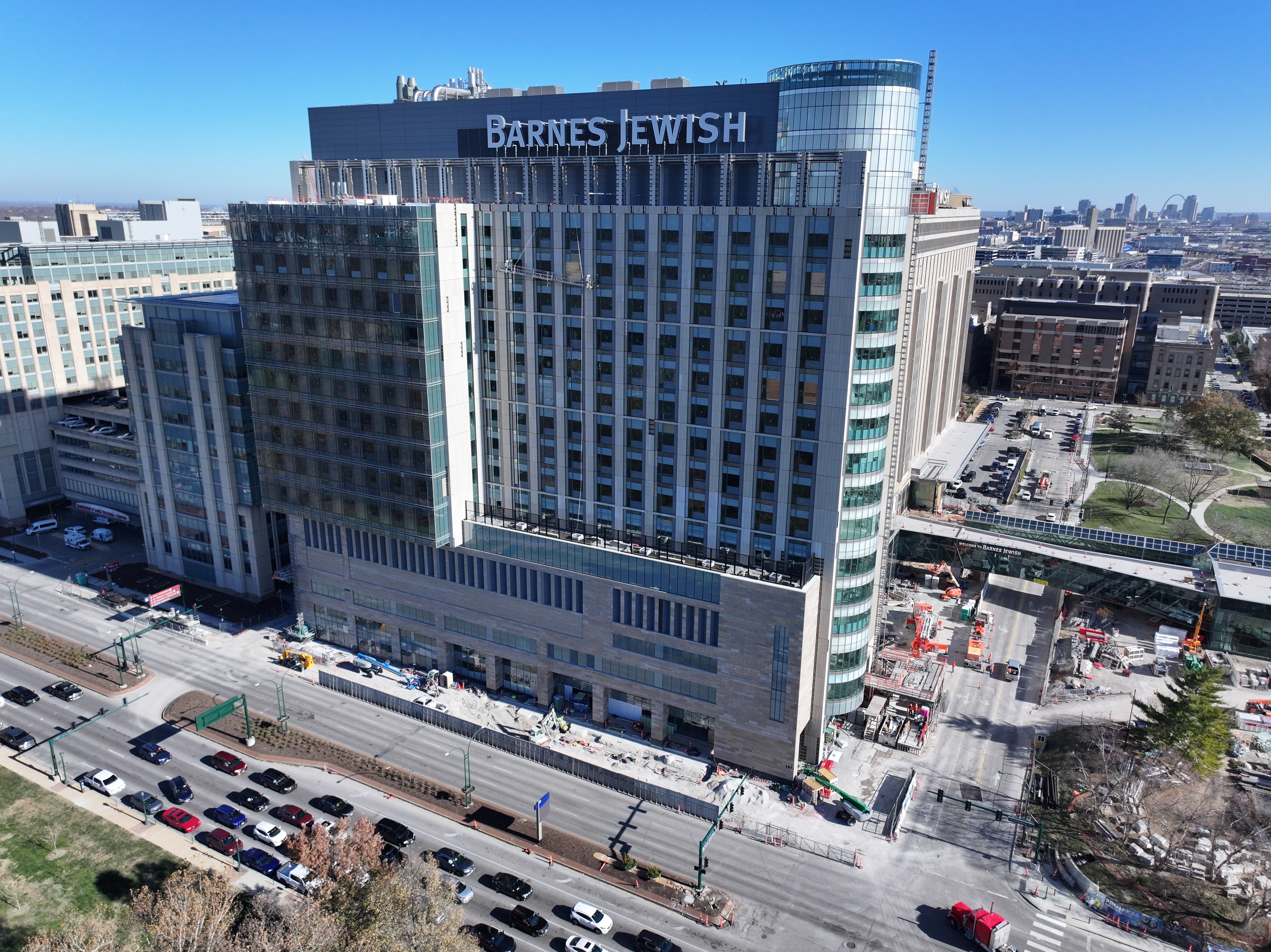
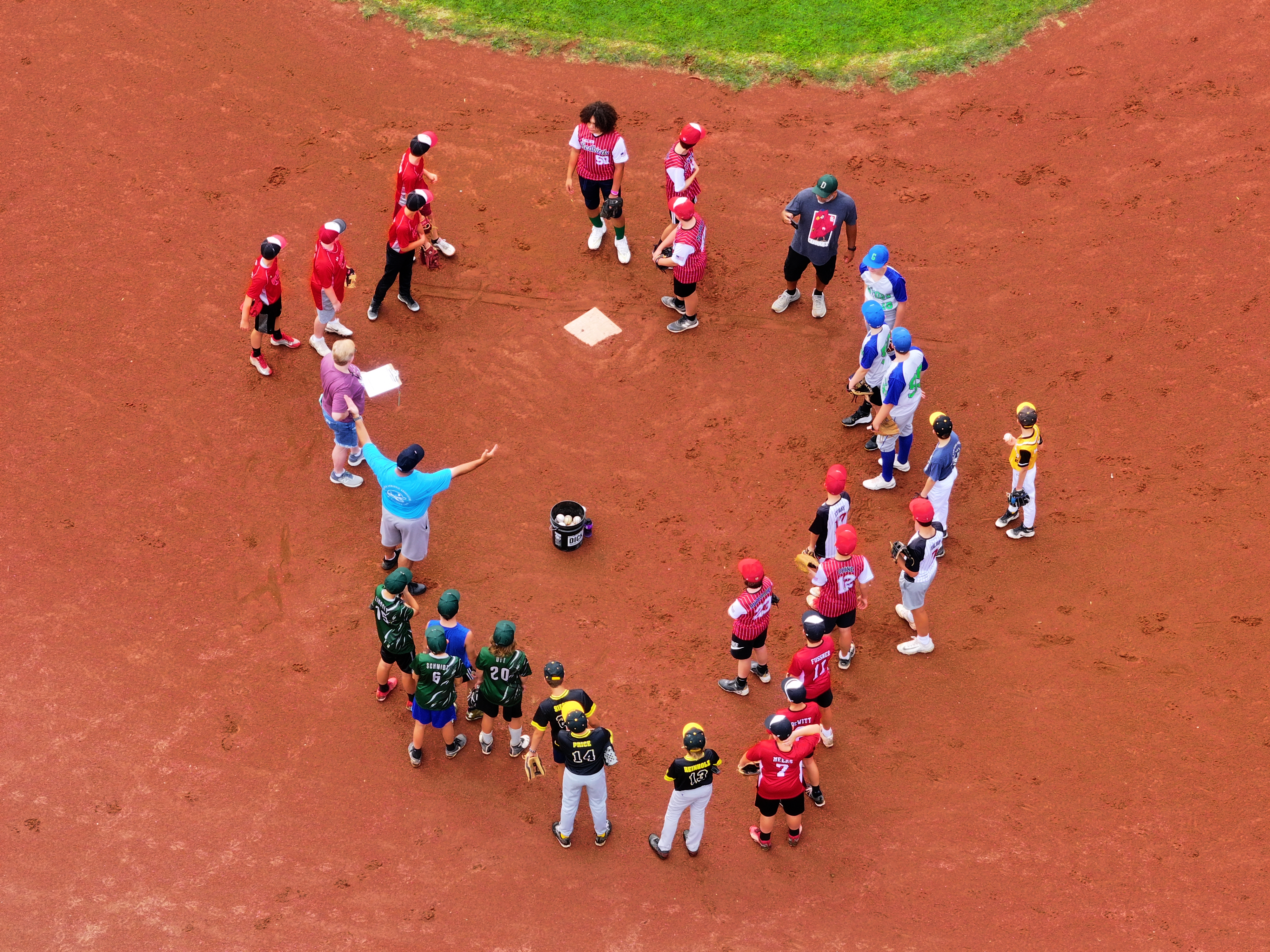
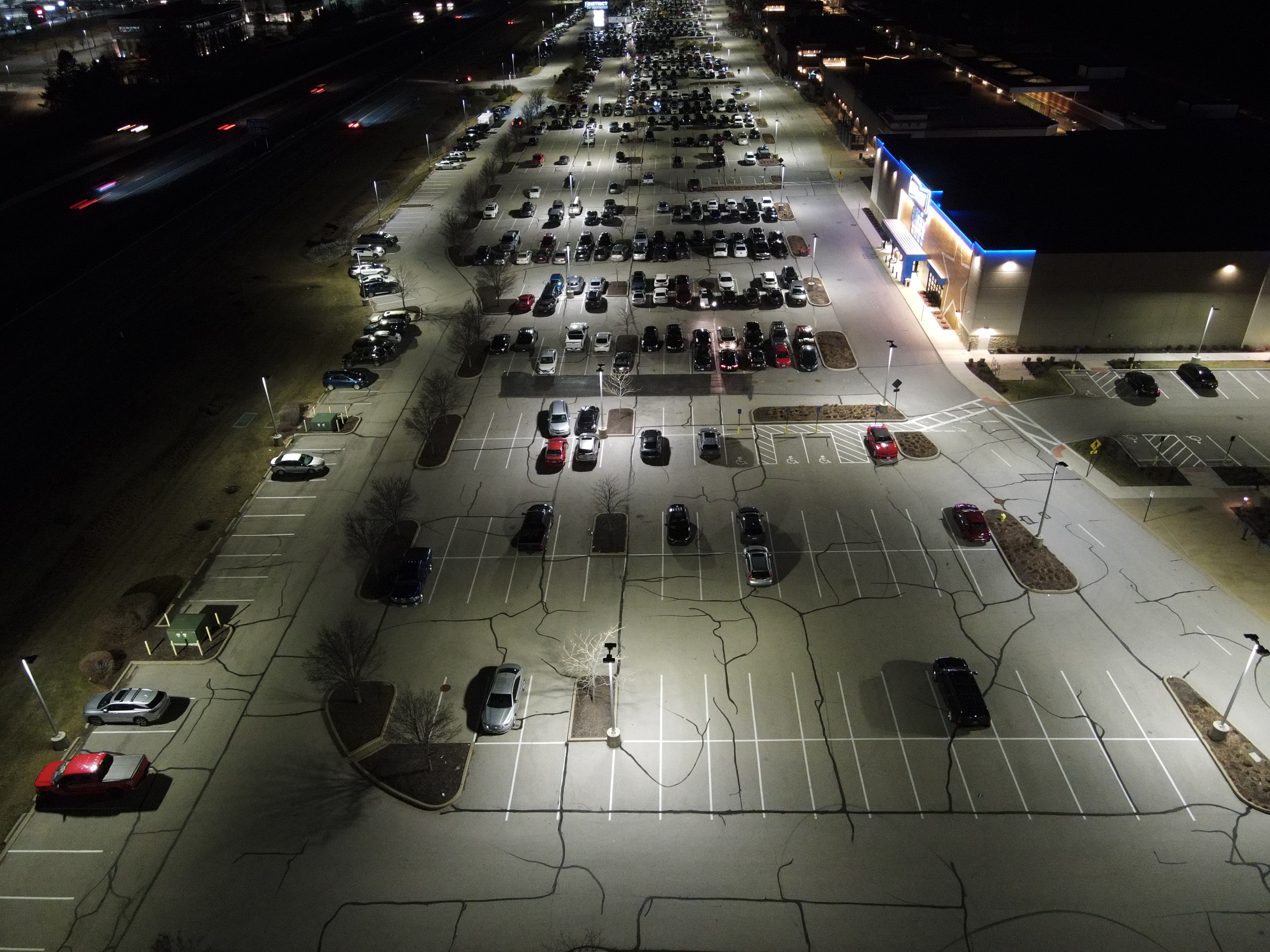
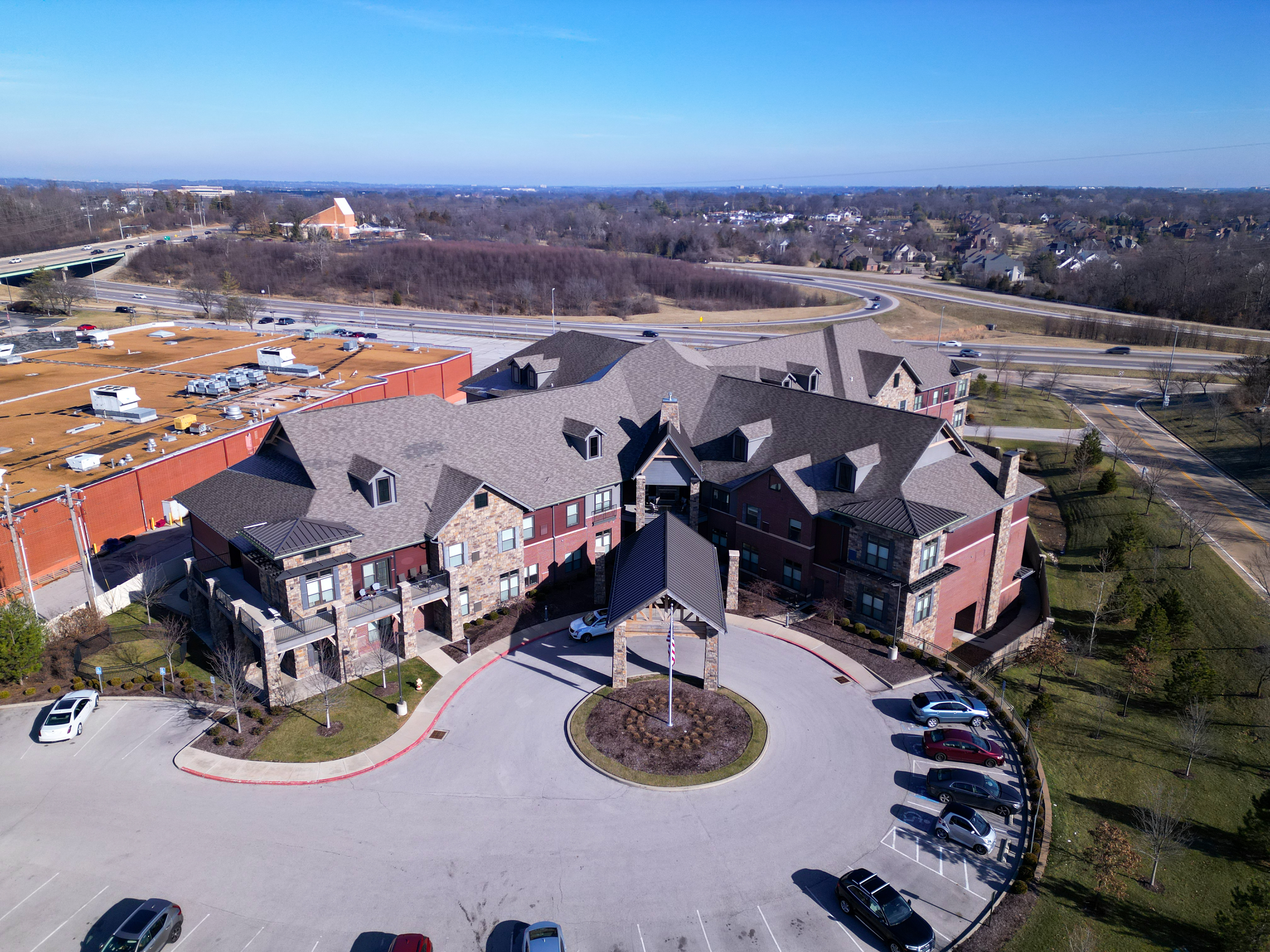
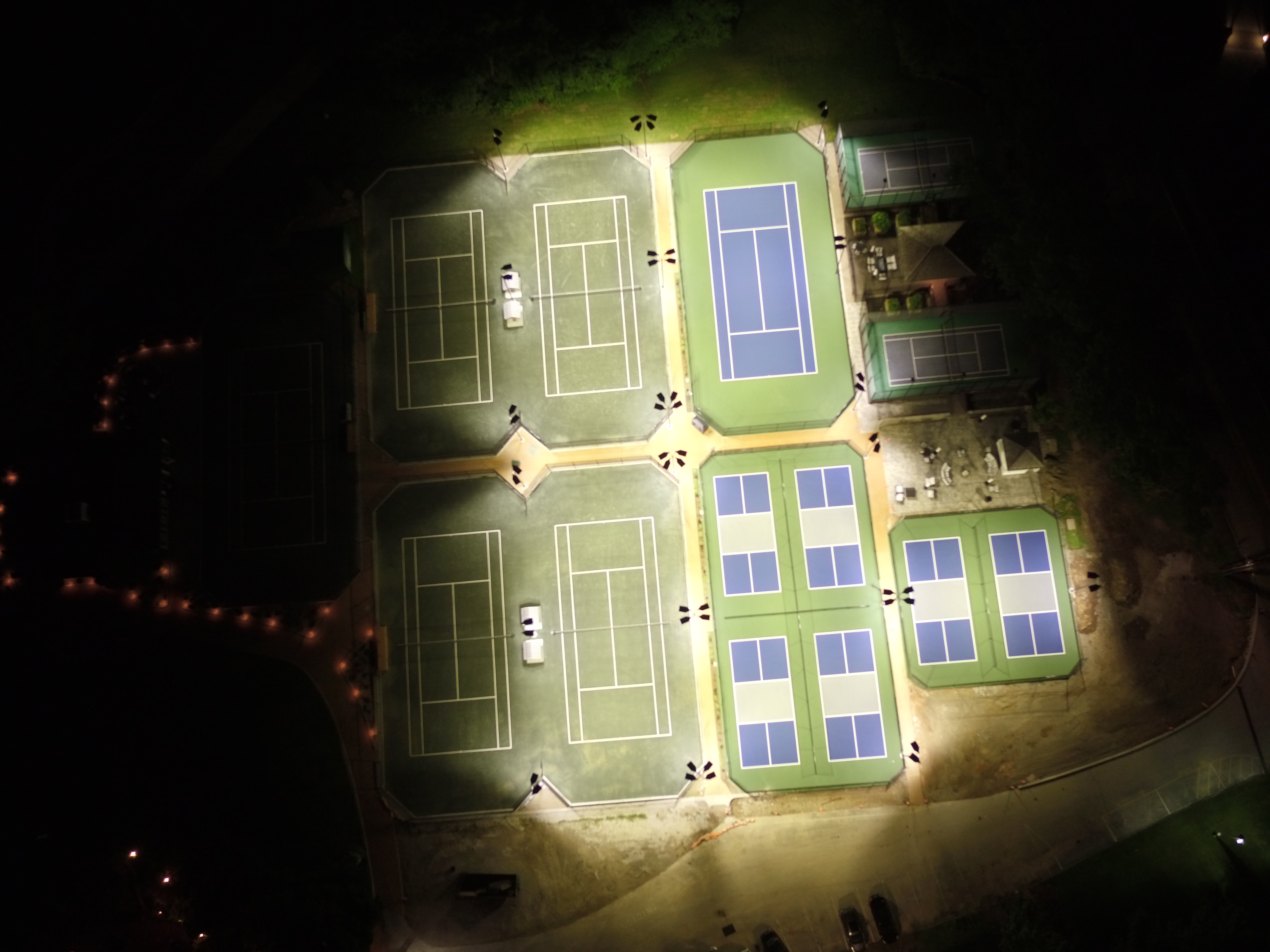
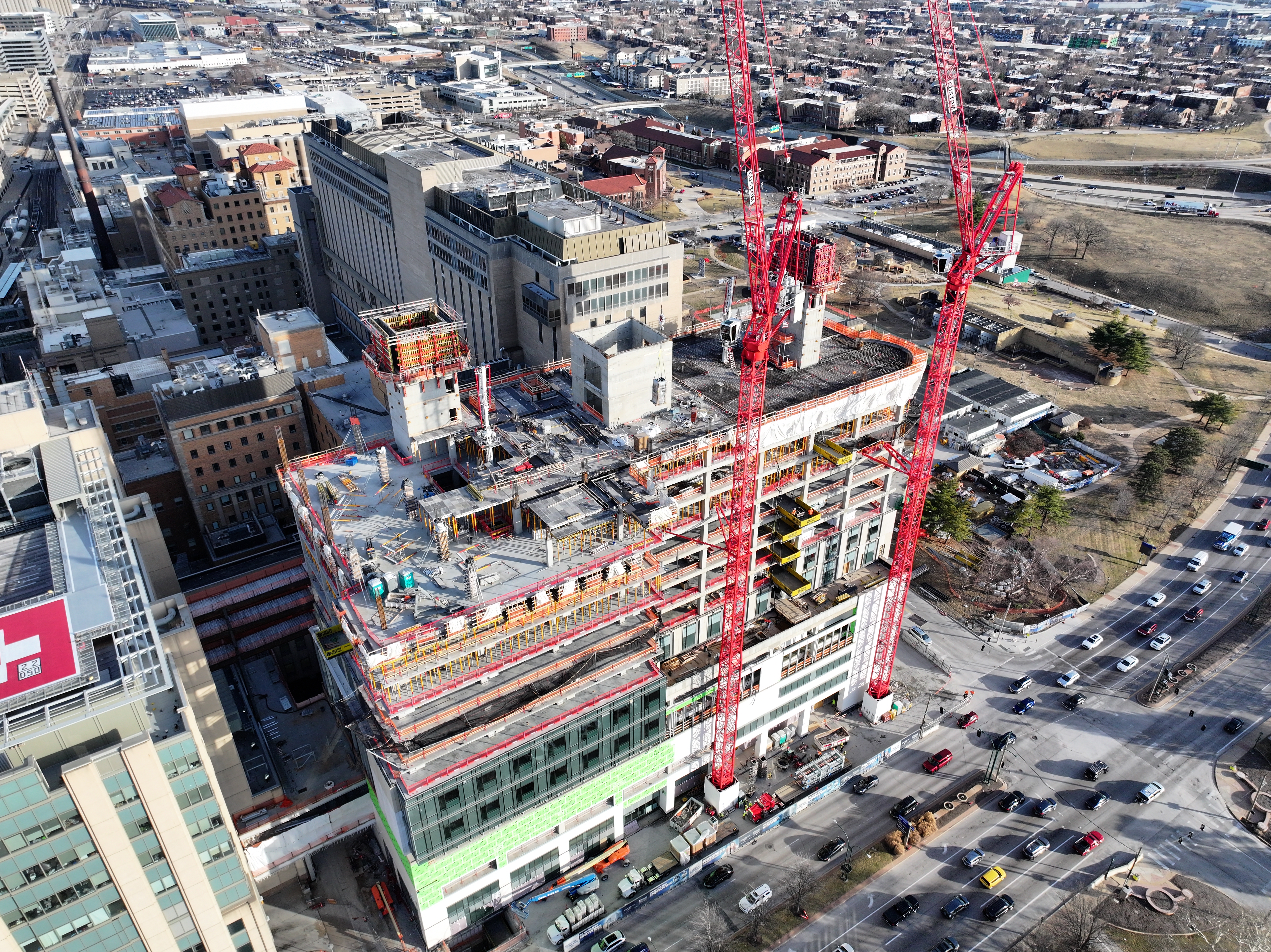
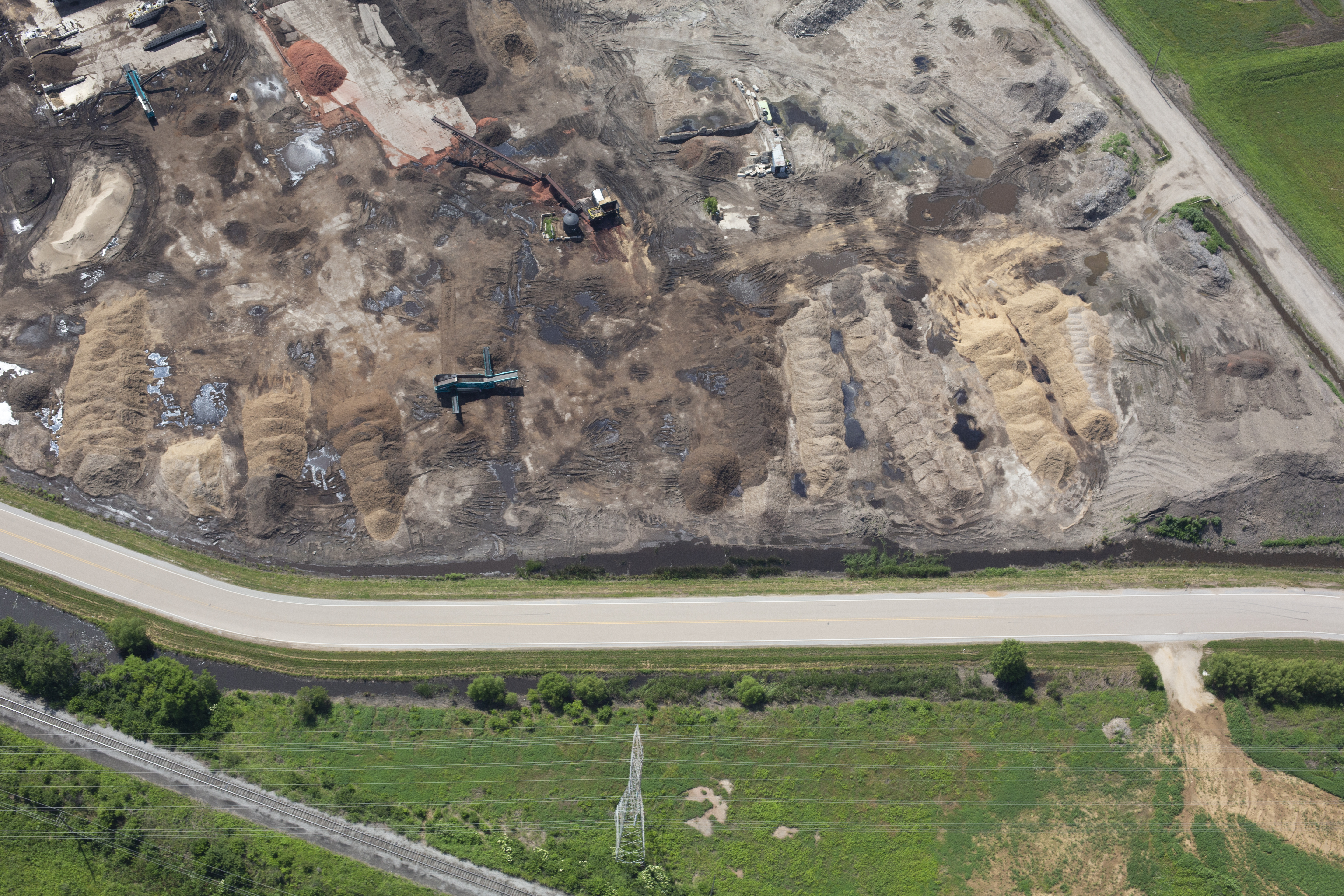
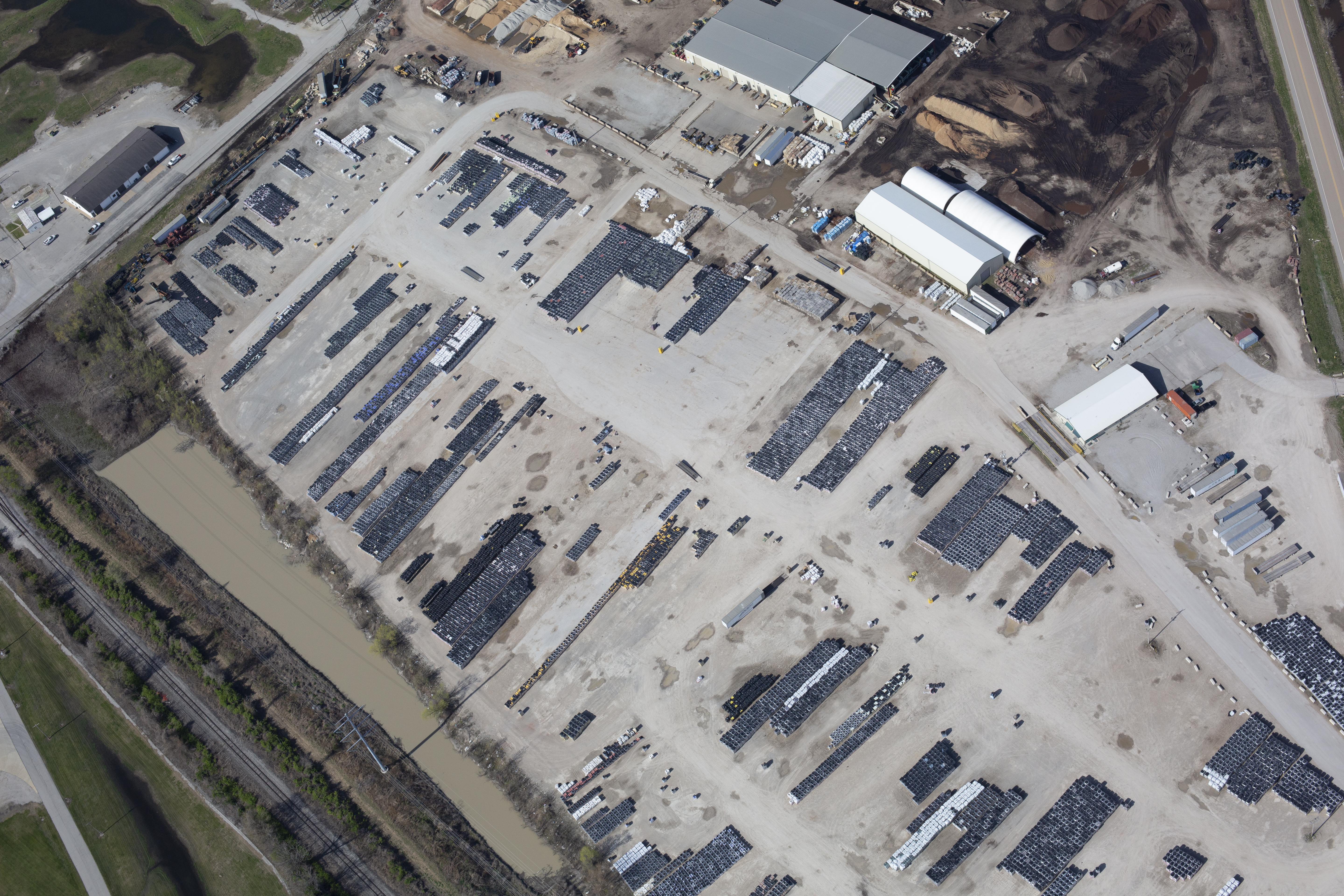
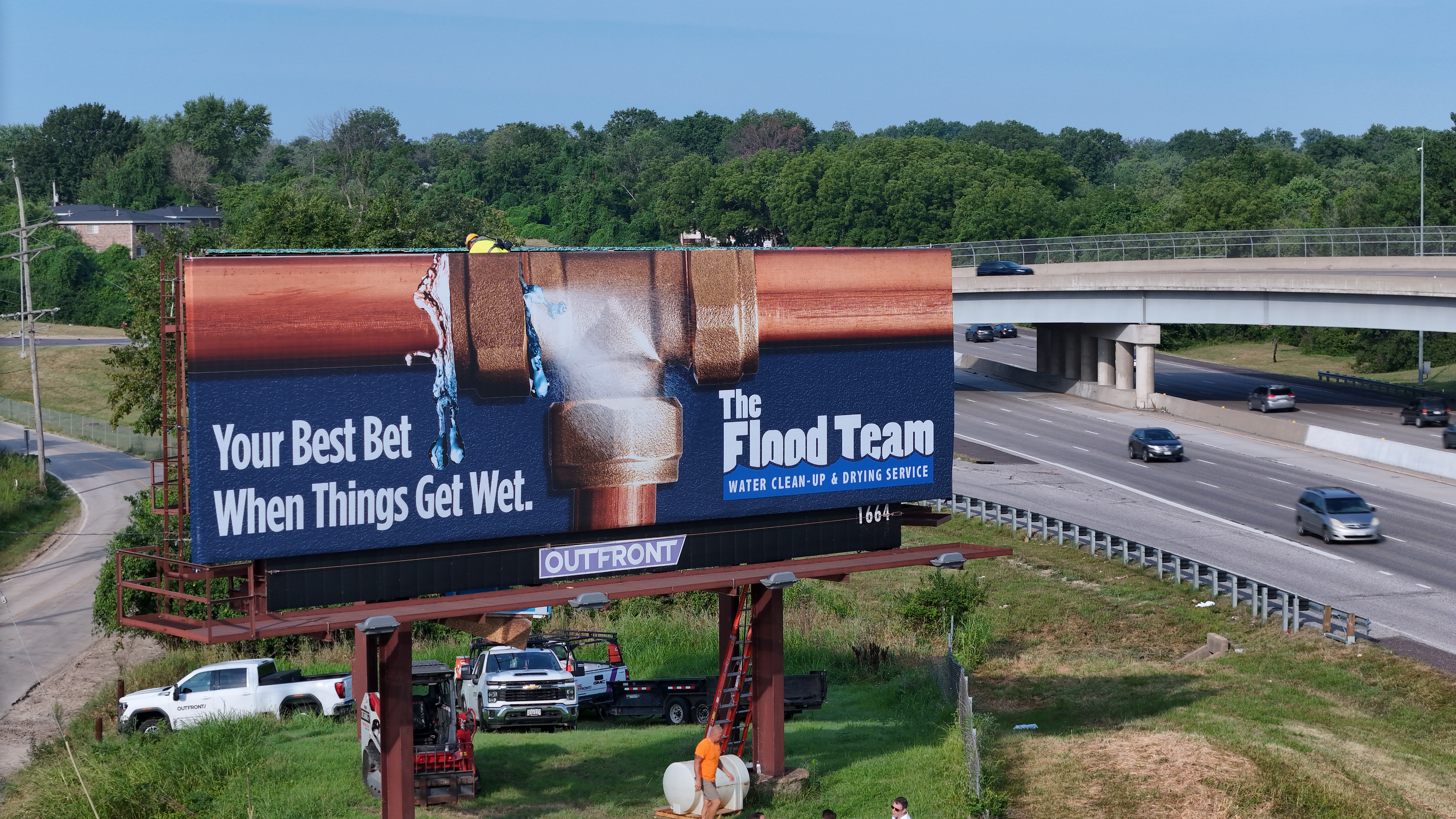
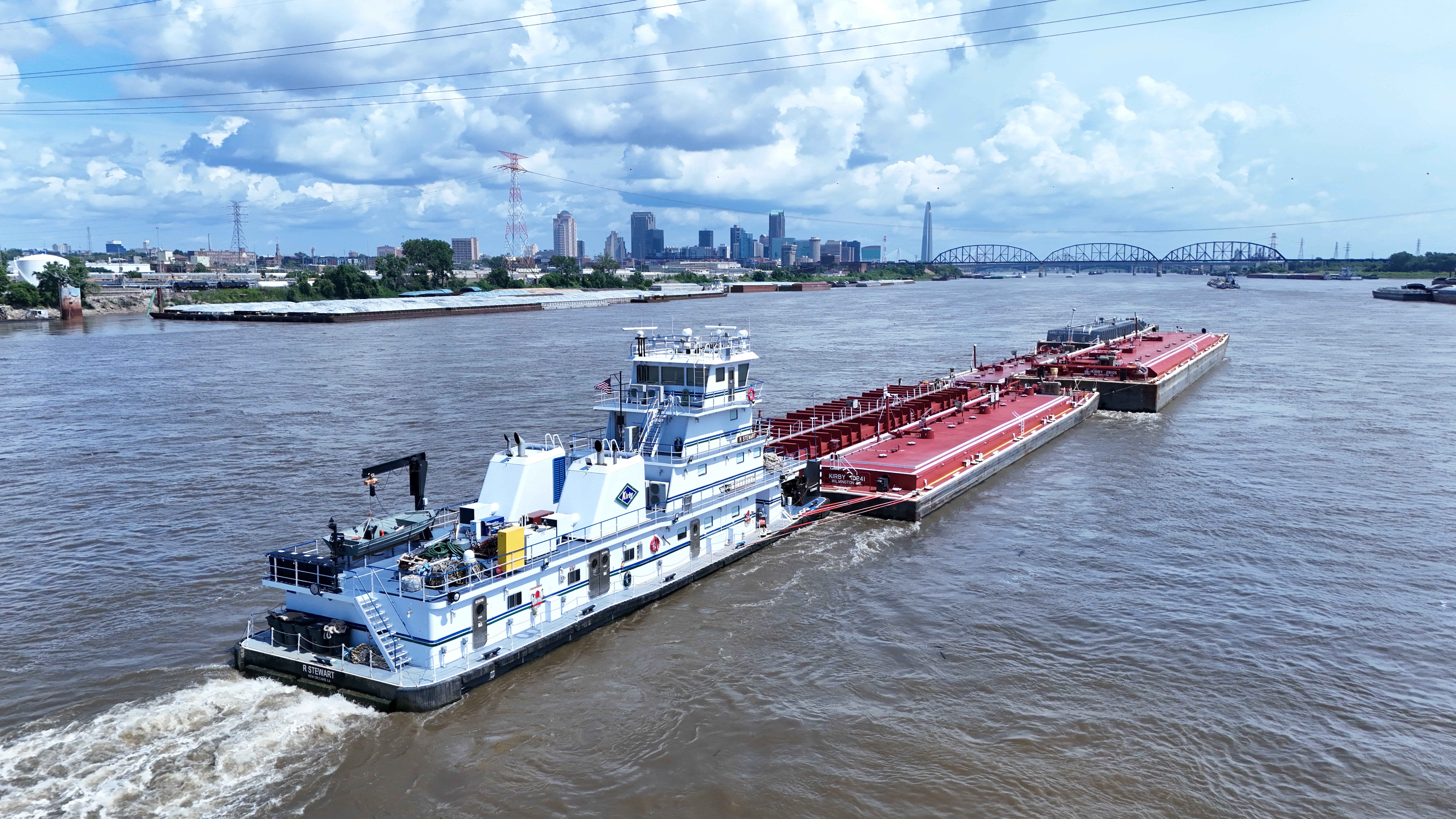
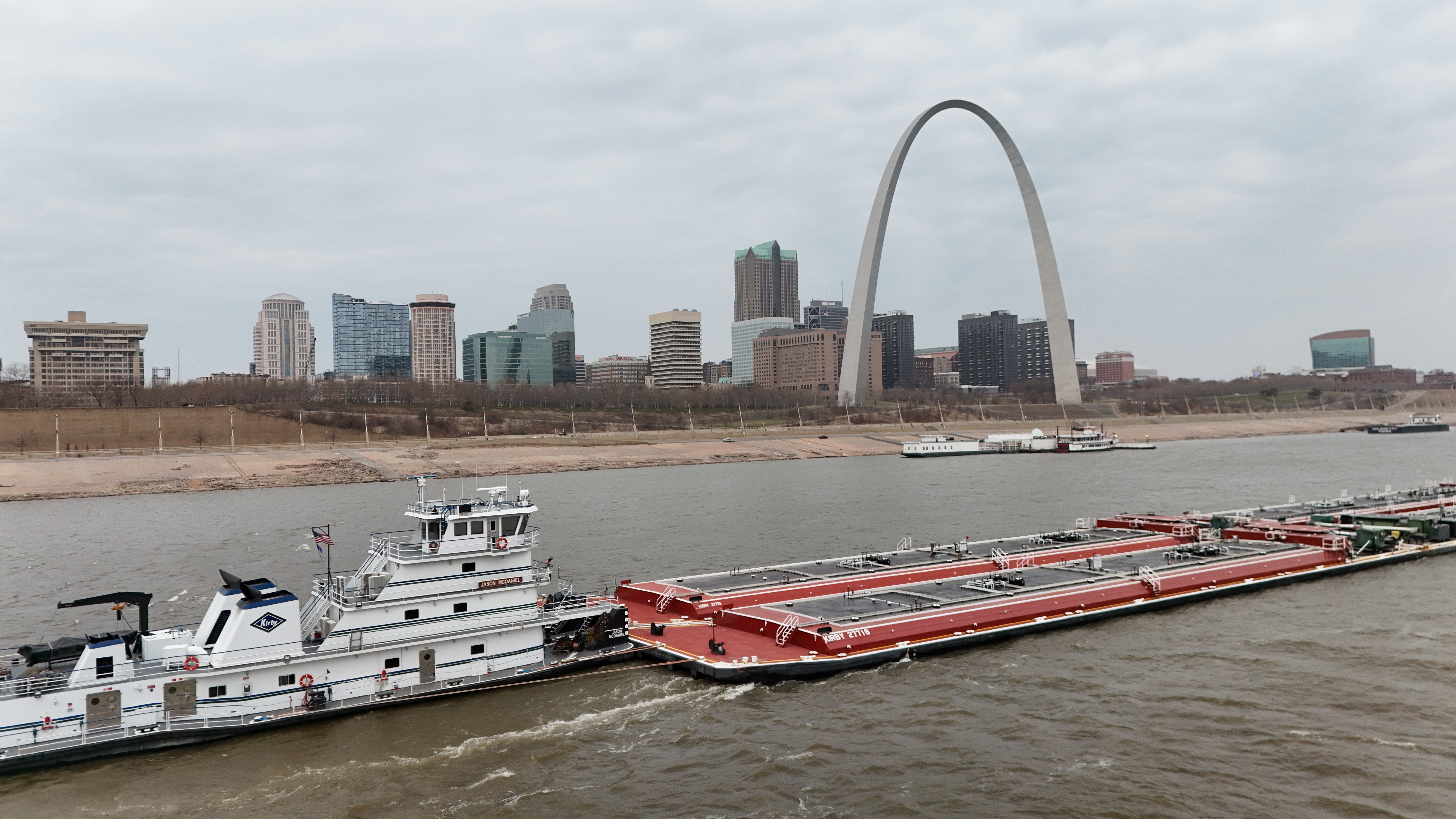
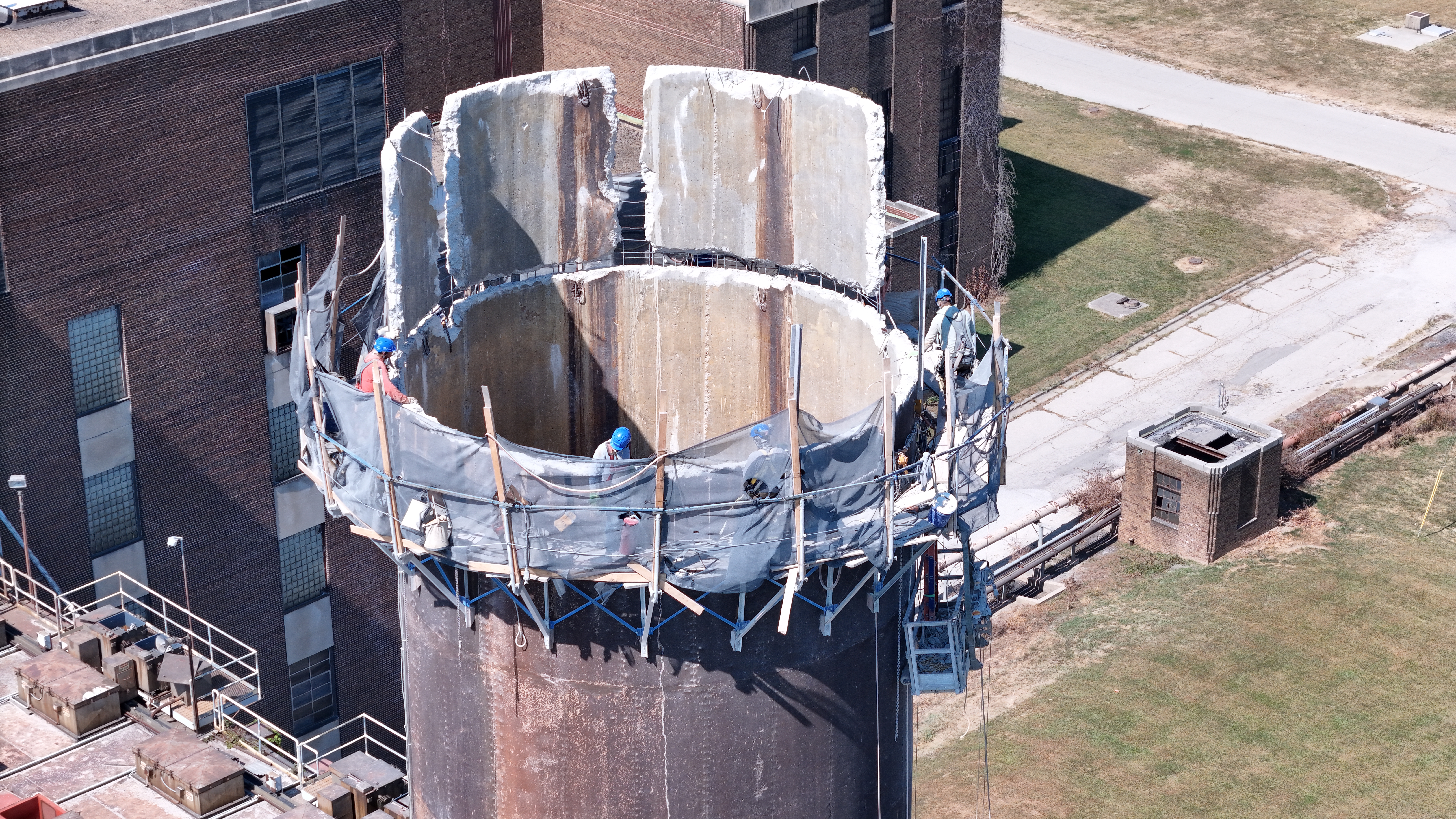
Some commercial projects require more than standard photography and video. Exterior locations, large properties, construction sites, campuses, industrial facilities, commercial buildings, and event spaces may benefit from aerial imagery or advanced drone services.

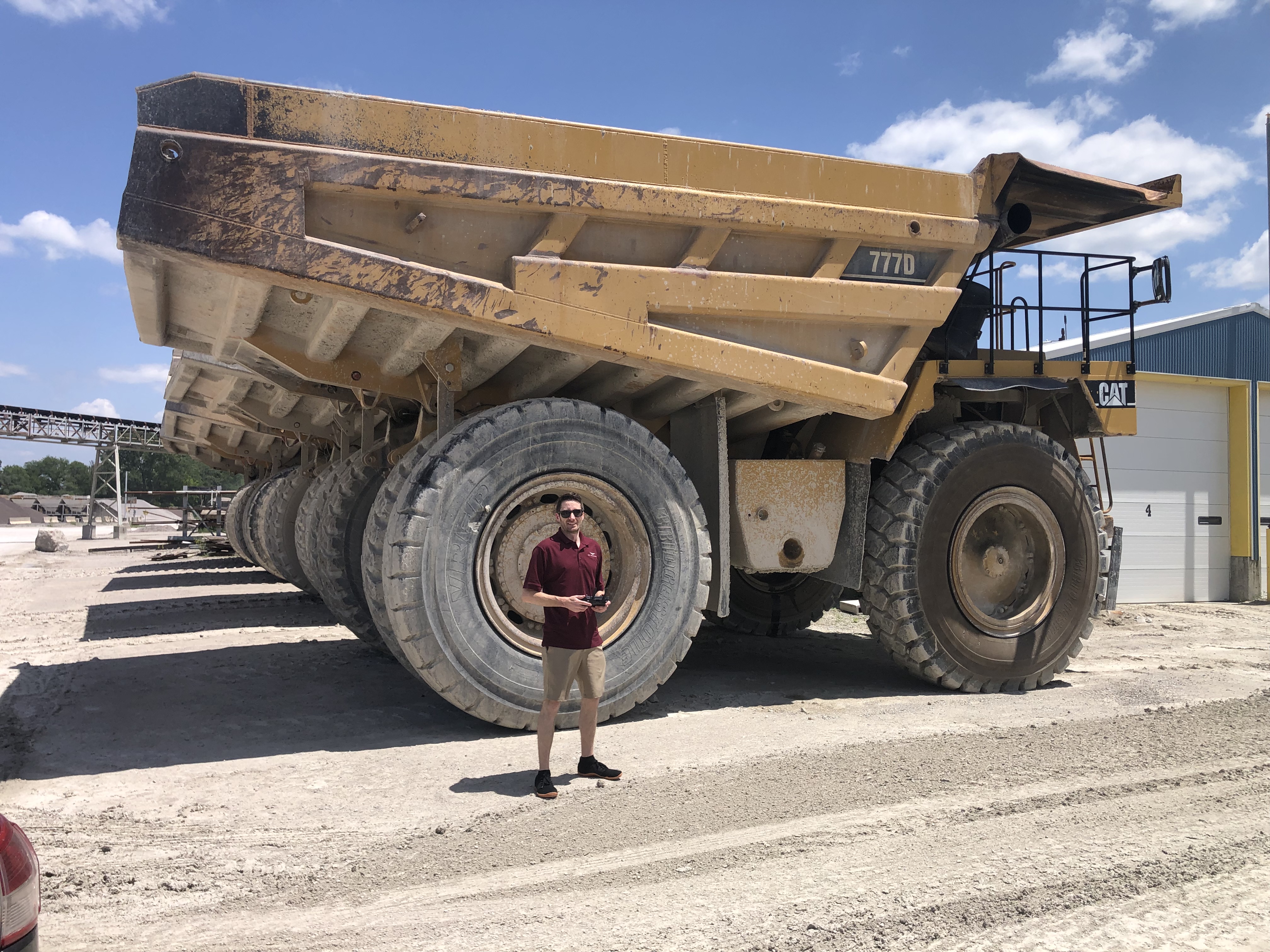
St Louis Corporate Photographers provides licensed drone services when aerial photography or video can add value to the project. The company can also fly specialized FPV drones indoors, creating dynamic movement through offices, warehouses, showrooms, event venues, facilities, and commercial interiors.

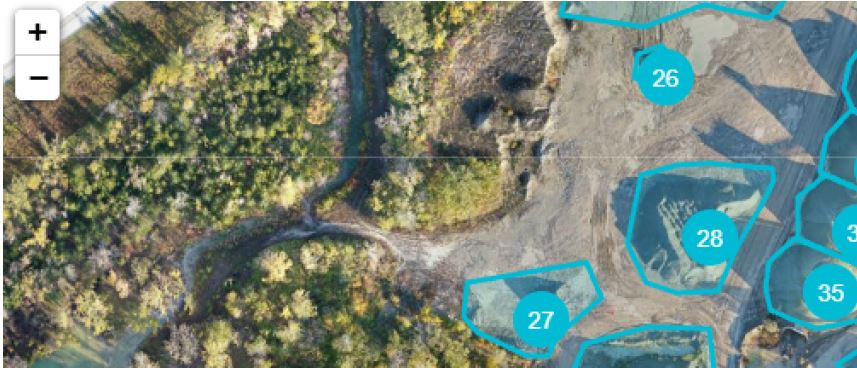
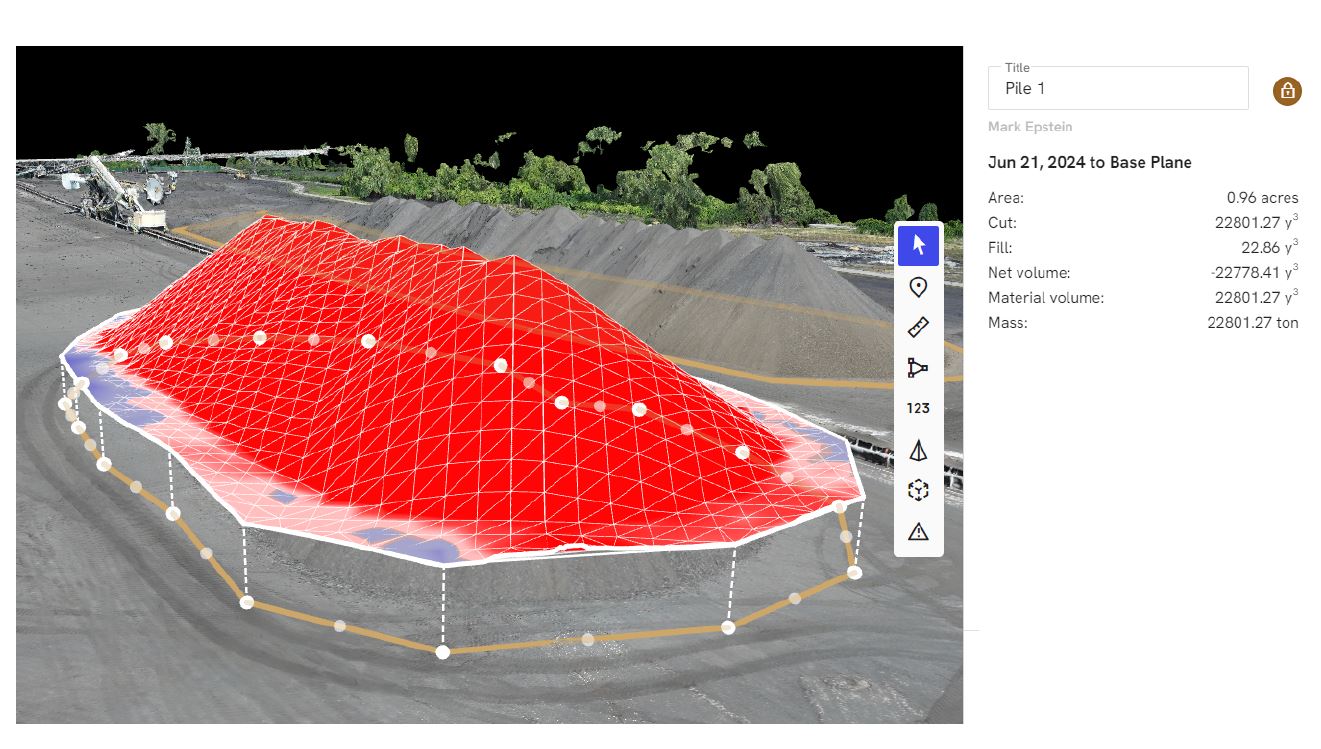
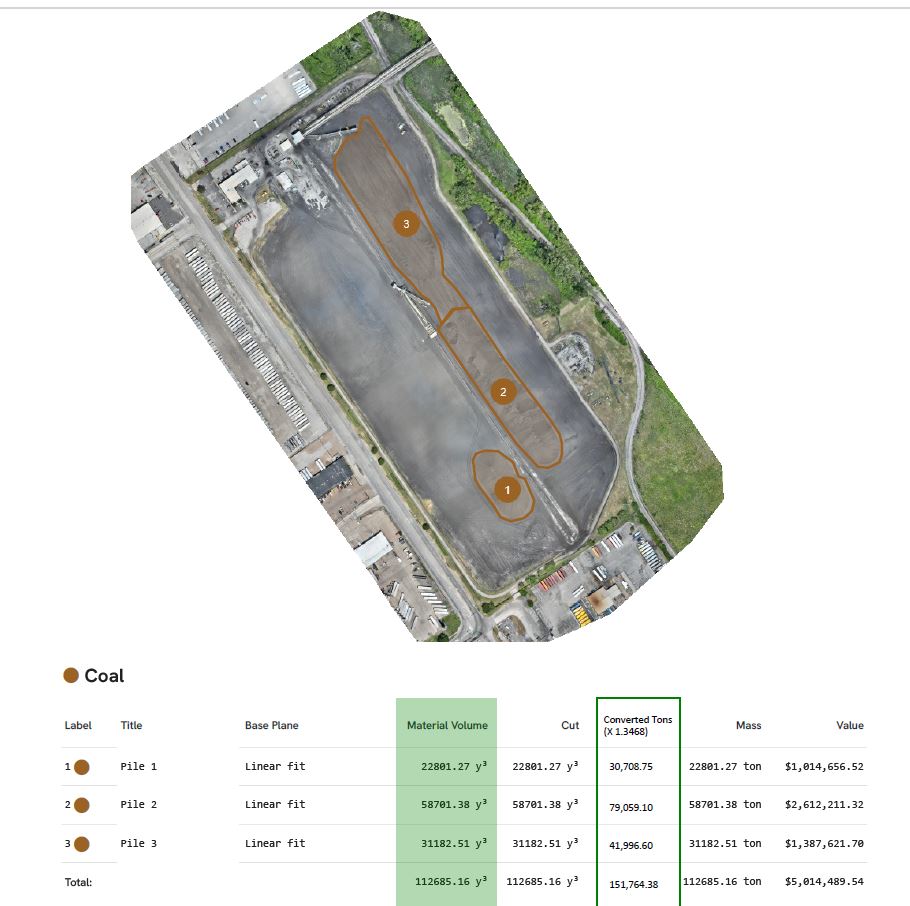
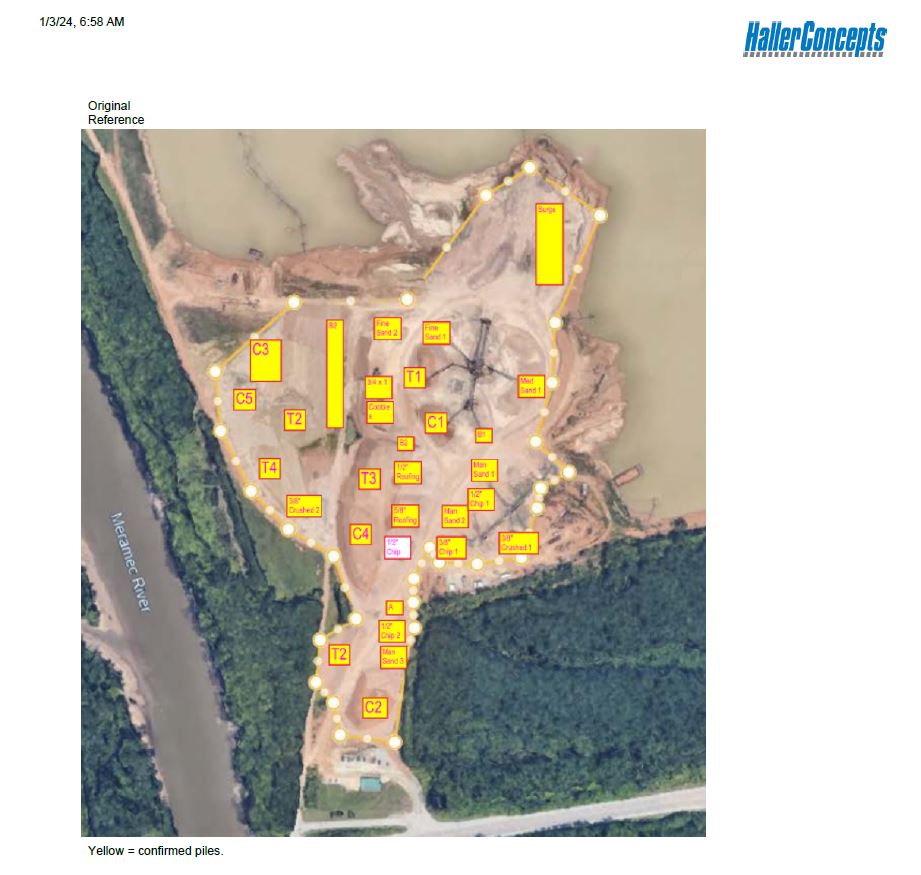
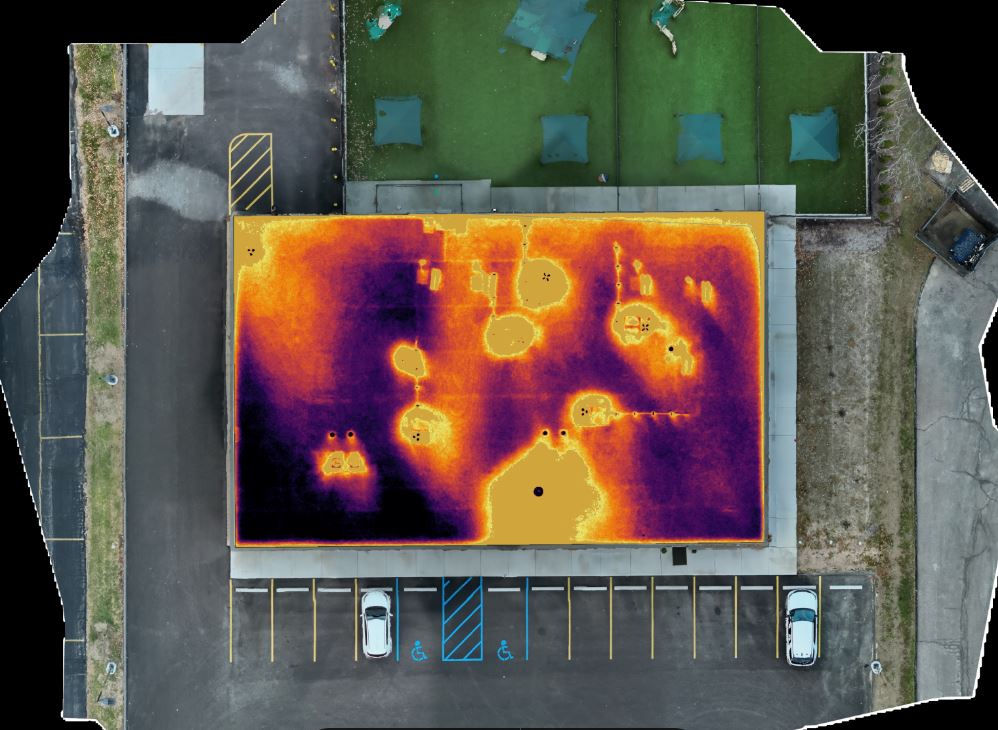
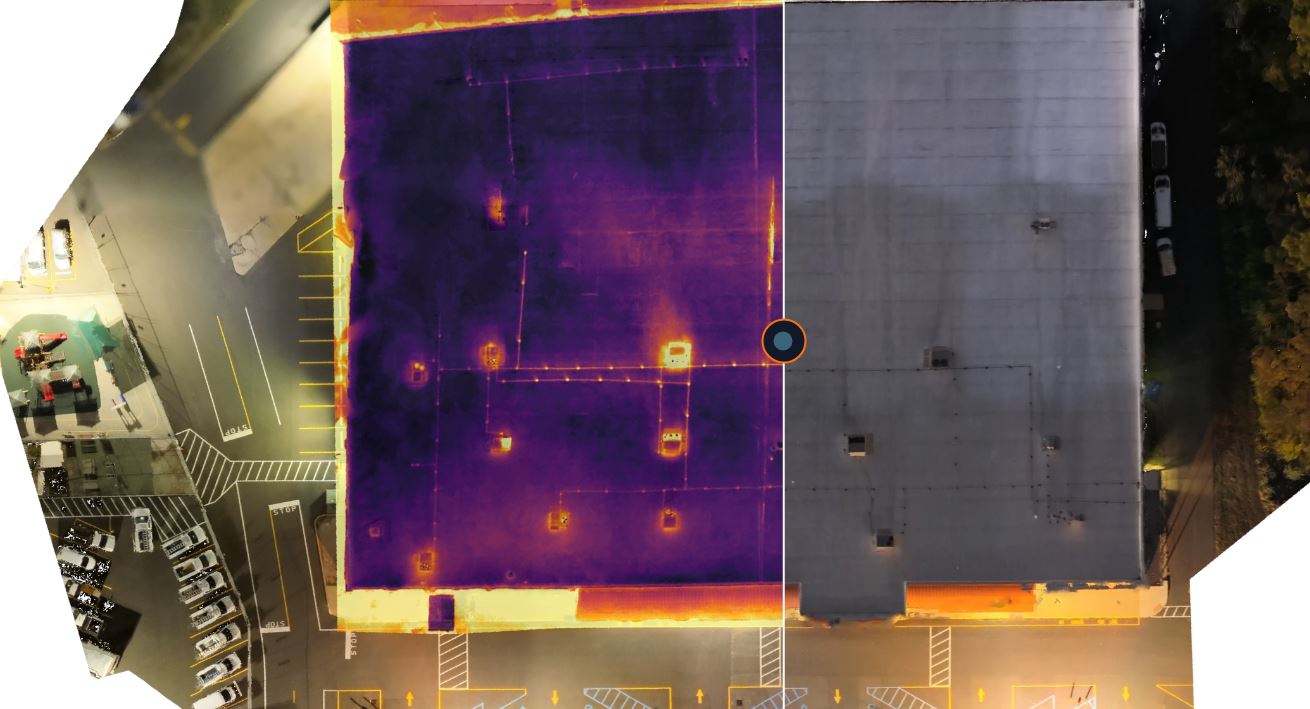
Additional specialized drone services include infrared thermal imaging, orthomosaics, and LiDAR. These services can support inspection, documentation, mapping, construction, industrial, technical, and analytical projects where advanced visual information is needed.
Deliverables for Small Business Marketing

A professional corporate photography and video production can provide a wide range of deliverables, including:

Retouched headshots
Executive portraits
Team photos
Website-ready image files
LinkedIn-ready portraits
Social media image files
Short vertical video clips
Horizontal website videos
Interview clips
Customer testimonial videos
B-roll footage
Captioned video versions
Branded title graphics
Thumbnail images
Drone photography
Drone video
FPV interior footage
Edited clips for digital advertising
Selected raw footage when requested

Deliverables should be planned before the shoot so the right formats, aspect ratios, resolutions, usage needs, and file types are considered from the beginning.

Professional Media Helps Small Businesses Compete

Small businesses often compete against larger organizations with bigger marketing departments and larger advertising budgets. Professional photography and video can help narrow that gap by making the company look more established, more trustworthy, and more prepared.

A polished headshot builds credibility. A short video clip explains expertise. A testimonial supports confidence. B-roll shows the company in action. Drone footage adds scale and perspective. Together, these assets help a small business improve visibility and communicate more effectively.

Professional visual content is not just decorative. It supports sales, recruiting, customer education, public relations, internal communication, digital advertising, and brand recognition.

Work With St Louis Corporate Photographers

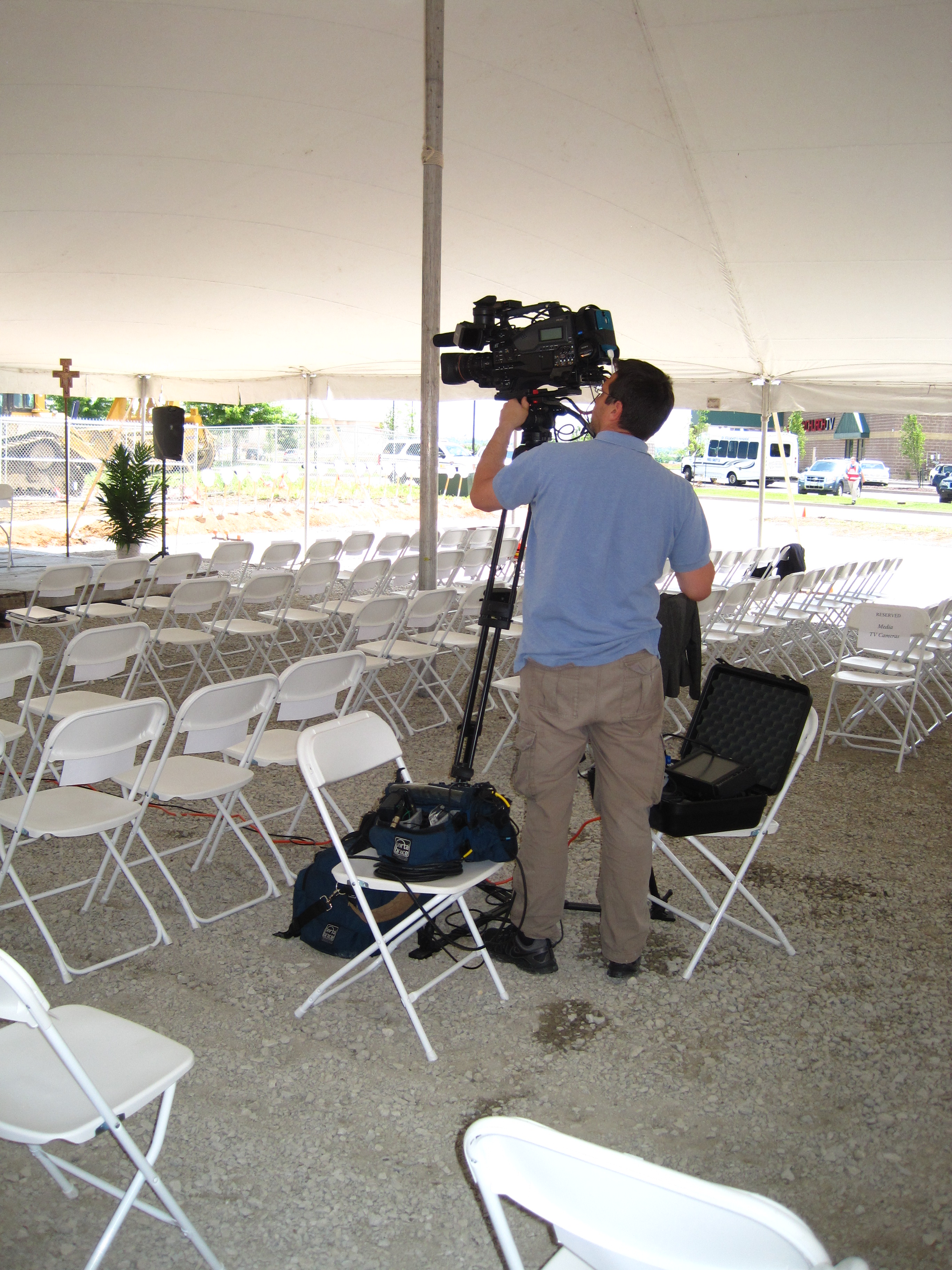
St Louis Corporate Photographers is an experienced full-service professional commercial photography and video production company with the right equipment, creative crew service experience, and production knowledge needed for successful image acquisition. We provide full-service studio and location video and photography, along with editing, post-production, and licensed drone services.

St Louis Corporate Photographers can customize productions for diverse media requirements, including small business headshots, corporate portraits, executive profiles, social media video clips, interviews, testimonials, b-roll, website content, recruiting media, marketing campaigns, drone footage, and branded visual assets. Repurposing photography and video branding to gain more traction is another specialty.

We are well-versed in all file types, media styles, and accompanying software needed to prepare professional deliverables for websites, social platforms, digital advertising, presentations, internal communications, and long-term marketing use. We also use the latest in Artificial Intelligence for our media services, supporting efficient workflows, creative development, and modern post-production options.

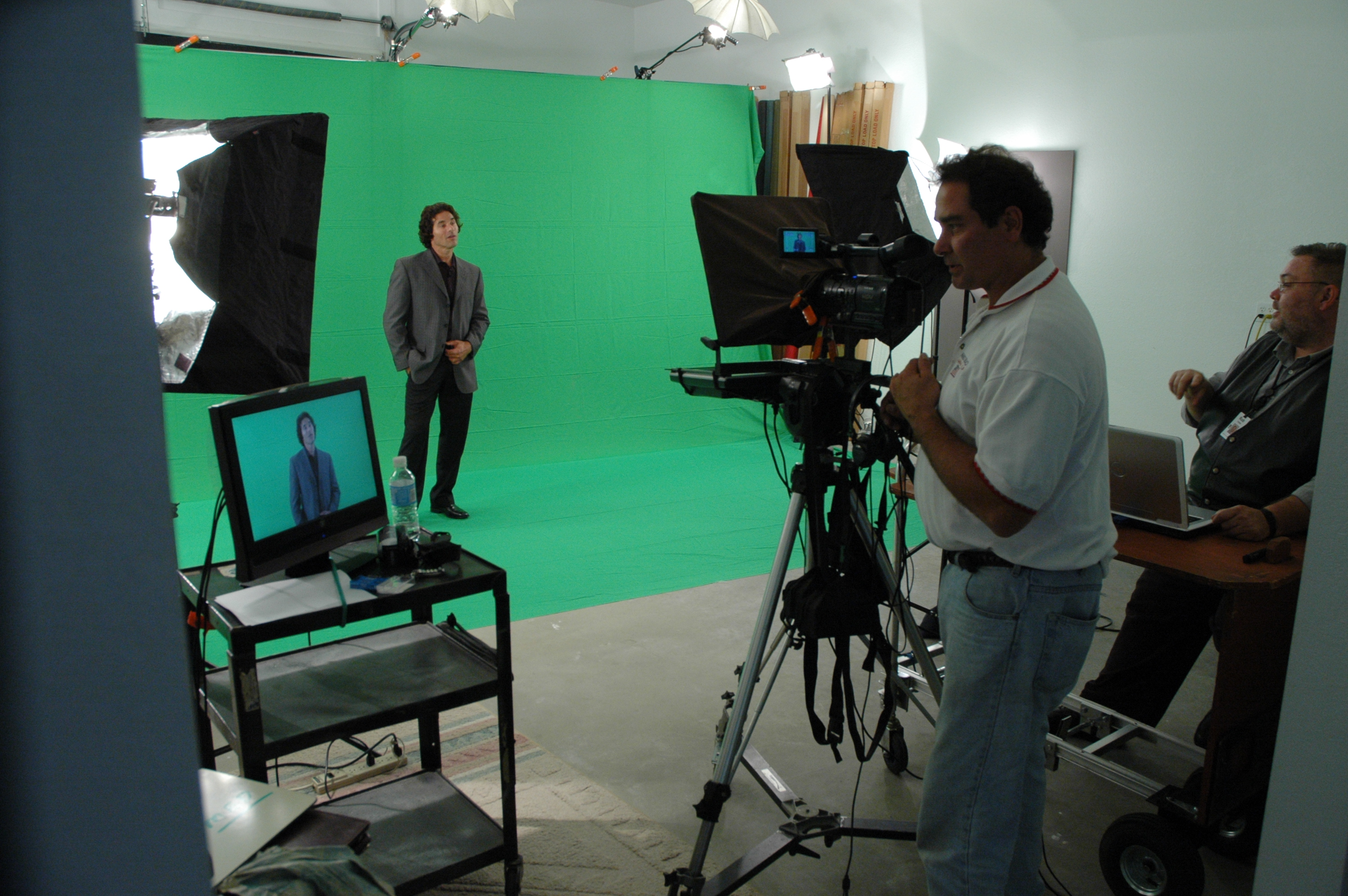
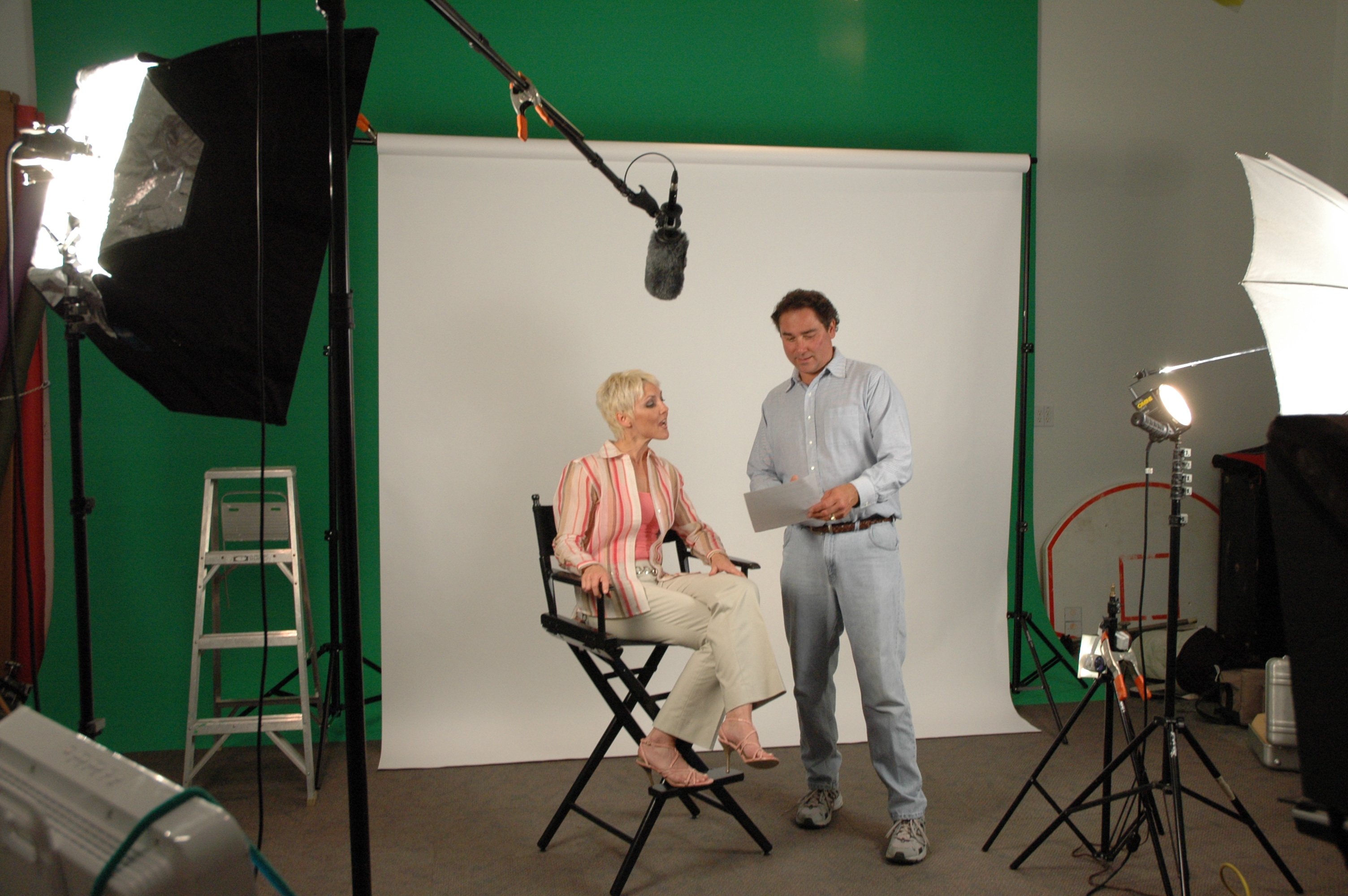
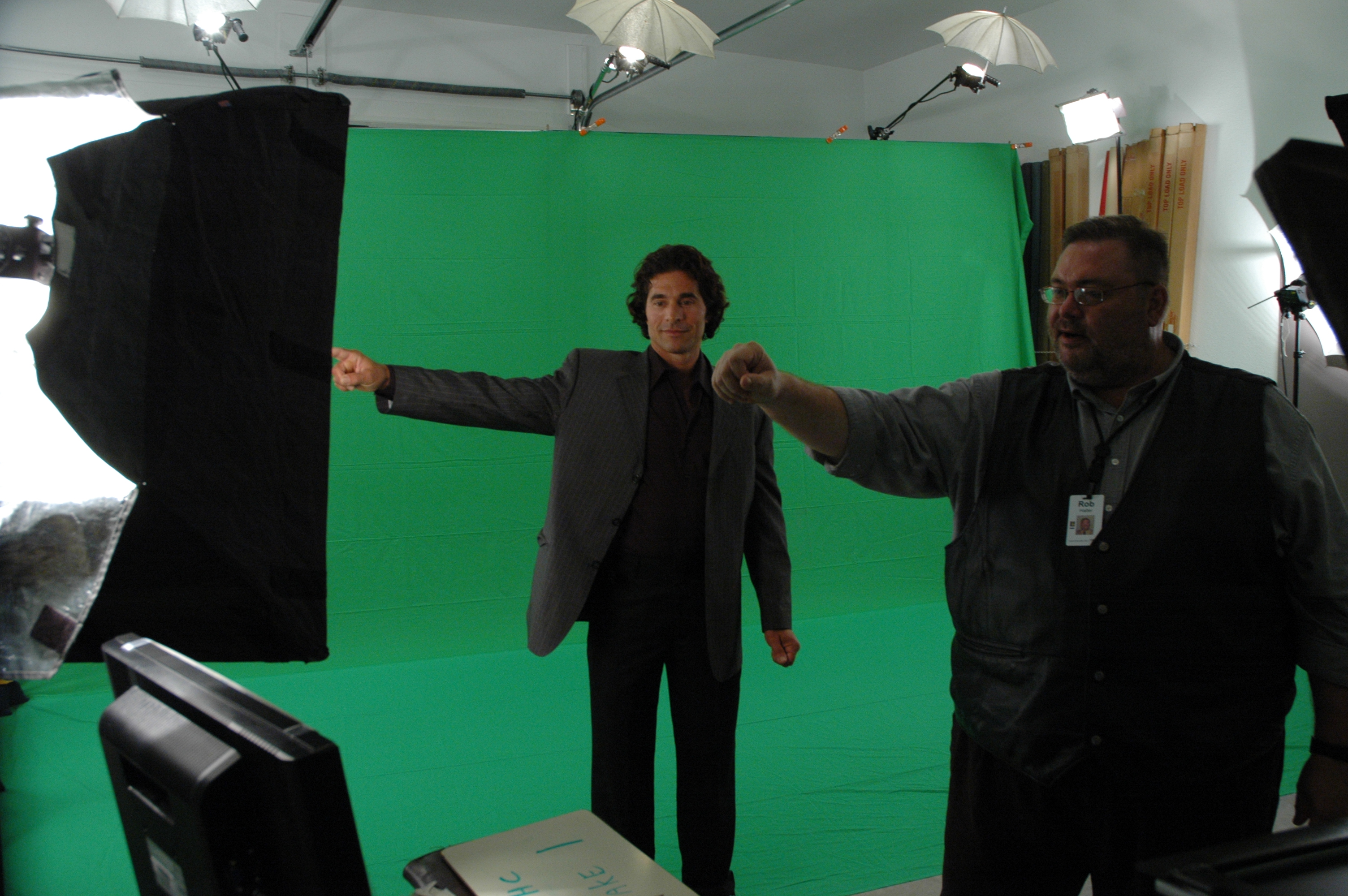
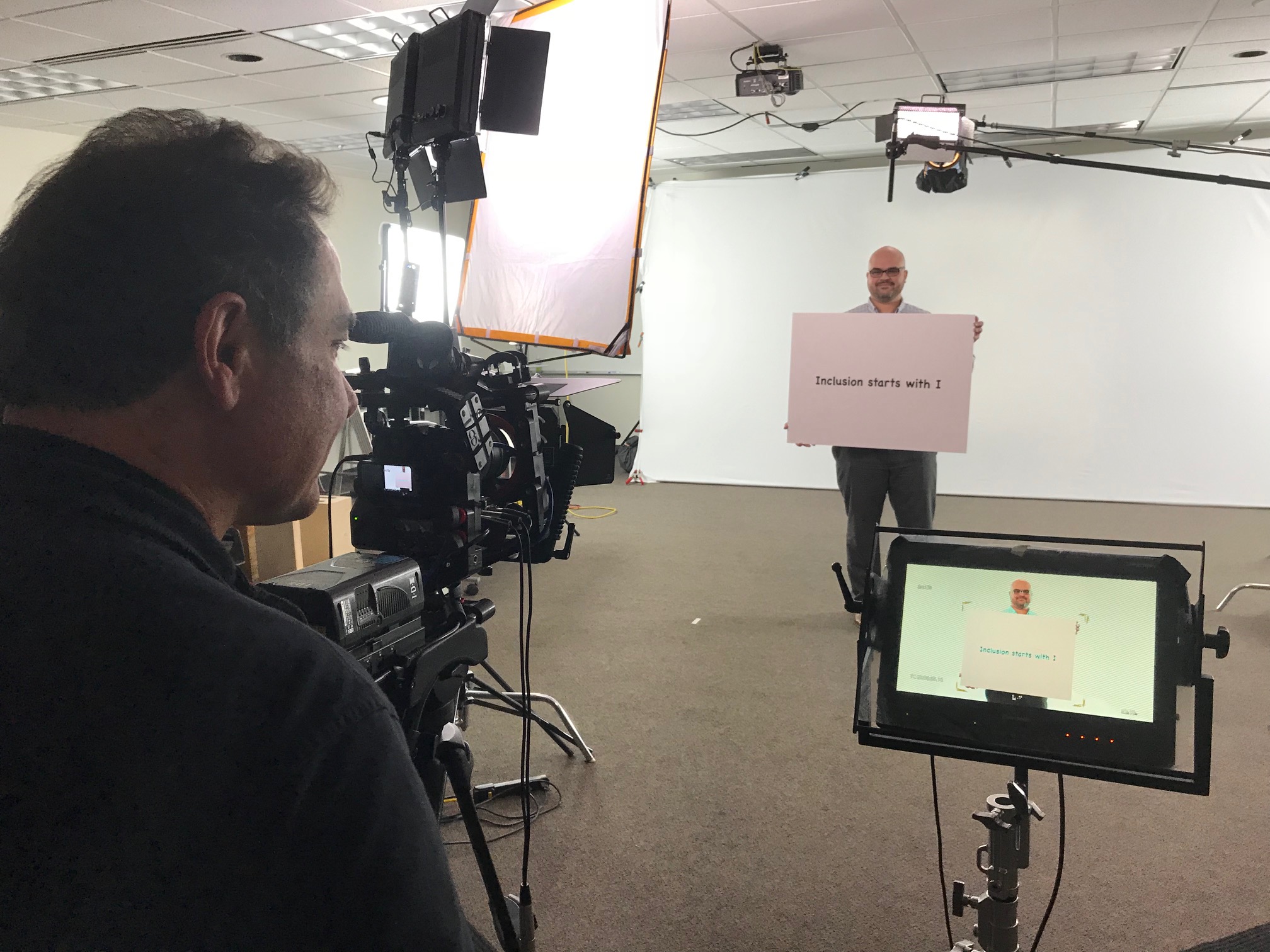
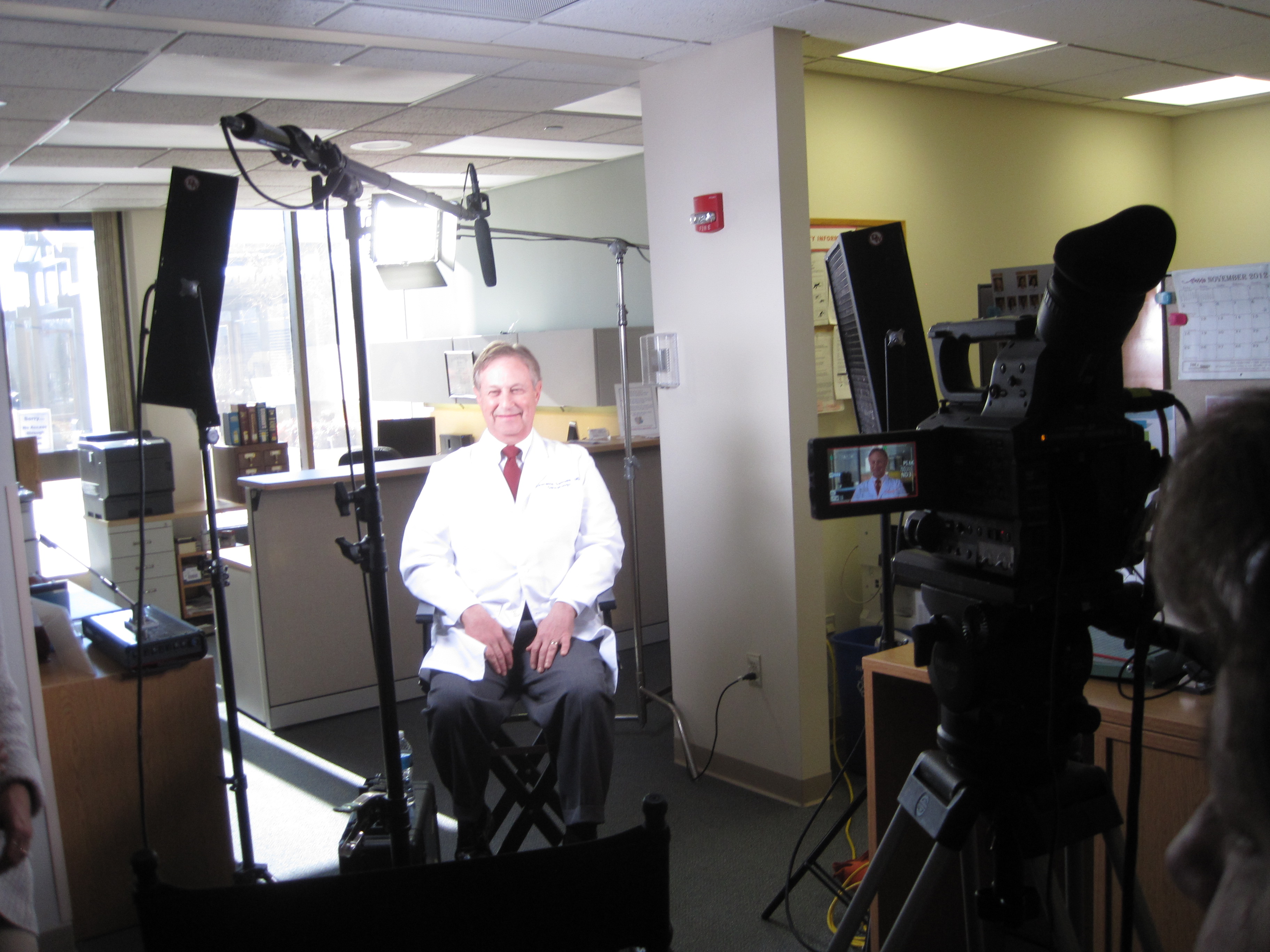
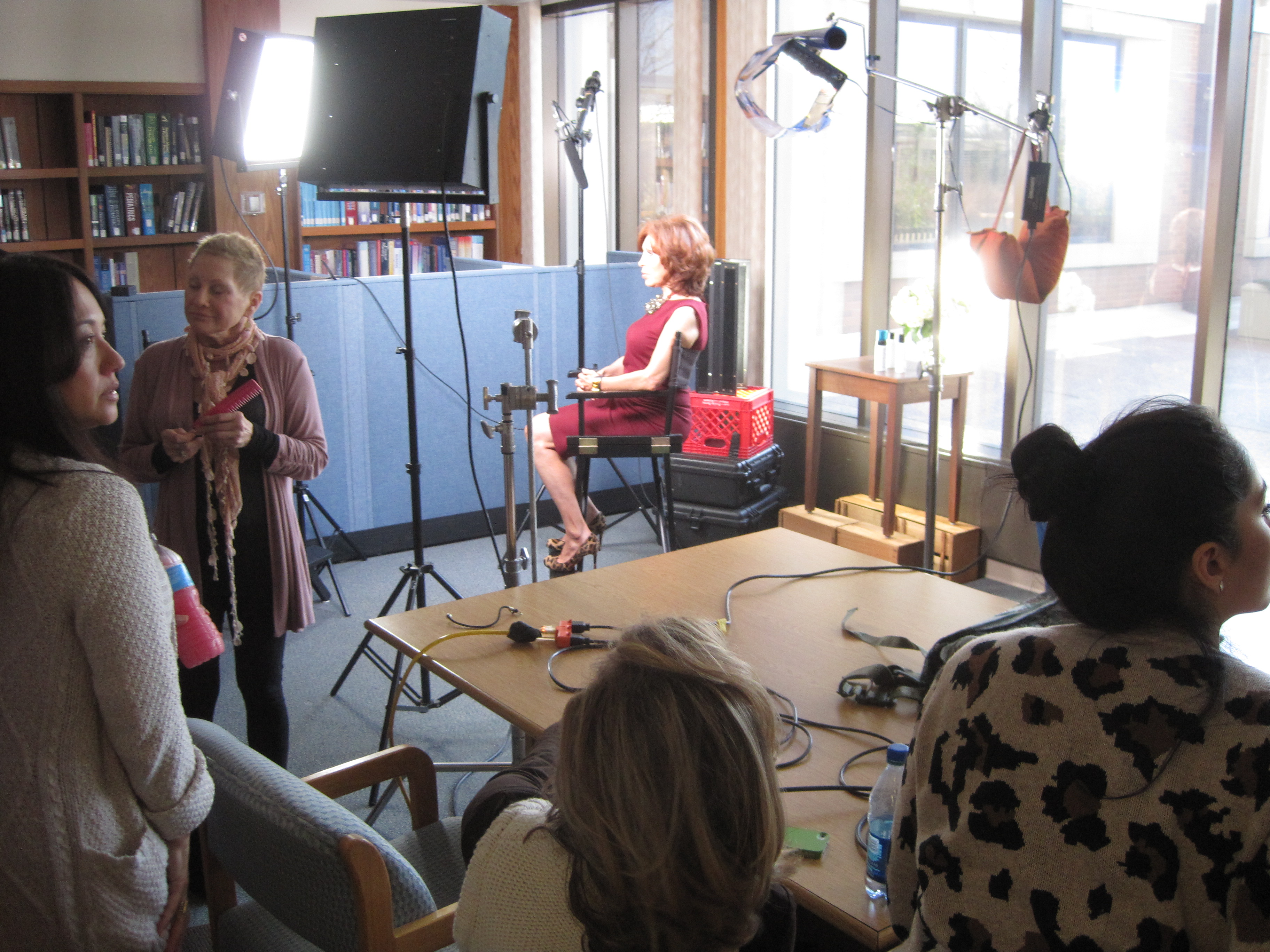
Our private studio lighting and visual setup is ideal for small productions, corporate headshots, business portraits, interview scenes, and social media video clips. Our studio is large enough to incorporate props and create a more complete set when needed. We support every aspect of production, from setting up a private custom interview studio to supplying professional sound and camera operators, providing the right equipment, scouting locations, and capturing b-roll.

St Louis Corporate Photographers also provides licensed drone services, specialized indoor FPV drone flight, infrared thermal imaging, orthomosaics, and LiDAR services for projects requiring advanced visual documentation.

As a full-service video and photography production corporation since 1982, St Louis Corporate Photographers has worked with many businesses, marketing firms, and creative agencies throughout the St. Louis area for marketing photography, corporate video production, professional headshots, social media clips, branded content, and business visual communications.
314-913-5626

stlouiscorporatephotographer@gmail.com

Cost-Efficient Teleprompter Video Presentations and Interviews

How to Look Polished, Stay On-Message, and Control Budget Without Looking “Budget”

If you’ve ever approved a video project and then watched costs creep—extra shoot days, endless retakes, talent fatigue, script drift, or “we’ll fix it in post”—you already know the truth: most video budgets are won or lost before the camera rolls.

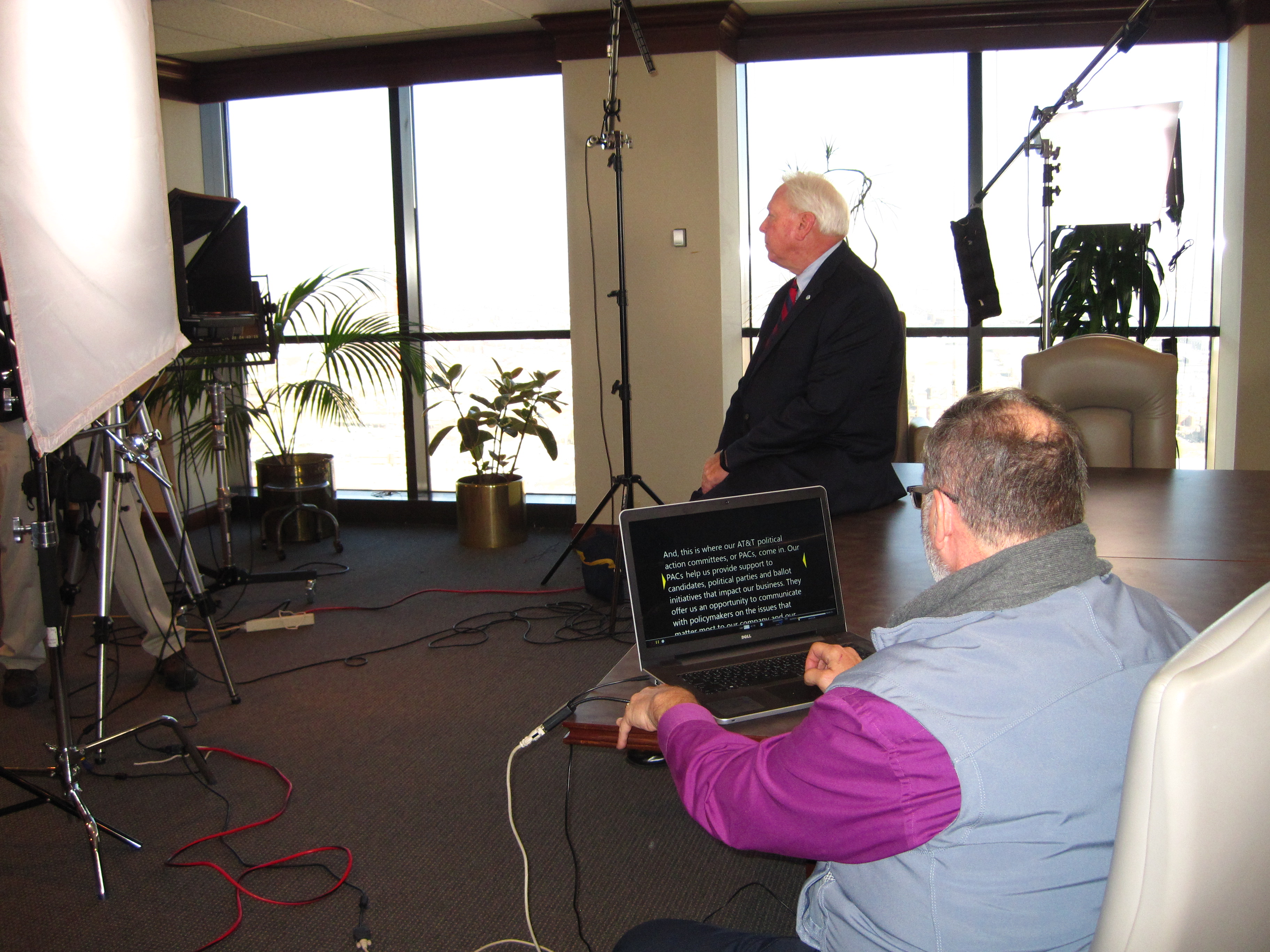
Teleprompter-based video presentations and interviews are one of the most cost-efficient ways to produce high-quality, consistent messaging at scale—especially for corporate communications, marketing campaigns, training, compliance, executive updates, recruiting, and client-facing thought leadership.

But “teleprompter” doesn’t automatically mean stiff, robotic delivery. When planned correctly, it’s the opposite: faster production, fewer retakes, tighter storytelling, and a confident on-camera performance that feels natural.

Below is a practical, production-tested guide to getting the maximum value from teleprompter video—without sacrificing quality.


Why teleprompter video is the most efficient format for corporate messaging

1) It reduces retakes and resets dramatically

Every reset costs time: re-lighting subtle shifts, re-blocking, repeating lines, regaining energy, re-cueing audio, re-establishing continuity. Teleprompters allow speakers to stay on-message, keep pace, and move through content with fewer stops.

2) It standardizes messaging across teams and locations

If you’re producing multiple videos—department updates, product modules, leadership series—teleprompters help keep tone, terminology, compliance language, and key phrases consistent. That consistency is brand protection.

3) It helps non-professional talent deliver confidently

Most executives and subject-matter experts are brilliant in the room and uneven on camera. A prompter gives them structure, reduces anxiety, and prevents the “I know what I want to say but…” spiral.

4) It makes your edit cleaner and cheaper

When delivery is tighter, the edit becomes faster: fewer patchwork cuts, fewer pickups, fewer continuity problems, and less need to mask audio issues with b-roll. You spend less time assembling a coherent story and more time polishing.


The modern teleprompter workflow (and where cost efficiency actually happens)

Cost efficiency comes from a controlled workflow, not from “cutting corners.” Here’s the approach that keeps quality high while keeping budgets predictable.

Step 1: Start with a script that’s written for speech, not reading

The biggest teleprompter mistake is treating it like a document. Scripts should be conversational and breathable.

A speech-friendly script:

  • Uses short sentences and natural rhythm
  • Avoids dense clauses and long lists
  • Places emphasis words at the end of lines
  • Builds in pauses (where the audience needs them)
  • Includes “spoken” transitions (“Here’s the key point…”)

If the script reads like legal copy, the delivery will look like legal copy.

Step 2: Lock the message before you schedule the shoot

A teleprompter shoot is fast because you’re shooting a finalized message. If stakeholders are still debating talking points, the savings evaporate.

A practical method:

  • One owner controls the master script (not five people in five docs)
  • One consolidated review round before production
  • One final sign-off before the shoot day

You can still iterate in post—but you should not be inventing the story on set.

Step 3: Build the right shoot structure—modules beat monologues

Long videos are rarely cost-efficient unless they’re broken into modular sections.

Instead of one 6–10 minute continuous read, consider:

  • 6–10 short chapters (30–90 seconds each)
  • Natural “reset points” between sections
  • Built-in opportunities for b-roll overlays
  • Multiple deliverables from the same shoot (website, LinkedIn, internal portal)

This is the difference between “one video” and “an asset library.”

Step 4: Optimize for performance with on-set coaching (the secret weapon)

Teleprompter delivery improves quickly with simple coaching:

  • Slightly slower pace than normal conversation
  • Eye-line discipline (keep the gaze steady, not hunting)
  • Micro-pauses at punctuation
  • Smile with the eyes (even in serious content)
  • Don’t “punch in” emotion—let the message carry it

When coaching is built into production, the talent improves over the first 10 minutes and stays strong. That alone can save hours.


Teleprompter presentations vs. teleprompter interviews: choose the right format

Teleprompter presentations (best for controlled messaging)

Use when you need:

  • Exact language (compliance, regulated industries, legal sensitivity)
  • Consistent phrasing across many videos
  • Tight time windows
  • Multi-video series with predictable pacing

Teleprompter-assisted interviews (best for natural authority)

Use when you want:

  • A conversational feel with guardrails
  • Authenticity plus message clarity
  • A mix of prepared statements and real answers

In many cases, the best “executive interview” is a hybrid:

  • A short prompter-driven opening (positioning statement)
  • Interview Q&A with bullet prompts for key points
  • A prompter-driven closing CTA or summary

You get the best of both worlds: control and authenticity.


What makes teleprompter video look expensive (even when it’s not)

If you want high perceived value without high spend, focus on what the audience actually notices.

1) Lighting that flatters and matches your brand

Good lighting communicates professionalism instantly. A consistent key/fill/backlight approach with controlled spill and clean backgrounds elevates even simple setups.

2) Clean audio with a controlled room sound

If your audio sounds “roomy” or inconsistent, the audience assumes the entire production is amateur—even if the image is gorgeous. Corporate decision makers know this instinctively.

3) Camera framing and lens choice that feel intentional

Framing should match the message:

  • Tight, confident framing for authority
  • Wider framing when you need warmth or context
  • Background depth and separation to avoid “flat office wall” syndrome

4) Thoughtful set design and background control

A small change—practical lighting, a brand color accent, a controlled prop selection—can make an office setting look like a studio. And that’s the point: cost-efficient doesn’t mean plain.


Cost-control tactics that don’t reduce quality

Here are budget levers that actually work:

Batch production in one session

Film multiple videos per speaker per shoot day. Your setup is the fixed cost—maximize it.

Standardize deliverables

Define formats up front (16:9 website, 9:16 social, 1:1 paid placements, etc.). Shooting and editing change depending on aspect ratio, so planning reduces post surprises.

Use planned b-roll strategically

B-roll shouldn’t be random. It should be planned to:

  • Cover cuts between takes
  • Add clarity (product, service, process visuals)
  • Increase pacing without increasing shoot complexity

Build a reusable “teleprompter set”

If you’re doing recurring updates—quarterly leadership messages, recruiting spots, internal training—create a repeatable set style. You’ll spend once and reuse for months or years.

Let AI speed up the right tasks

AI can accelerate:

  • Script drafting and tightening
  • Captioning and transcript formatting
  • Select assembly and rough cuts
  • Versioning (short cutdowns, alternate hooks)
  • Searchable tagging of footage and sound bites

The key is using AI where it increases speed while keeping creative and brand judgment in human hands.


Common teleprompter mistakes (and how to avoid them)

Mistake: The speaker “reads,” not “speaks”

Fix: Rewrite for spoken language and coach for pacing and pauses.

Mistake: The script is too long for the time slot

Fix: Build a hard time limit. Most corporate messages can be reduced 25–40% without losing meaning.

Mistake: The prompter scroll speed fights the speaker

Fix: The prompter must follow the speaker, not the other way around. That’s a production responsibility.

Mistake: The background distracts from the message

Fix: Control the environment. Simplify, add separation, and treat the background as part of the brand.

Mistake: You plan one “final video” instead of a content system

Fix: Design an asset plan: hero cut, cutdowns, clips, pull quotes, and B-roll library.


A practical checklist for decision makers

If you want the most cost-efficient teleprompter production, ensure these are decided before the shoot:

  • Objective: what does success look like?
  • Audience: internal, clients, recruiting, public?
  • Distribution: website, social, email, events, LMS?
  • Deliverables: lengths, formats, aspect ratios
  • Script: approved and written for speech
  • Location: controlled room or studio set
  • Visual style: clean corporate, warm editorial, bold brand-forward
  • Schedule: shoot order that minimizes talent fatigue
  • Post plan: captions, graphics package, music approach, revision rounds
  • Repurposing plan: how clips will be reused over time

This is how you keep production lean while keeping quality high.


Why St Louis Corporate Photographer is built for cost-efficient teleprompter productions

St Louis Corporate Photographer is a full-service professional commercial photography and video production company that has supported businesses, marketing firms, and creative agencies in the St. Louis area since 1982. We bring the right equipment, crew experience, and production discipline to deliver successful image acquisition—without wasted time or budget surprises.

We provide:

  • Full-service studio and location video and photography
  • Editing and post-production with efficient, predictable workflows
  • Licensed drone services, including the ability to fly specialized drones indoors
  • Custom production builds for diverse media requirements—from executive messaging to multi-video internal training
  • A deep understanding of repurposing photography and video branding to extend campaign life and increase traction across platforms
  • Broad capability across file types, media styles, and the accompanying software needed for modern marketing teams and agencies
  • The latest Artificial Intelligence tools integrated into our workflow to accelerate scripting, organization, captioning, versioning, and post-production efficiency—without sacrificing creative standards

Our private studio lighting and visual setup is ideal for small productions and interview scenes, and our studio is large enough to incorporate props and set elements that elevate production value. We support every aspect of your production—from building a private, custom interview studio to supplying professional sound and camera operators and the right equipment—so your next teleprompter presentation or interview is seamless, confident, and cost-efficient.

If you want teleprompter video that looks expensive, sounds flawless, and stays on schedule, we’re ready to build it with you.

314-913-5626

stlouiscorporatephotographer@gmail.com

Simple Tips for Writing a Script for Your Training Videos

When creating a training video, the script serves as the backbone of the production. A well-written script not only communicates key information clearly but also ensures the video flows smoothly, engages the viewer, and achieves its instructional goals. Whether you’re producing an onboarding video for new employees, a product training session, or a technical tutorial, your script will determine the overall effectiveness of your video. In this post, we’ll share simple tips for writing a script for your training videos and how to ensure your production aligns with best practices for corporate content.

Remember, training videos are visual by nature. When writing your script, consider what your audience will see on screen during each segment.

1. Define Your Objective Clearly

The first step in writing any training video script is understanding the goal. Are you teaching a new skill? Explaining a process? Or providing an overview of your company’s culture and values? Whatever the purpose, your objective should guide the tone, structure, and content of your script. Start by asking yourself:

  • What are the key takeaways for the viewer?
  • How will they use the information provided?
  • What action do you want them to take after watching the video?

Being clear about your objectives will help you stay on track and avoid unnecessary digressions that may confuse or overwhelm the viewer.

2. Create a Structured Outline

Before diving into the scriptwriting itself, create an outline of your video. This outline should break the content down into manageable sections or scenes, each focused on a single point or concept. Having a structured outline helps ensure your video flows logically and that all essential content is covered. A typical training video outline might look something like this:

  • Introduction: A brief overview of what will be covered.
  • Main Content: Step-by-step instructions or key points.
  • Summary: A recap of the key takeaways.
  • Call to Action: What do you want viewers to do next?

3. Write in a Conversational Tone

The best training videos feel like a conversation, not a lecture. Even though you’re delivering important information, it’s essential to keep the language simple and approachable. Writing in a conversational tone makes the content easier to follow and more engaging for the audience. Avoid jargon and overly complex sentences—focus on clear, concise explanations that can be easily understood.

4. Incorporate Visual Cues

Remember, training videos are visual by nature. When writing your script, consider what your audience will see on screen during each segment. Will there be diagrams, slides, or charts to complement the spoken content? Make sure your script includes descriptions of visual elements to help the viewer connect the information with what they are seeing. For instance:

  • Scene 1: Show a diagram of the product and highlight the key features.
  • Scene 2: Cut to a demonstration of the process, narrating each step as it happens on screen.

Using visual cues in your script ensures that the video is well-rounded and reinforces the information through multiple sensory channels.

5. Keep It Short and Focused

Attention spans are short, especially in a corporate setting where employees may be multitasking or viewing the video on their own time. Aim to keep your training video concise, focusing on the key points without overwhelming the viewer. Break up longer videos into shorter segments if necessary, each with its own self-contained message or task.

6. Engage Your Viewers

While training videos are designed to educate, they can also be engaging. Use anecdotes, examples, or even humor to keep the viewer interested and make the learning experience more enjoyable. You want your viewers to stay engaged and retain the information, so ensure your script invites active participation or reflection.

7. Revise and Edit

Once the script is written, it’s important to revise and edit it for clarity, flow, and conciseness. Read the script aloud to check for awkward phrasing, unnecessary repetition, and to ensure it sounds natural. Ask others to review the script as well to get feedback and make improvements before moving forward with production.

8. Prepare for the Recording Process

When you’re ready to record, provide your voice-over artists or on-screen presenters with the finalized script and any additional context about the video. This preparation helps to ensure smooth delivery during filming and recording. If there are specific visual elements that need to align with the script, be sure to share this information with the production crew ahead of time.

9. Don’t Forget the Call to Action

At the end of your training video, include a call to action. This could be a prompt to take further training, apply the learned skills, or access additional resources. Your viewers need to know what to do next, and a clear call to action makes it easy for them to continue their learning journey.


Why Choose St Louis Corporate Photographer for Your Video Production Needs?

At St Louis Corporate Photographer, we understand the importance of a well-executed training video for your business. As a full-service professional commercial photography and video production company, we provide everything you need for successful image acquisition. Our experienced team is equipped with the right tools and a creative approach to bring your training videos to life.

We offer full-service studio and location video and photography, as well as editing, post-production, and licensed drone pilots. Whether you need a private custom interview studio setup, sound and camera operators, or equipment to ensure smooth production, we’ve got you covered. Our studio is designed to accommodate both small productions and large setups, with ample space for props to enhance your set.

One of our specialties is repurposing your photography and video branding to help you gain more traction and maximize your content’s potential. We are well-versed in all file types and styles of media and the accompanying software, ensuring the final product is polished and professional.

Since 1982, St Louis Corporate Photographer has been trusted by businesses, marketing firms, and agencies in the St. Louis area. Our creative crew and attention to detail make us a top choice for companies looking to elevate their corporate video production efforts. Let us help you create impactful training videos that resonate with your audience and drive results.

314-913-5626

stlouiscorporatephotographer@gmail.com