Drone FLIR Thermal Imaging: A Smarter Way to Inspect Your Commercial Buildings

When you manage or market commercial properties, you’re constantly balancing risk, cost, and uptime. Roof leaks, failing insulation, overloaded electrical components, or hidden moisture don’t just threaten your building—they threaten your operations, your tenants’ trust, and your brand.

Drone-based FLIR infrared thermal imaging gives you a fast, safe, and highly detailed way to see problems before they become emergencies. For property owners, facility managers, and marketing leaders, it’s becoming an essential part of a modern building health strategy.

In this article, we’ll unpack how drone FLIR thermal imaging works, where it adds the most value, and what to expect from a professionally executed inspection.


What Is Drone FLIR Infrared Thermal Imaging?

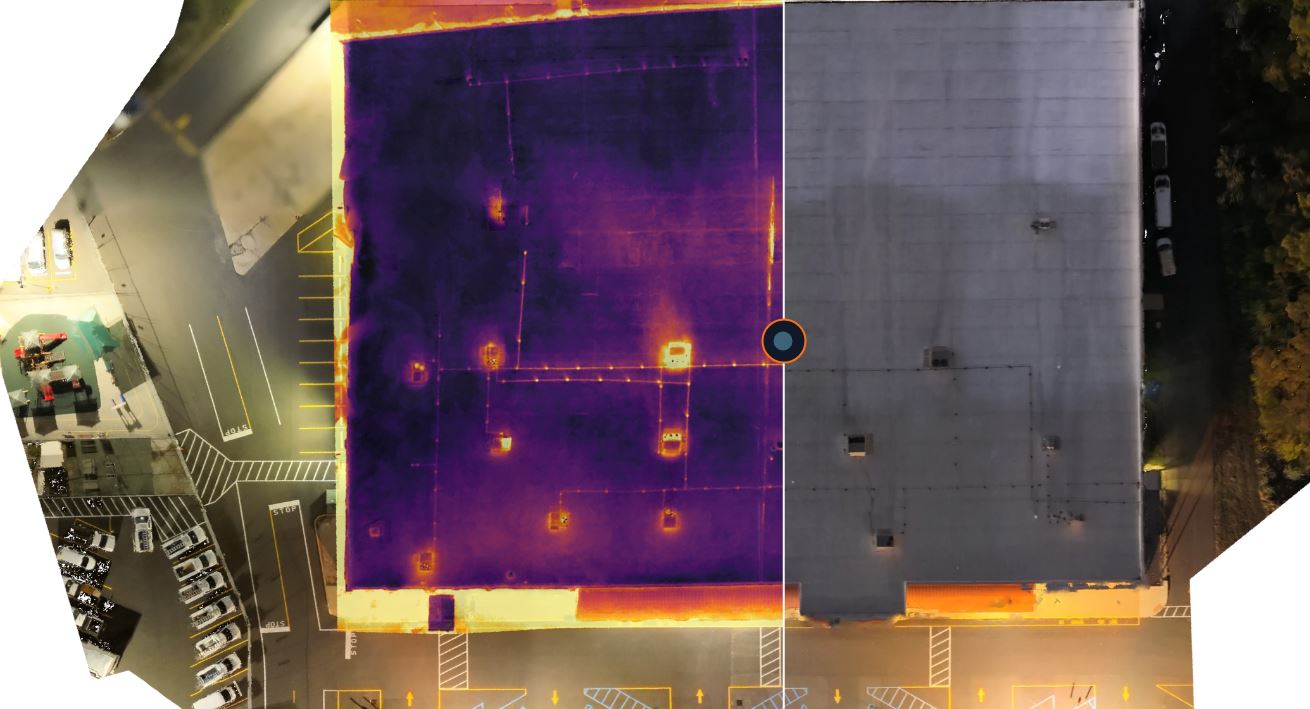
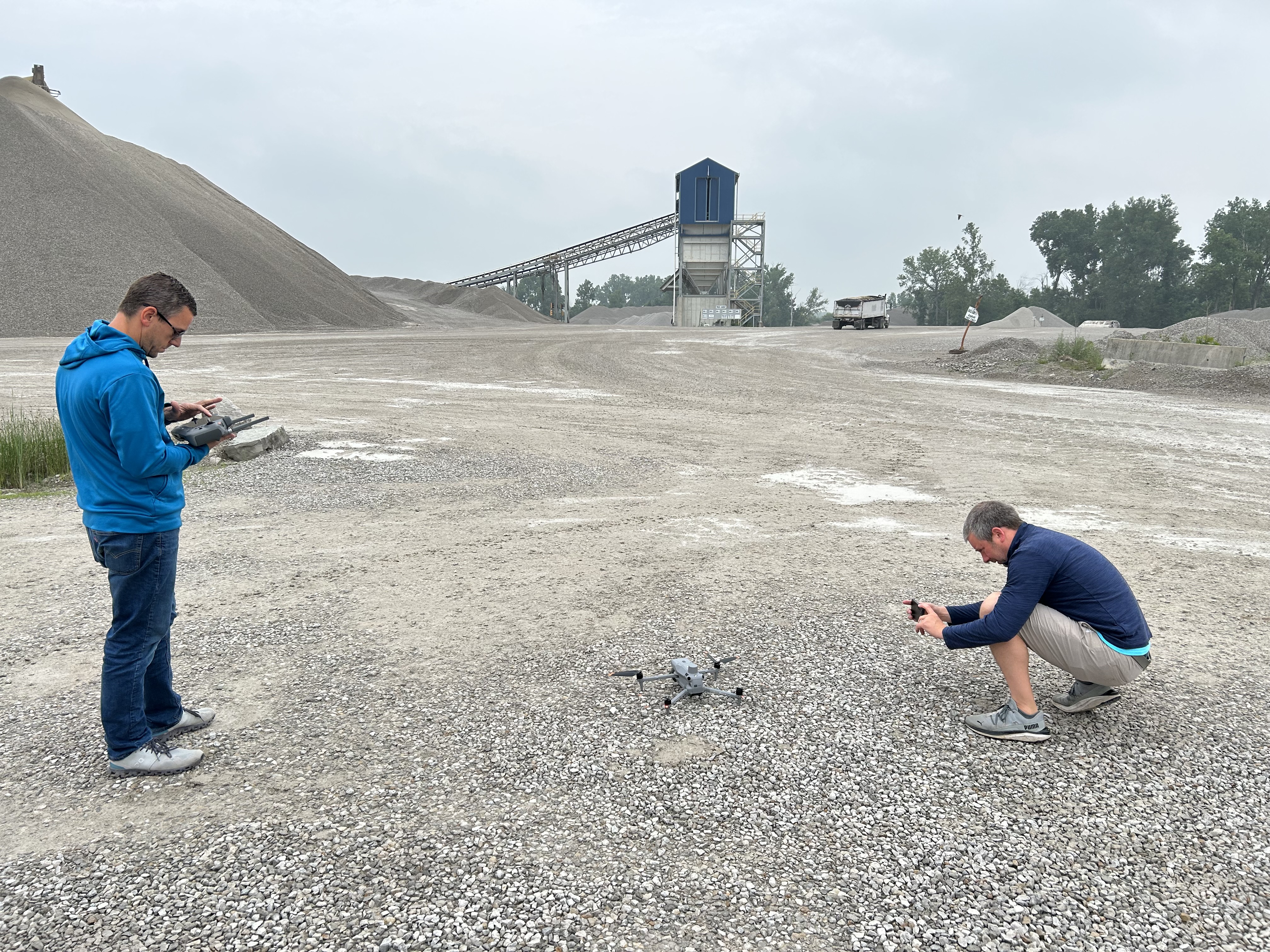
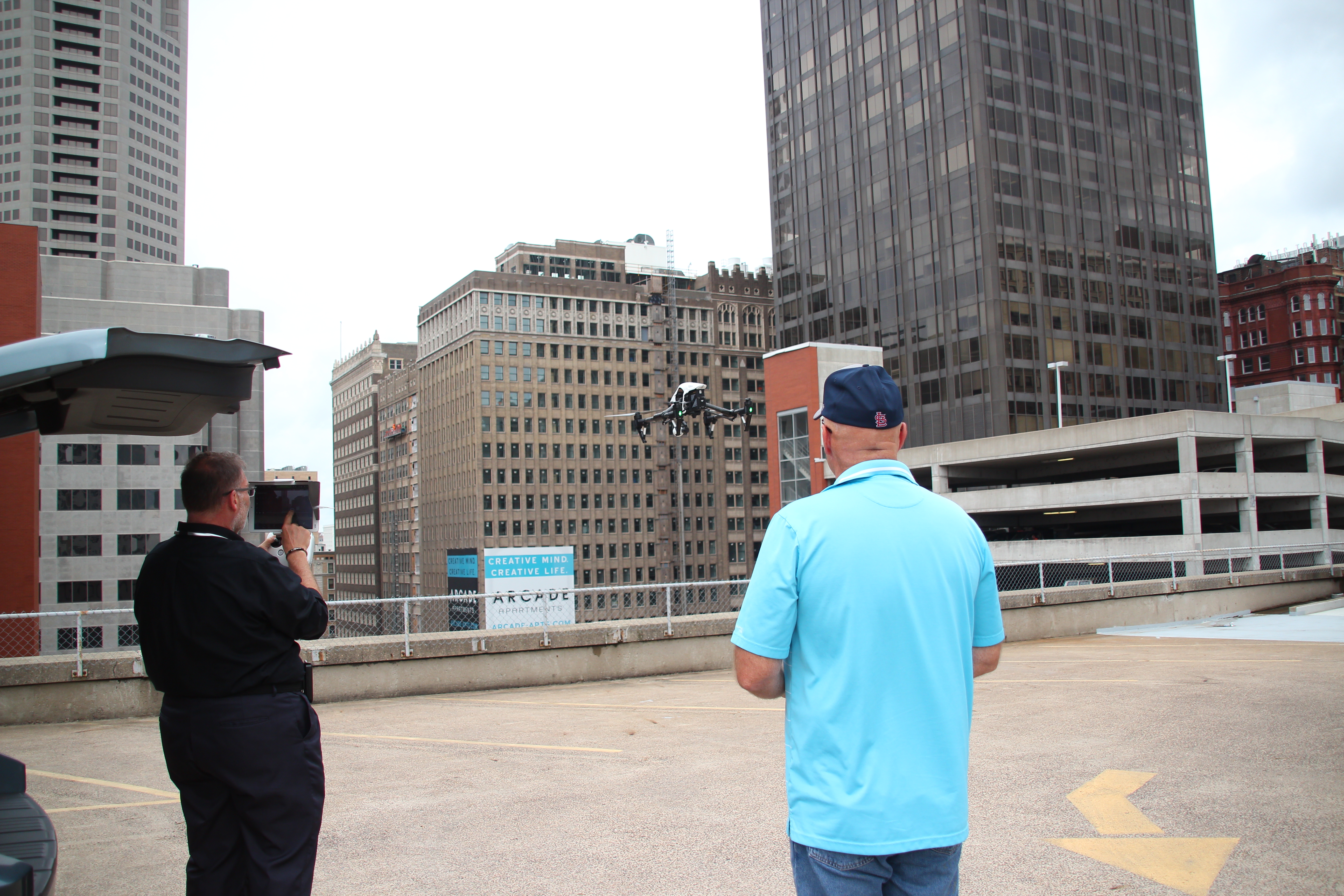
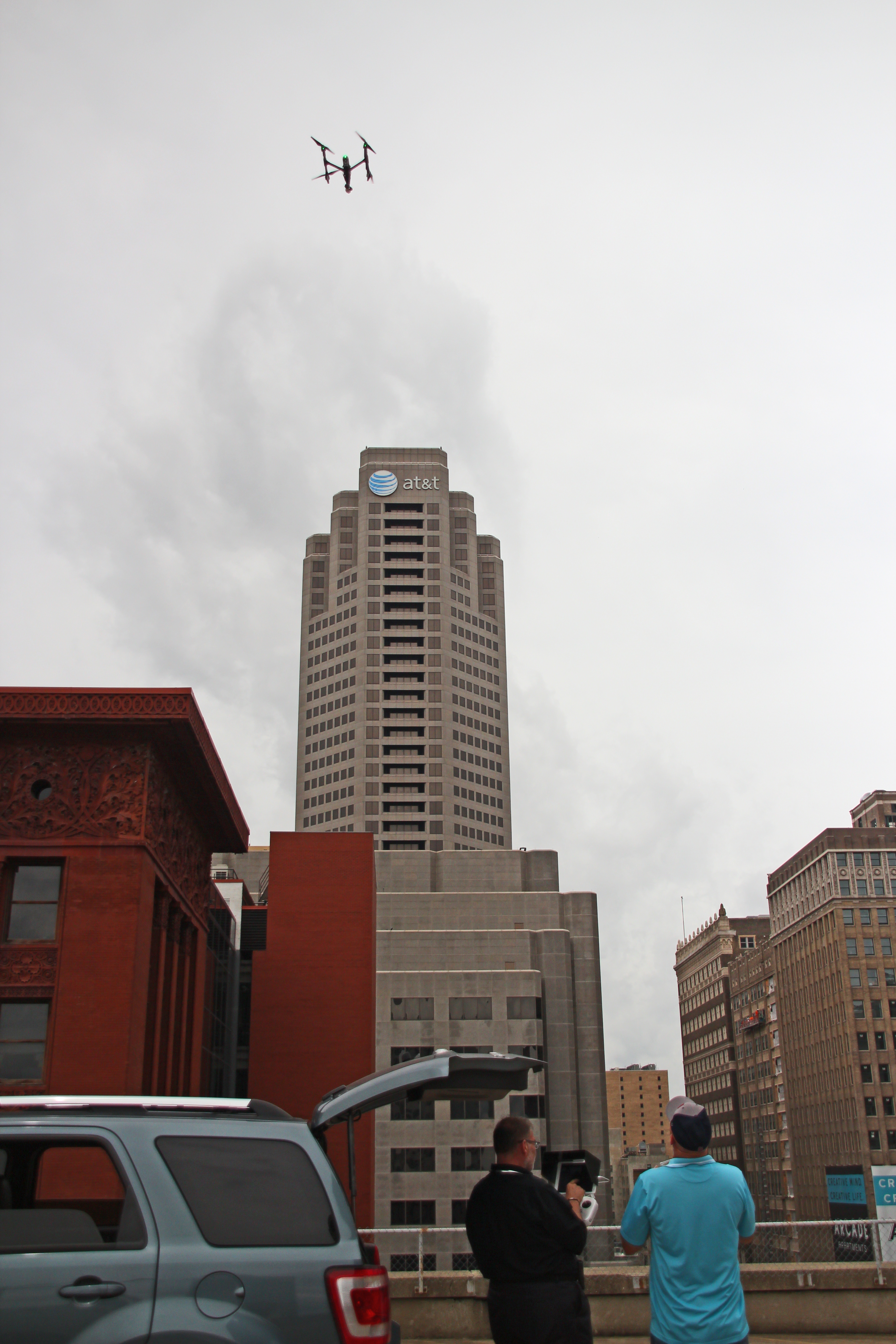
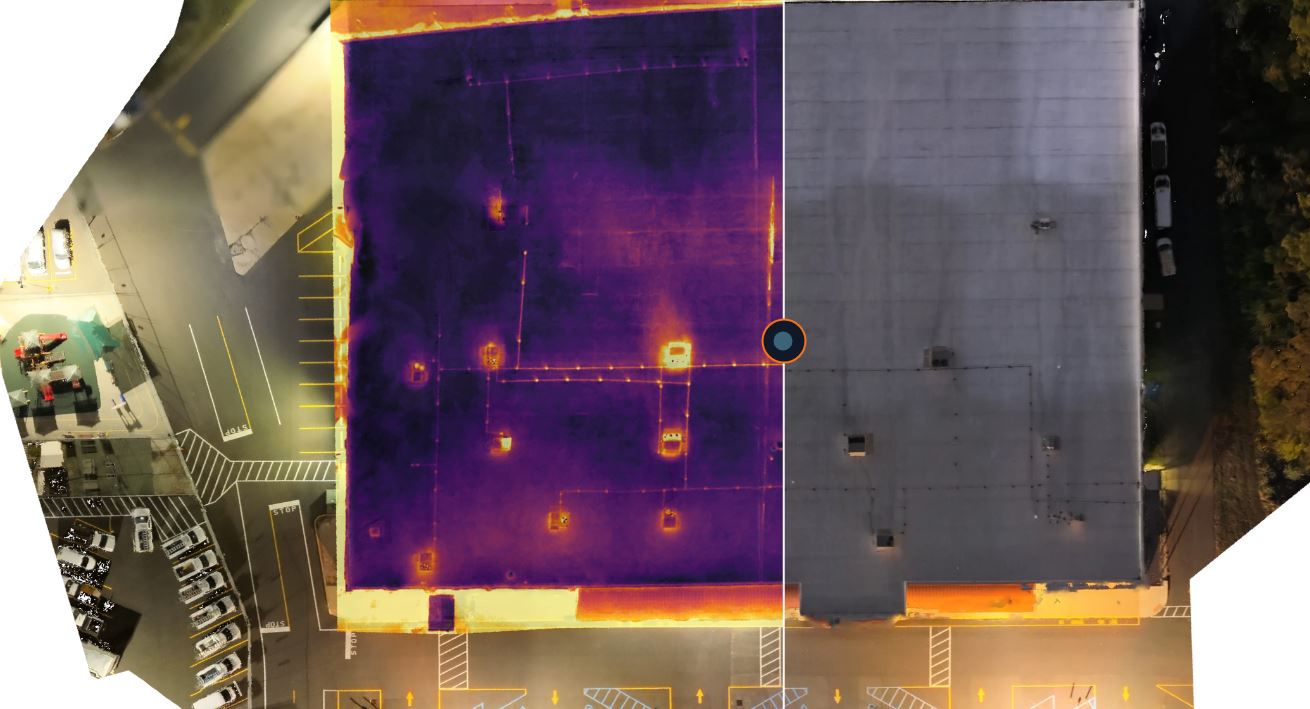
FLIR (Forward Looking Infrared) is a leading thermal imaging technology that visualizes heat instead of visible light. When we pair a FLIR thermal camera with a professional drone platform, we can capture high-resolution thermal data from angles and heights that would be difficult, dangerous, or impossible for a human inspector to reach.

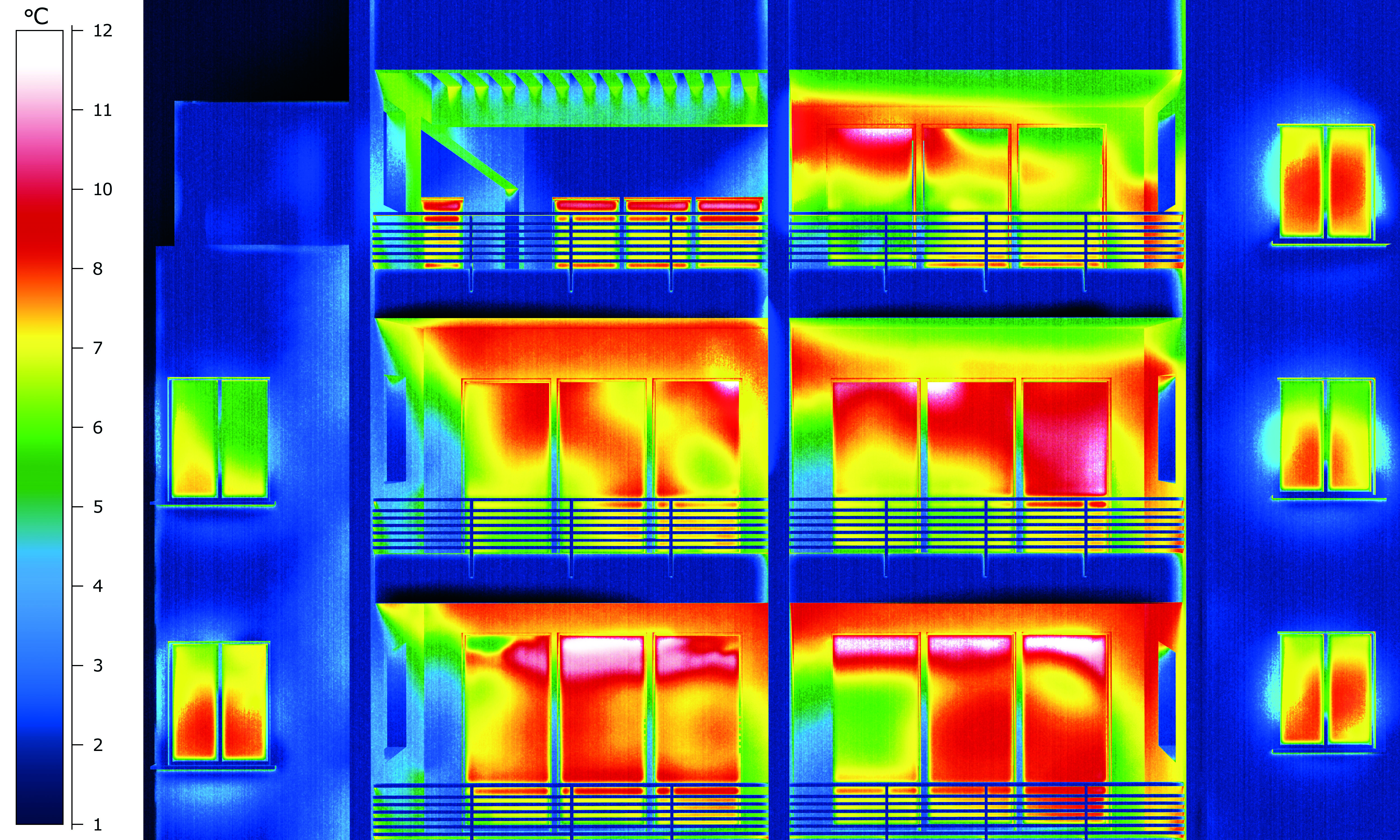
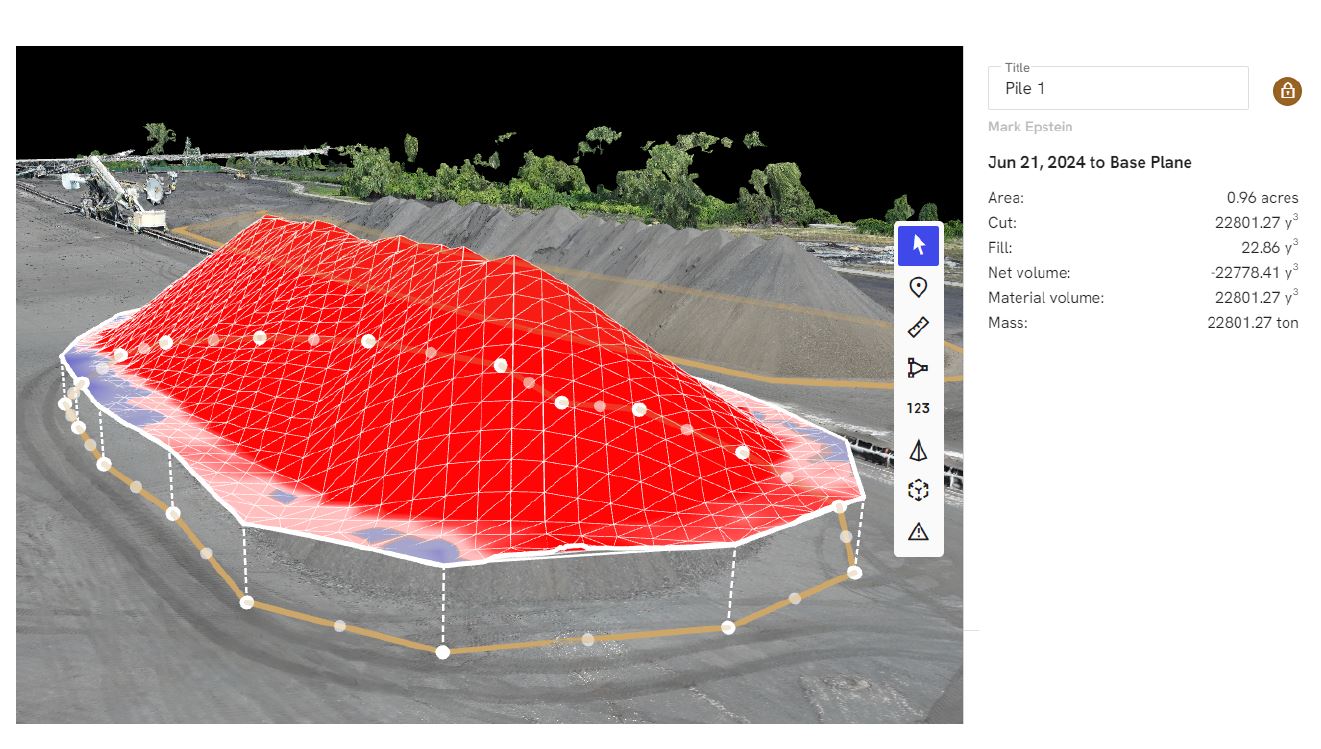
Unlike a handheld infrared scanner that samples a few spots, drone thermal imaging can cover an entire building envelope quickly, producing detailed thermal maps that reveal:

  • Temperature anomalies
  • Moisture intrusion patterns
  • Insulation gaps
  • Hot spots in electrical and mechanical systems

This isn’t guesswork. It’s quantifiable, visual data you can share with your facilities team, engineers, executives, and stakeholders.


Why Thermal Drone Inspections Matter for Commercial Buildings

1. Proactive Asset Management

Commercial roofs, façades, and mechanical systems are high-value assets. Traditional inspections typically rely on:

  • Visual observation from the ground
  • Limited roof walks (often unsafe or incomplete)
  • Reactive service calls after a leak appears

Drone FLIR thermal imaging flips that model to proactive maintenance:

  • Identifies trapped moisture before it penetrates ceilings
  • Flags insulation failures before they drive up energy bills
  • Catches overheating electrical components before they fail

This gives you a defensible maintenance roadmap and helps extend the life of your building systems.

2. Safety and Risk Reduction

Any time a person climbs a ladder, walks a steep roof, or navigates around rooftop equipment, you’re accepting risk—both for individuals and for your organization.

Drone thermal inspections:

  • Minimize time spent on ladders and roofs
  • Reduce fall risk and OSHA concerns
  • Allow inspection of difficult or unsafe areas (steep slopes, skylights, fragile surfaces)

In many cases, we can complete a full initial thermal scan without anyone setting foot on the roof.

3. Operational Efficiency and Speed

A comprehensive manual inspection of a large commercial building can take days, sometimes longer, especially if you rely on multiple contractors. With drone FLIR imaging:

  • Large roofs and building exteriors can be scanned in a fraction of the time
  • Multiple building sections can be documented in a single mission
  • You receive both visual and thermal data in a structured format that’s easy to review and share

The result: less disruption to your operations, tenants, and facility teams.


Where Drone FLIR Imaging Delivers the Most Value

Roof Moisture and Leak Detection

Flat and low-slope roofs are especially vulnerable to hidden moisture. Water often migrates laterally within the roofing system, making the visible leak location different from the source.

Thermal drone imaging helps you:

  • Pinpoint areas of saturated insulation
  • Identify compromised sections of membrane or flashing
  • Prioritize targeted repairs instead of full replacement
  • Provide supporting documentation to roofing contractors and insurers

This saves capital by focusing work on actual problem areas instead of over-replacing.

Building Envelope and Insulation Performance

Heat loss in winter and heat gain in summer can significantly affect operating costs. A thermal scan of walls, windows, and rooflines can reveal:

  • Insulation gaps or voids
  • Air leakage around window and door assemblies
  • Thermal bridging at structural elements
  • Poorly sealed penetrations and ductwork

Once identified, these issues can be addressed strategically as part of an energy efficiency plan or capital improvement project.

HVAC and Mechanical Systems

Drone thermal inspections can be used to visually assess rooftop units and related mechanical infrastructure:

  • Imbalanced temperature patterns across coils or condensers
  • Signs of restricted air flow or partial failure
  • Excessive heat around motors, bearings, or fan assemblies

When combined with visual imagery, this data helps maintenance teams schedule repairs before a unit fails during peak demand.

Electrical and Solar (PV) Systems

Thermal imaging is a proven tool for identifying electrical issues:

  • Overheating breakers, bus bars, or connections
  • Undersized or overloaded conductors
  • Hot spots within electrical cabinets (viewed safely from a distance)

For solar arrays, drone-based FLIR imaging helps detect:

  • Faulty panels or strings
  • Soiling patterns and shading impacts
  • Inverter and connection anomalies

Early detection protects both safety and production performance.


How a Professional Drone Thermal Inspection Works

1. Pre-Planning and Flight Design

We begin with a discovery conversation and a review of your site:

  • Building footprints, roof layout, and heights
  • Known problem areas and history of leaks or failures
  • Operational limitations and safety considerations

From there, we design a flight plan that ensures full coverage, proper overlap for post-processing, and compliance with FAA regulations and local airspace rules.

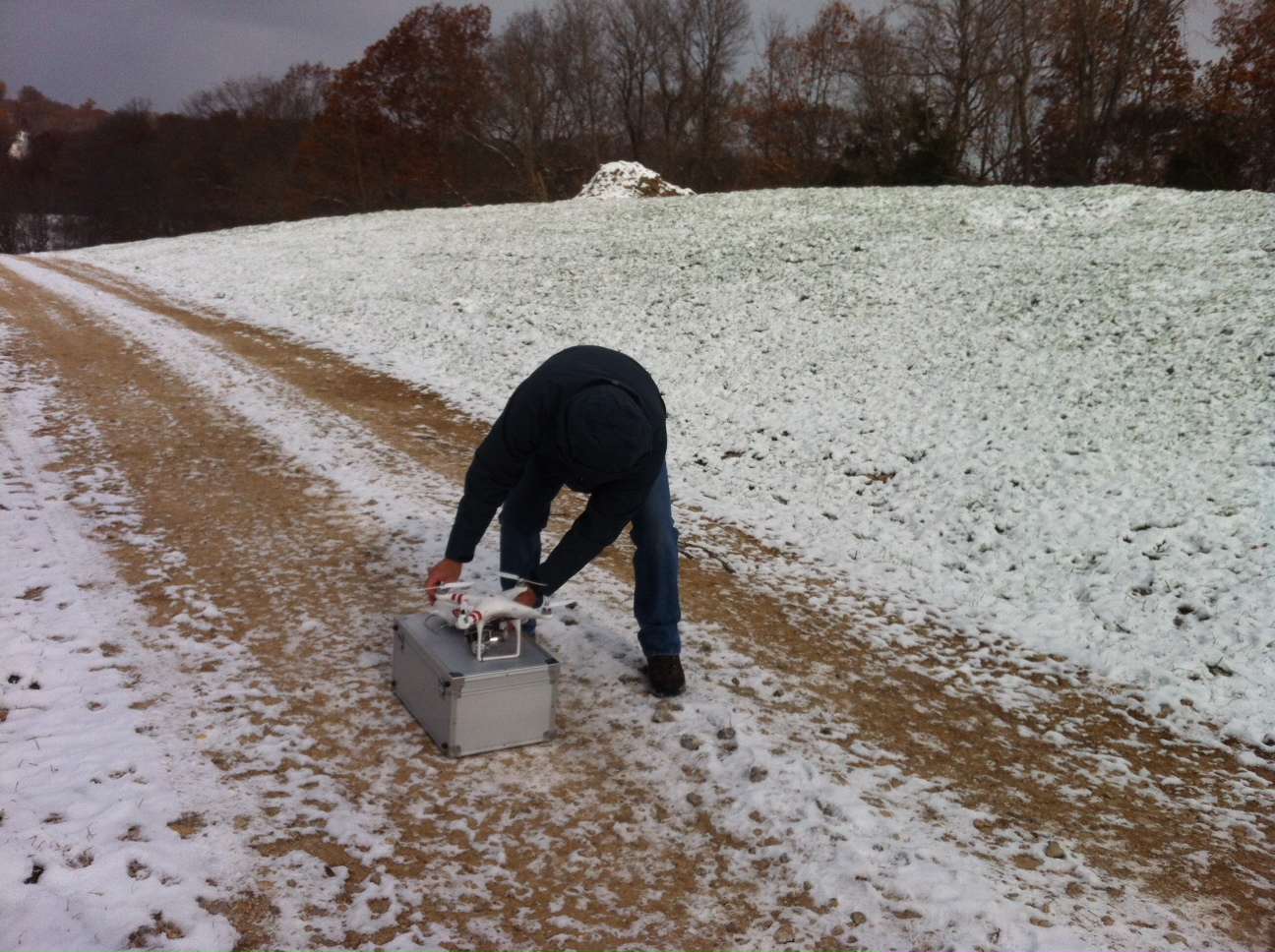
2. On-Site Preparation and Safety

On the day of the inspection, we:

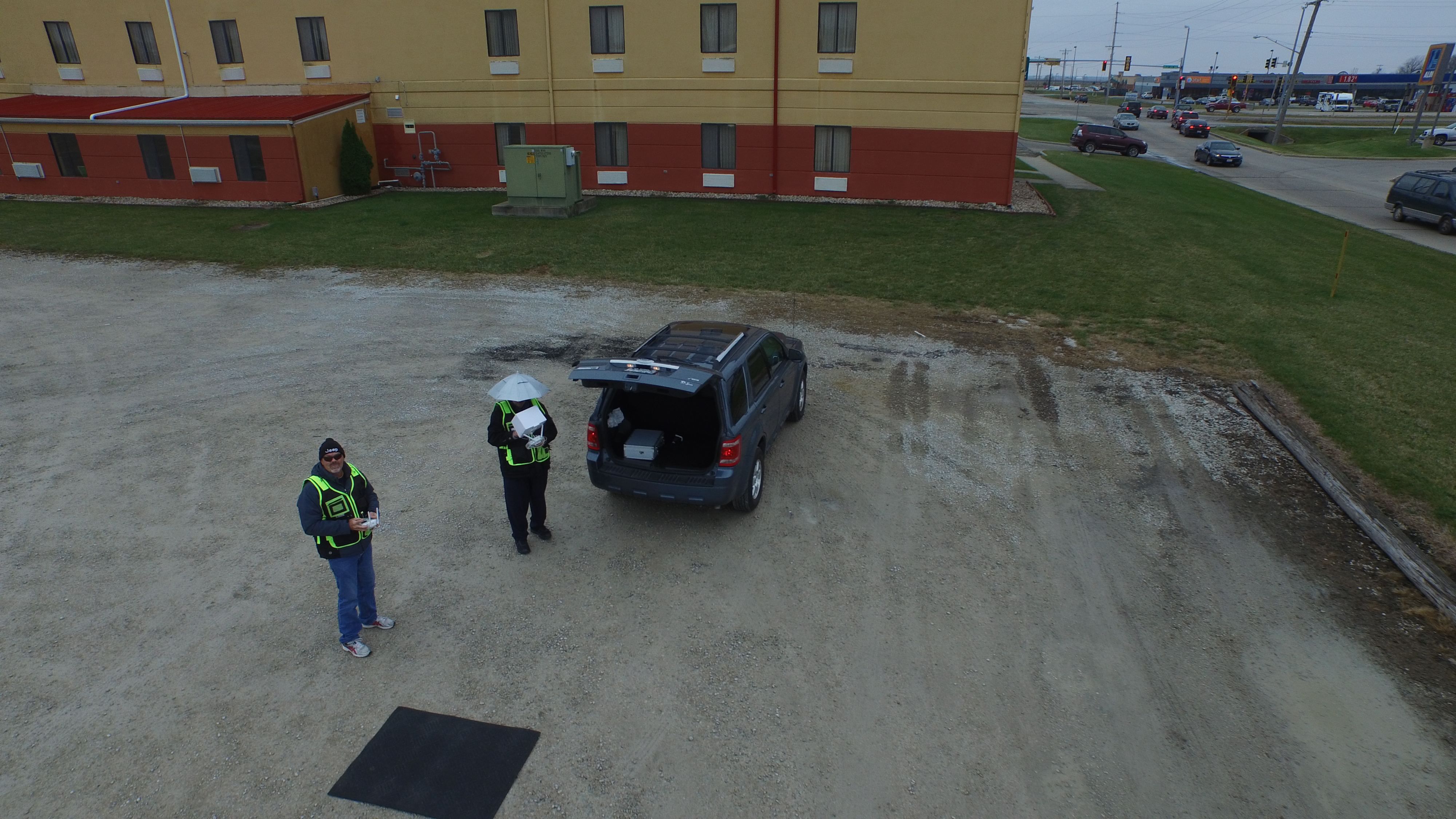
  • Conduct a pre-flight safety briefing
  • Review the flight plan with stakeholders or facility staff
  • Establish safe takeoff and landing zones
  • Verify weather and environmental conditions are appropriate for thermal work

Temperature differentials between interior and exterior surfaces are critical for quality thermal data, so we schedule flights when conditions are optimal.

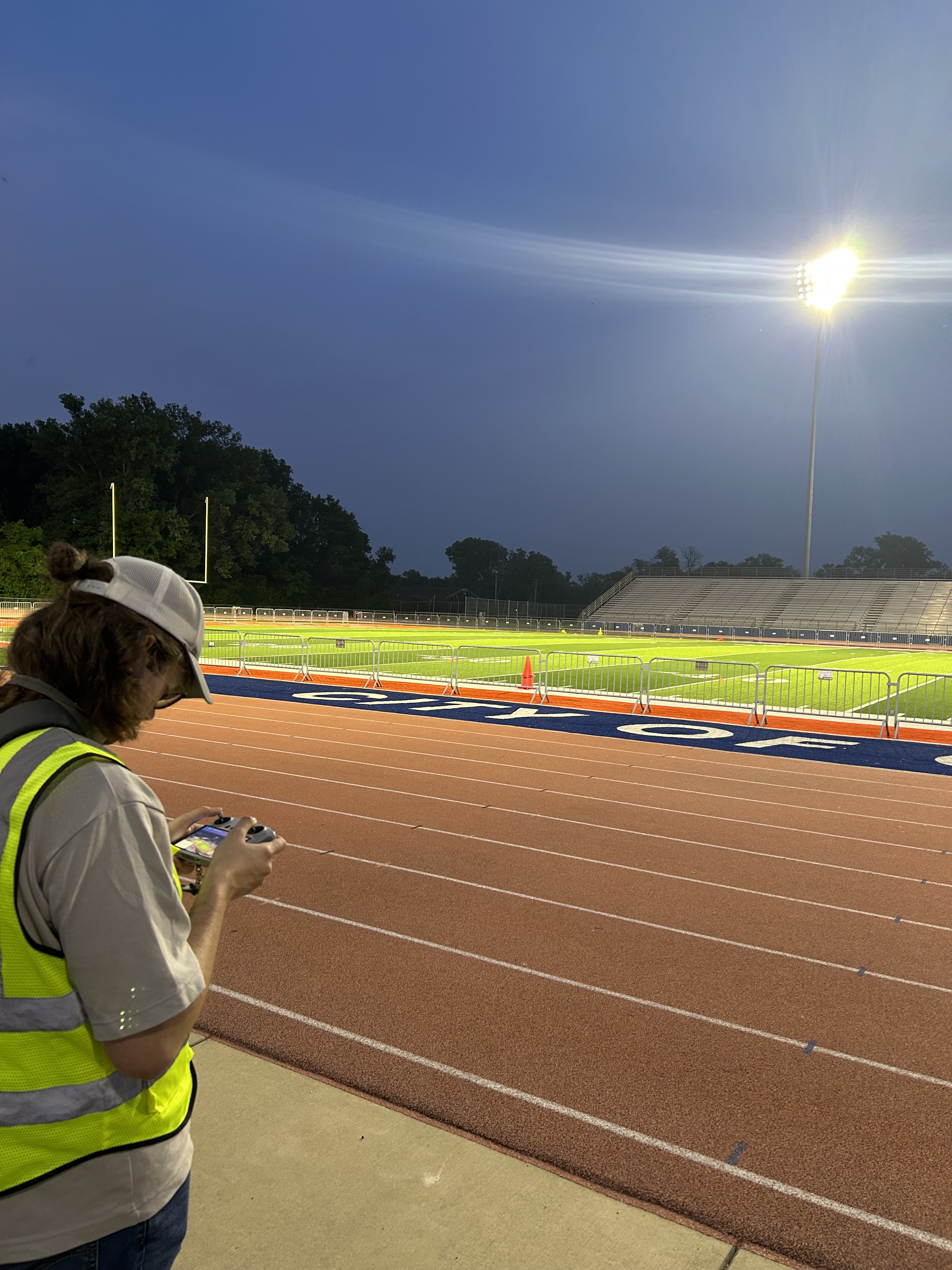
3. Data Capture: Thermal and Visual

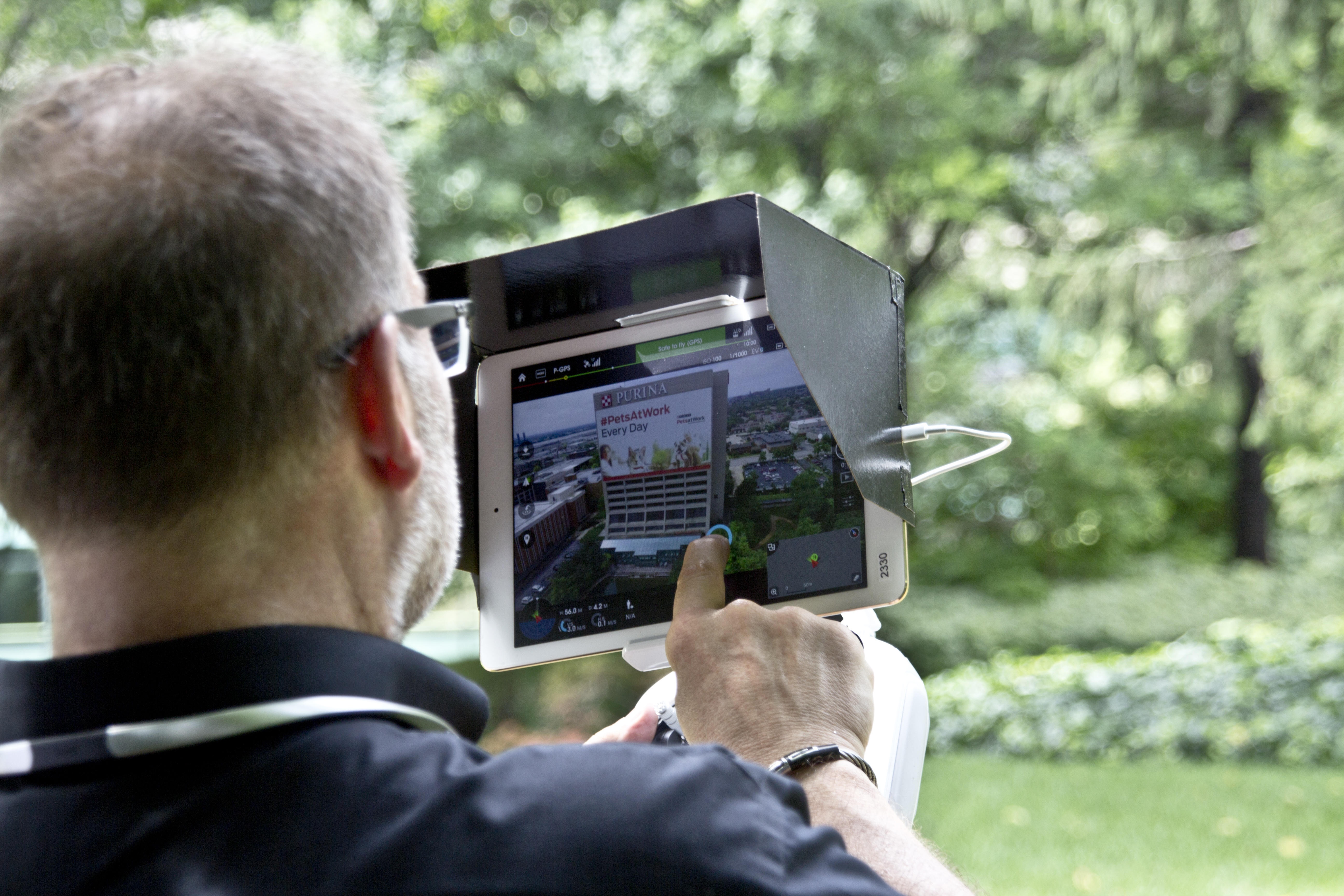
Our flight operations capture both:

  • Thermal imagery (from FLIR radiometric cameras for accurate temperature data)
  • High-resolution visual imagery (RGB) for context and documentation

We typically fly grid patterns at defined altitudes to ensure consistent coverage. For complex areas, we may complement aerial data with closer passes or indoor flights where appropriate.

4. Post-Production and Analysis

After the flight, we:

  • Organize and calibrate thermal imagery
  • Align thermal images with visual photos and building plans
  • Use advanced software and AI-assisted tools to analyze anomalies, temperature gradients, and patterns

AI helps accelerate pattern recognition, unify datasets, and enhance clarity of reports, but human expertise still leads the interpretation, especially for nuanced building and roofing conditions.

5. Reporting and Actionable Recommendations

You receive a structured deliverable that may include:

  • Thermal maps of roofs, walls, and building sections
  • Side-by-side thermal and visual image pairs
  • Annotated images highlighting areas of concern
  • Summary of findings and suggested next steps

This report becomes a living document that you can share with executives, facility management, roofing contractors, and insurers.


Marketing, Documentation, and Stakeholder Communication

Beyond maintenance and engineering, thermal drone data has value for your marketing and communications teams:

  • Demonstrate proactive stewardship of facilities and infrastructure
  • Support ESG and sustainability reporting with concrete visuals
  • Show tenants and investors you’re investing in building health and efficiency
  • Create visual assets that simplify technical discussions for non-technical stakeholders

Professionally produced thermal and visual imagery can be repurposed for presentations, investor decks, annual reports, and digital communication.


What to Look for in a Drone Thermal Imaging Partner

Not all drone operators or photographers are equal when it comes to commercial building inspections. When evaluating partners, consider:

  • Experience with commercial and industrial facilities – Not just “pretty aerial photos,” but real inspection-grade work.
  • Radiometric thermal capability – Ability to capture and interpret actual temperature data, not just colorful images.
  • Workflow and deliverables – Clear reporting, organized data, and formats that your teams and vendors can actually use.
  • Safety and compliance – Licensed pilots, liability coverage, and familiarity with FAA regulations and local operating requirements.
  • Integration with your broader visual strategy – Ability to support not just inspections, but also brand storytelling and marketing content about your facilities and capabilities.

When you can consolidate inspections, photography, video, and post-production under one experienced provider, you gain consistency, efficiency, and a stronger visual narrative about your organization.


Why Partner with St. Louis Corporate Photographer for Drone FLIR Thermal Inspections

Drone-based FLIR infrared thermal imaging is most powerful when it’s integrated into a broader visual and technical strategy for your buildings. That’s where an experienced, full-service team makes a difference.

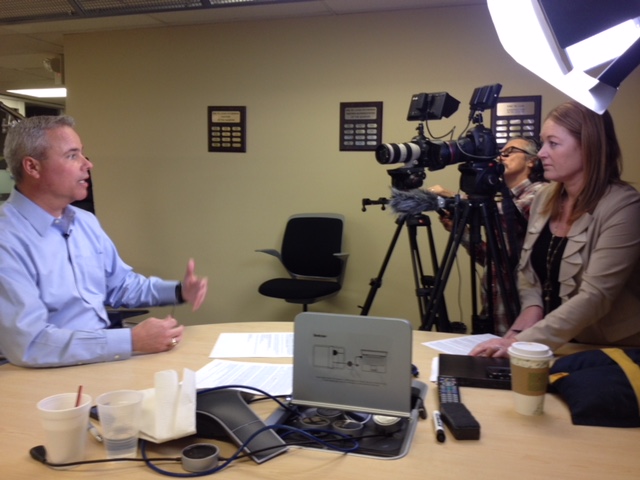
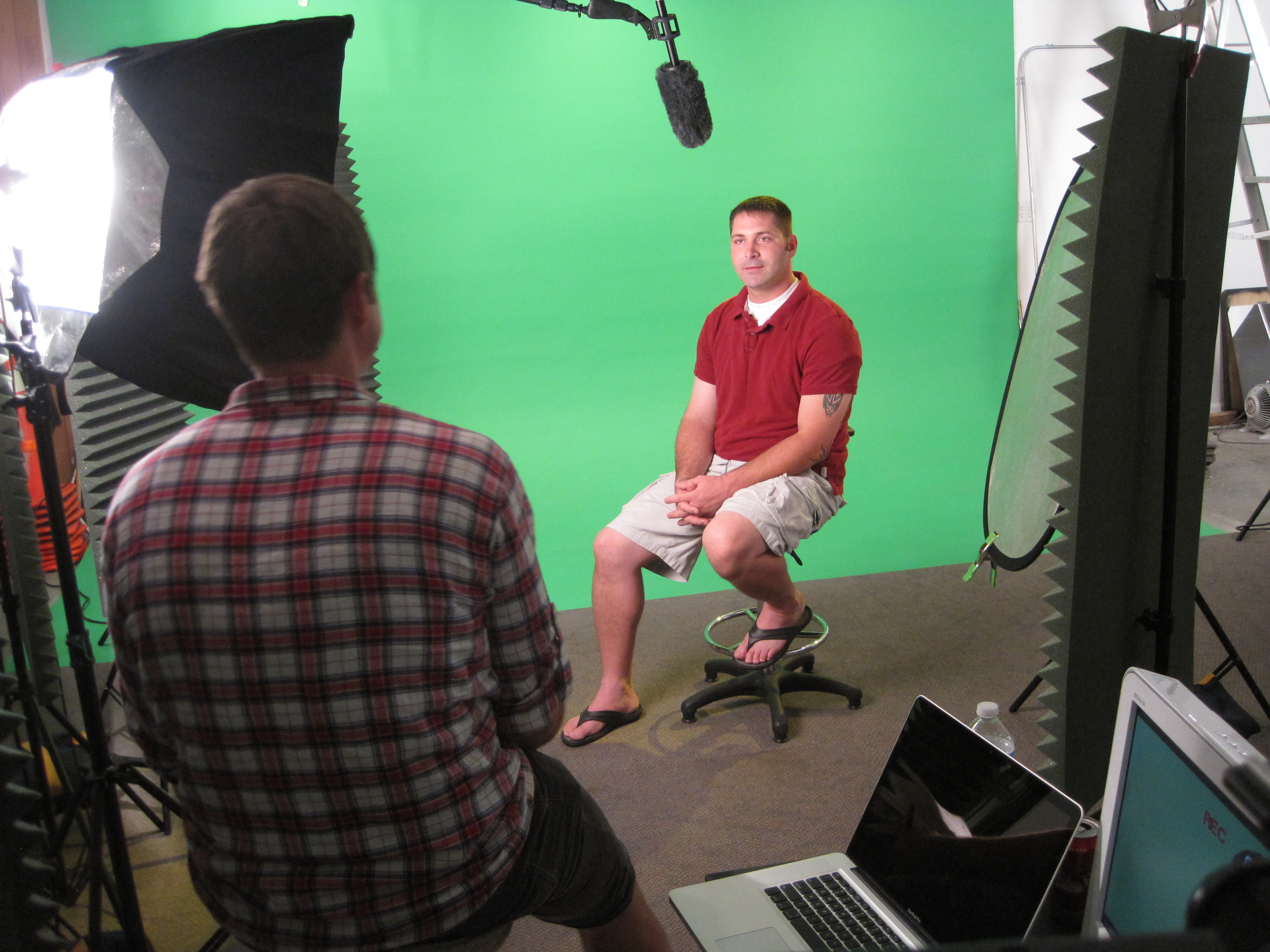
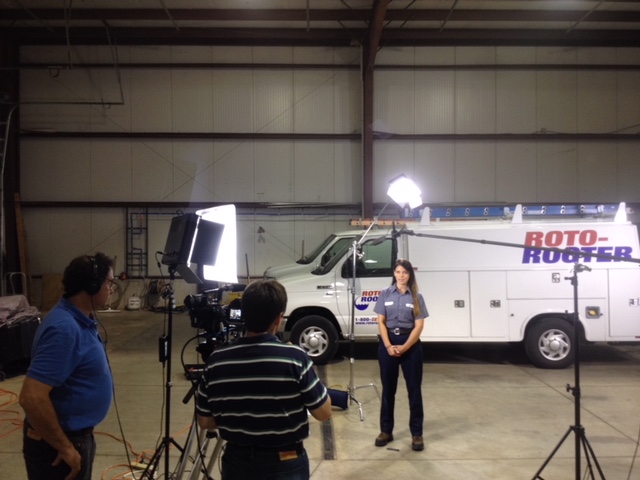
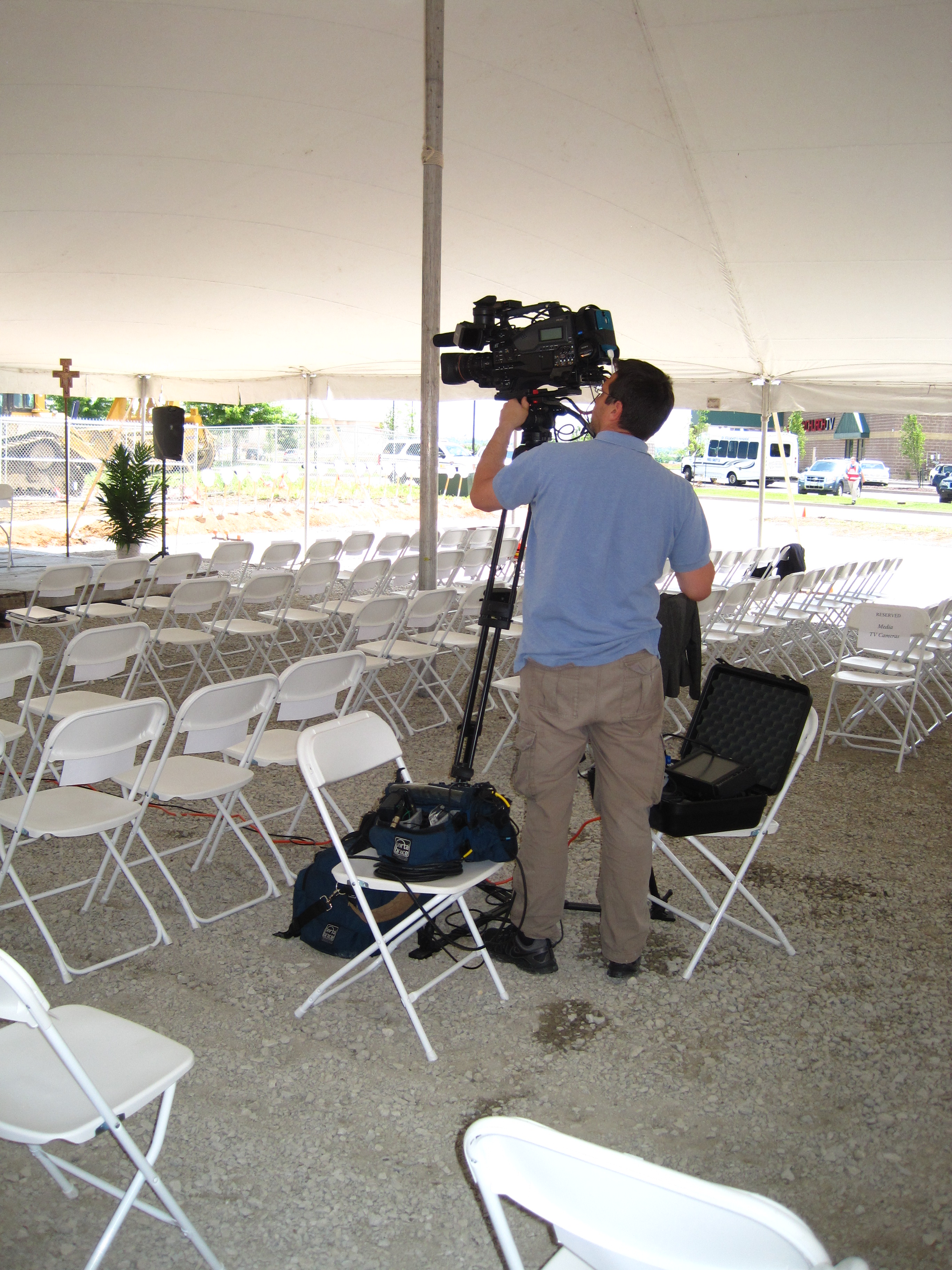
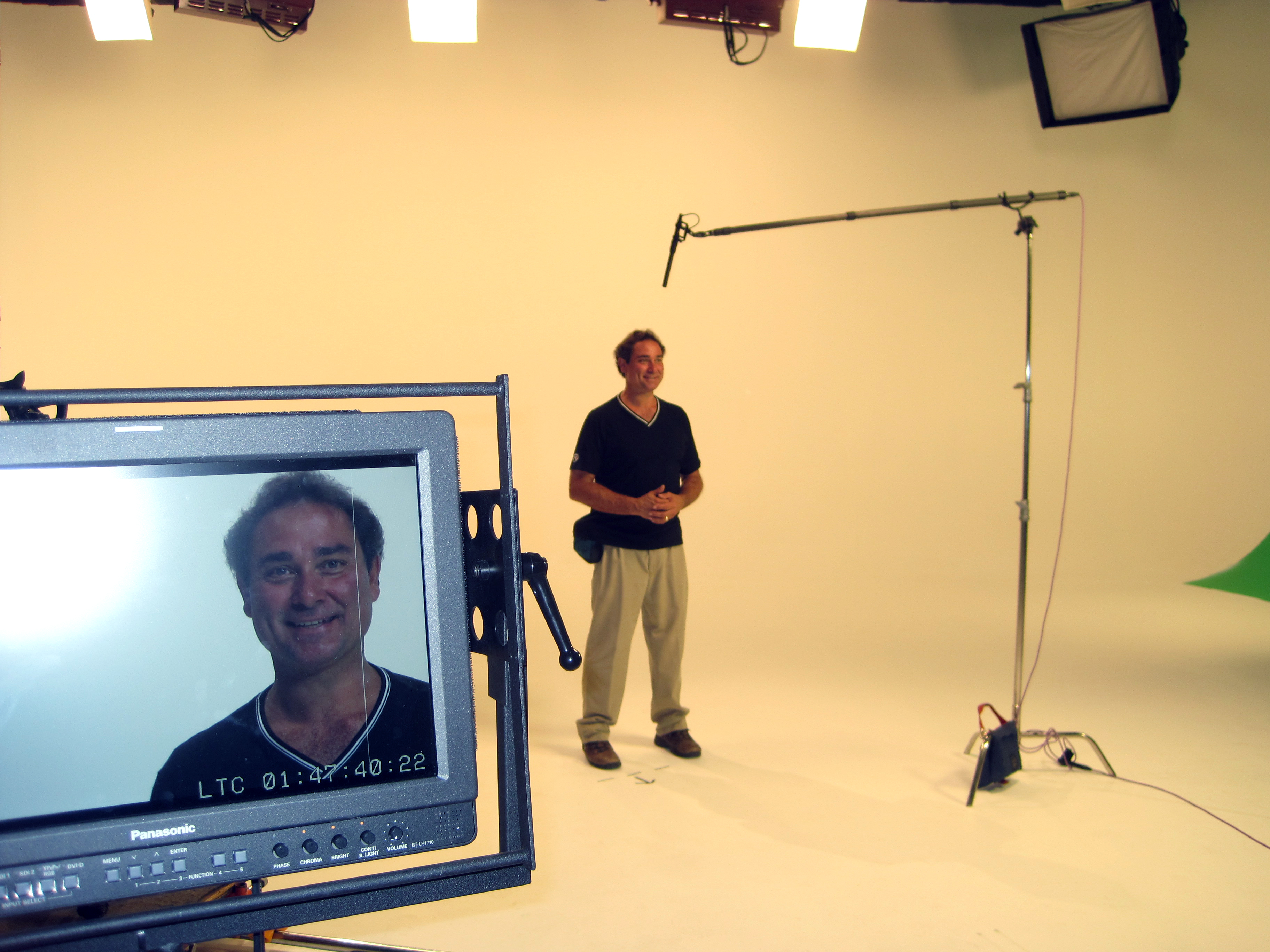
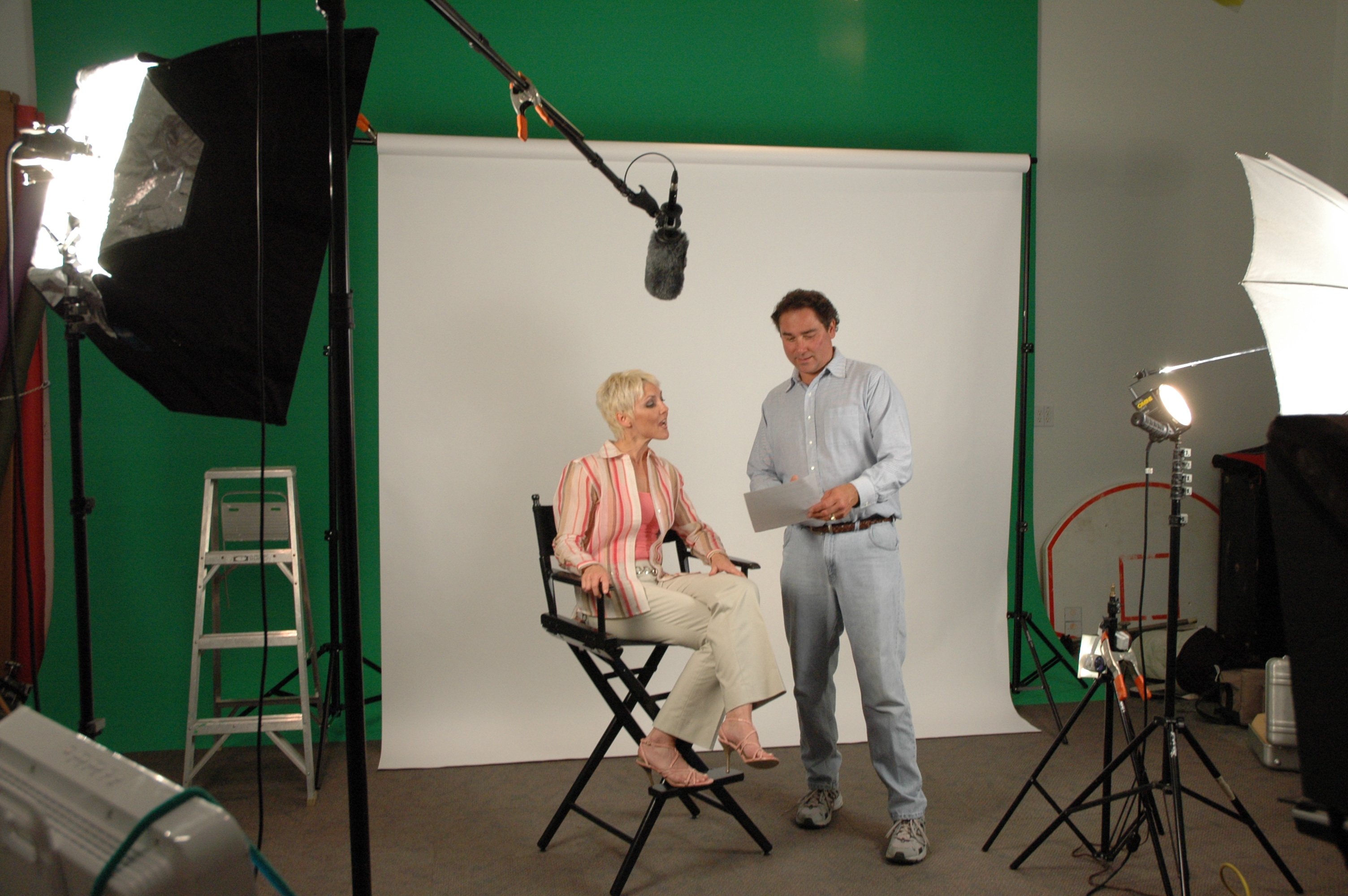
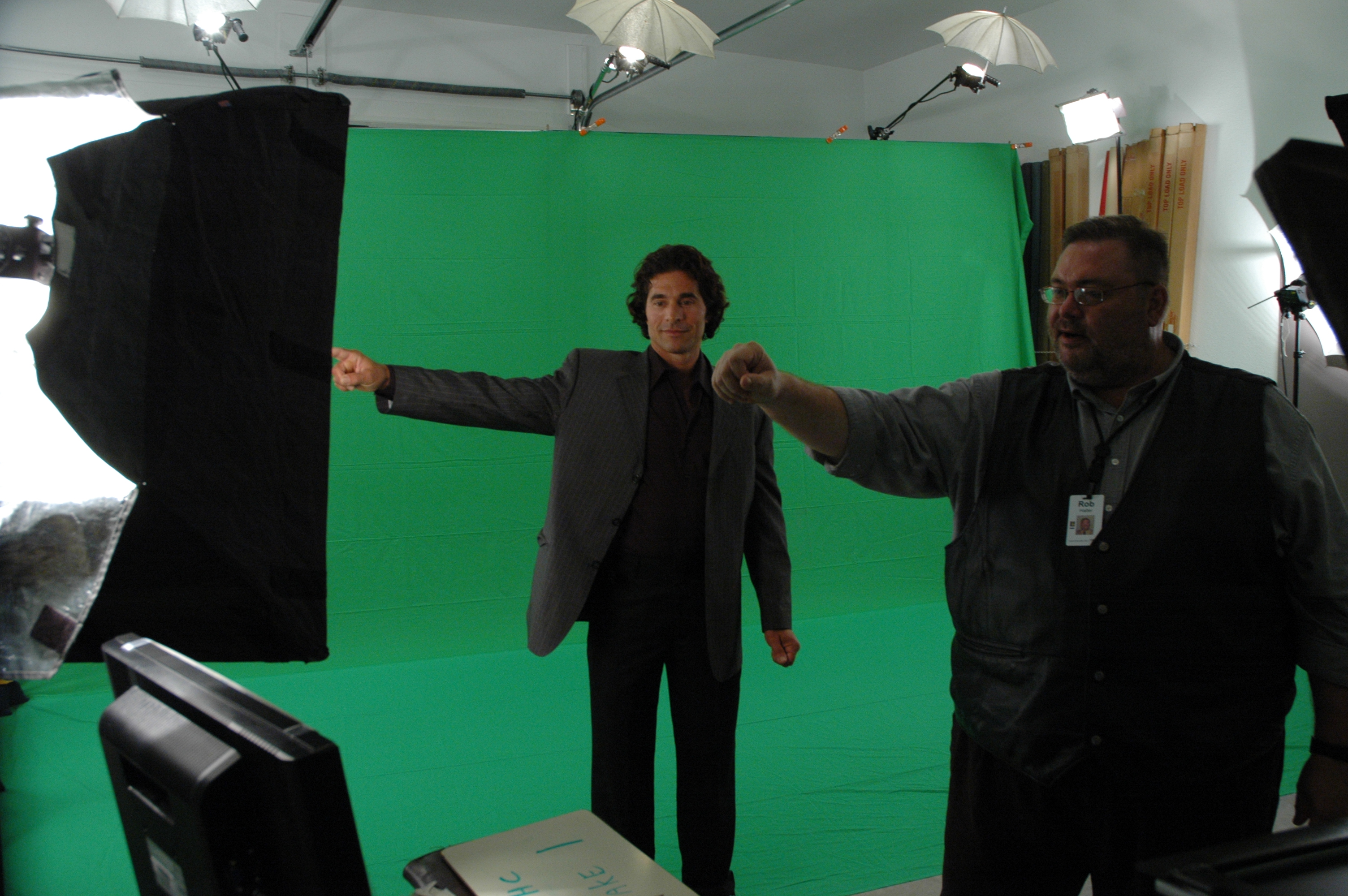
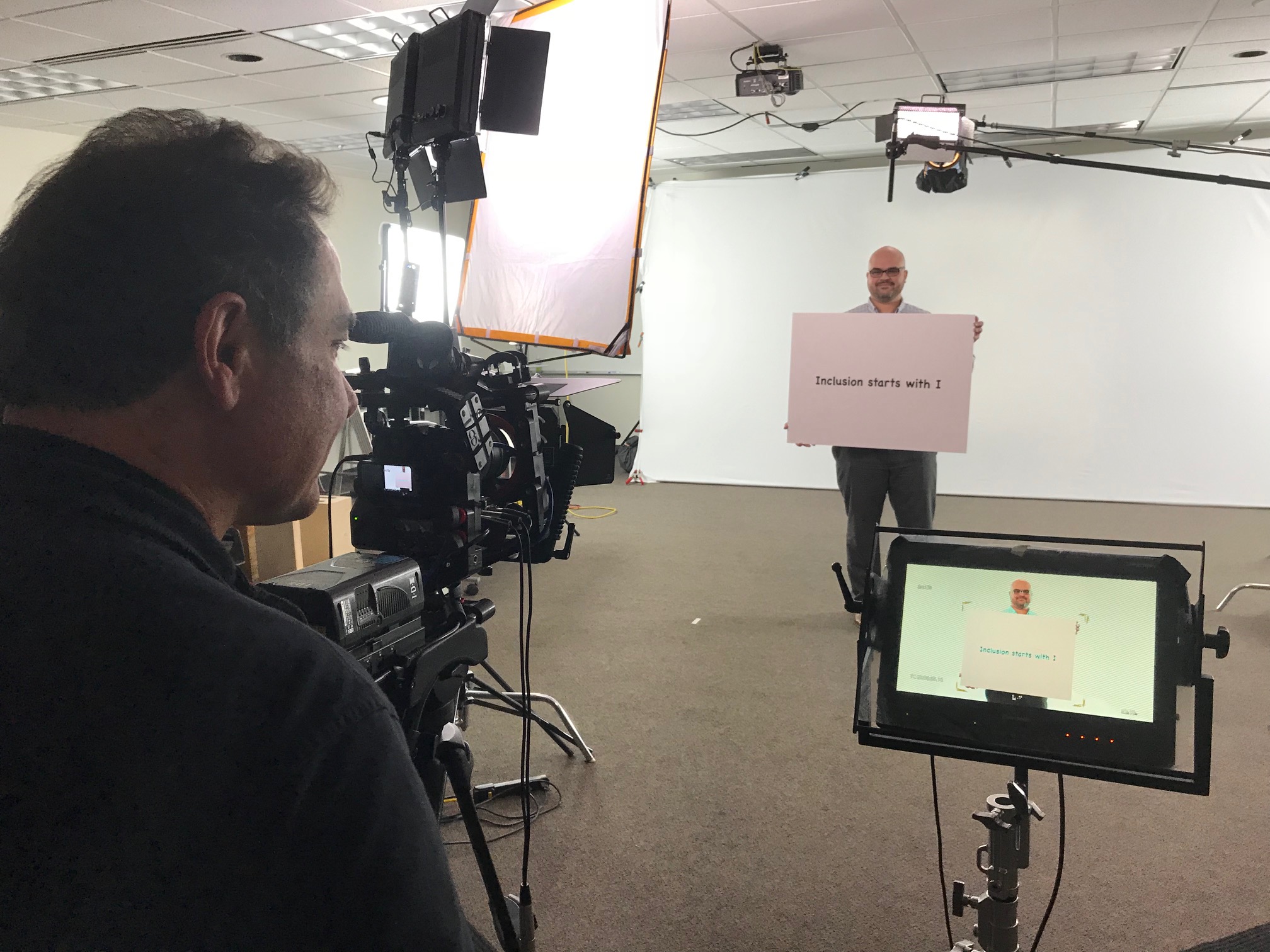
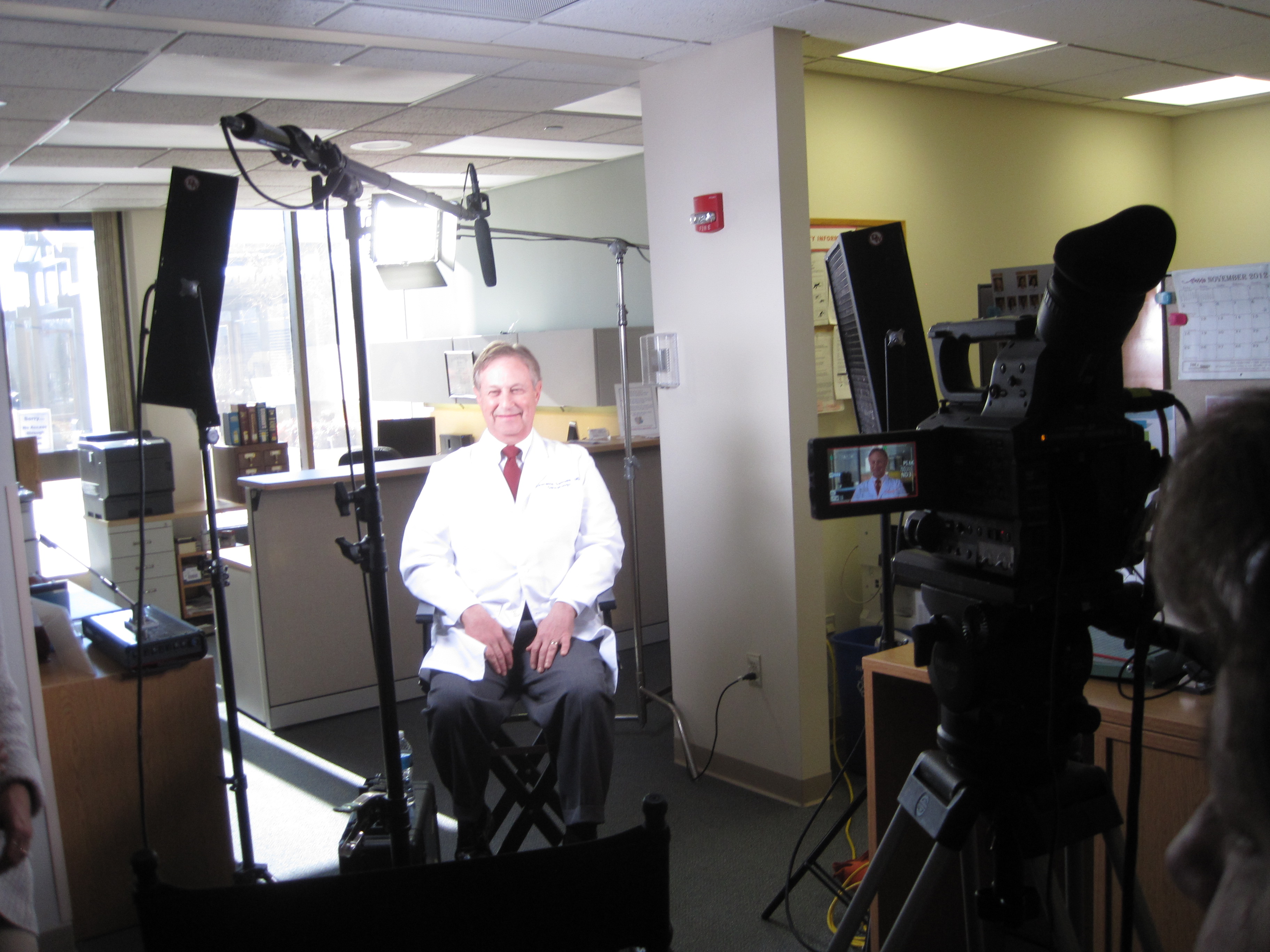
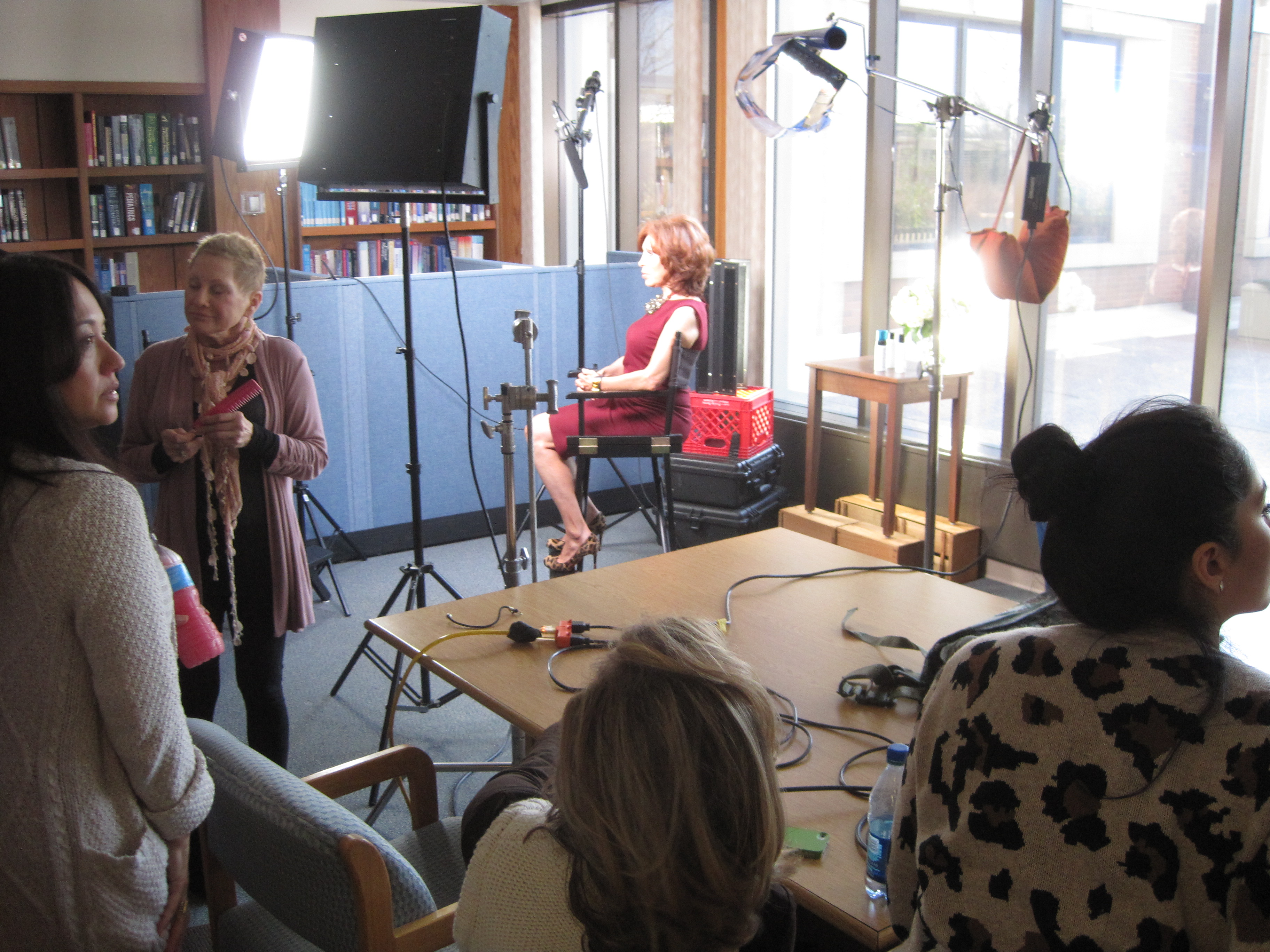
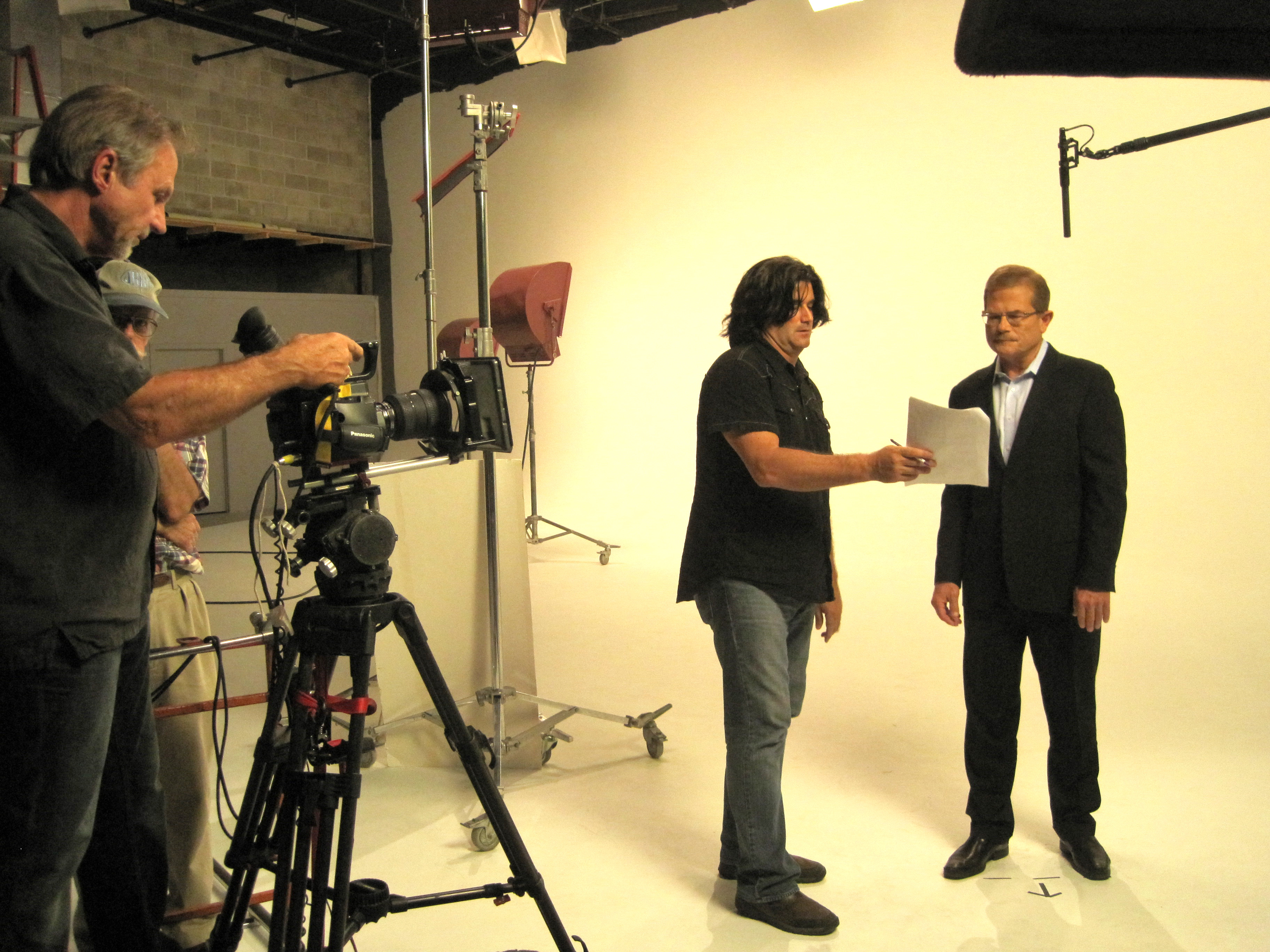
St. Louis Corporate Photographer is a full-service professional commercial photography and video production company with the right equipment and creative crew service experience for successful image acquisition. We offer full-service studio and location video and photography, as well as editing, post-production and licensed drone pilots. St. Louis Corporate Photographer can customize your productions for diverse types of media requirements. Repurposing your photography and video branding to gain more traction is another specialty. We are well-versed in all file types and styles of media and accompanying software. We use the latest in Artificial Intelligence for all our media services. Our private studio lighting and visual setup is perfect for small productions and interview scenes. Our studio is large enough to incorporate props to round out your set. We support every aspect of your production—from setting up a private, custom interview studio to supplying professional sound and camera operators, as well as providing the right equipment—ensuring your next video production is seamless and successful. We can fly our specialized drones indoors. As a full-service video and photography production corporation, since 1982, St. Louis Corporate Photographer has worked with many businesses, marketing firms and creative agencies in the St. Louis area for their marketing photography and video.
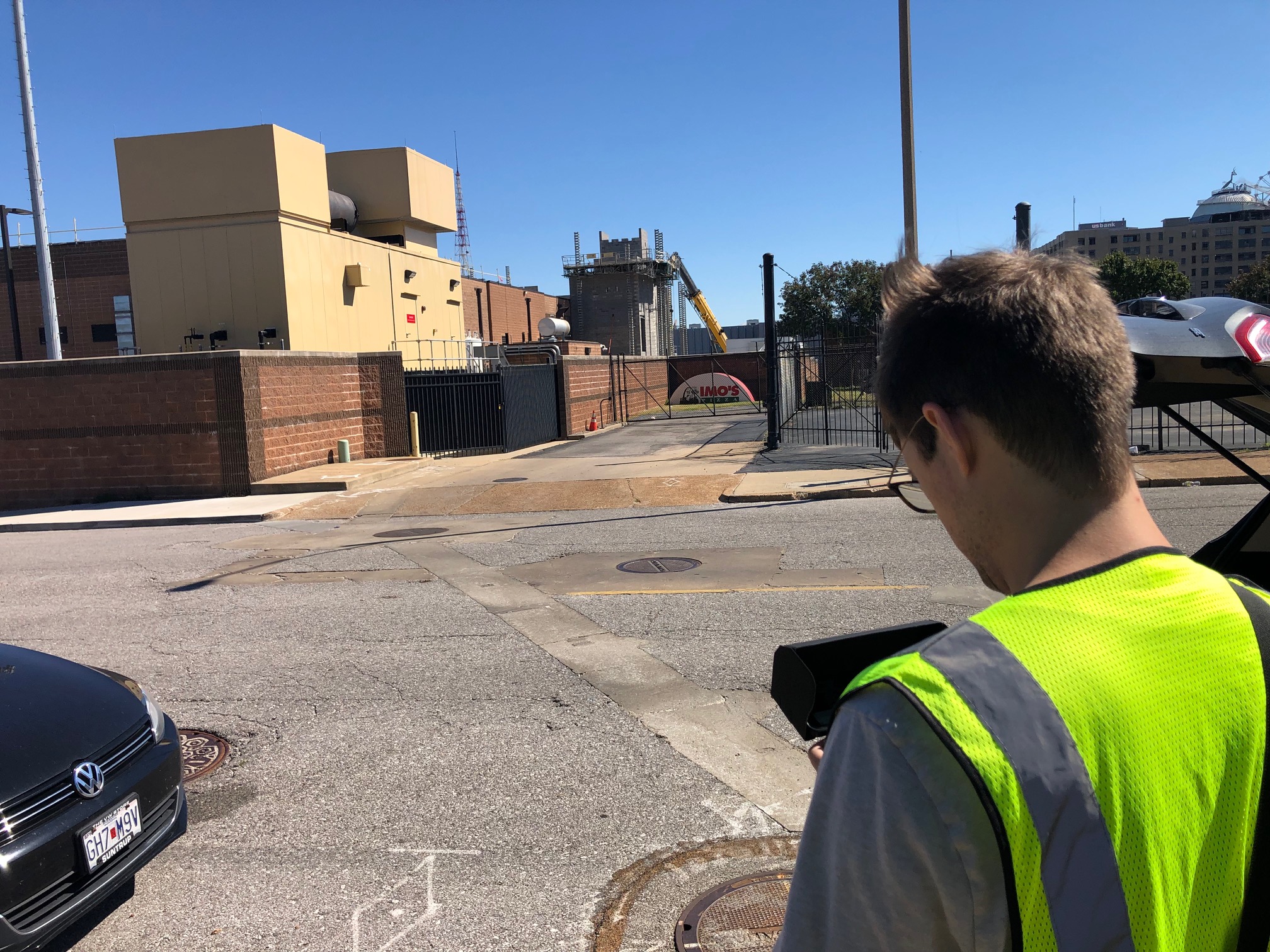
If you’re ready to add drone FLIR thermal imaging to your commercial building inspections—and tie that data into a cohesive visual story for your stakeholders—our team is ready to help.

314-913-5626

stlouiscorporatephotographer@gmail.com

Custom Photography vs. Stock: Cost, Control, and Brand Risk for Service Brands

If your company sells a service—IT support, healthcare, professional consulting, logistics, facilities, engineering—the “product” prospects evaluate is trust. Images are often the first proof of that trust. The question I hear constantly from marketing directors: “Do we invest in custom photography, or can we move faster with stock?” The right answer isn’t dogma; it’s a decision framework—balancing cost, control, and brand risk against speed and campaign goals. Here’s a practical, expert guide built from decades producing corporate visuals that convert.


Executive Summary (for busy stakeholders)

  • Stock is efficient for low-stakes, short-life assets (internal decks, early mockups, blog filler, social A/B tests).
  • Custom photography wins when you need ownable brand IP, legal clarity, consistent style across channels, and visual proof of your real people, processes, and locations.
  • Hidden costs and brand risk often flip the math: licensing traps, look-alike competitors, misrepresentation, and compliance issues (HIPAA, safety PPE, manufacturing protocols, accessibility) can push stock from “cheap” to “expensive.”

Cost Realities: Sticker Price vs. Total Cost of Ownership (TCO)

Direct costs

  • Stock: License fee per image or subscription. Upside: immediate availability. Downside: extended licenses (OOH, high-impression ads, templates, paid social) quickly escalate costs.
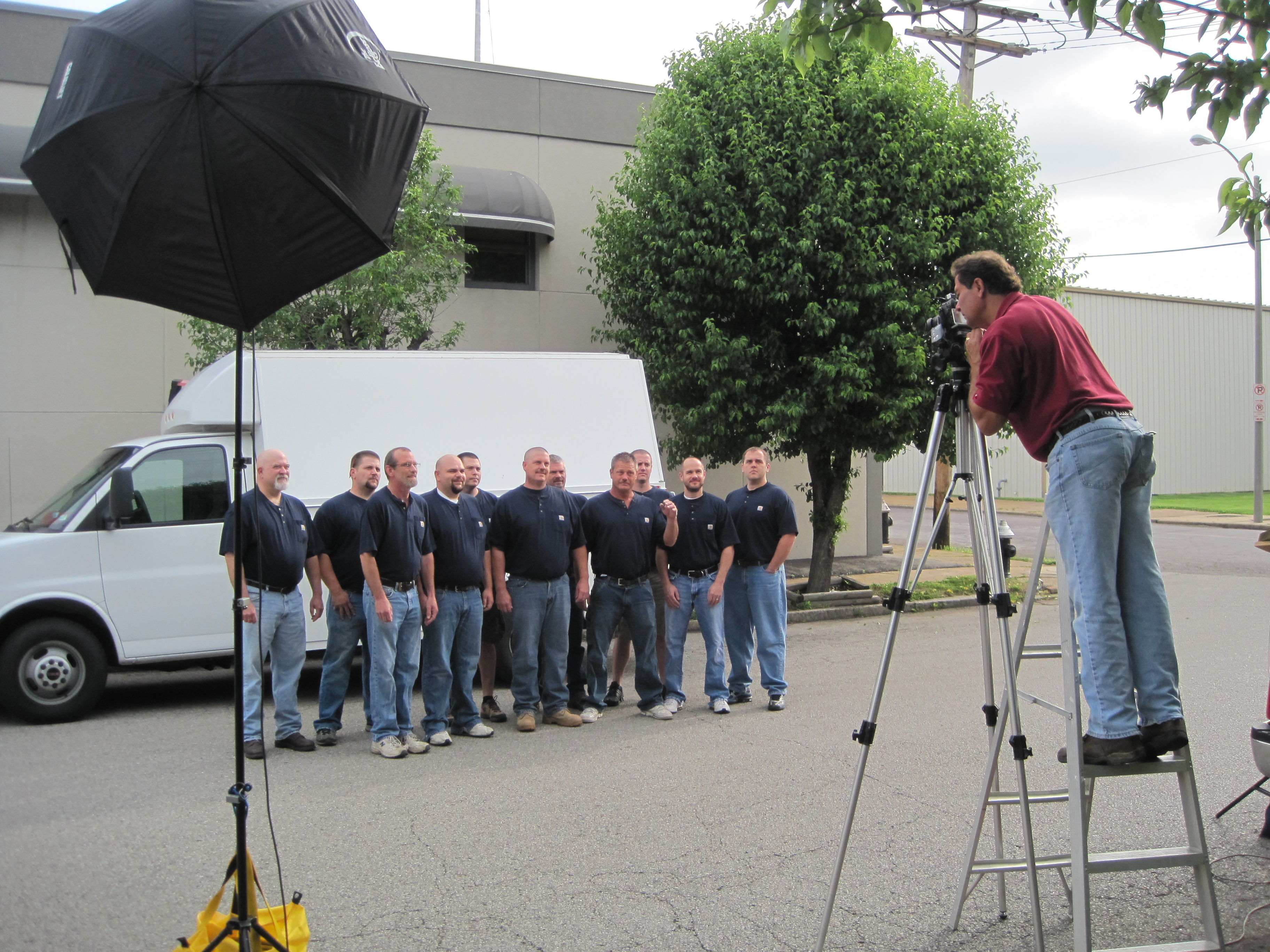
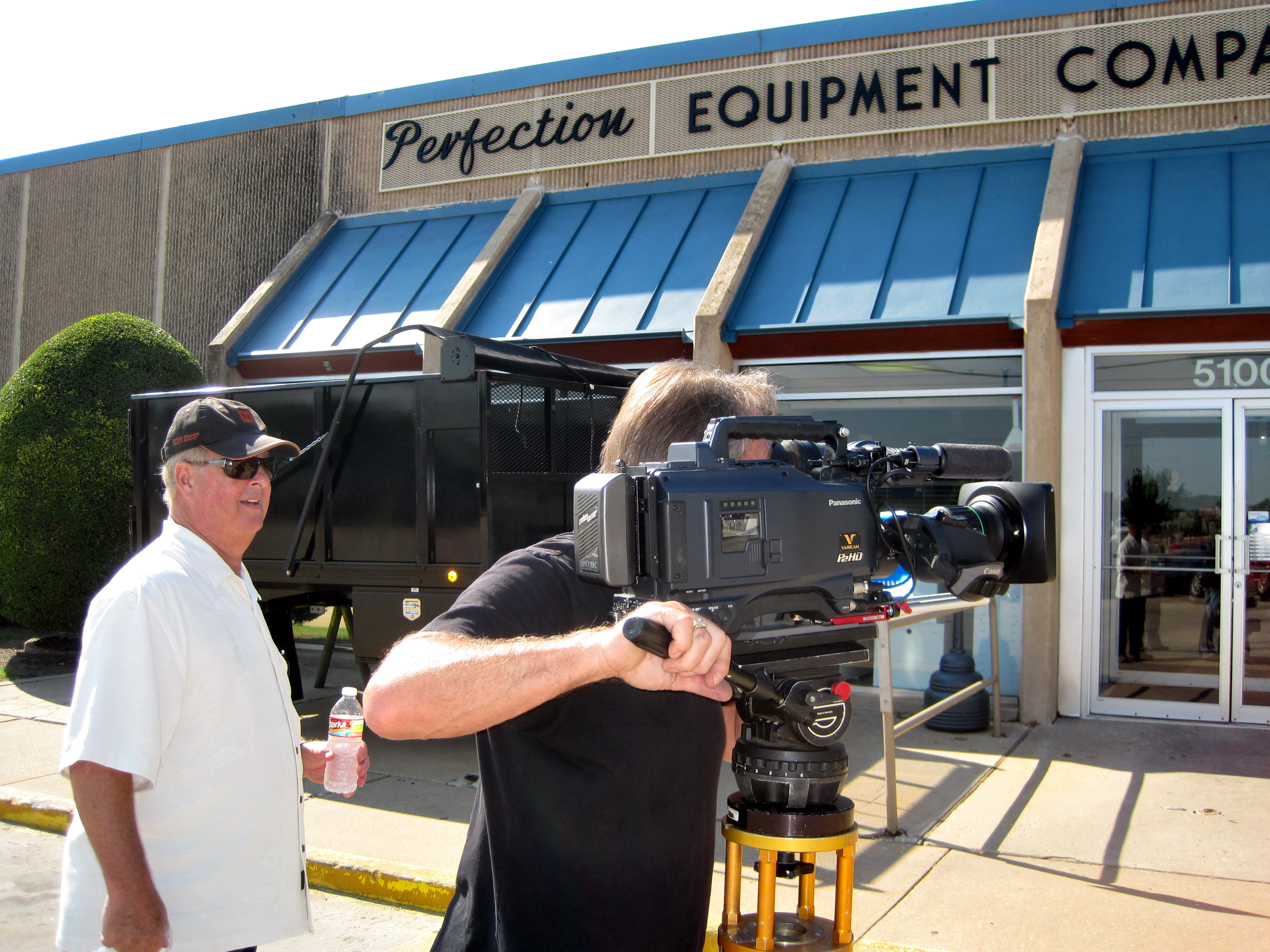
  • Custom: Day rate(s), crew, gear, studio/location, permits, edit/post. Upside: you typically own much broader rights and master files for long-term reuse.

Hidden costs

  1. License compliance effort: Time to track where each stock asset is used, by whom, and for how long.
  2. Re-cropping & re-touching fees: Some stock licenses restrict edits, templates, or AI-based transformations.
  3. Inconsistent style tax: Mixing stock aesthetics with your owned visuals increases design labor to unify look/feel.
  4. Replacement cost: When a competitor runs the same hero image, you’ll pay again—creative time, layouts, and possible re-prints.
  5. Opportunity cost: Generic imagery underperforms on conversion pages where buyers need proof (case studies, facilities pages, “Meet the Team,” recruiting).

A simple ROI lens

  • Pages with evidence imagery (your technicians, labs, trucks, clinics, manufacturing cells) typically outperform generic stock on high-intent traffic because the visuals reduce perceived risk. If your conversion rate lifts even modestly, custom quickly pays for itself over a content calendar.

Control: Creative Direction, Consistency, and Compliance

Brand Control

  • Stock: You control selection and crop, but not who else uses it. You inherit the photographer’s lighting, perspective, and casting choices—often at odds with your brand guidelines.
  • Custom: You control subject matter, wardrobe, safety compliance, DEI casting, set cleanliness, background branding, and visual hierarchy. We build shot lists aligned to your funnel: hero banners, service-process sequences, culture portraits, and vertical-first short-form video cut-downs.

Style Consistency

  • Stock is a patchwork quilt. Cohesion requires design effort and still rarely feels unified.
  • Custom yields a brand style library: repeatable lighting, lensing, color grading, and composition rules that scale across web, print, social, trade shows, and recruitment.

Regulatory/Safety

  • Stock often misses details that matter to auditors and sophisticated buyers: proper PPE, lockout/tagout indicators, sterile fields, HIPAA-safe contexts, or chain-of-custody cues.
  • Custom can be designed to pass compliance review the first time.

Brand Risk: The Part Everyone Underestimates

  1. Look-Alikes and Competitor Collisions
    The same “smiling headset agent” or “handshake in the lobby” devalues your differentiation. If a prospect has seen that image on another site, credibility erodes.
  2. Representation Misfires
    Stock can unintentionally telegraph the wrong geography, facility type, or workforce makeup. Today’s buyers notice.
  3. Legal Ambiguity
    • Editorial vs. commercial license confusion
    • Releases not fit for your jurisdiction
    • Prohibited uses (biometric editing, logo visibility, generative AI reworks)
    • Duration/territory exclusions that clash with campaign realities
  4. AI & Content Authenticity
    Many stock marketplaces now mix real, 3D, and AI-generated content. Without provenance controls, you risk using visuals that are flagged by clients, journalists, or platforms. With custom, you can embed Content Credentials (C2PA) and maintain a clear audit trail.

When Stock Makes Sense (and How to Use It Wisely)

  • Early-stage wireframes and layouts
  • Blog posts where the image is decorative, not evidence
  • Low-stakes organic social or internal newsletters
  • Filler thumbnails for fast iteration

Best practices

  • Maintain a license log (URL, campaign, start date, term, territory, impressions).
  • Prefer non-exclusive stock with restricted distribution when possible.
  • Avoid faces in conversion-critical placements; choose textures, abstractions, or macro details to reduce recognizability.
  • Run reverse-image checks on hero assets to see current usage saturation.

When Custom Is the Clear Choice

  • Homepage hero and core service pages
  • Case studies, proposals, RFP responses
  • Recruitment and culture hubs
  • Tradeshow booths, large-format print, OOH
  • Regulated or technical workflows (healthcare, manufacturing, utilities, aviation)
  • Any time visual proof reduces buyer risk

Deliverables that scale

  • Modular shoot plans: Portraits + action + processes + environments + details, designed to feed 6–12 months of campaigns.
  • Aspect ratio coverage: 16:9, 4:5, 1:1, 9:16 captured on set—no painful crops later.
  • Motion-first capture: Short b-roll + micro-interviews for social, recruiting, and product explainers.
  • Template-ready framing: Space for copy and CTAs baked into composition.

The Decision Matrix (Use This Before Your Next Campaign)

Ask these five questions:

  1. Is this asset proof or decoration?
    • Proof = Custom. Decoration = Stock can work.
  2. How public and persistent is the placement?
    • High-visibility or evergreen = Custom reduces risk.
  3. Are there compliance or accuracy requirements?
    • If yes, custom. We control PPE, signage, process.
  4. Do we need consistent style across channels?
    • If yes, build a custom library and a short style guide.
  5. What’s the lifecycle value?
    • If the asset will be reused across sales, HR, PR, and paid, custom’s TCO is usually lower within a quarter.

Practical Budgeting: How to Buy Once, Use Many Times

Plan the library, not just the shoot.

  • Map your customer journey: awareness, consideration, decision, onboarding, advocacy.
  • For each stage, list the visuals that reduce friction: team expertise, process evidence, safety, scale, outcomes.

Stack efficiencies

  • Combine headshots, environment portraits, and process stills in one schedule block.
  • Capture b-roll for recruiting and social while lighting is already dialed.
  • Use indoor drone moves for dynamic facility reveals and unique vantage points without disrupting operations.

Rights & Governance

  • Commission with broad commercial rights and model/property releases covering digital, print, paid, and derivative edits (including AI-assisted variations).
  • Embed C2PA credentials for provenance and maintain a central asset index with tags, usage notes, and expiration dates.

Creative Guardrails for Service Brands

  • People over props: Feature your real teams, supervisors, and clients (when permissible).
  • Detail parity: If your service is complex, show the details (labels, instruments, dashboards) that experts recognize.
  • Safety and inclusion: PPE and signage must be correct; represent the diversity of your workforce and customers authentically.
  • Lighting language: Define a repeatable look—soft directional key, controlled practicals, modest contrast—for recognizability.
  • Motion snippets: 5–8 second loops for social and web UI add perceived quality without heavy post.

Sample One-Day Shoot Plan (Built for a 6–12 Month Library)

Pre-production (1–2 weeks prior)

  • Shot list, schedule, permissions, releases, wardrobe, safety review
  • Visual style brief + reference frames
  • Location tech scout; identify drone paths (including indoor drone routes)

Production (1 day)

  • Team portraits (on-brand background, tethered for approvals)
  • Service in action (two key processes, wide + medium + detail)
  • Environment plates (lobby, trucks, labs, shop floor, server rooms)
  • Culture moments (stand-ups, collaboration, toolbox talks)
  • Indoor drone passes for dynamic scene-setters
  • B-roll clips for web headers, recruiting, and case study intros

Post-production (3–10 days)

  • Color-consistent master set
  • Crops for web/social templates
  • Short motion edits (9:16 / 1:1 / 16:9)
  • Delivery with metadata, releases, and content credentials

Governance Checklist (Keep This in Your Brand Binder)

  • Master usage rights secured (commercial, worldwide, perpetual where possible)
  • Model & property releases on file
  • Safety/compliance sign-off (PPE, signage, patient/customer privacy)
  • C2PA credentials embedded
  • Asset index with tags, licenses, expiry dates
  • AI transformation policy (permitted edits, disclosure rules)
  • Accessibility check (alt text, contrast in graphics, readable overlays)

What About AI-Generated Images?

AI is a speed tool, not a replacement for authenticity. Use it to prototype layouts, visualize concepts, replace non-critical backgrounds, or sketch storyboards. For credibility visuals—your people, facilities, equipment, and clients—capture the real thing and use AI for polish (cleanup, plate extension, object removal) while maintaining provenance.


Bottom Line

For service brands, images aren’t decorations; they’re evidence. Stock has a role in speed and experimentation, but the visuals that move revenue—trust-building proof, consistent brand language, and compliant process storytelling—come from custom production. When you model total cost and risk honestly, bespoke photography is very often the least expensive option you can’t afford not to choose.


About St Louis Corporate Photographer

Experienced St Louis Corporate Photographer is a full-service professional commercial photography and video production company with the right equipment and creative crew experience for successful image acquisition. We offer full-service studio and location video and photography, as well as editing, post-production, and licensed drone pilots. We can fly our specialized drones indoors for dynamic facility footage and unique perspectives without disrupting your operations.

Our team customizes productions for diverse media requirements and specializes in repurposing your photography and video branding to gain more traction across websites, social, recruitment, proposals, trade shows, and paid media. We’re well-versed in all file types, media styles, and accompanying software, and we use the latest Artificial Intelligence—from intelligent upscaling and cleanup to content credentials—for efficient, secure workflows. Our private studio lighting and visual setup is perfect for small productions and interview scenes, and our studio is large enough to incorporate props to round out your set.

As a full-service video and photography production corporation since 1982, St Louis Corporate Photographer has partnered with businesses, marketing firms, and creative agencies across the St. Louis region to create credible, conversion-ready brand libraries. We support every aspect of your production—from setting up a private, custom interview studio to supplying professional sound and camera operators, as well as providing the right equipment—ensuring your next video production is seamless and successful.

314-913-5626

stlouiscorporatephotographer@gmail.com

Guide to Copyrighting Photos for Your Products

High-quality product images can make or break a sale, and protecting those images through copyright is crucial for your brand’s success. As an experienced product photographer at St. Louis Corporate Photographer, I’m here to guide you through the process of copyrighting photos for your products.

Including a copyright notice in your product photos is a simple but effective way to communicate your ownership.

Understanding Copyright Basics

What is Copyright?

Copyright is a legal protection granted to creators of original works, including photographs, to control how their work is used and distributed. When you create a photograph, you automatically hold the copyright to that image. This means that others cannot use, reproduce, or distribute your photos without your permission.

Why Copyright Matters for Product Photography

Copyrighting your product photos is essential for several reasons:

  1. Protection: It safeguards your images from unauthorized use, preventing competitors or third parties from benefiting from your hard work.
  2. Brand Identity: It allows you to maintain control over your brand’s visual identity, ensuring that your products are presented in a consistent and professional manner.
  3. Legal Recourse: If someone infringes on your copyright, you have legal recourse to stop them and seek damages.

Copyrighting Your Product Photos

1. Create a Copyright Notice

Including a copyright notice in your product photos is a simple but effective way to communicate your ownership. It typically consists of the copyright symbol (©), your name or company name, and the year the photo was created. For example: © [Your Name/Company Name] [Year].

2. Register Your Copyright

While copyright protection automatically applies when you create an image, registering your copyright with the U.S. Copyright Office provides additional legal benefits. Registration creates a public record of your copyright and is necessary if you plan to take legal action against copyright infringers. The process typically involves submitting a copy of your photo and a fee.

3. Licensing and Usage Agreements

When sharing your product photos with others, especially for commercial purposes, consider using licensing and usage agreements. These documents outline the terms and conditions under which others can use your images. Be clear about how the photos can be used, whether for marketing, sales, or other purposes, and specify any limitations or restrictions.

4. Watermarking

Watermarking your product photos involves adding a visible or invisible mark to the image that identifies it as your intellectual property. While it may deter unauthorized use to some extent, it can also affect the aesthetics of the photo. Striking a balance between protection and aesthetics is crucial when using watermarks.

5. Keep Detailed Records

Maintain thorough records of your product photos, including the dates they were created, any licensing agreements, and communication related to the images. These records can be invaluable in case of a copyright dispute.

Copyright Infringement and Enforcement

1. Monitoring Your Images

Regularly monitor where your product photos are being used online. Tools like reverse image search engines can help you identify unauthorized use. Look for instances where your photos are used without permission, and take appropriate action.

2. Cease and Desist Letters

If you discover unauthorized use of your product photos, consider sending a cease and desist letter to the infringing party. This formal notice informs them of the copyright infringement and requests that they cease using your images immediately.

3. Legal Action

In cases where cease and desist letters are ineffective or if the infringement is severe, legal action may be necessary. Consult with a legal professional experienced in copyright law to explore your options and protect your intellectual property.

Repurposing Your Branding Images

Effective product photography extends beyond just creating stunning images; it also involves repurposing them for various media requirements. This is where the expertise of St. Louis Corporate Photographer comes into play.

Our full-service professional commercial photography company has the right equipment and a creative crew with years of experience in successful product shots. We offer both studio and location photography services to meet your unique needs. Our image editing and retouching services ensure that your product images are flawless and ready for any platform.

Diverse Types of Media Requirements

We understand that different media platforms require specific image sizes, formats, and resolutions. Whether you need images for your website, social media, print materials, or advertisements, we can customize your product images to meet the diverse requirements of each medium.

Maximizing Your Brand’s Impact

Repurposing your branding images is one of our specialties. We can help you leverage your product photos across multiple marketing channels to gain more traction and maximize your brand’s impact. With our creative approach and technical expertise, we ensure that your product images consistently convey your brand’s message and values.

File Types and Styles of Media

Our team at St. Louis Corporate Photographer is well-versed in all file types and styles of media. Whether you require JPEGs, PNGs, TIFFs, or any other format, we can deliver high-quality images tailored to your specifications. We are proficient in using the latest software tools for image editing, ensuring that your product photos are always ready for prime time.

Conclusion

In the world of product photography, copyrighting your images is a fundamental step in protecting your intellectual property and maintaining control over your brand’s visual identity. By following the steps outlined in this guide, you can safeguard your product photos and take legal action against any copyright infringements.

As a full-service photographer, St. Louis Corporate Photographer has worked with many businesses and agencies in the St. Louis area for their commercial photography and copyright procurements. Our extensive experience, state-of-the-art equipment, and creative team make us your go-to choice for successful product shots and image protection.

If you’re ready to enhance your product photography and safeguard your brand’s assets, contact us today. Let us help you create stunning product images and ensure they remain exclusively yours.

Contact St. Louis Corporate Photographer for all your product photography needs and copyright protection. Don’t leave your brand’s success to chance—partner with the experts!

314-913-5626

stlouiscorporatephotographer@gmail.com