How to Look Polished, Stay On-Message, and Control Budget Without Looking “Budget”
If you’ve ever approved a video project and then watched costs creep—extra shoot days, endless retakes, talent fatigue, script drift, or “we’ll fix it in post”—you already know the truth: most video budgets are won or lost before the camera rolls.
Teleprompter-based video presentations and interviews are one of the most cost-efficient ways to produce high-quality, consistent messaging at scale—especially for corporate communications, marketing campaigns, training, compliance, executive updates, recruiting, and client-facing thought leadership.
But “teleprompter” doesn’t automatically mean stiff, robotic delivery. When planned correctly, it’s the opposite: faster production, fewer retakes, tighter storytelling, and a confident on-camera performance that feels natural.
Below is a practical, production-tested guide to getting the maximum value from teleprompter video—without sacrificing quality.
Why teleprompter video is the most efficient format for corporate messaging
1) It reduces retakes and resets dramatically
Every reset costs time: re-lighting subtle shifts, re-blocking, repeating lines, regaining energy, re-cueing audio, re-establishing continuity. Teleprompters allow speakers to stay on-message, keep pace, and move through content with fewer stops.
2) It standardizes messaging across teams and locations
If you’re producing multiple videos—department updates, product modules, leadership series—teleprompters help keep tone, terminology, compliance language, and key phrases consistent. That consistency is brand protection.
3) It helps non-professional talent deliver confidently
Most executives and subject-matter experts are brilliant in the room and uneven on camera. A prompter gives them structure, reduces anxiety, and prevents the “I know what I want to say but…” spiral.
4) It makes your edit cleaner and cheaper
When delivery is tighter, the edit becomes faster: fewer patchwork cuts, fewer pickups, fewer continuity problems, and less need to mask audio issues with b-roll. You spend less time assembling a coherent story and more time polishing.
The modern teleprompter workflow (and where cost efficiency actually happens)
Cost efficiency comes from a controlled workflow, not from “cutting corners.” Here’s the approach that keeps quality high while keeping budgets predictable.
Step 1: Start with a script that’s written for speech, not reading
The biggest teleprompter mistake is treating it like a document. Scripts should be conversational and breathable.
A speech-friendly script:
- Uses short sentences and natural rhythm
- Avoids dense clauses and long lists
- Places emphasis words at the end of lines
- Builds in pauses (where the audience needs them)
- Includes “spoken” transitions (“Here’s the key point…”)
If the script reads like legal copy, the delivery will look like legal copy.
Step 2: Lock the message before you schedule the shoot
A teleprompter shoot is fast because you’re shooting a finalized message. If stakeholders are still debating talking points, the savings evaporate.
A practical method:
- One owner controls the master script (not five people in five docs)
- One consolidated review round before production
- One final sign-off before the shoot day
You can still iterate in post—but you should not be inventing the story on set.


Step 3: Build the right shoot structure—modules beat monologues
Long videos are rarely cost-efficient unless they’re broken into modular sections.
Instead of one 6–10 minute continuous read, consider:
- 6–10 short chapters (30–90 seconds each)
- Natural “reset points” between sections
- Built-in opportunities for b-roll overlays
- Multiple deliverables from the same shoot (website, LinkedIn, internal portal)
This is the difference between “one video” and “an asset library.”
Step 4: Optimize for performance with on-set coaching (the secret weapon)
Teleprompter delivery improves quickly with simple coaching:
- Slightly slower pace than normal conversation
- Eye-line discipline (keep the gaze steady, not hunting)
- Micro-pauses at punctuation
- Smile with the eyes (even in serious content)
- Don’t “punch in” emotion—let the message carry it
When coaching is built into production, the talent improves over the first 10 minutes and stays strong. That alone can save hours.
Teleprompter presentations vs. teleprompter interviews: choose the right format
Teleprompter presentations (best for controlled messaging)
Use when you need:
- Exact language (compliance, regulated industries, legal sensitivity)
- Consistent phrasing across many videos
- Tight time windows
- Multi-video series with predictable pacing
Teleprompter-assisted interviews (best for natural authority)
Use when you want:
- A conversational feel with guardrails
- Authenticity plus message clarity
- A mix of prepared statements and real answers
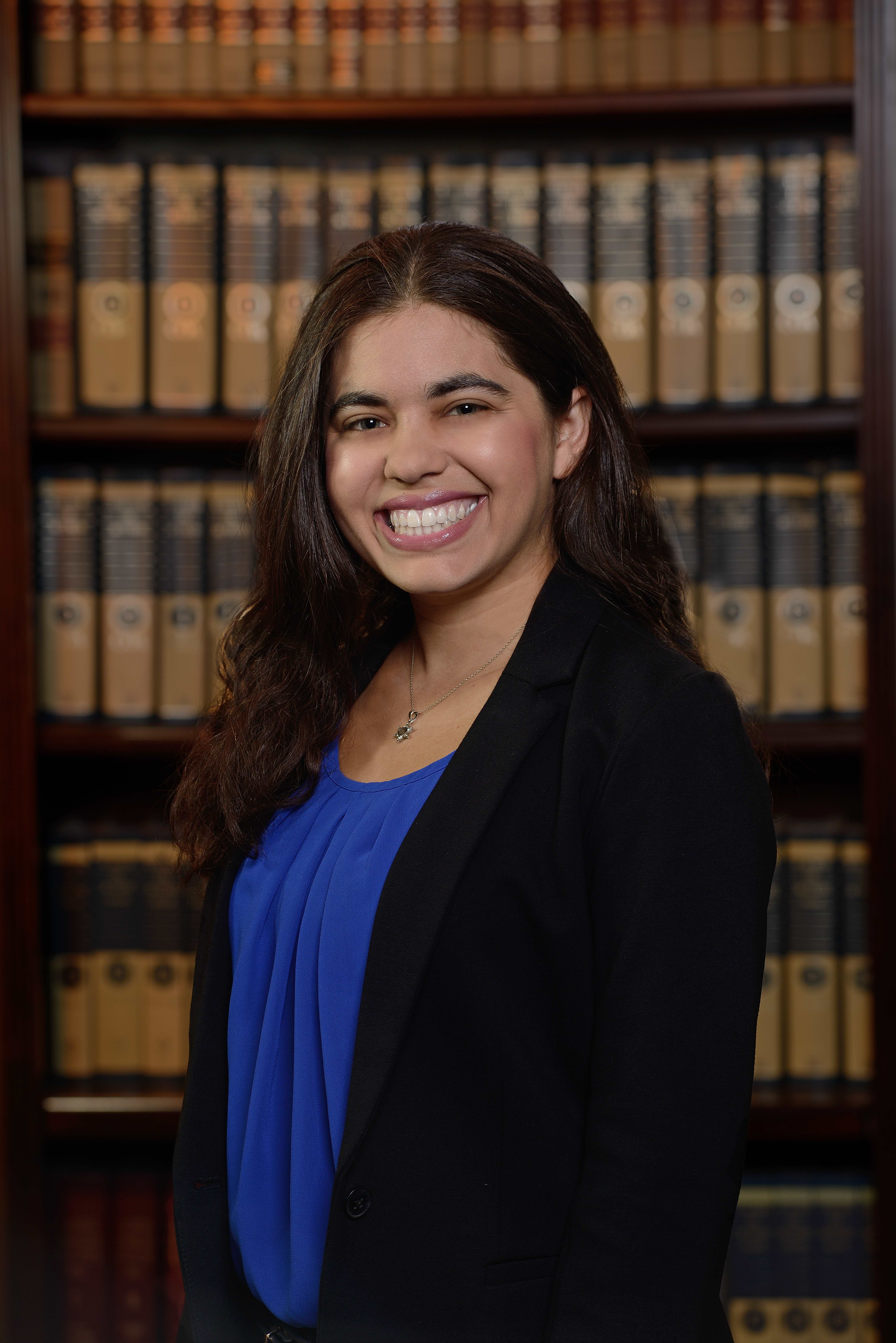

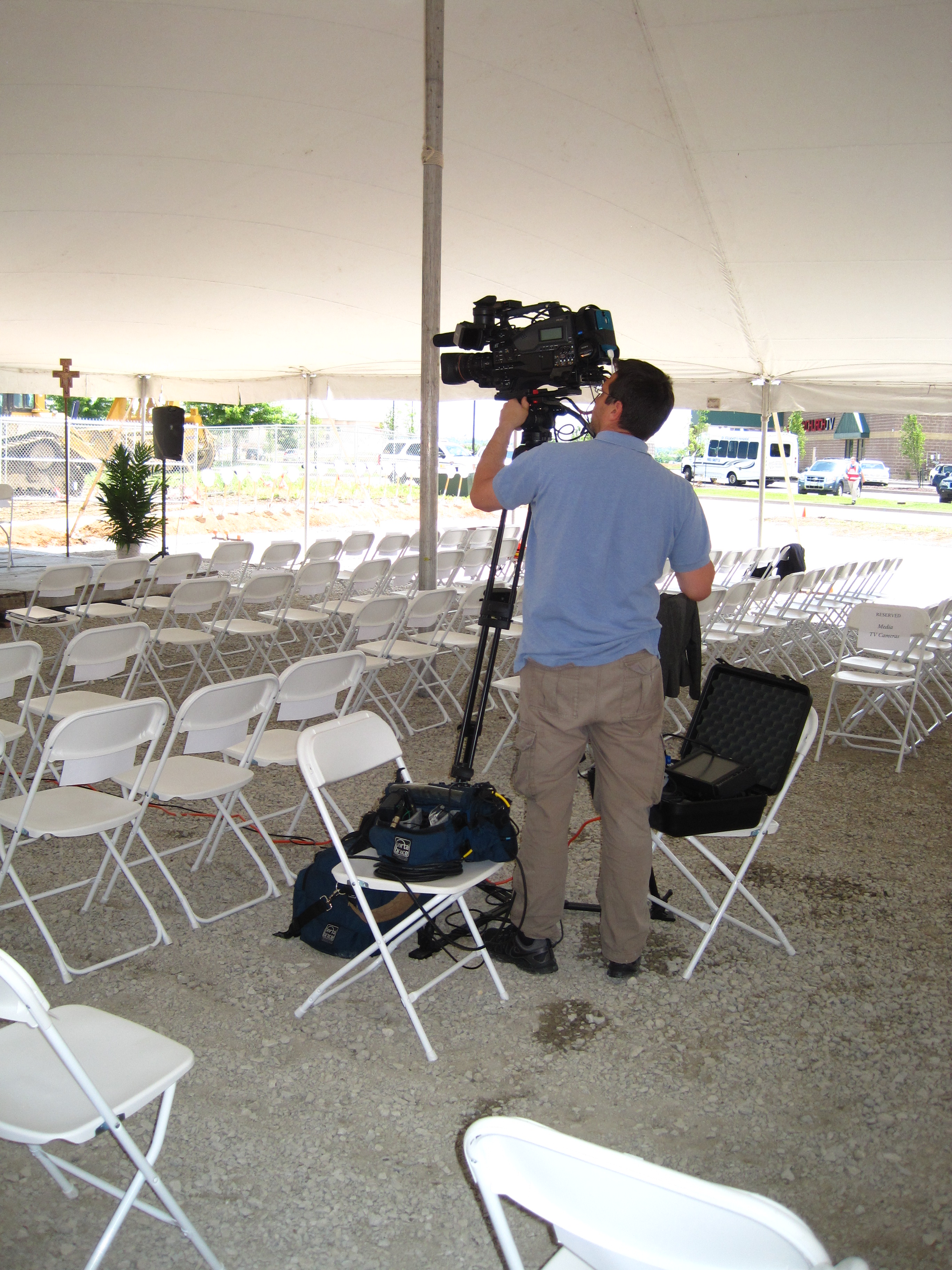


In many cases, the best “executive interview” is a hybrid:
- A short prompter-driven opening (positioning statement)
- Interview Q&A with bullet prompts for key points
- A prompter-driven closing CTA or summary
You get the best of both worlds: control and authenticity.
What makes teleprompter video look expensive (even when it’s not)
If you want high perceived value without high spend, focus on what the audience actually notices.
1) Lighting that flatters and matches your brand
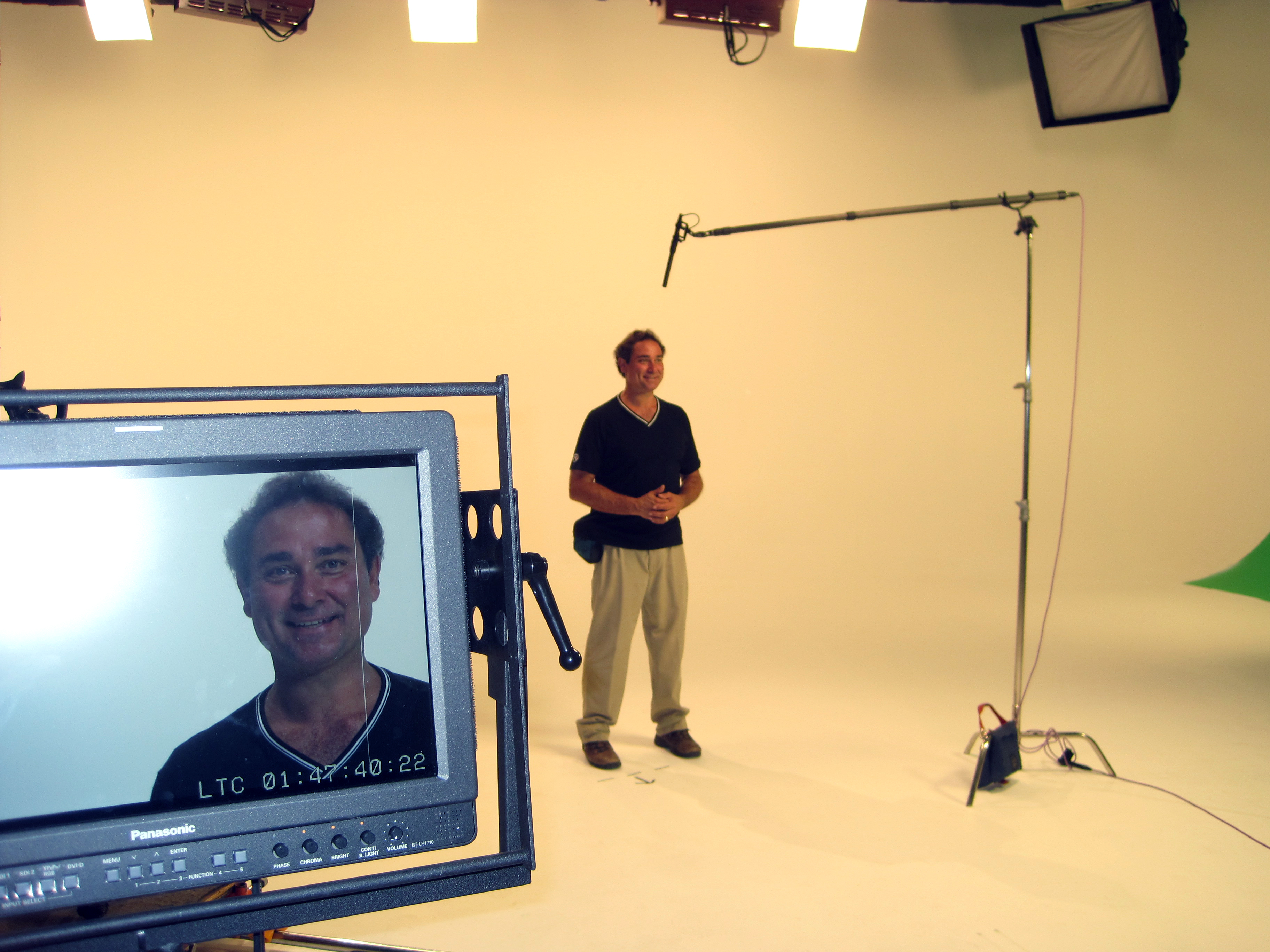
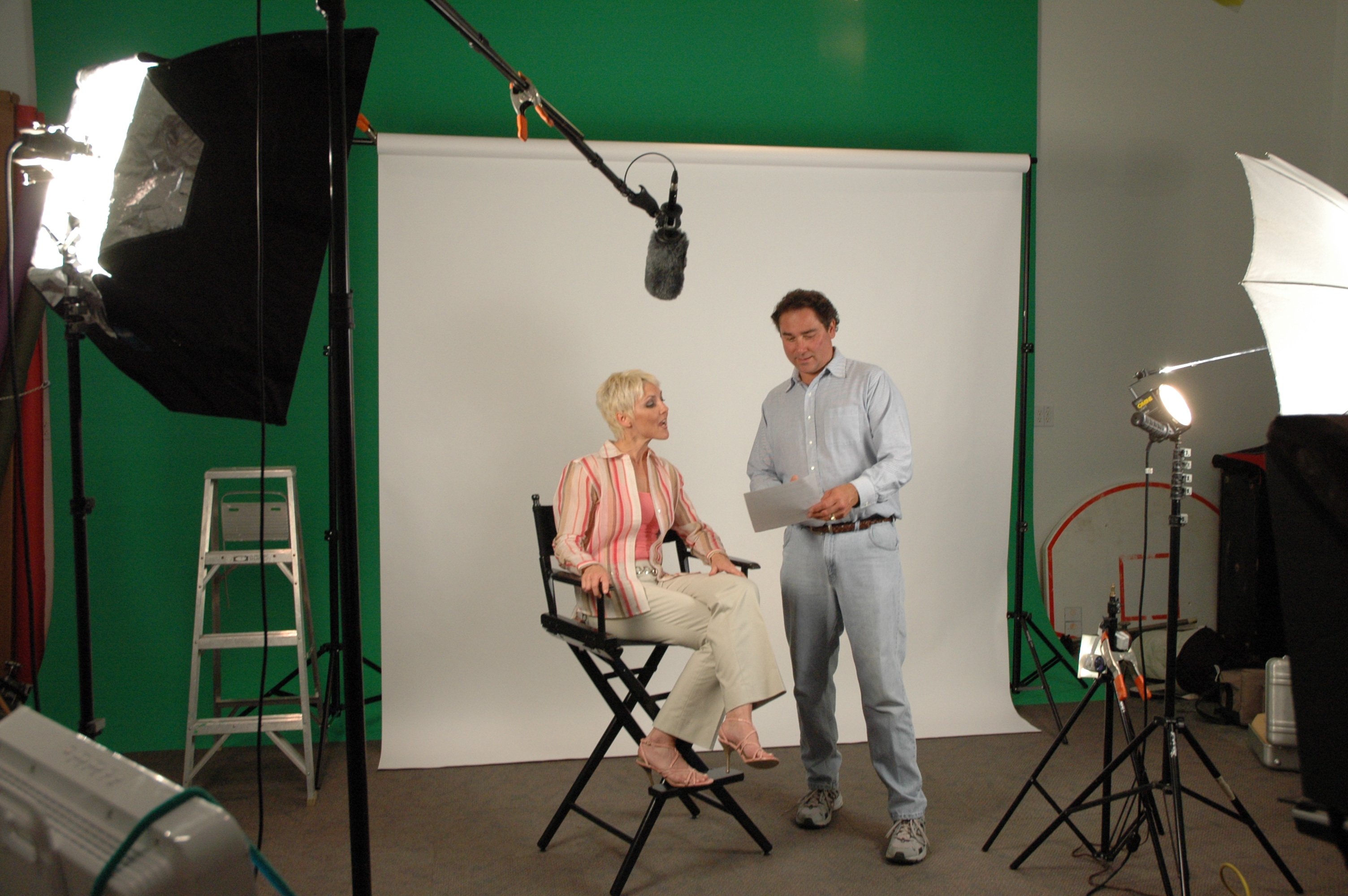
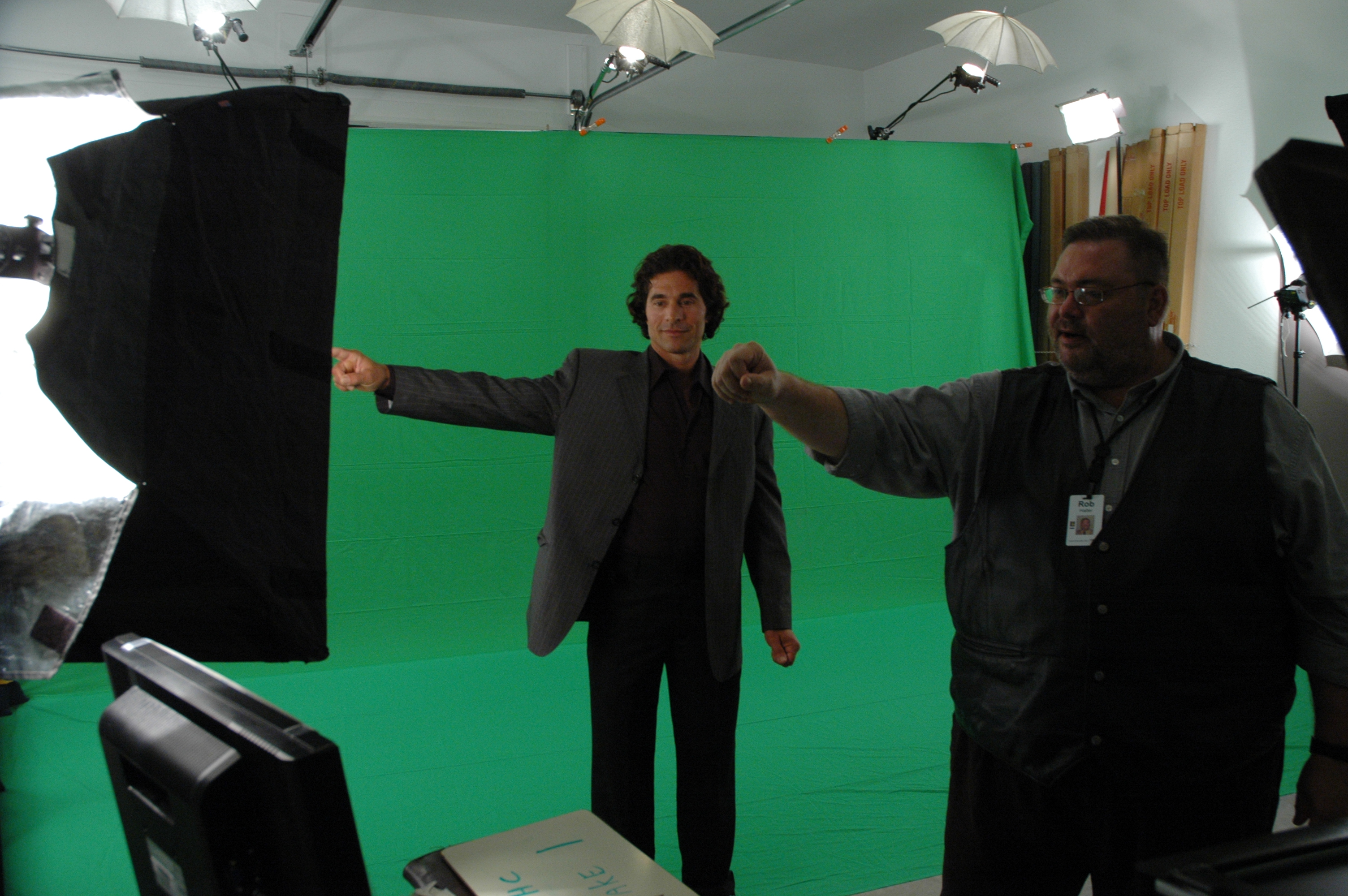
Good lighting communicates professionalism instantly. A consistent key/fill/backlight approach with controlled spill and clean backgrounds elevates even simple setups.
2) Clean audio with a controlled room sound
If your audio sounds “roomy” or inconsistent, the audience assumes the entire production is amateur—even if the image is gorgeous. Corporate decision makers know this instinctively.
3) Camera framing and lens choice that feel intentional
Framing should match the message:
- Tight, confident framing for authority
- Wider framing when you need warmth or context
- Background depth and separation to avoid “flat office wall” syndrome
4) Thoughtful set design and background control
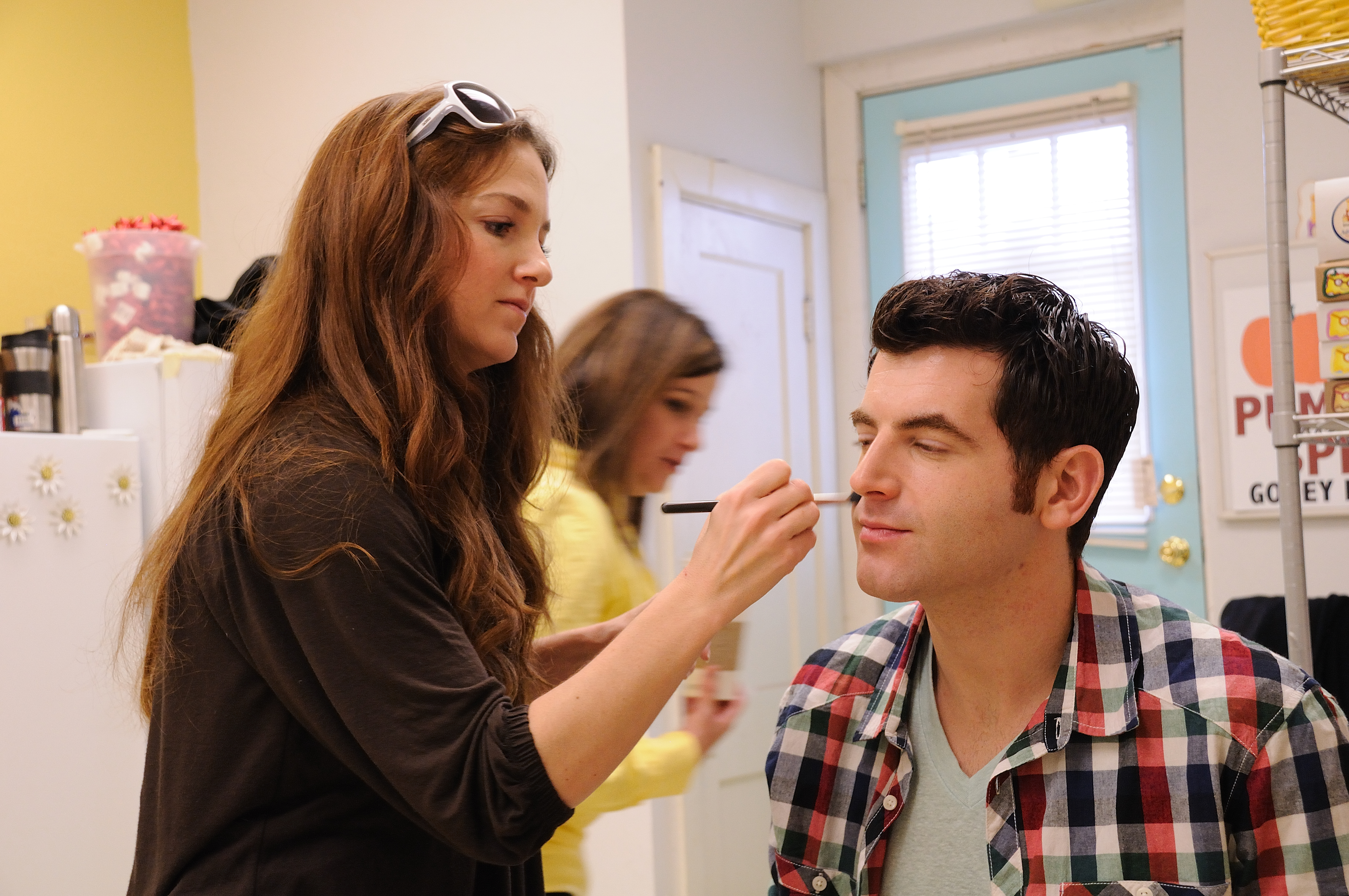
A small change—practical lighting, a brand color accent, a controlled prop selection—can make an office setting look like a studio. And that’s the point: cost-efficient doesn’t mean plain.
Cost-control tactics that don’t reduce quality
Here are budget levers that actually work:
Batch production in one session
Film multiple videos per speaker per shoot day. Your setup is the fixed cost—maximize it.
Standardize deliverables
Define formats up front (16:9 website, 9:16 social, 1:1 paid placements, etc.). Shooting and editing change depending on aspect ratio, so planning reduces post surprises.
Use planned b-roll strategically
B-roll shouldn’t be random. It should be planned to:
- Cover cuts between takes
- Add clarity (product, service, process visuals)
- Increase pacing without increasing shoot complexity
Build a reusable “teleprompter set”
If you’re doing recurring updates—quarterly leadership messages, recruiting spots, internal training—create a repeatable set style. You’ll spend once and reuse for months or years.
Let AI speed up the right tasks
AI can accelerate:
- Script drafting and tightening
- Captioning and transcript formatting
- Select assembly and rough cuts
- Versioning (short cutdowns, alternate hooks)
- Searchable tagging of footage and sound bites
The key is using AI where it increases speed while keeping creative and brand judgment in human hands.
Common teleprompter mistakes (and how to avoid them)
Mistake: The speaker “reads,” not “speaks”
Fix: Rewrite for spoken language and coach for pacing and pauses.
Mistake: The script is too long for the time slot
Fix: Build a hard time limit. Most corporate messages can be reduced 25–40% without losing meaning.
Mistake: The prompter scroll speed fights the speaker
Fix: The prompter must follow the speaker, not the other way around. That’s a production responsibility.
Mistake: The background distracts from the message
Fix: Control the environment. Simplify, add separation, and treat the background as part of the brand.
Mistake: You plan one “final video” instead of a content system
Fix: Design an asset plan: hero cut, cutdowns, clips, pull quotes, and B-roll library.
A practical checklist for decision makers
If you want the most cost-efficient teleprompter production, ensure these are decided before the shoot:
- Objective: what does success look like?
- Audience: internal, clients, recruiting, public?
- Distribution: website, social, email, events, LMS?
- Deliverables: lengths, formats, aspect ratios
- Script: approved and written for speech
- Location: controlled room or studio set
- Visual style: clean corporate, warm editorial, bold brand-forward
- Schedule: shoot order that minimizes talent fatigue
- Post plan: captions, graphics package, music approach, revision rounds
- Repurposing plan: how clips will be reused over time
This is how you keep production lean while keeping quality high.
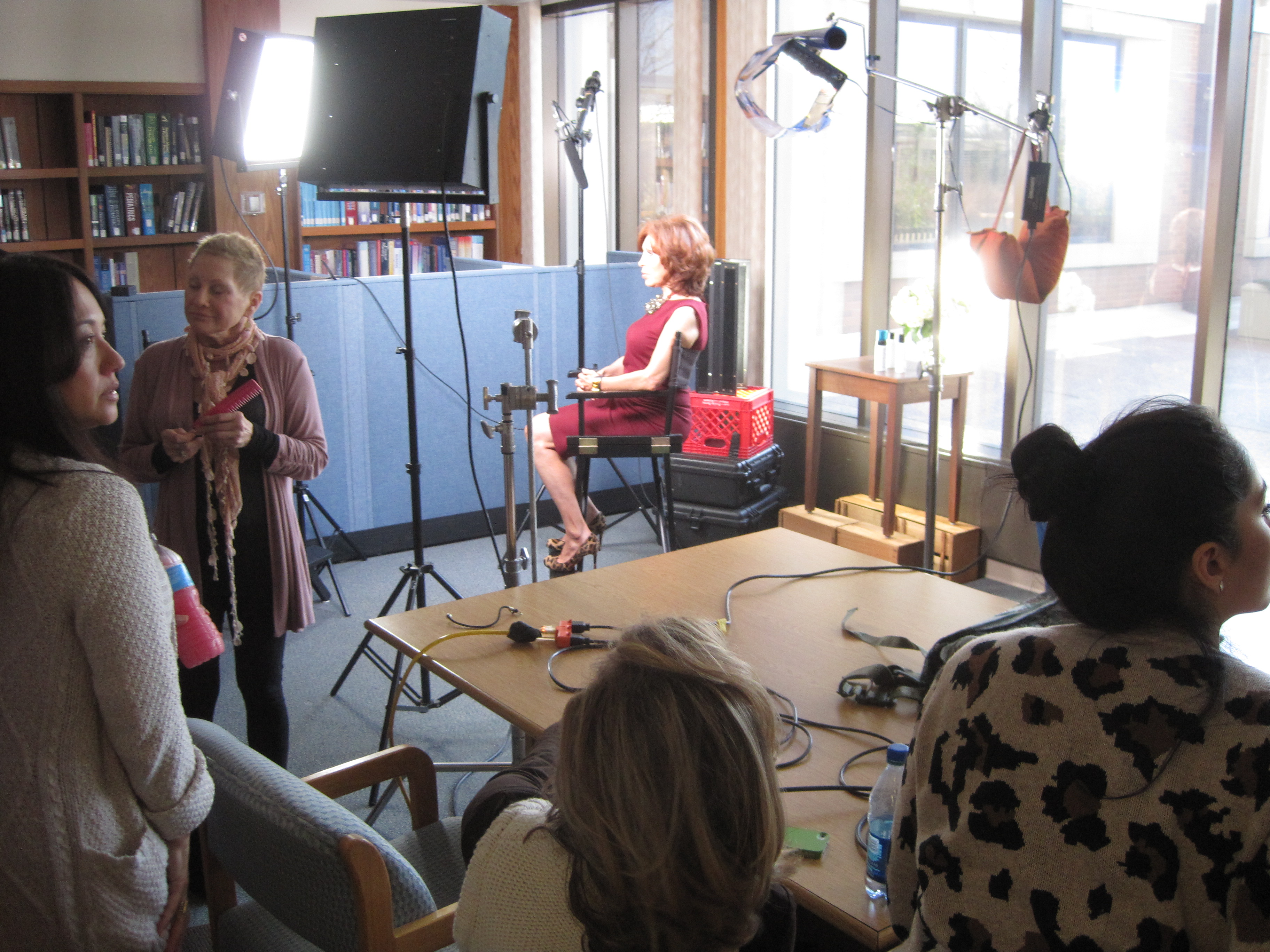
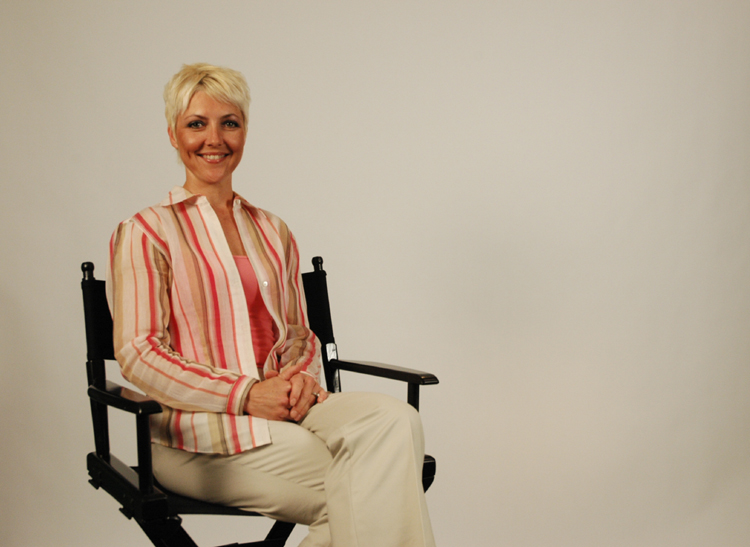
Why St Louis Corporate Photographer is built for cost-efficient teleprompter productions
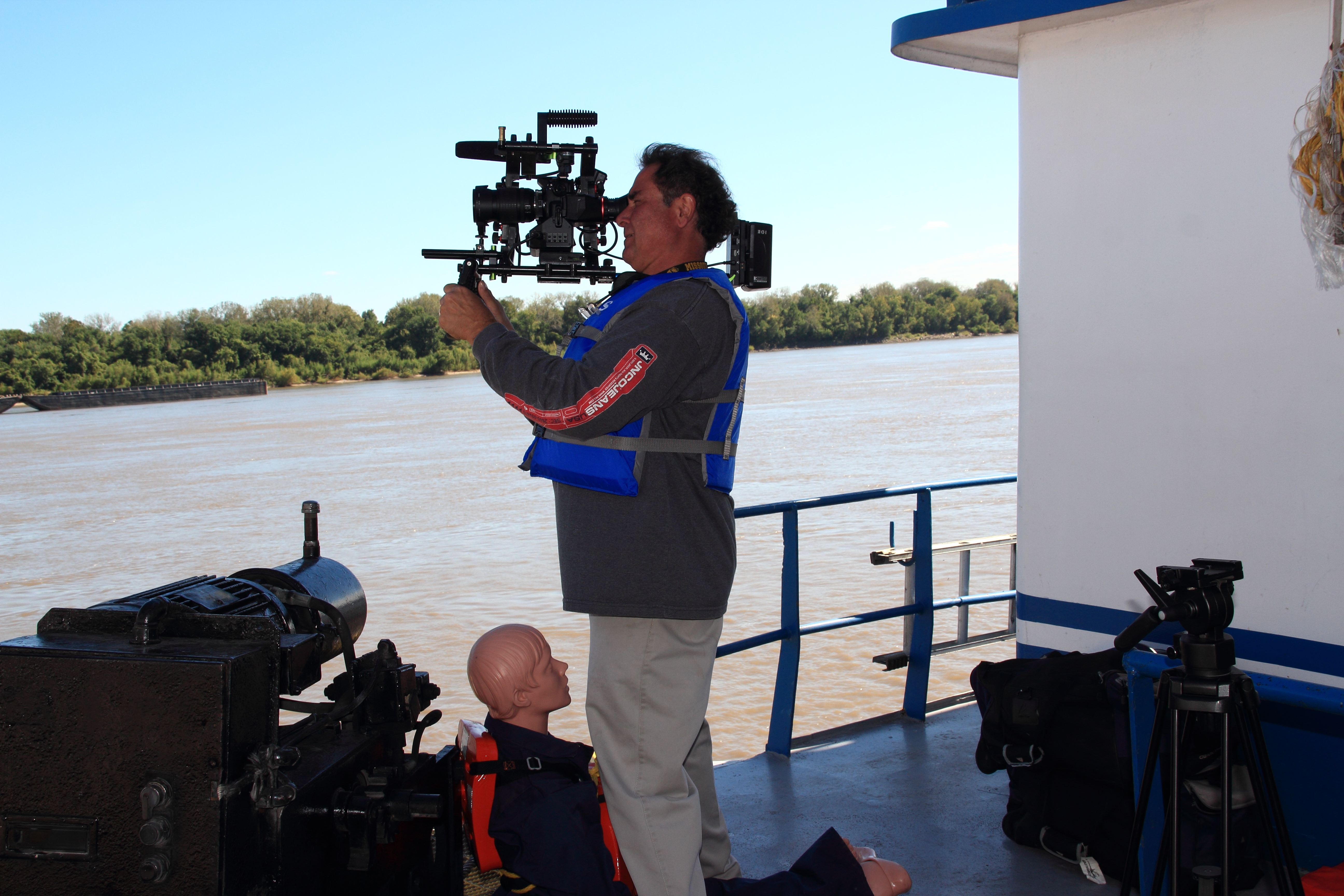
St Louis Corporate Photographer is a full-service professional commercial photography and video production company that has supported businesses, marketing firms, and creative agencies in the St. Louis area since 1982. We bring the right equipment, crew experience, and production discipline to deliver successful image acquisition—without wasted time or budget surprises.
We provide:
- Full-service studio and location video and photography
- Editing and post-production with efficient, predictable workflows
- Licensed drone services, including the ability to fly specialized drones indoors
- Custom production builds for diverse media requirements—from executive messaging to multi-video internal training
- A deep understanding of repurposing photography and video branding to extend campaign life and increase traction across platforms
- Broad capability across file types, media styles, and the accompanying software needed for modern marketing teams and agencies
- The latest Artificial Intelligence tools integrated into our workflow to accelerate scripting, organization, captioning, versioning, and post-production efficiency—without sacrificing creative standards
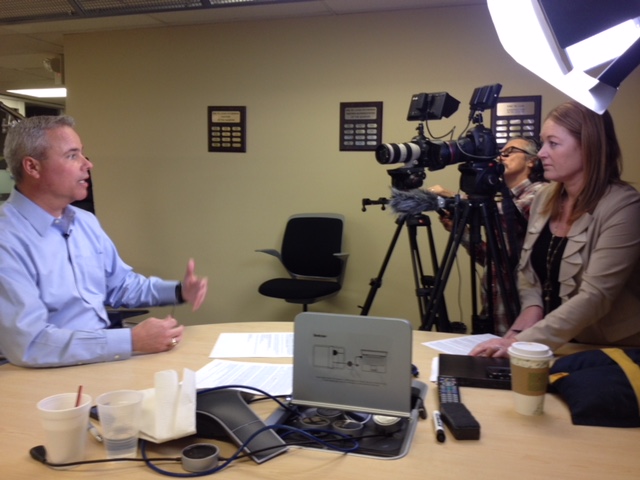
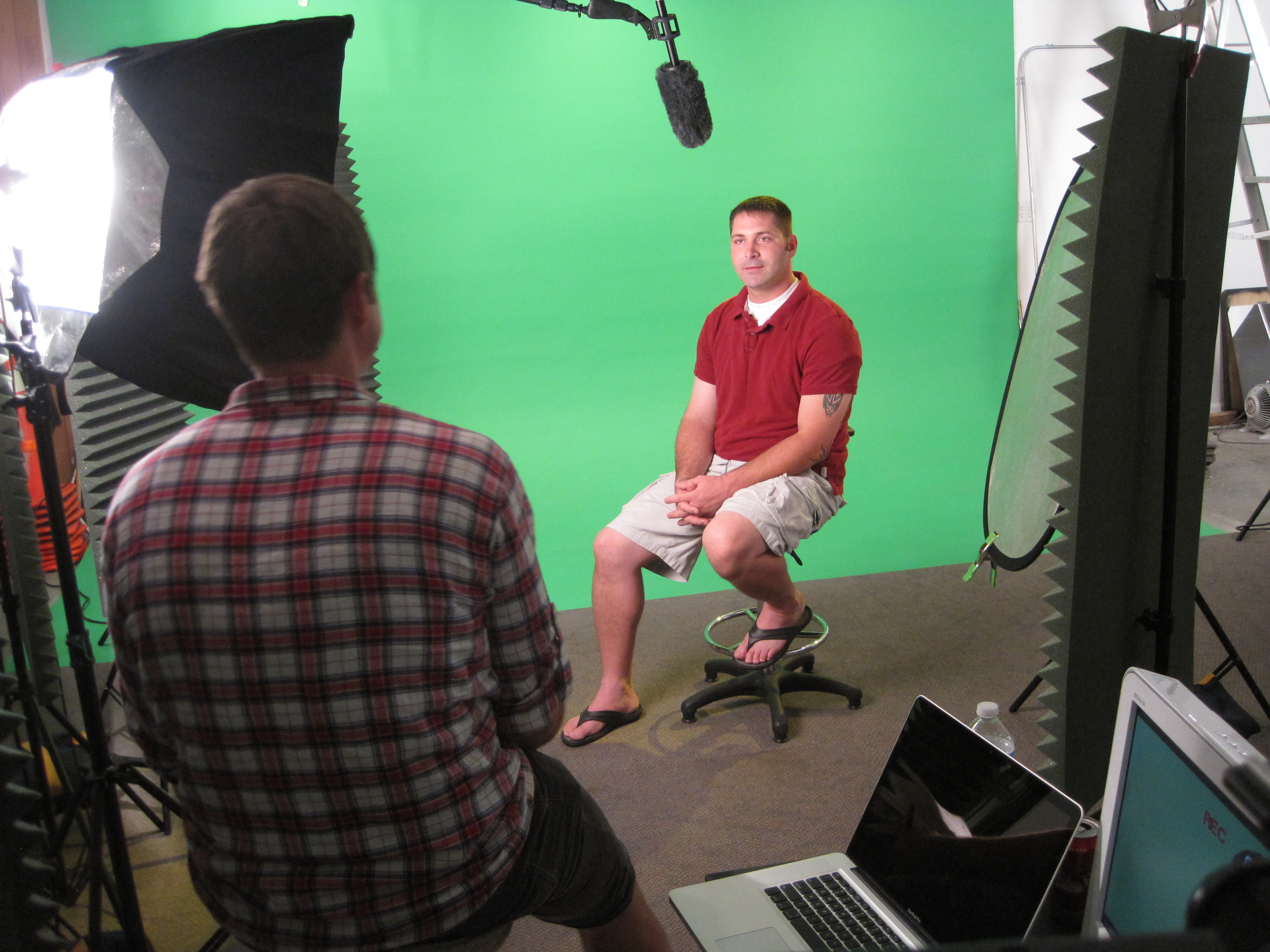
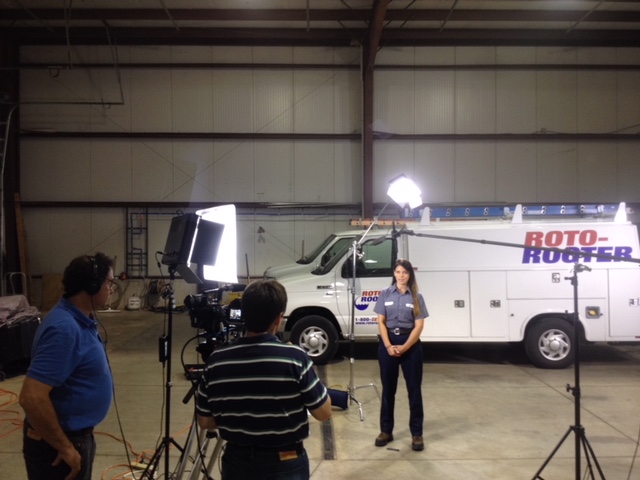
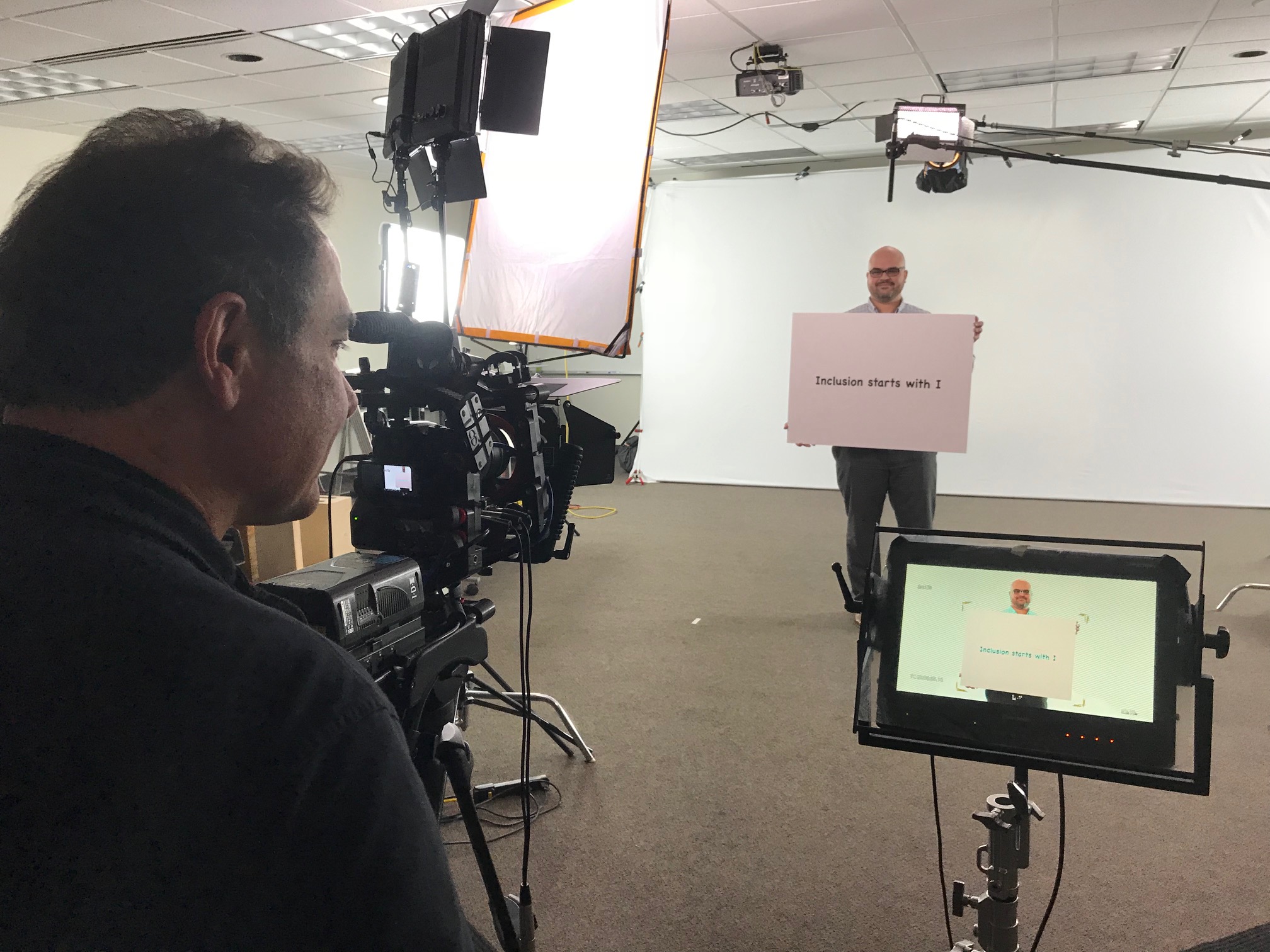
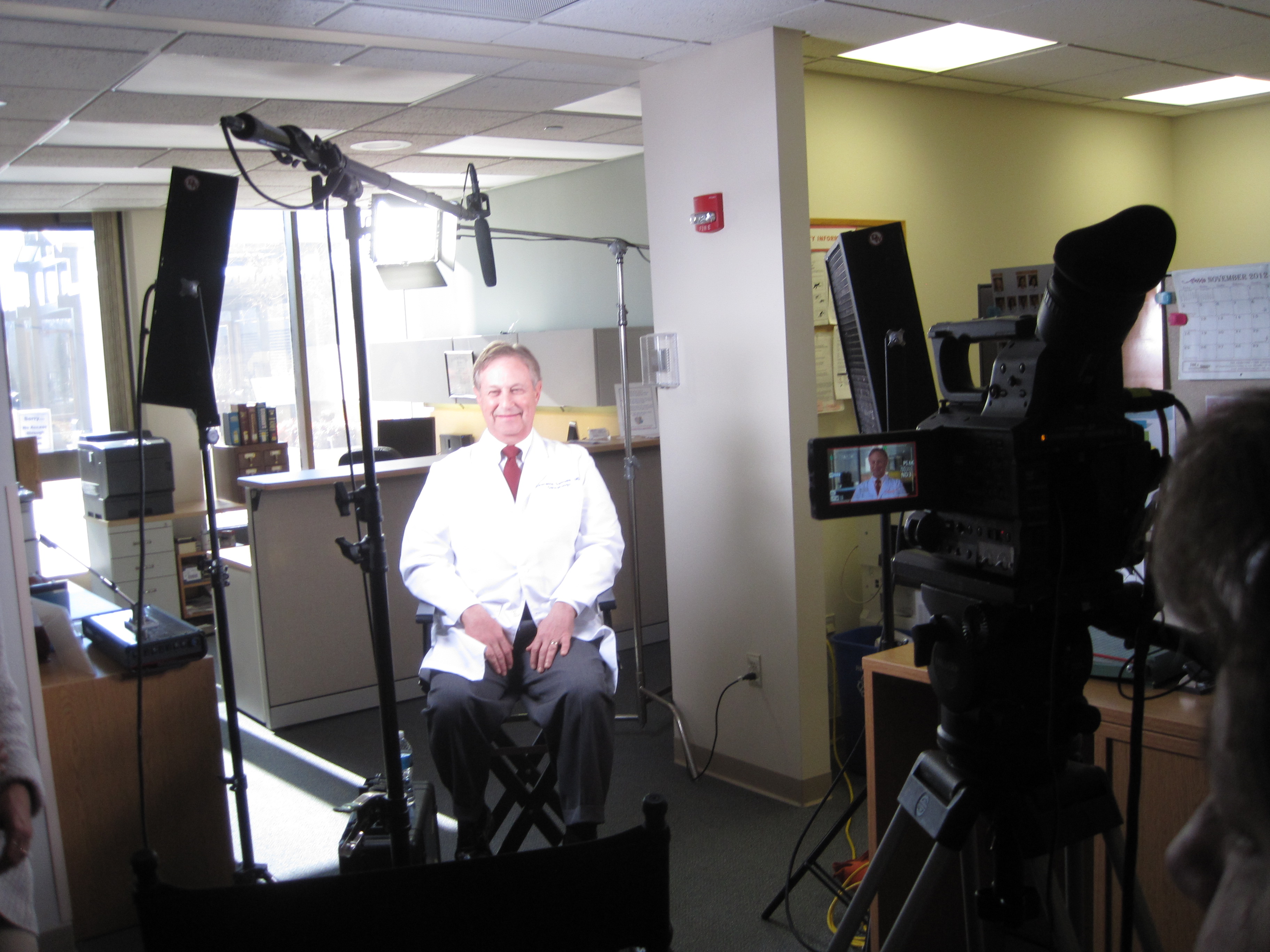
Our private studio lighting and visual setup is ideal for small productions and interview scenes, and our studio is large enough to incorporate props and set elements that elevate production value. We support every aspect of your production—from building a private, custom interview studio to supplying professional sound and camera operators and the right equipment—so your next teleprompter presentation or interview is seamless, confident, and cost-efficient.
If you want teleprompter video that looks expensive, sounds flawless, and stays on schedule, we’re ready to build it with you.



 St Louis Corporate Photographer